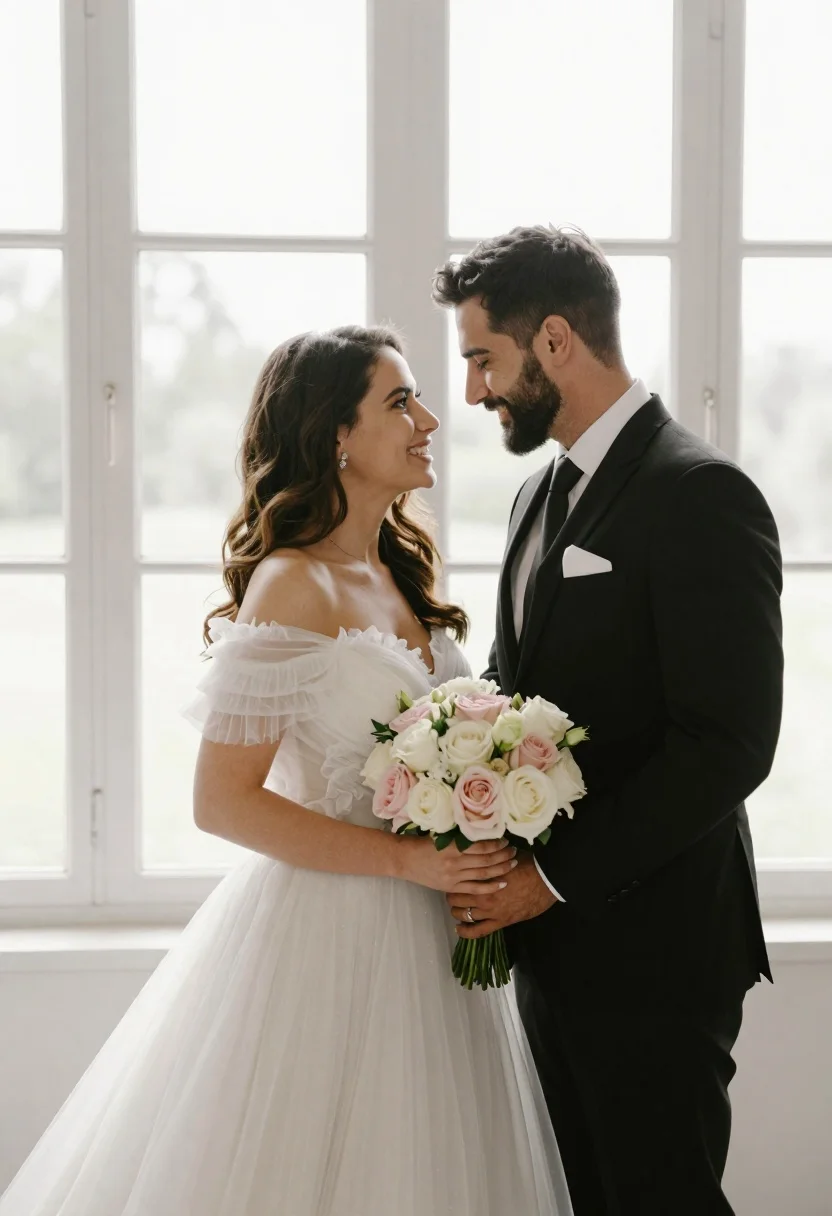
Bride and groom holding rose bouquet together in front of large window
Prompt
A romantic portrait of a bride and groom standing close together in front of a large window.

Subject: A smiling woman with long wavy brown hair wearing an elegant white off-the-shoulder wedding gown, and a man with dark hair and a beard wearing a sharp black suit and tie.

Clothing: The woman wears a voluminous tulle dress with ruffled sleeves and diamond stud earrings; the man wears a classic black suit with a white pocket square and a white shirt.

Action: They are standing face-to-face with their foreheads touching, smiling warmly at each other while holding a large bouquet of white and pink roses together.

Environment: A bright indoor setting featuring tall windows with white frames that let in strong natural light, creating a soft, airy atmosphere.

Camera: Medium shot capturing the couple from the waist up, framed centrally against the window background with a shallow depth of field blurring the distant view.

Lighting: Soft, diffused backlighting coming through the large windows creates a glowing halo effect around their hair and shoulders while illuminating their faces gently.

Objects: A lush bouquet of white and pale pink roses held by both subjects in the center foreground.

Style Details: High-end wedding photography style with soft focus, warm color grading, and a dreamy, romantic aesthetic.
Description
This prompt is useful for creating intimate engagement announcements, luxury wedding stationery mockups, and fine art portrait galleries. The combination of 'soft, diffused backlighting' and the 'shallow depth of field blurring the distant view' ensures that the focus remains tightly on the couple's connection while using the natural light to create a glowing halo effect around their hair and shoulders.
Suggestions
- Change 'white and pale pink roses' to 'deep burgundy peonies' for richer color contrast.
- Swap 'off-the-shoulder wedding gown' for 'lace bodice gown' to alter the neckline focus.
- Adjust 'soft, diffused backlighting' to 'golden hour side lighting' for more dramatic shadows.
Category
Tags
Black HairBrown HairFemaleFormal WearIndoorsMaleMedium ShotRealisticTraditional Wear
Date added
June 21, 2026
Added by
PromptDexter Team
Related Prompts
More prompts with similar categories and tags.
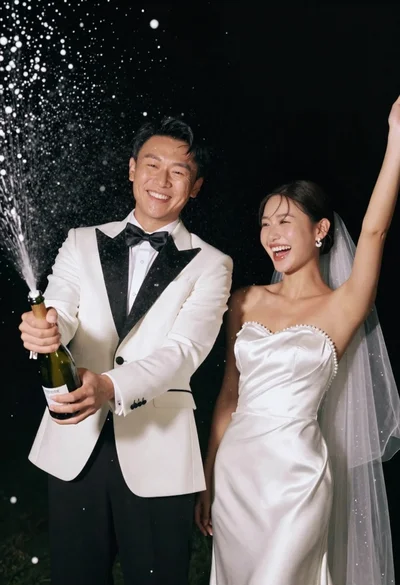
Joyful wedding couple celebrating with spraying champagne in studio
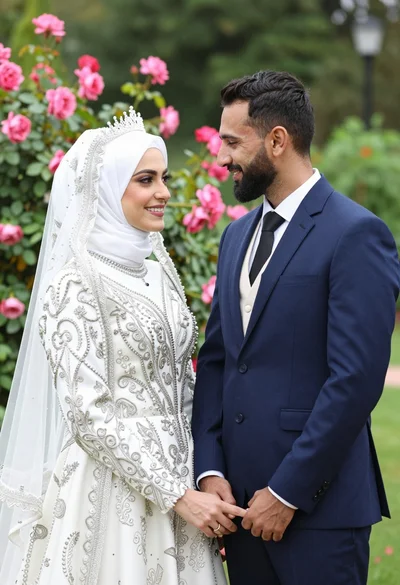
Smiling bride in white hijab and groom in navy suit holding hands
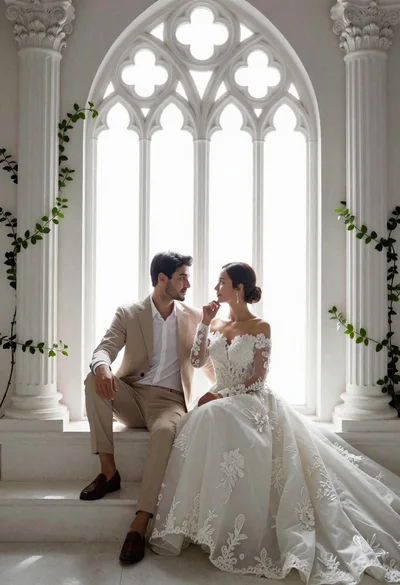
Romantic couple in wedding attire sitting before large gothic window
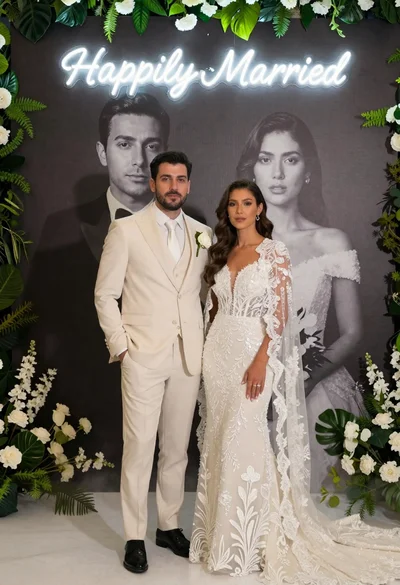
Bride and groom in wedding attire standing before large portrait wall
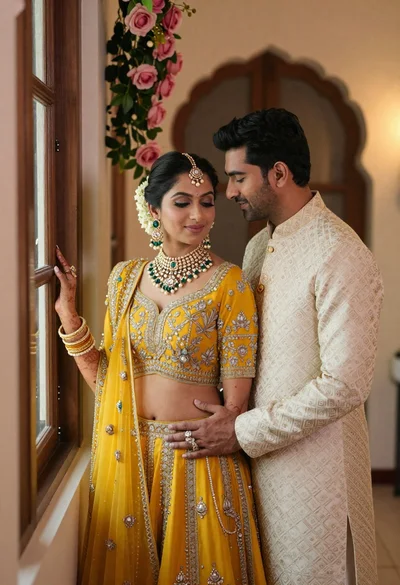
Indian couple in traditional wedding attire posing near a wooden window
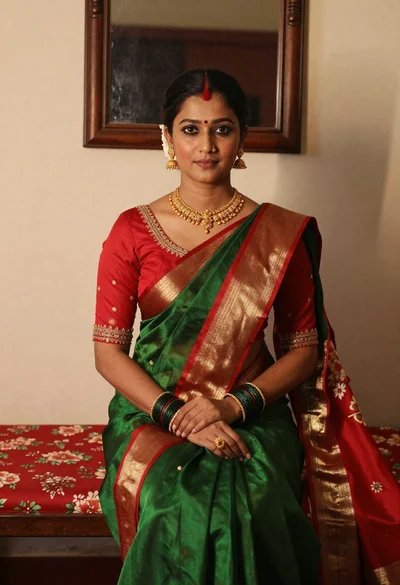
Portrait of woman in green saree and red blouse indoors
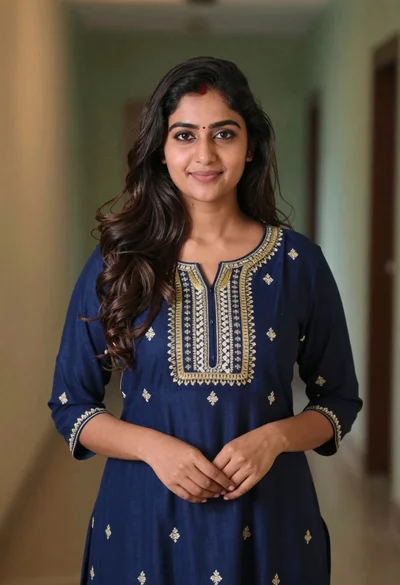
Young woman in navy embroidered traditional dress indoors medium shot
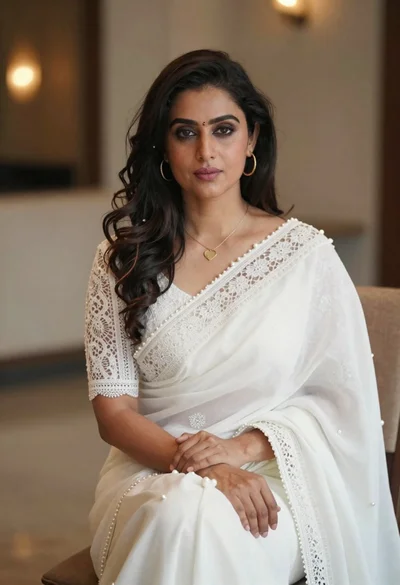
Woman in white saree sitting indoors with pearl embellishments and gold jewelry