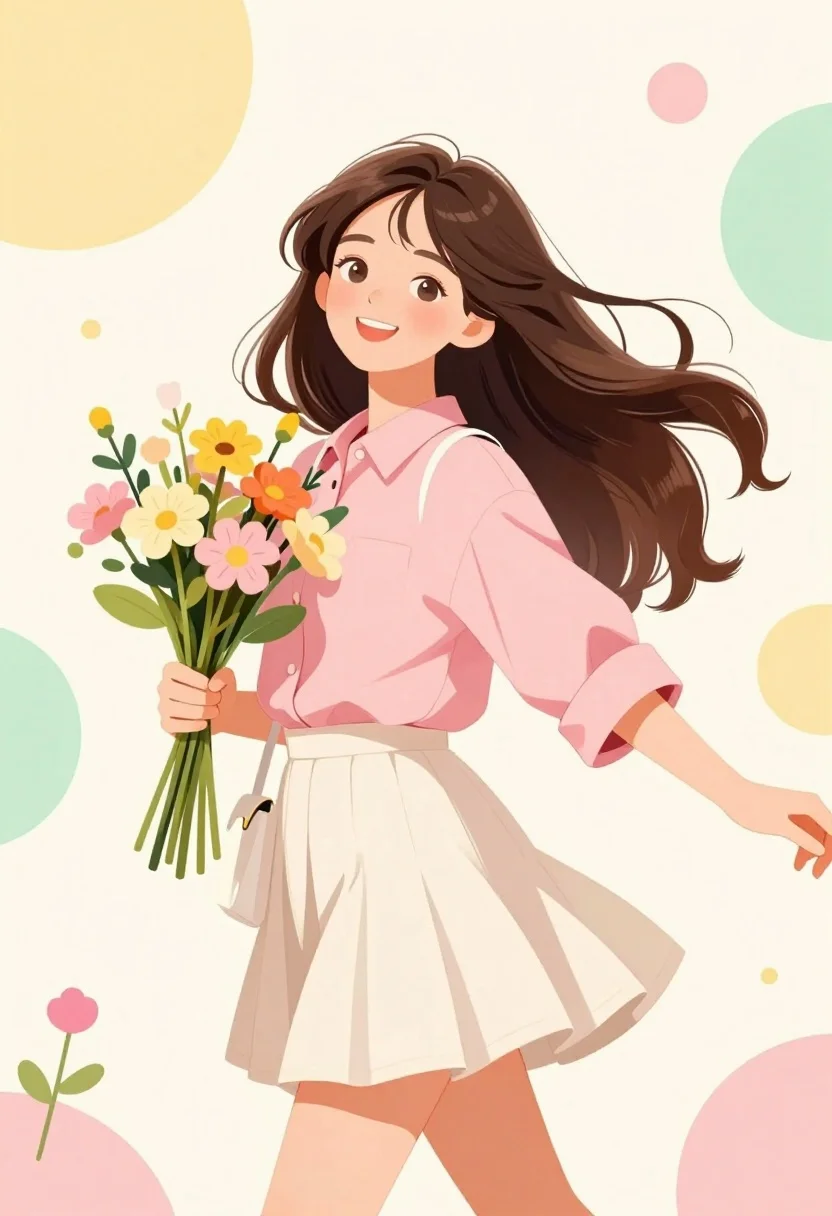
Cheerful young woman in pink shirt holding flowers against abstract pastel background
Prompt
A cheerful young woman with long wavy brown hair stands in a dynamic pose, smiling warmly at the viewer while holding a bouquet of colorful flowers.

Subject: A young woman with long, flowing dark brown hair that appears to be blowing gently in the wind. She has a bright, happy expression with a wide smile showing her teeth and soft rosy cheeks. Her skin is fair and smooth.

Clothing: She wears a loose-fitting pink button-down shirt with rolled-up sleeves and a cream-colored pleated mini skirt. A white shoulder bag hangs from her left shoulder.

Action: The woman is captured mid-twirl or in motion, leaning slightly back with one arm extended holding a bouquet of yellow and pink flowers and the other arm outstretched. Her hair flows backward to emphasize movement.

Environment: The background is a soft cream canvas decorated with large abstract geometric shapes in pastel yellow, green, and pink circles, along with scattered small dots and delicate flower stems.

Lighting: Soft, diffused lighting illuminates the scene evenly, creating gentle highlights on her skin and clothing without harsh shadows, contributing to a dreamy and airy atmosphere.

Style Details: The image features a clean, illustrative art style reminiscent of modern digital painting or anime aesthetics with smooth lines, vibrant pastel colors, and a focus on soft textures.
Description
This prompt is useful for creating cheerful character portraits, whimsical greeting card designs, and lifestyle branding illustrations. The combination of 'soft, diffused lighting' and the 'abstract geometric shapes in pastel yellow, green, and pink circles' establishes a lighthearted, airy mood that complements the subject's 'bright, happy expression' while keeping the focus on her dynamic pose.
Suggestions
- Change 'pink button-down shirt' to 'sky blue linen shirt' for a different color pop.
- Add 'watercolor wash texture' to the style details for more organic feel.
- Swap 'yellow and pink flowers' for 'wild daisies' to ground the bouquet.
Category
Tags
Brown HairCasual WearDigital ArtFair SkinFemaleFull BodyPortrait Shot
Date added
July 3, 2026
Added by
PromptDexter Team
Related Prompts
More prompts with similar categories and tags.
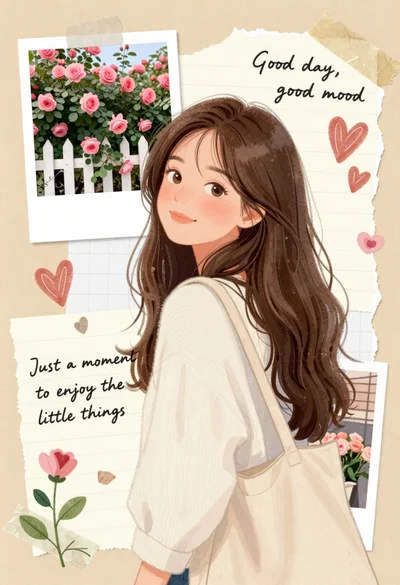
Young woman with brown hair smiling over shoulder in white sweater holding
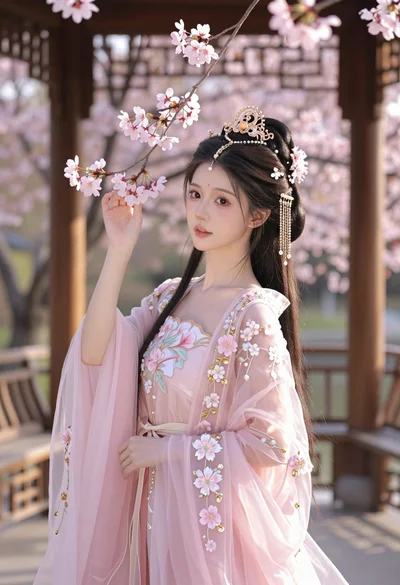
Young woman in pink gown standing in cherry blossom pavilion at golden
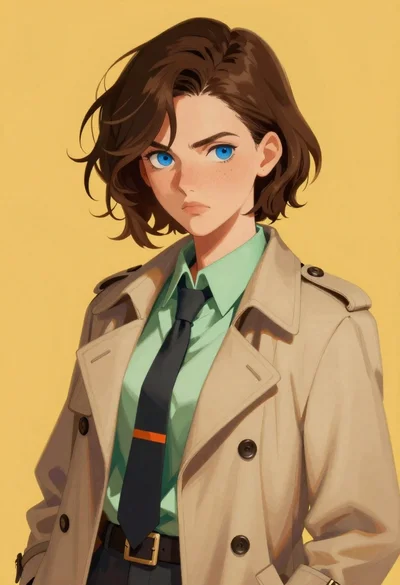
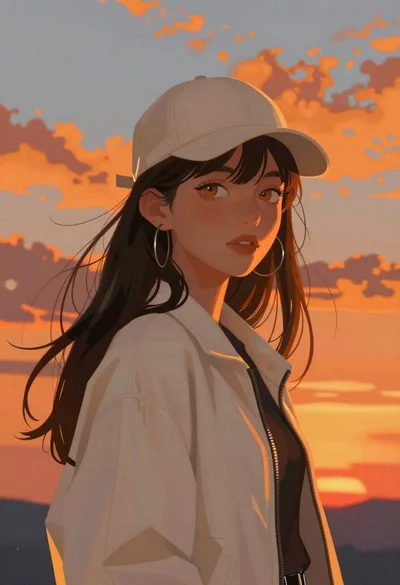
Digital portrait of young woman in beige trench coat
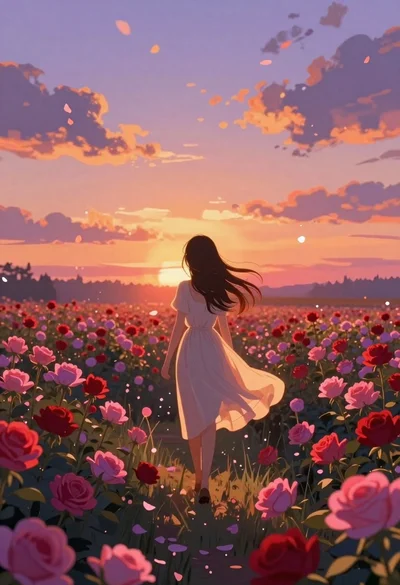
Anime girl in vast rose garden at sunset

Child holding glowing balloon in dimly lit alleyway
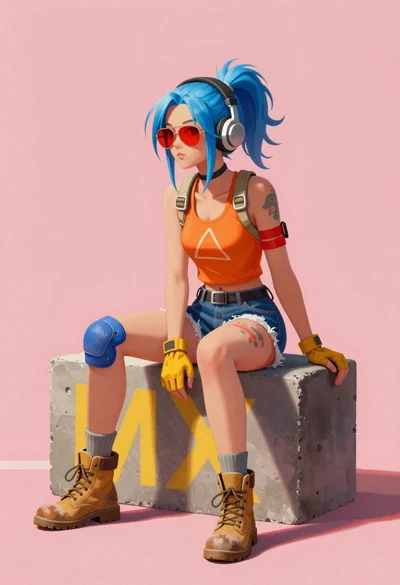
Young woman with blue hair sitting on concrete block
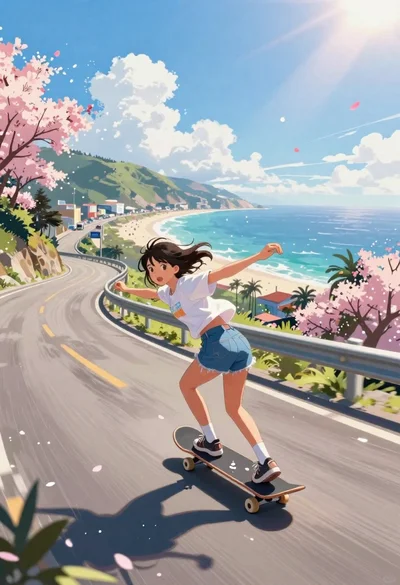
Girl skateboarding on coastal highway with cherry blossoms
Elf woman sitting in white leather chair studio portrait
Graceful woman in purple gown under wisteria flowers ethereal portrait

Diverse children running through magical forest near giant sparkling dragon