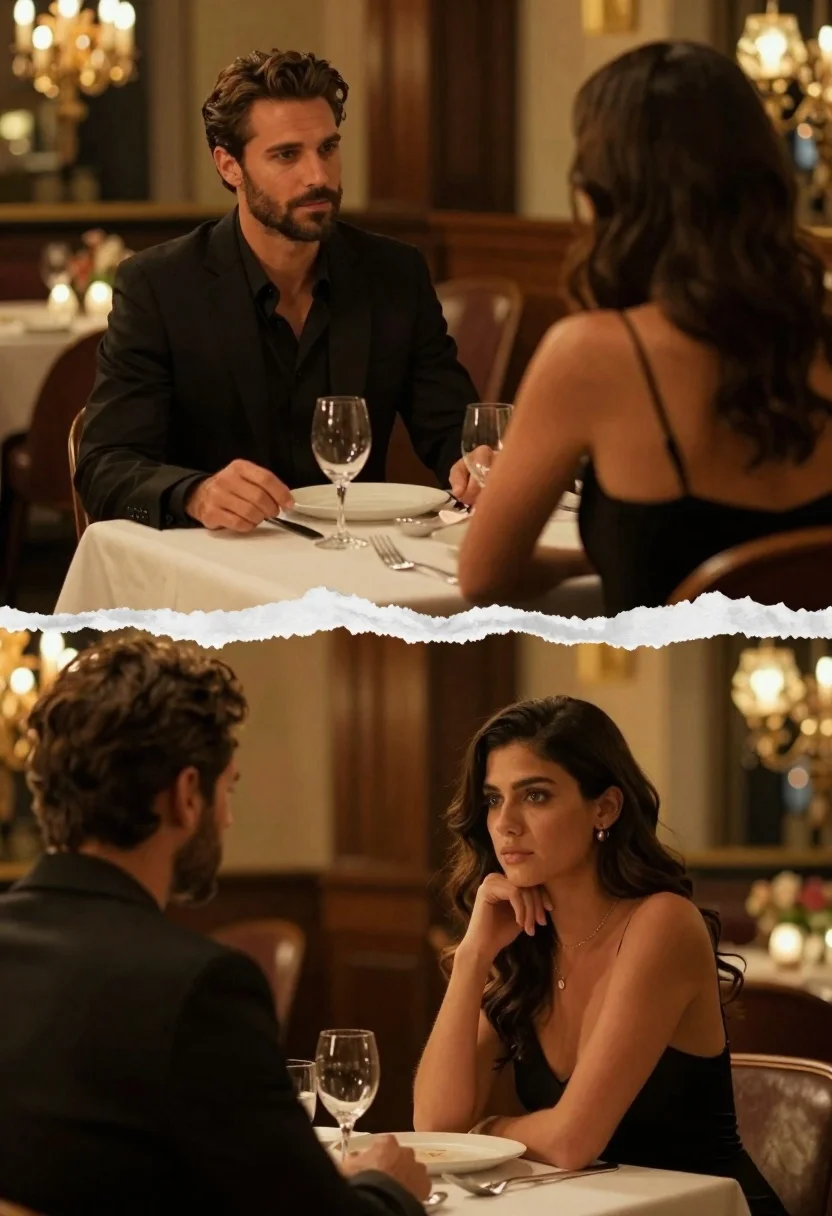
Cinematic diptych of couple at dimly lit upscale restaurant table
Prompt
A cinematic diptych of a man and woman seated across from each other at a dimly lit dining table in an upscale restaurant.

Subject: A handsome man with dark hair and a beard wearing a black suit jacket over a black shirt, sitting opposite a woman with wavy dark hair who is seen from the back in the top frame and facing forward in the bottom frame.

Clothing: The man wears a tailored black suit and black shirt; the woman wears a black spaghetti-strap dress that reveals her shoulders and upper back.

Action: In the top panel, the man looks intently at the woman with a serious expression while she faces away; in the bottom panel, the woman rests her chin on her hand and gazes softly at the man.

Environment: An elegant restaurant interior featuring warm ambient lighting, blurred chandeliers in the background, dark wood furniture, and a table set with white china, glassware, and floral arrangements.

Camera: Over-the-shoulder perspective in the top panel focusing on the man’s face, switching to an over-the-shoulder view from the man’s side in the bottom panel focusing on the woman’s face, with shallow depth of field blurring the background.

Lighting: Warm golden ambient lighting creating soft highlights on skin and hair, with bokeh effects from distant lights enhancing the intimate mood.

Style Details: Cinematic composition with a split-screen diptych layout separated by a torn paper effect, rich color grading, high contrast between dark clothing and warm light sources, and a polished film-like aesthetic.
Description
This prompt is useful for creating cinematic narrative stills, moody romance album covers, and sophisticated editorial spreads depicting intimate moments. The combination of 'warm golden ambient lighting' with 'bokeh effects from distant lights' establishes the desired intimacy by softening background distractions, while the 'high contrast between dark clothing and warm light sources' ensures the subjects remain sharply defined against the rich, dimly lit setting.
Suggestions
- Change 'black suit jacket' to 'charcoal wool suit jacket' for a slightly softer look.
- Swap 'torn paper effect' for 'subtle vertical line division' for a more seamless transition.
- Adjust 'warm golden ambient lighting' to 'deep amber spotlighting' for increased drama.
Category
Tags
FemaleIndoorsMaleOver The ShoulderRealistic
Date added
June 19, 2026
Added by
PromptDexter Team
Related Prompts
More prompts with similar categories and tags.
Joyful couple running hand in hand through rainy city street at sunset
Close up portrait of couple embracing on a blurred urban street at
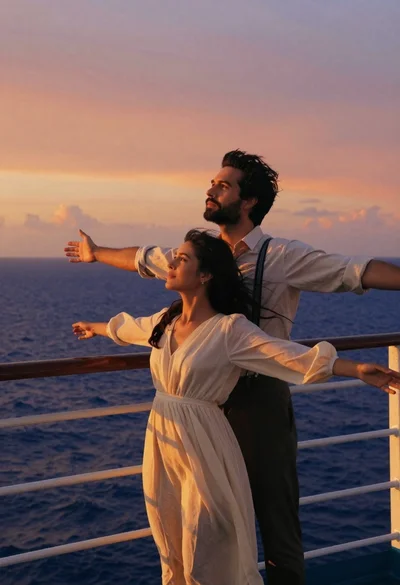
Romantic couple on ship deck against dramatic orange sunset over ocean
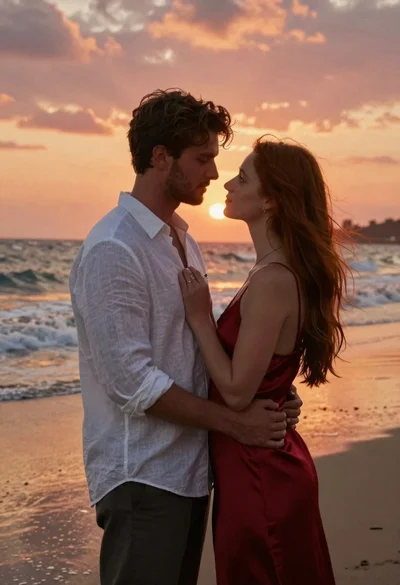
Romantic portrait of couple embracing on wet beach at sunset
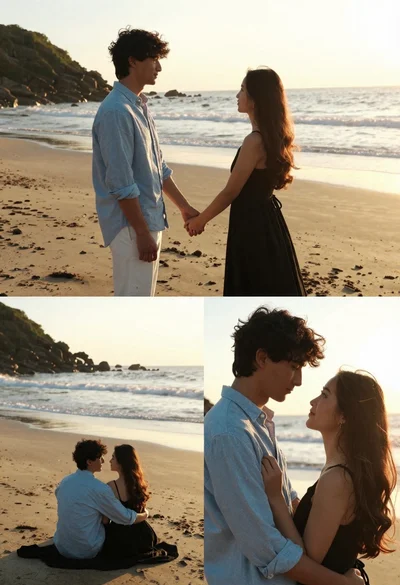
Romantic collage of couple embracing on beach at golden hour sunset
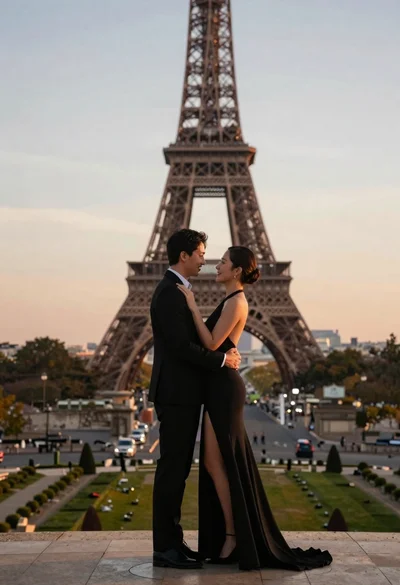
Romantic couple embracing in front of the eiffel tower at sunset
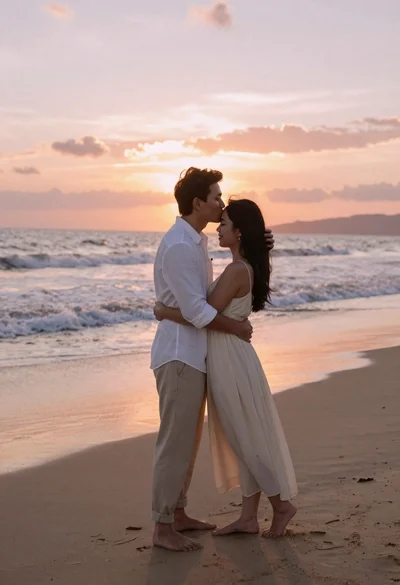
Romantic couple embracing on a sandy beach during sunset golden hour

Romantic wedding couple on beach at sunset in three vertical panels
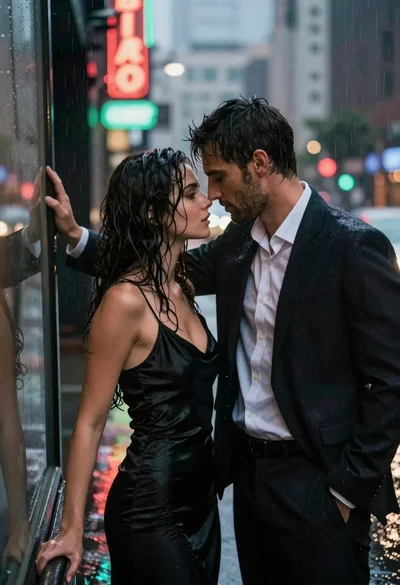
Man and woman standing close together in the rain on city street
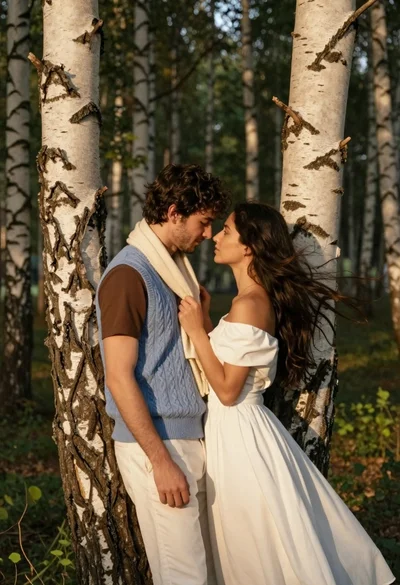
Romantic couple embracing between birch trees in a sunlit forest
