Close up of young woman eating food in dimly lit restaurant setting
Prompt
A candid close-up of a young woman with long dark wavy hair eating a piece of food while smiling at the camera.

Subject: A young woman with long dark wavy hair and a small beauty mark on her chest, looking directly at the camera with a playful expression.

Clothing: She wears a black sheer blouse with a deep plunging neckline, layered over a brown leather skirt or pants, accessorized with a delicate gold necklace and a cross earring.

Action: She holds a piece of food near her mouth with one hand while her other hand rests on the back of a red booth seat.

Environment: The setting is an indoor restaurant featuring a glossy red vinyl booth seat behind her and wooden shelving in the dimly lit background.

Camera: A close-up shot taken from a slightly low angle, capturing the subject's upper body and face with a shallow depth of field that blurs the background.

Lighting: Soft ambient lighting illuminates her face and chest, creating gentle highlights on her skin and hair against the darker surroundings.

Style Details: The image has a candid, social-media aesthetic with natural imperfections and a warm, intimate atmosphere.
Description
This prompt is useful for generating intimate lifestyle portraits, character concept art for narrative scenes, and moody editorial spreads mimicking personal photography. The combination of 'soft ambient lighting' against the 'glossy red vinyl booth seat' directs focus entirely onto the subject's face and action, while the 'shallow depth of field' ensures that background elements like the wooden shelving recede enough to maintain a focused, candid narrative feel.
Suggestions
- Change 'black sheer blouse' to 'velvet top' for more texture contrast.
- Adjust 'red booth seat' to 'deep emerald green booth seat' for a richer color palette.
- Swap 'playful expression' for 'thoughtful gaze' to shift the mood.
Category
Tags
Brown SkinBrunetteClose UpFemaleIndoorsPortrait ShotRealistic
Date added
June 19, 2026
Added by
PromptDexter Team
Related Prompts
More prompts with similar categories and tags.
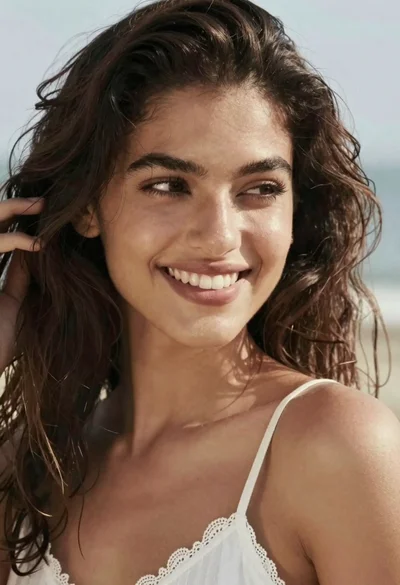
Close up portrait of smiling woman with dark wavy hair outdoors

Close up portrait of young woman with dark hair resting chin on

Selfie portrait of woman in cozy living room

Close up selfie of smiling woman in floral top inside airplane cabin
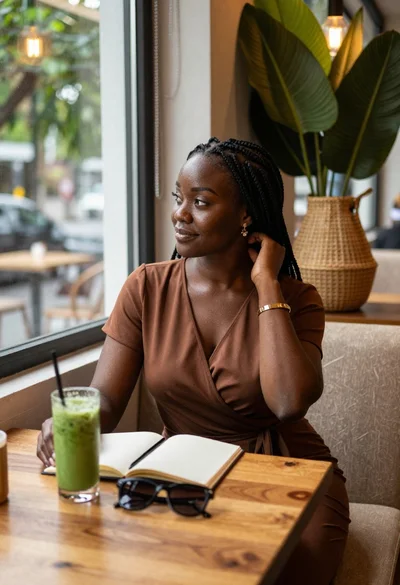
Black woman in brown dress at cafe window
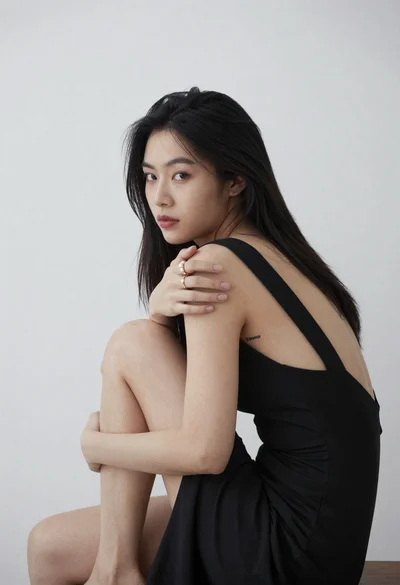
Young woman in black dress sitting contemplatively against a white wall
Close up portrait of smiling young woman in white tshirt indoors

Close up portrait of young woman in pink embroidered robe indoors
Young woman taking selfie in public restroom stall with cigarette smoke

Portrait of young woman with dark hair wearing traditional maroon outfit indoors