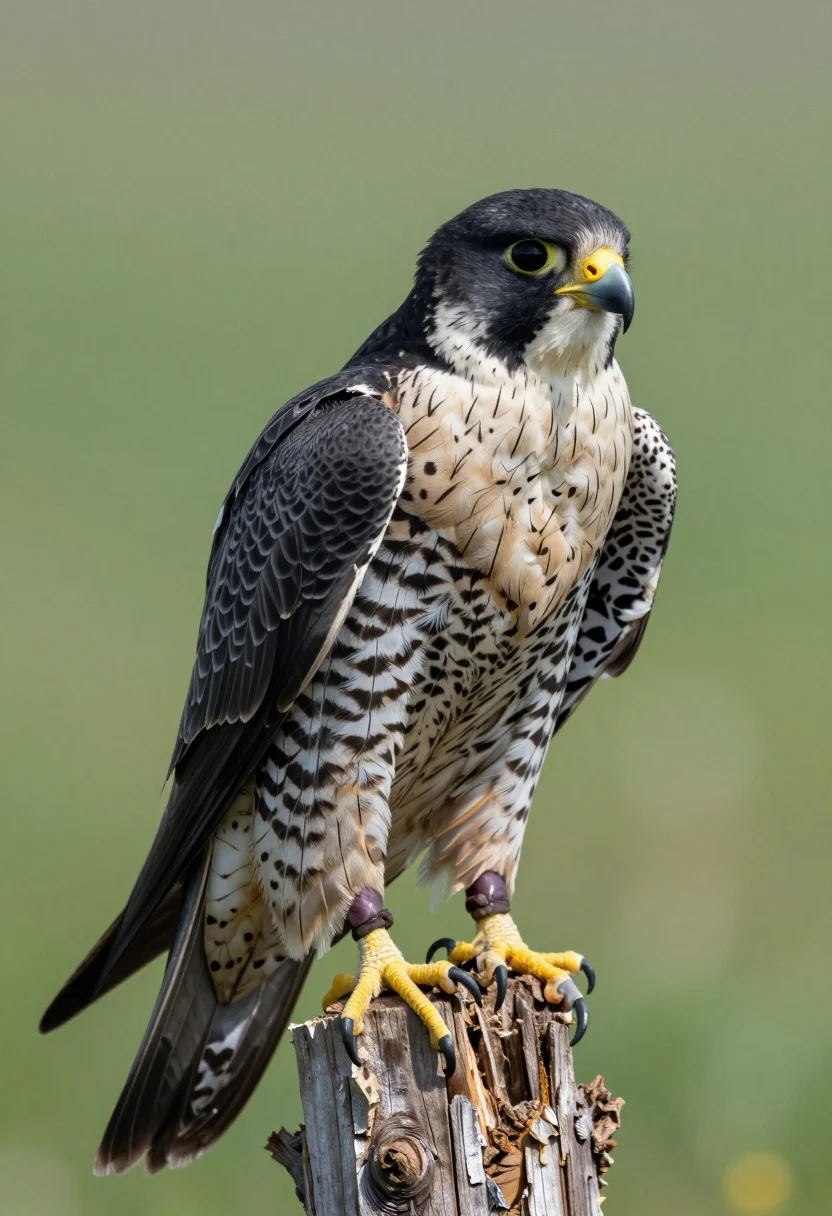
Close up portrait of a falcon perched on wooden stump against green
Prompt
A sharp-eyed falcon perched alertly on a weathered wooden stump against a soft green backdrop.

Subject: A peregrine falcon with sleek black head and back, speckled grey-and-white chest, bright yellow cere around the beak, and vivid yellow talons gripping the wood.

Action: The bird is stationary but poised, with its gaze fixed intently to the right side of the frame.

Environment: A blurred natural green background suggesting foliage or forest undergrowth, with a rough-textured wooden stump serving as the perch in the foreground.

Camera: Close-up portrait shot with shallow depth of field that isolates the bird from the background, emphasizing facial features and plumage texture.

Lighting: Soft, even daylight illuminating the subject from the front-left, highlighting feather details without harsh shadows.

Style Details: High-resolution wildlife photography with natural color grading and fine detail rendering typical of professional nature portraits.
Description
This prompt is useful for creating educational wildlife guides, high-end nature magazine spreads, and detailed artistic studies of avian subjects. The combination of 'soft, even daylight' and a 'shallow depth of field' ensures that the falcon's intricate plumage texture remains visible while the blurred green backdrop prevents any distracting elements from competing with the subject's sharp focus.
Suggestions
- Change 'peregrine falcon' to 'bald eagle' for a different species study.
- Swap 'soft, even daylight' for 'dramatic side lighting' to emphasize feather contours.
- Add '85mm lens' to further compress the background and isolate the bird.
Category
Tags
AnimalClose UpOutdoorsPortrait ShotRealistic
Date added
July 12, 2026
Added by
PromptDexter Team
Related Prompts
More prompts with similar categories and tags.
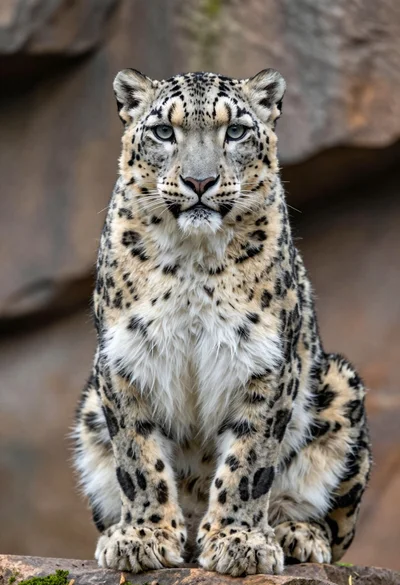
Close up portrait of majestic snow leopard on mossy rock surface
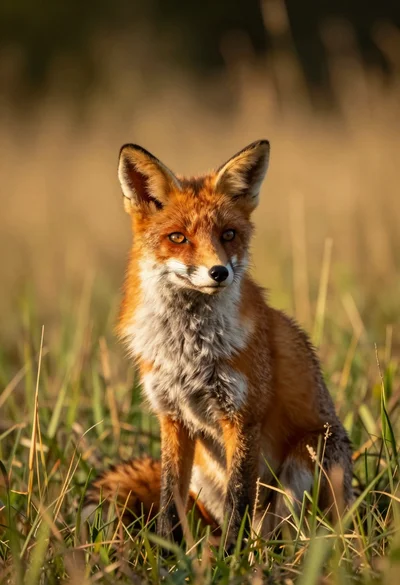
Close up portrait of a red fox sitting in tall golden grass
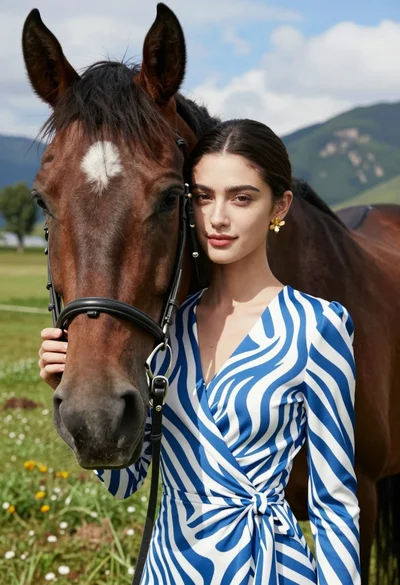
Close up portrait of woman leaning on dark brown horse in green
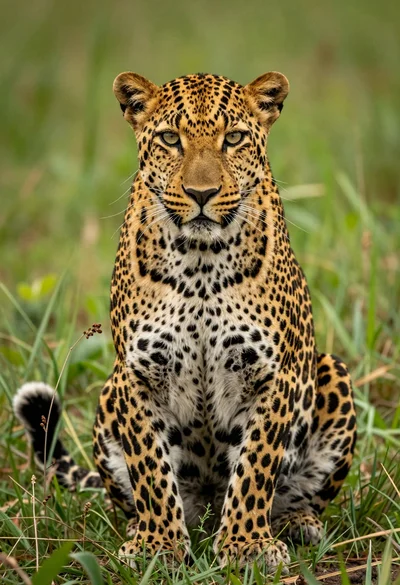
Majestic leopard sitting upright in lush green grass close up portrait
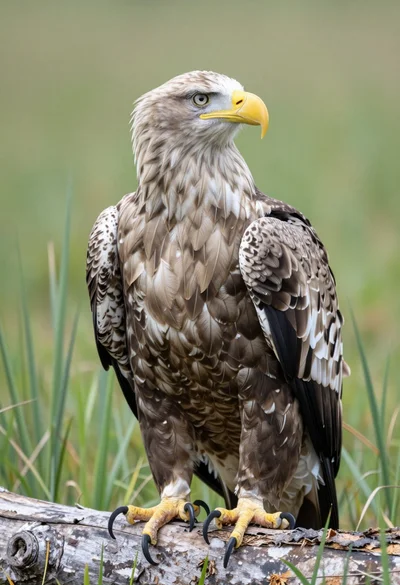
Close up portrait of a whitetailed eagle on a weathered log in
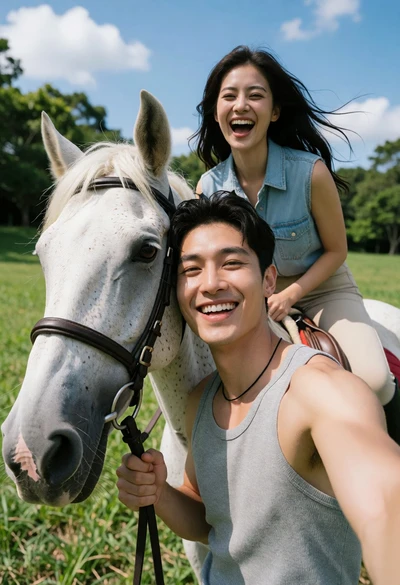
Joyful couple selfie outdoors with white horse in lush green field
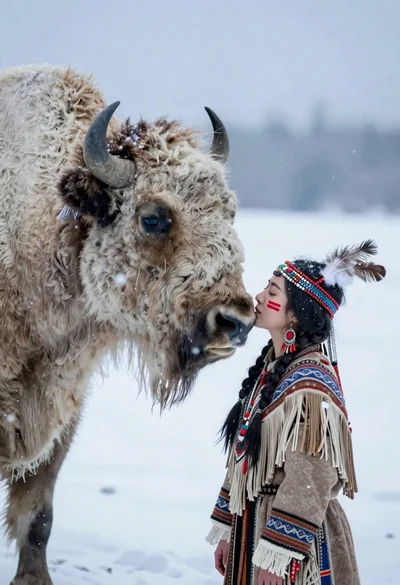
Woman in regalia nuzzling white bison in falling snow

Young man in teal hoodie holding white puppy in snowy landscape

Smiling woman in leather jacket holding white dog and snow
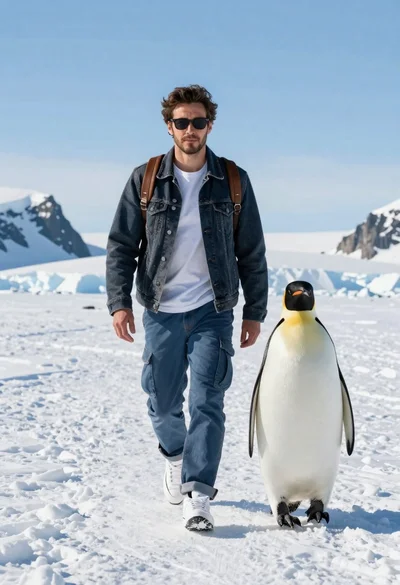
Man and emperor penguin walking together through snowy arctic landscape