
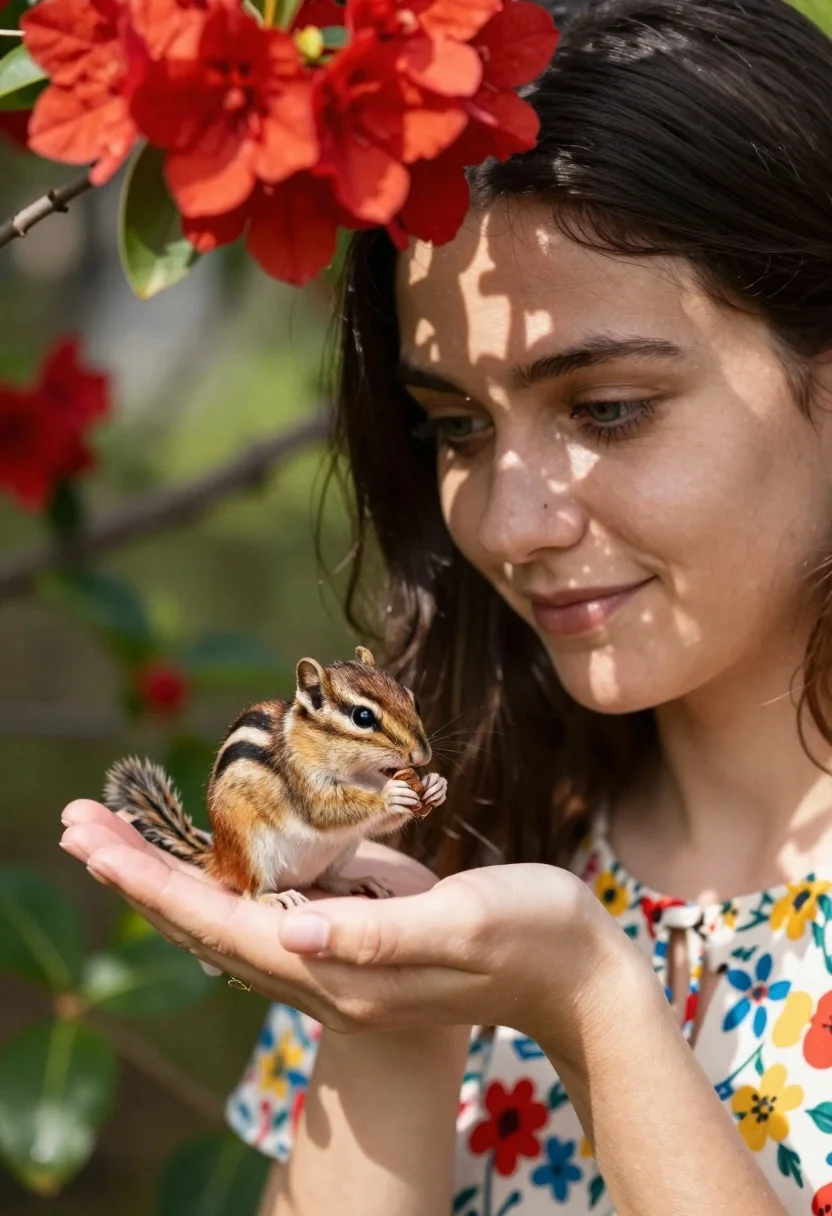
Young woman with dark hair holding a small chipmunk under red flowers
Prompt
A close-up portrait of a young woman with dark hair gently holding a small chipmunk in her palm under bright red flowers.

Subject: A young woman with dark brown hair and green eyes looking down at a small chipmunk perched on her open palm. The chipmunk has distinct black stripes along its back and is holding a nut or seed in its paws.

Clothing: The woman wears a light-colored top with a colorful floral pattern featuring red, yellow, and blue flowers.

Action: The woman holds her hand flat to support the animal while gazing at it with a soft smile. The chipmunk stands on its hind legs eating something from its front paws.

Environment: Bright red flowers hang above the subjects casting dappled shadows across the woman's face and neck. The background is softly blurred green foliage suggesting an outdoor garden setting.

Lighting: Natural sunlight filters through the leaves creating a warm glow with distinct leaf-patterned shadows on the woman's skin.

Camera: Close-up framing focusing on the interaction between the woman and the chipmunk with shallow depth of field blurring the background.

Style Details: Photorealistic rendering with soft focus and natural color grading emphasizing the intimate moment between human and animal.
Description
This prompt is useful for creating nature-themed editorial spreads, whimsical portraiture, and detailed wildlife interaction art. The combination of 'dappled shadows' from the overhead red flowers and the 'shallow depth of field' ensures that the viewer's focus remains tightly on the intimate moment between the woman and the chipmunk, preventing the background foliage from becoming a distracting mess.
Suggestions
- Change 'bright red flowers' to 'deep crimson peonies' for more saturated color.
- Add 'bokeh effect' to enhance the background blur.
- Swap 'soft smile' for 'gentle laugh' to increase emotional energy.
Category
Tags
AnimalBrown HairClose UpFemaleMedium ShotNatureOutdoorsRealistic
Date added
June 21, 2026
Added by
PromptDexter Team
Related Prompts
More prompts with similar categories and tags.
Woman in pink ballgown standing by brown horse near stone castle in
Young woman in teal hoodie holding fluffy white puppy in snowy winter
Smiling young woman holding a fluffy cream cat against neutral background
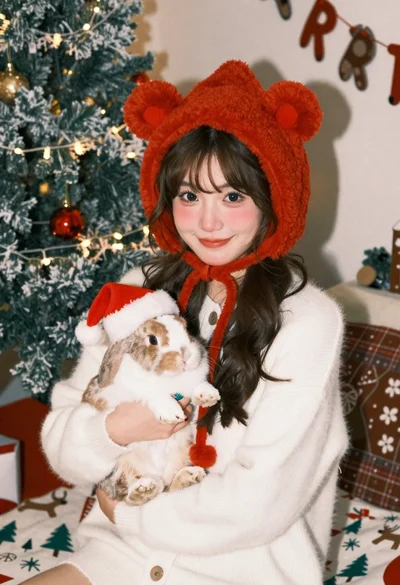
Young woman in knit cardigan holding small rabbit near christmas tree
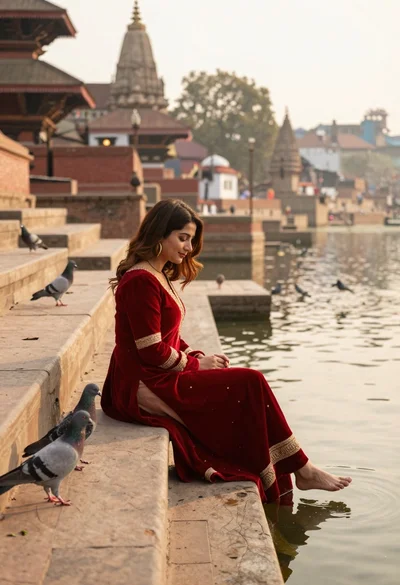
Woman in red dress sitting on stone steps by water at sunset

Young woman with brown hair holding golden retriever in sunny field
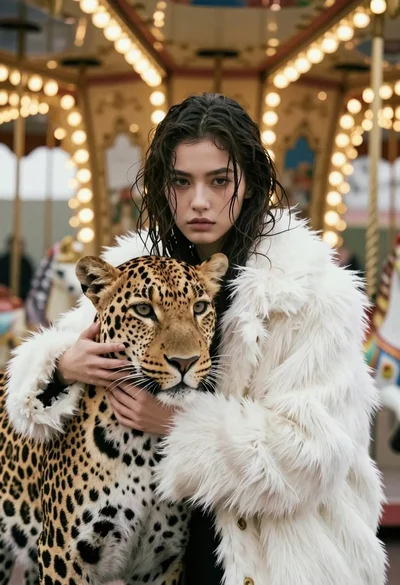
Cinematic portrait of woman holding leopard near glowing carousel lights

Smiling young woman posing with large blue robot cat mascot on solid