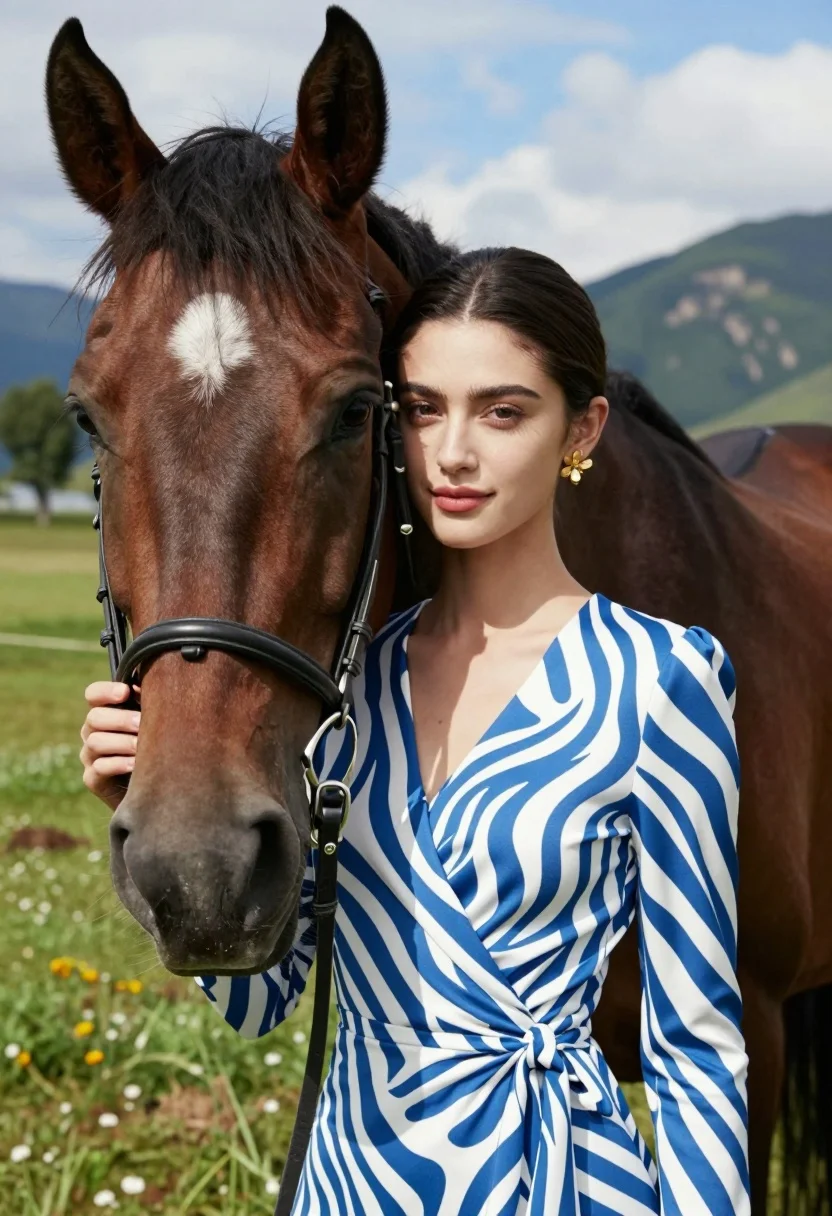
Close up portrait of woman leaning on dark brown horse in green
Prompt
A close-up portrait of a young woman standing affectionately beside a dark brown horse in a sunlit grassy field.

Subject: A young woman with fair skin and dark hair pulled back into a low bun, featuring prominent eyebrows and soft pink lipstick, positioned next to the head of a large dark brown horse with a white star on its forehead.

Clothing: The woman wears a blue and white zebra-striped wrap dress with long sleeves and a V-neckline, accessorized with a gold flower-shaped earring in her left ear.

Action: She leans her head gently against the horse's cheek while holding the leather bridle near the bit with her right hand, smiling softly at the camera.

Environment: A lush green meadow with scattered trees and distant rocky mountains under a bright blue sky with wispy clouds.

Camera: Close-up framing focusing on the subjects' faces with a shallow depth of field that blurs the background slightly.

Lighting: Bright natural sunlight illuminating the scene from above, casting soft shadows and highlighting the texture of the horse's coat and the woman's dress.

Style Details: High-resolution photography with vibrant colors and a clean, modern aesthetic.
Description
This prompt is useful for creating editorial portraiture for equestrian magazines, character concept art for fantasy novels, and lifestyle branding featuring nature connections. The combination of 'bright natural sunlight' casting soft shadows against the 'dark brown horse' emphasizes the texture contrast between the animal's coat and the woman's 'blue and white zebra-striped wrap dress,' grounding the intimate action while the shallow depth of field keeps focus tightly on their faces.
Suggestions
- Change 'blue and white zebra-striped wrap dress' to a solid color fabric for more simplicity.
- Swap 'dark brown horse' for a specific breed like 'bay stallion' for more detail.
- Adjust 'bright natural sunlight' to 'rim lighting' to separate the subjects from the background.
Category
Tags
AnimalBrunetteClose UpFair SkinFemaleMountainsNatureOutdoorsPortrait ShotRealistic
Date added
August 5, 2026
Added by
PromptDexter Team
Related Prompts
More prompts with similar categories and tags.
Closeup portrait of smiling woman with dark hair looking at blue macaw
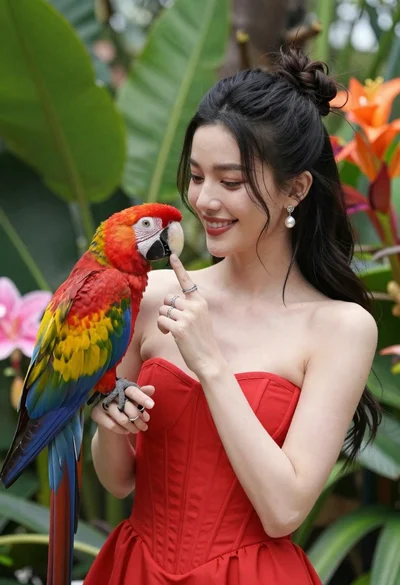
Smiling woman in red dress holding colorful macaw parrot in tropical garden
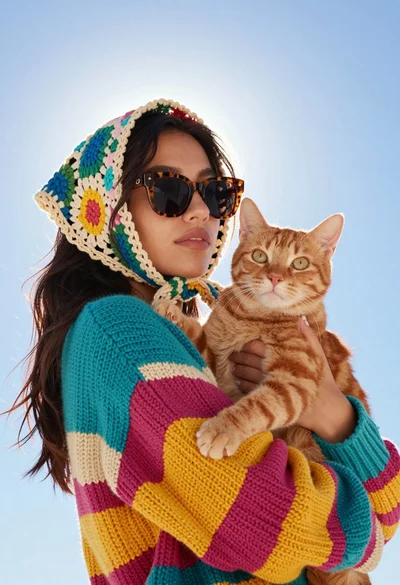
Young woman with cat wearing crocheted scarf under bright blue sky
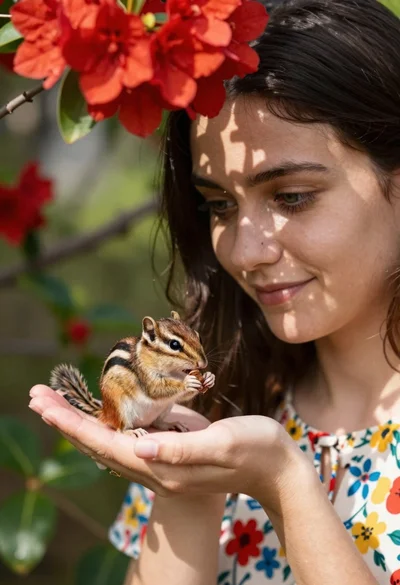
Young woman with dark hair holding a small chipmunk under red flowers
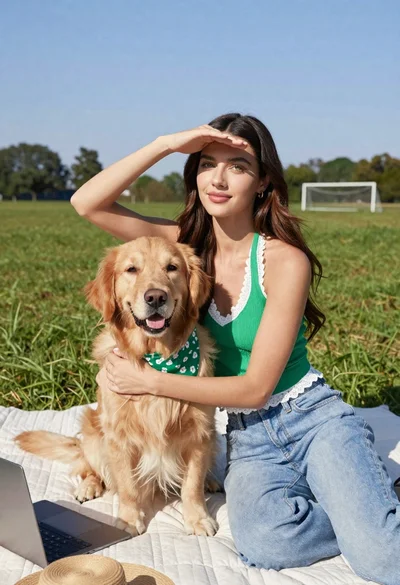
Young woman with brown hair holding golden retriever in sunny field
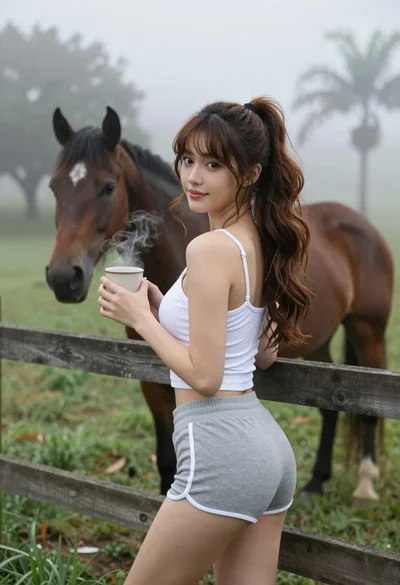
Young woman in tank top leaning on fence overlooking misty pasture with
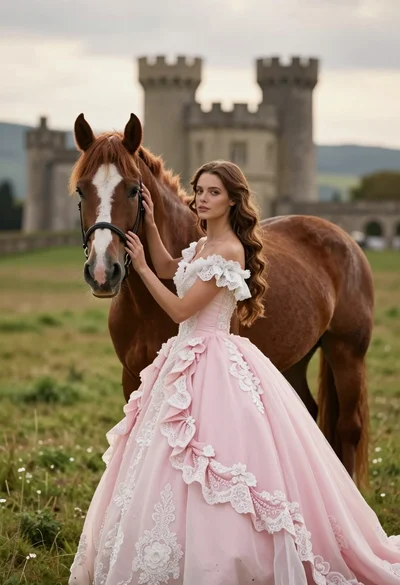
Woman in pink ballgown standing by brown horse near stone castle in
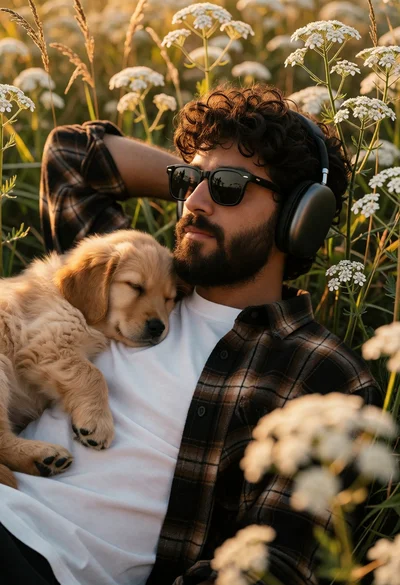
Man resting in wildflowers with sleeping golden retriever puppy portrait
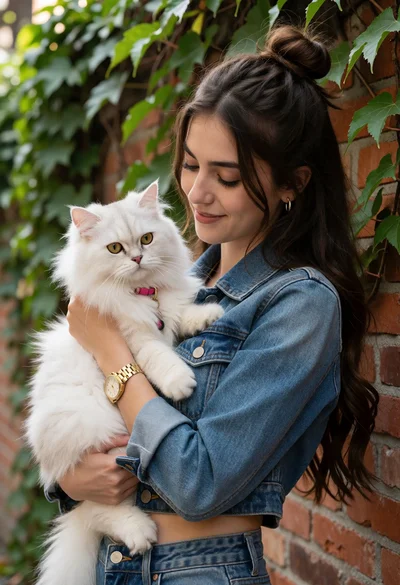
Young woman cradling white cat against vine covered red brick wall
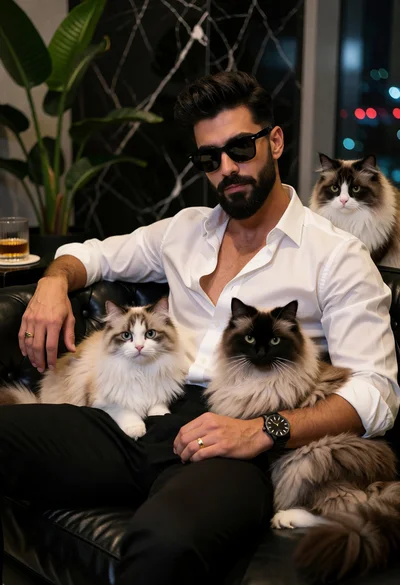
Stylish man with beard sitting on black couch surrounded by three fluffy