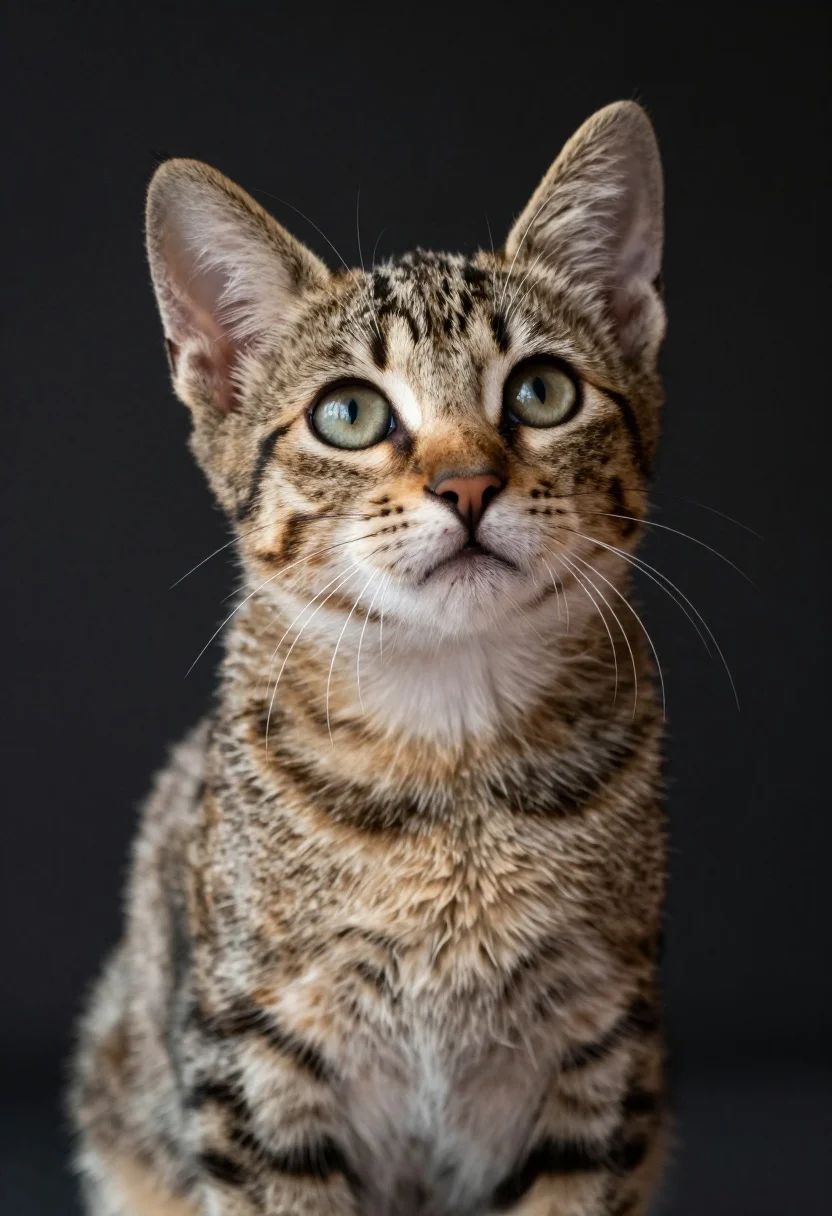
Close up portrait of fluffy tabby kitten looking upward with wide alert
Prompt
A close-up portrait of a young tabby kitten with wide, alert eyes looking upward.

Subject: A small, fluffy tabby kitten featuring classic brown and black stripes on its back and head, a white muzzle, and a white chest patch. Its large ears are perked up, revealing pink interiors, and long white whiskers extend from its cheeks. The fur texture appears soft and dense with distinct markings around the eyes and forehead.

Action: The kitten is sitting upright in a poised posture, gazing intently upward with an expression of curiosity or anticipation.

Environment: The background is a dark, out-of-focus surface that provides a neutral backdrop to highlight the subject. There are no other objects or specific environmental details visible beyond the immediate vicinity of the kitten.

Camera: A tight close-up shot focusing entirely on the kitten's head and upper torso, utilizing a shallow depth of field to blur the background and emphasize the sharp details of the fur and eyes.

Lighting: Soft, directional lighting illuminates the front of the kitten, creating gentle highlights on its forehead and nose while casting subtle shadows that define its facial features and body shape.

Style Details: High-resolution photography with a focus on realistic texture and detail, capturing the fine strands of fur and the reflective quality of the eyes.
Description
This prompt is useful for creating pet profile cards, nursery decor illustrations, and high-end animal portraiture intended to capture pure curiosity. The combination of 'soft, directional lighting' with a 'shallow depth of field' ensures that the fine strands of fur remain visible while the background dissolves into abstraction, preventing visual clutter and keeping all focus on the kitten’s wide, alert eyes.
Suggestions
- Change 'tabby kitten' to 'Scottish fold kitten' for different ear shapes.
- Swap 'dark, out-of-focus surface' for 'soft bokeh of green leaves' for an outdoor feel.
- Adjust 'Soft, directional lighting' to 'rim lighting from the side' to emphasize fur edges.
Category
Tags
AnimalClose UpRealistic
Date added
August 5, 2026
Added by
PromptDexter Team
Related Prompts
More prompts with similar categories and tags.

Young woman in knit cardigan holding small rabbit near christmas tree

Smiling woman in leather jacket holding white dog and snow

Young woman in plush hat holding fluffy cream cat in indoor setting

Young woman with dark hair holding fluffy white kitten in cozy room
Young woman with dark hair holding a small chipmunk under red flowers
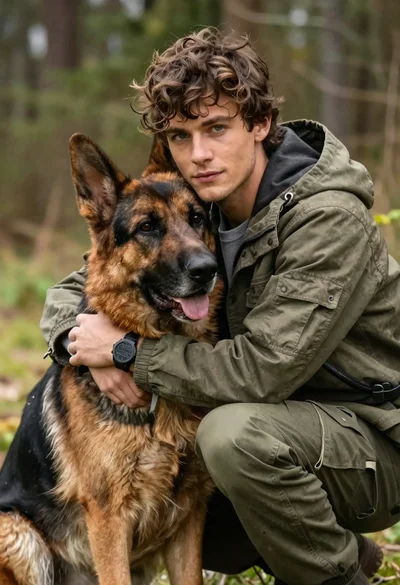
Young man with brown hair embracing a german shepherd in forest
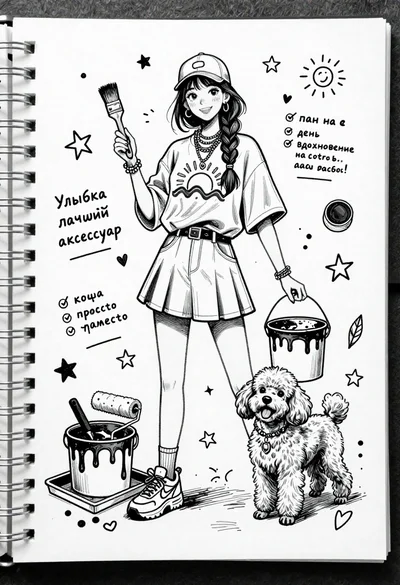
Black and white ink sketch of young woman with poodle on sketchbook
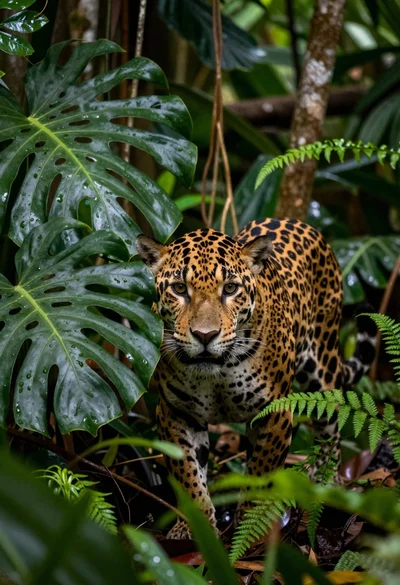
Large spotted jaguar crouching in lush rainforest foliage
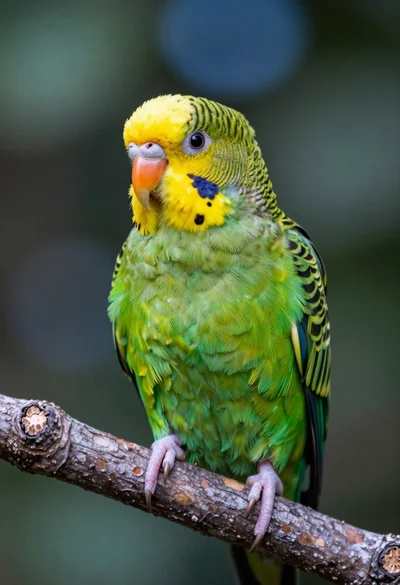
Close up portrait of vibrant green parrot on textured tree branch in
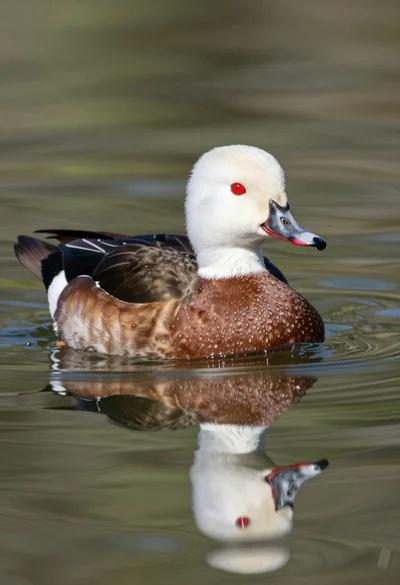
Close up portrait of a duck floating on calm water showing clear