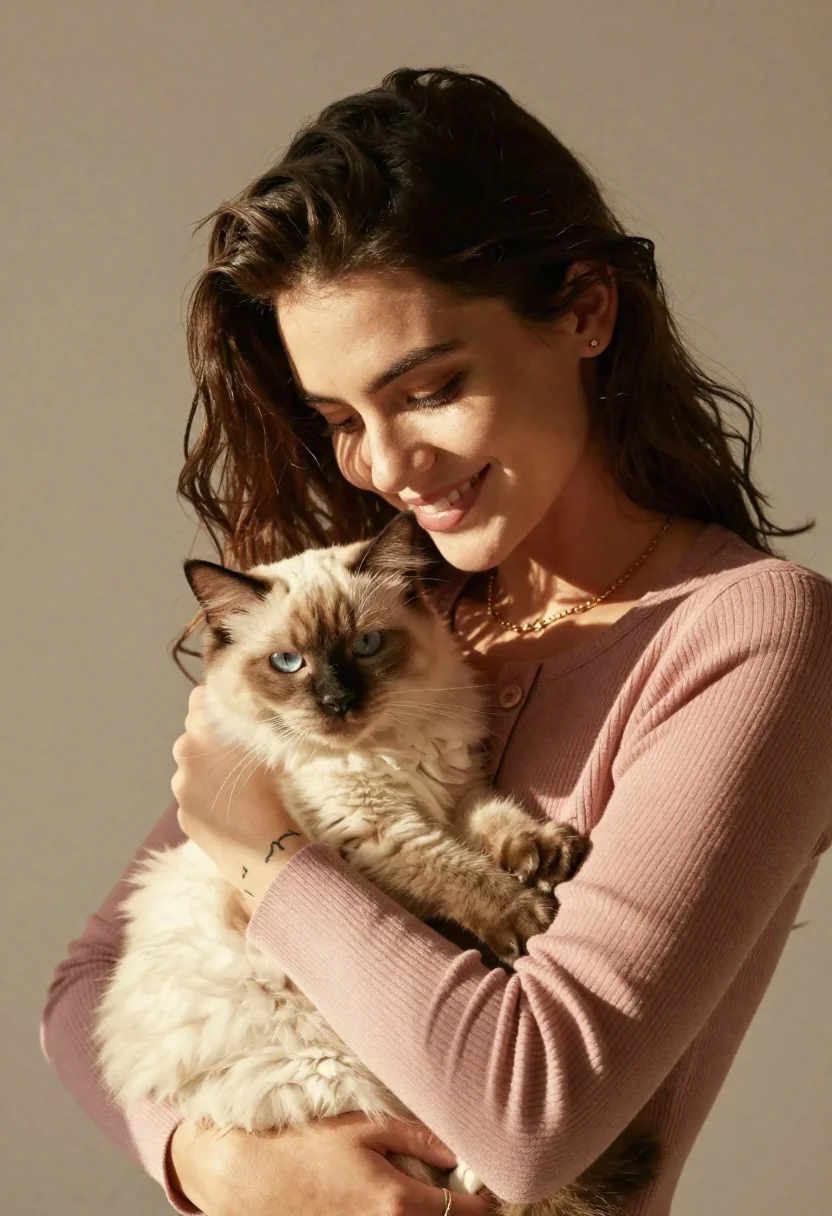
Smiling young woman holding a fluffy cream cat against neutral background
Prompt
A warm portrait of a smiling woman holding a fluffy cat close to her chest.

Subject: A young woman with long, dark brown wavy hair and a gentle smile looking down affectionately at the animal she is holding. She has small stud earrings in her ears and a delicate tattoo on her left wrist.

Clothing: She wears a soft, dusty rose-colored ribbed cardigan with buttons near the neckline and a thin gold chain necklace resting against her collarbone.

Action: The woman cradles the cat securely in her arms, looking down at it with a loving expression while the cat gazes away to the side.

Environment: A simple, neutral beige background that keeps the focus entirely on the subjects without distraction.

Camera: A medium close-up shot framed from the chest up, capturing the intimate connection between the woman and the pet.

Lighting: Soft, directional sunlight casts distinct shadows across her face and arms, creating a warm and natural atmosphere.
Second

Subject: A fluffy, cream-colored cat with pointed ears and dark markings around its eyes is being held gently in the woman's arms.

Objects: The woman wears a simple ring on her finger and a small stud earring in her earlobe.

Style Details: High-quality photography with a shallow depth of field that blurs the background slightly to emphasize the subjects, featuring warm tones and natural textures.
Description
This prompt is useful for creating intimate pet portraiture, lifestyle branding imagery, and soft editorial features focusing on connection. The combination of 'soft, dusty rose-colored ribbed cardigan' against a 'neutral beige background' ensures the focus remains solely on the subjects, while the 'shallow depth of field' prevents distracting elements from pulling attention away from the woman's gentle smile and the cat's fur.
Suggestions
- Change 'dusty rose-colored ribbed cardigan' to 'cream cable knit sweater' for a more cohesive palette.
- Add 'bokeh effect' to the camera section for stronger background separation.
- Swap 'dark brown wavy hair' for 'auburn wavy hair' to complement the cream cat.
Category
Tags
AnimalBrown HairClose UpFair SkinFemaleMedium ShotRealistic
Date added
June 21, 2026
Added by
PromptDexter Team
Related Prompts
More prompts with similar categories and tags.

Smiling woman in leather jacket holding white dog and snow
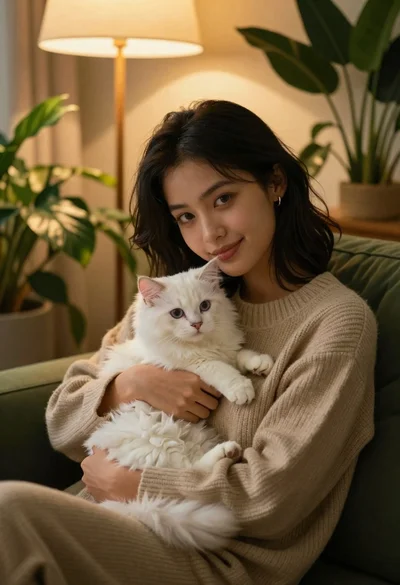
Young woman with dark hair holding fluffy white kitten in cozy room
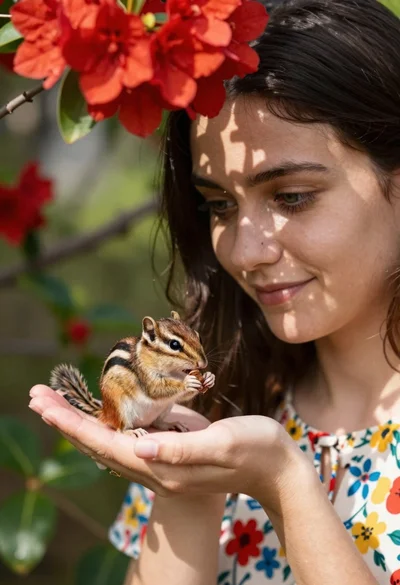
Young woman with dark hair holding a small chipmunk under red flowers
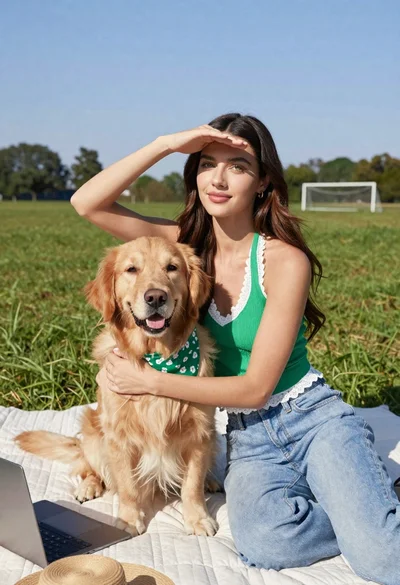
Young woman with brown hair holding golden retriever in sunny field
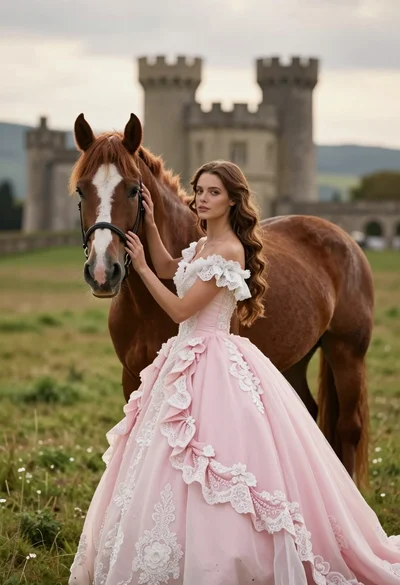
Woman in pink ballgown standing by brown horse near stone castle in
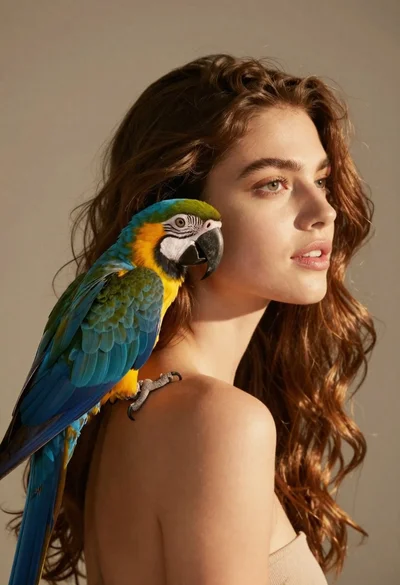
Close up portrait of woman with macaw on shoulder against beige background
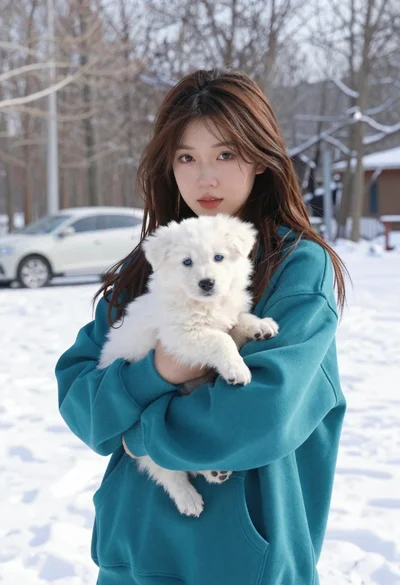
Young woman in teal hoodie holding fluffy white puppy in snowy winter

Smiling young woman posing with large blue robot cat mascot on solid