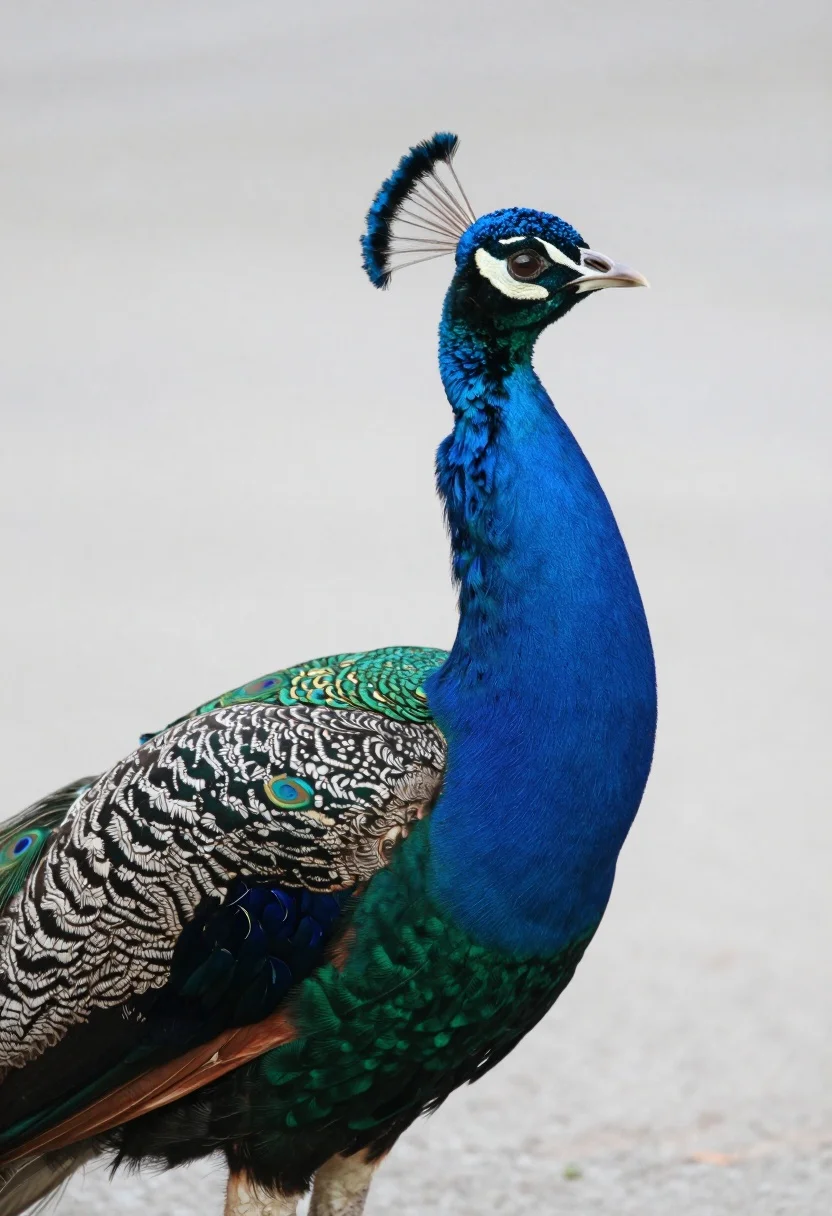
Close up portrait of majestic peacock showing vibrant iridescent plumage profile view
Prompt
A majestic peacock stands in profile facing right, showcasing its vibrant plumage and elegant posture.

Subject: A male Indian peafowl with iridescent cobalt blue neck feathers, a black face framed by white stripes, and a small crest of blue-tipped feathers on its head. Its back displays intricate silver-grey patterned feathers with green edges, while the lower body transitions into deep emerald green scales and dark brown underparts.

Action: The bird stands still in a poised profile view, with its head turned slightly upward and to the right.

Environment: A soft, out-of-focus neutral grey background that isolates the subject without distraction.

Camera: Close-up portrait shot with a shallow depth of field, emphasizing the texture of the feathers while blurring the surroundings.

Lighting: Soft, diffused lighting that highlights the metallic sheen of the blue and green feathers without harsh shadows.

Style Details: High-resolution wildlife photography with sharp focus on the subject’s plumage and natural color saturation.
Description
This prompt is useful for creating high-end nature documentary stills, exotic pet feature spreads, and detailed ornithological illustrations. The combination of 'soft, diffused lighting' and a 'shallow depth of field' ensures that the metallic sheen of the blue and green feathers remains visible without harsh shadows, which prevents the plumage from looking flat or overly glossy.
Suggestions
- Change 'neutral grey background' to 'dark slate background' for increased contrast.
- Add 'macro lens perspective' to emphasize feather detail.
- Swap 'iridescent cobalt blue' for 'electric sapphire blue' for a more intense color pop.
Category
Tags
AnimalClose UpFull BodyPortrait ShotRealistic
Date added
August 5, 2026
Added by
PromptDexter Team
Related Prompts
More prompts with similar categories and tags.
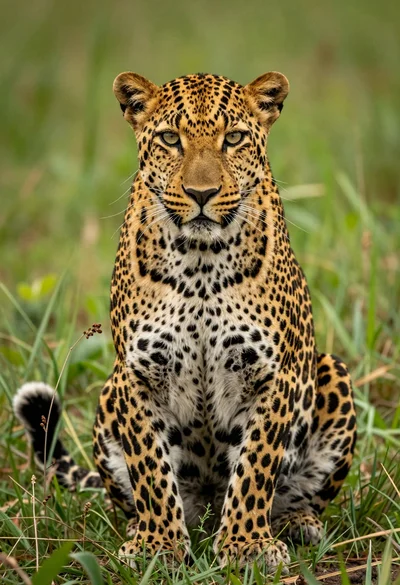
Majestic leopard sitting upright in lush green grass close up portrait
Fluffy german shepherd puppy sitting in grassy field with rolling hills background
Young man sitting on curb holding kitten outdoors with green foliage background
Stylish man with beard sitting on black couch surrounded by three fluffy
High contrast black and white portrait of woman with coiled patterned snake
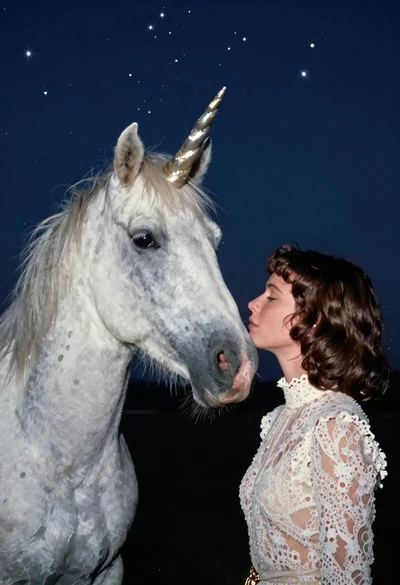
Woman kissing unicorn nose under starry night sky
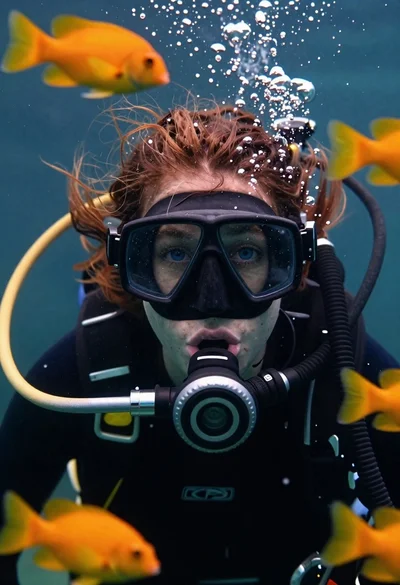
Underwater portrait of female diver with blue eyes
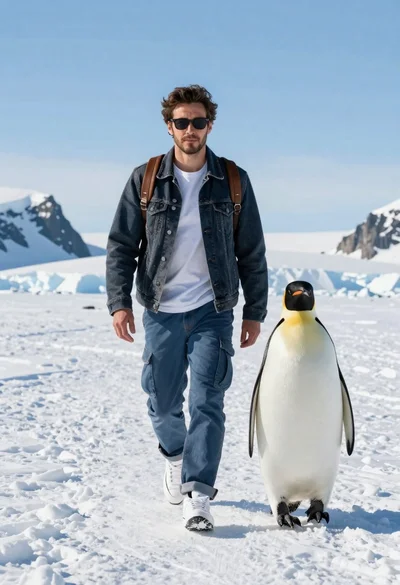
Man and emperor penguin walking together through snowy arctic landscape
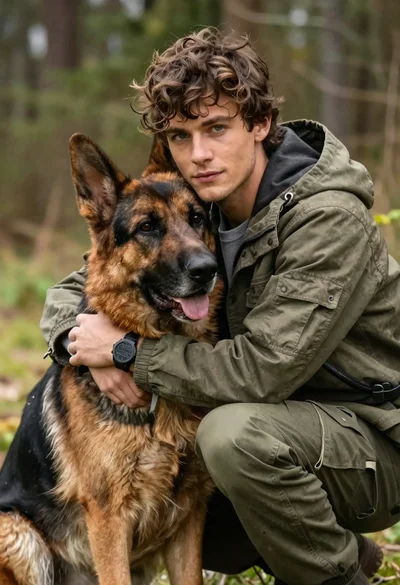
Young man with brown hair embracing a german shepherd in forest
Black and white ink sketch of young woman with poodle on sketchbook