Close up portrait of woman in white top with red gemstones
Prompt
A close-up portrait of a woman with dark hair pulled back into a low ponytail, wearing large tortoiseshell sunglasses and a white high-neck top adorned with red gemstones and silver crystals.

Subject: A young woman with fair skin and dark brown hair tied back in a simple ponytail, her face partially obscured by oversized sunglasses.

Clothing: She wears a white high-neck garment featuring an elaborate neckline embellished with large rectangular red stones surrounded by smaller clear crystals, with scattered crystal details on the chest.

Action: Her head is turned slightly to the side with a neutral expression and soft lips closed.

Environment: A plain, bright white background that isolates the subject completely.

Camera: Tight close-up framing focusing on the upper torso and face with a shallow depth of field blurring the hair strands at the edges.

Lighting: Soft, diffused studio lighting illuminating the face evenly without harsh shadows.

Style Details: High-fashion editorial photography style with clean lines and a minimalist aesthetic.
Description
This prompt is useful for creating high-end jewelry advertisements, luxury beauty editorials, and stylized character concept art focusing on accessories. The combination of 'soft, diffused studio lighting' against the 'plain, bright white background' ensures that the intricate details of the 'red gemstones' and 'silver crystals' remain the absolute focal point without any distracting environmental context or harsh shadows.
Suggestions
- Change 'tortoiseshell sunglasses' to 'cat-eye sunglasses' for a more dramatic shape.
- Swap 'red gemstones' for 'emerald gemstones' to shift the color palette.
- Adjust 'shallow depth of field' to 'deep focus' if you want all details sharp.
Category
Tags
Black HairClose UpFair SkinFemaleRealisticStudioTop Down
Date added
June 19, 2026
Added by
PromptDexter Team
Related Prompts
More prompts with similar categories and tags.
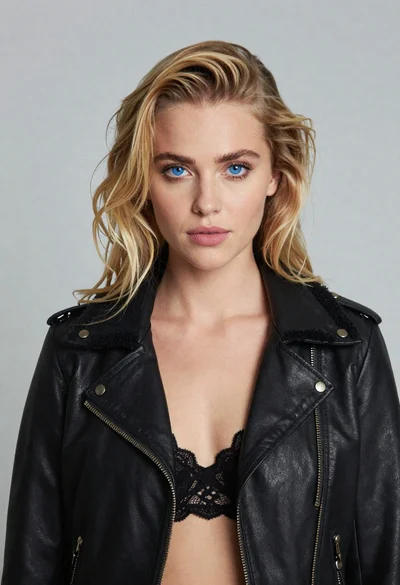
Portrait of blonde woman in black leather jacket against light grey studio
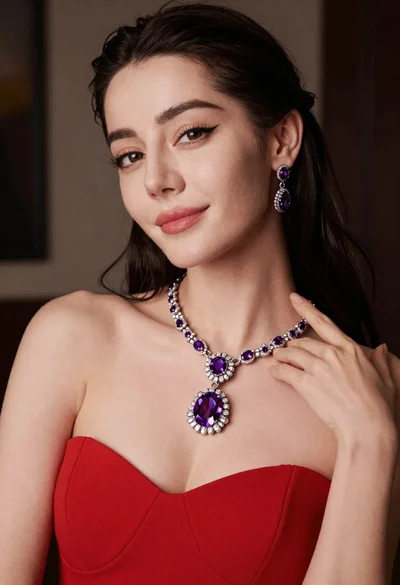
Close up portrait of glamorous woman in red dress with purple jewelry

Portrait of woman in black garment against teal green background
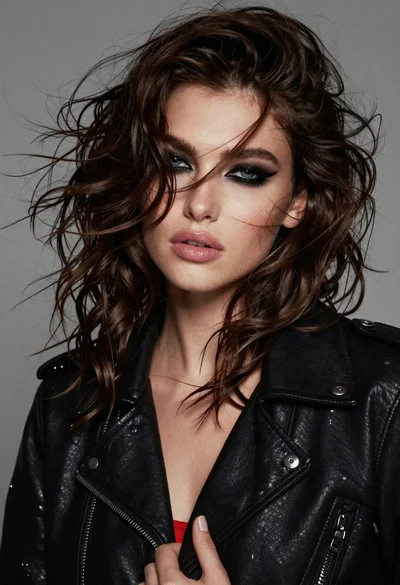
Close up portrait of woman with dark wavy hair wearing black leather
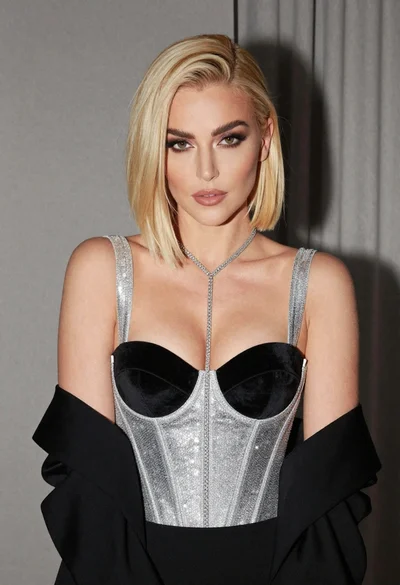
Glamorous portrait of woman with platinum blonde hair in silver corset top
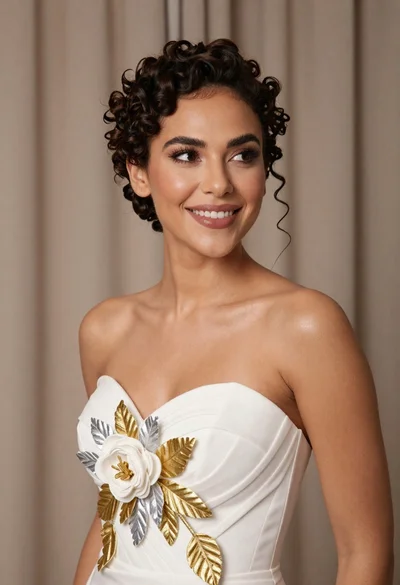
Medium close up portrait of woman in white gown with floral appliqué
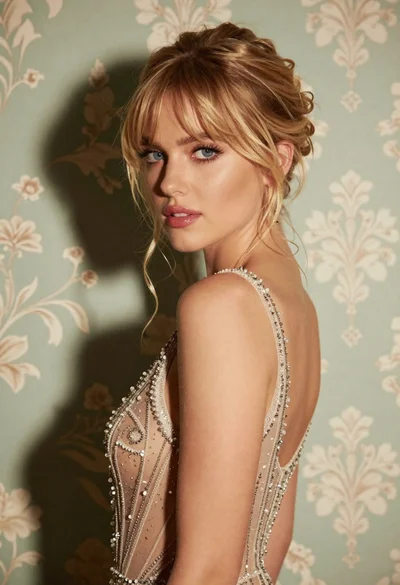
Glamorous portrait of blonde woman in embellished gown against floral wallpaper
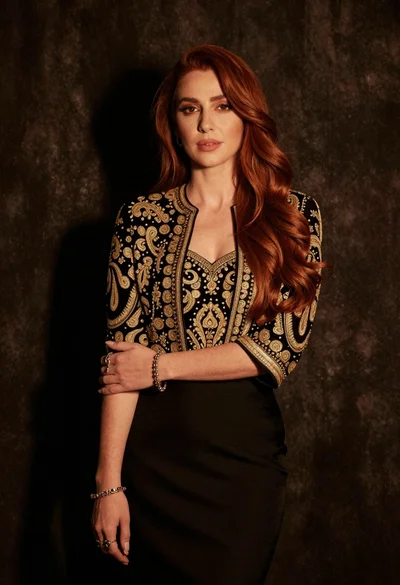
Medium close up portrait of woman in black embroidered jacket studio

Fair blonde woman in black corset and denim shorts studio portrait
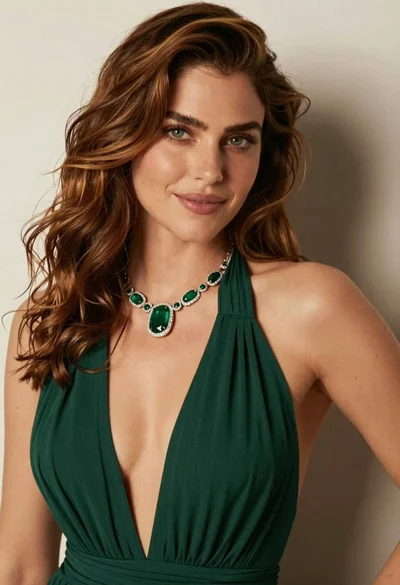
Close up portrait of woman with brown hair in green dress