Close up portrait of woman with brown bob hair outdoors in soft
Prompt
A close-up portrait of a woman with brown hair styled in a soft bob, looking slightly to the side with a calm expression.

Subject: A woman with fair skin and dark brown hair cut into a chin-length bob with soft waves at the ends. She has defined eyebrows, subtle eye makeup with eyeliner, and natural-looking lips. Her gaze is directed off-camera to the left.

Clothing: She wears a black top or dress featuring a decorative bow on the shoulder strap and a shimmering, textured trim along the neckline.
Accessories: She wears dangling earrings that appear to be made of metal with intricate floral or star-like designs.

Lighting: Soft, natural daylight illuminates her face from the front-left, creating gentle highlights on her cheekbones and neck while leaving soft shadows in the background.

Environment: The background is blurred and out of focus, showing hints of greenery and a vertical structure, suggesting an outdoor setting like a garden or event venue.

Camera: Shot with a shallow depth of field that keeps the subject sharply in focus while blurring the background, using a medium close-up framing to emphasize facial features and upper torso.

Style Details: High-resolution photographic realism with smooth skin texture, natural color grading, and a polished, elegant aesthetic typical of red carpet or fashion photography.
Description
This prompt is useful for creating editorial beauty shots, high-end portraiture for magazines, and character studies requiring an intimate focus on facial detail. The combination of 'soft, natural daylight' illuminating the face from the front-left sculpts gentle highlights that flatter fair skin tones while the 'shallow depth of field' ensures the background greenery remains abstract enough not to distract from the subject’s gaze.
Suggestions
- Change 'black top or dress' to 'ivory silk blouse' for a lighter contrast.
- Swap 'dangling earrings' for 'pearl stud earrings' for a more understated look.
- Adjust 'medium close-up framing' to 'head and shoulders shot' to emphasize the hair.
Category
Tags
Brown HairFair SkinFemaleOutdoorsPortrait ShotRealistic
Date added
June 19, 2026
Added by
PromptDexter Team
Related Prompts
More prompts with similar categories and tags.

Woman in black dress by window overlooking ocean at golden hour
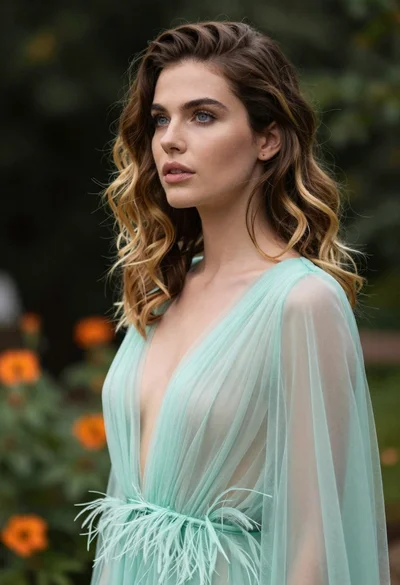
Portrait of woman with brown blonde hair in mint gown garden setting
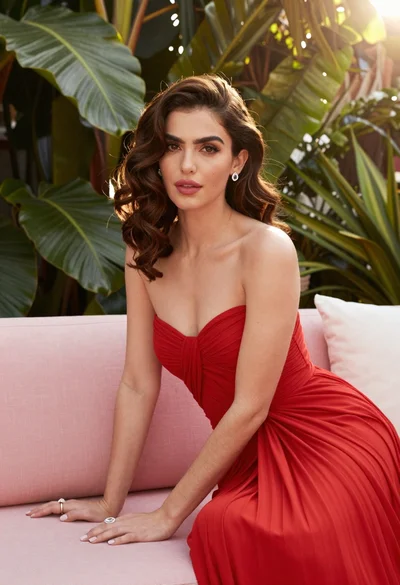
Fair skinned woman in red gown sitting on pink sofa amidst green

Blonde woman reading at a cafe table with roses
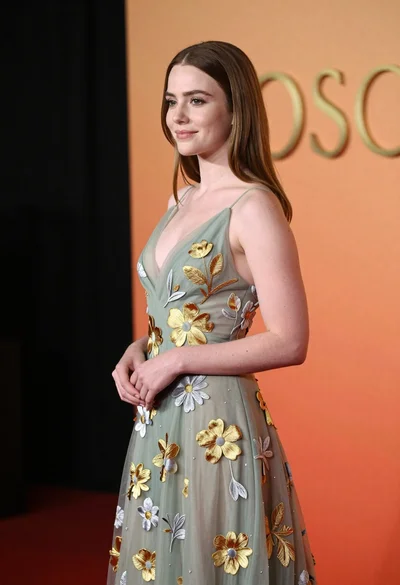
Young woman in sage green embroidered gown against orange backdrop
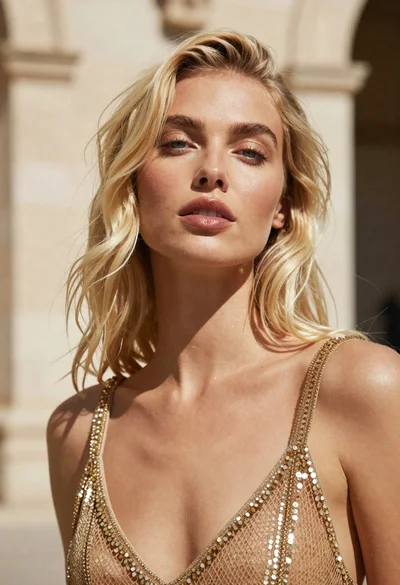
Close up portrait of blonde woman in gold beaded top against stone
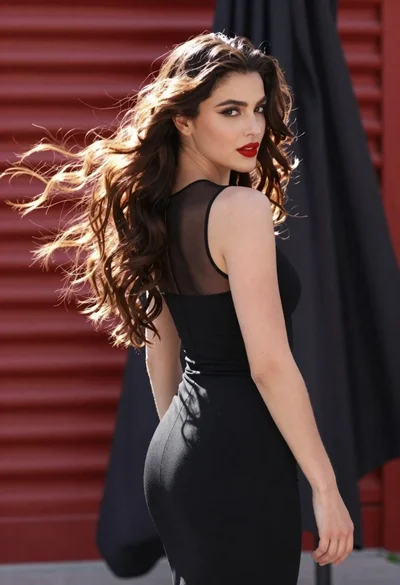
Glamorous woman turning over shoulder with flowing brown hair
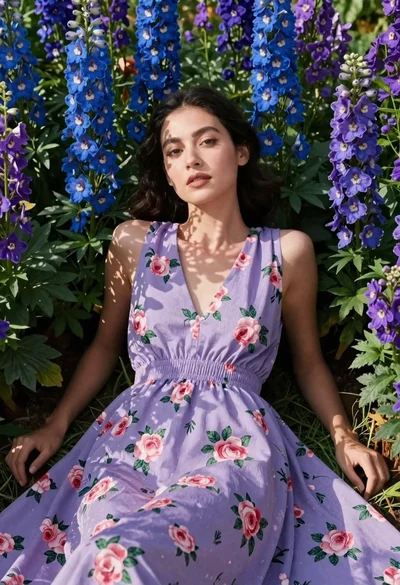
Woman in lavender dress lying among blue and purple flowers
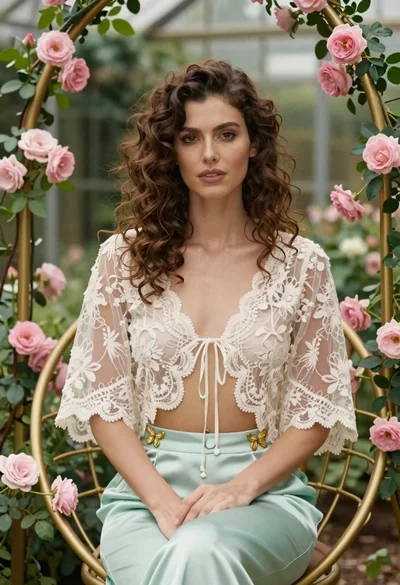
Woman with wavy brown hair in lace jacket sitting among pink roses
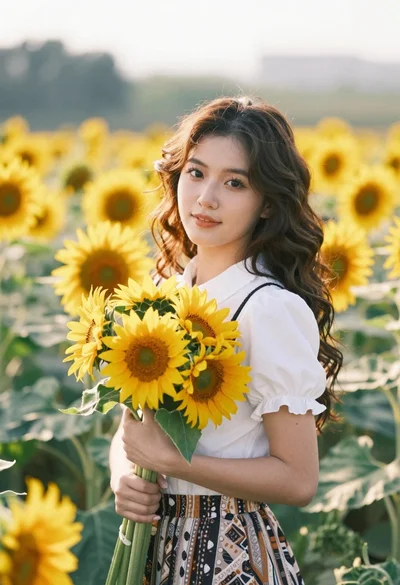
Young woman in white blouse holding sunflowers in a sunny field