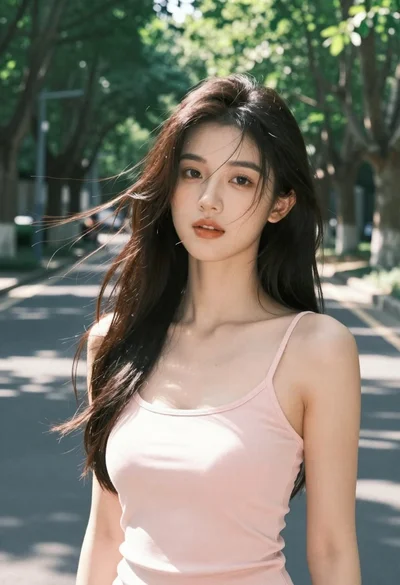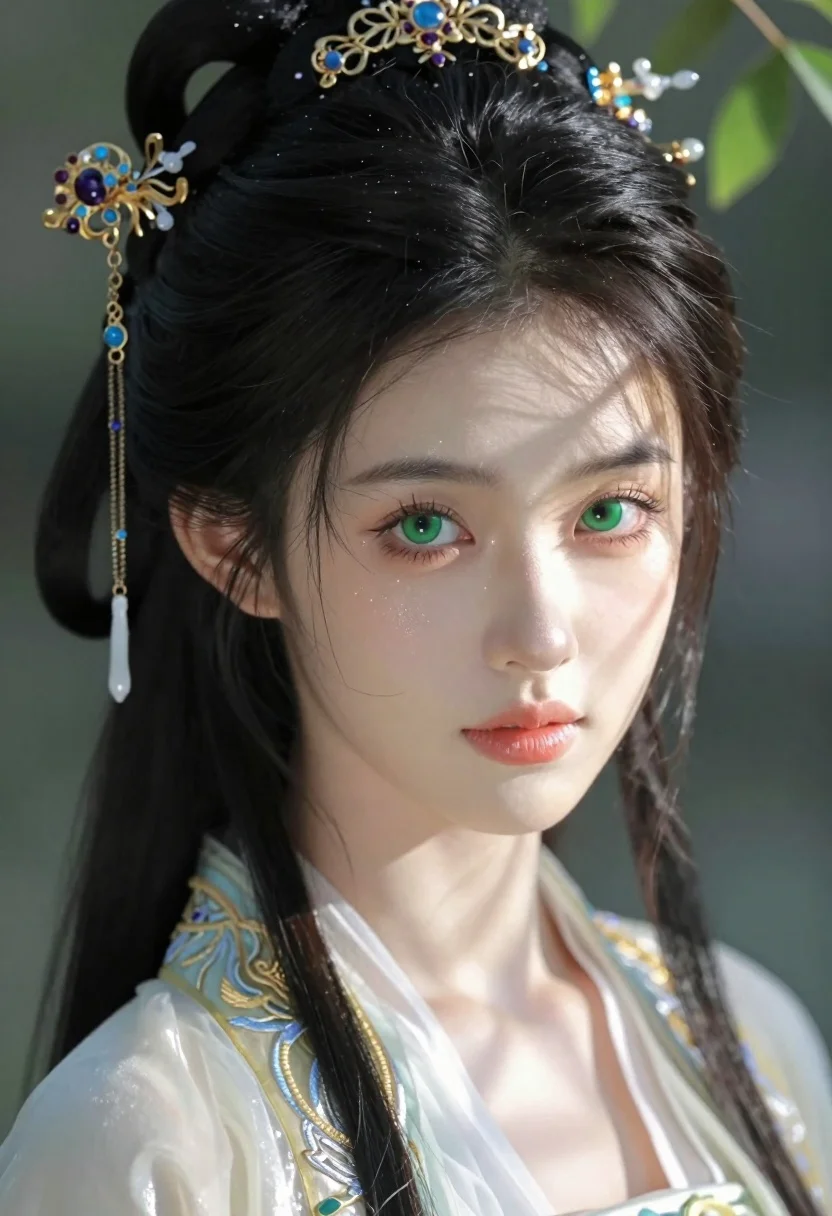
Close up portrait of young woman in traditional attire with golden headpiece
Prompt
A close-up portrait of a young woman with dark hair styled in an elaborate updo adorned with intricate golden headpieces featuring blue and purple gemstones and dangling white tassels.

Subject: A beautiful young woman with pale skin, large expressive green eyes, and soft pink lips. She has delicate glittering specks on her cheeks and forehead, resembling dust motes or magical sparkles. Her hair is jet black and meticulously styled into a high bun with loose strands framing her face.

Clothing: She wears traditional East Asian-inspired attire with visible silver and gold embroidery along the collar and neckline, suggesting a formal or ceremonial garment.

Action: She gazes directly at the viewer with a calm, serene expression. Her head is slightly tilted, and sunlight casts soft shadows across her face, highlighting her features.

Environment: The background is softly blurred with hints of green foliage, indicating an outdoor setting in natural daylight.

Lighting: Warm, dappled sunlight filters through leaves, creating gentle highlights on her skin and casting subtle shadows that enhance the depth and texture of her face.

Style Details: Hyper-realistic digital art with soft focus, high detail, cinematic lighting, and a dreamy, ethereal atmosphere reminiscent of fantasy illustration or high-end character design.
Description
This prompt is useful for creating concept art for fantasy narratives, editorial beauty campaigns featuring cultural inspiration, and detailed character model sheets. The combination of 'dappled sunlight' filtering through leaves and the 'intricate golden headpieces' establishes a magical realism aesthetic; this specific lighting prevents harsh shadows while the focus on 'delicate glittering specks' directs attention to the subject's ethereal quality over mere photographic accuracy.
Suggestions
- Change 'blue and purple gemstones' to 'jade and ruby gemstones' for a richer color palette.
- Swap 'soft pink lips' for 'nude matte lips' to emphasize the jewelry.
- Adjust 'dappled sunlight' to 'rim lighting from behind' for more dramatic separation.
Category
Tags
Black HairClose UpFair SkinFemaleNatureOutdoorsPortrait ShotRealisticTraditional Wear
Date added
July 3, 2026
Added by
PromptDexter Team
Related Prompts
More prompts with similar categories and tags.
Smiling woman in yellow saree seated on rocks outdoors under overcast sky
Close up portrait of young woman with dark hair holding white mug

Close up portrait of young woman shielding eyes from bright sun

Smiling woman in cycling gear making peace sign on forest road
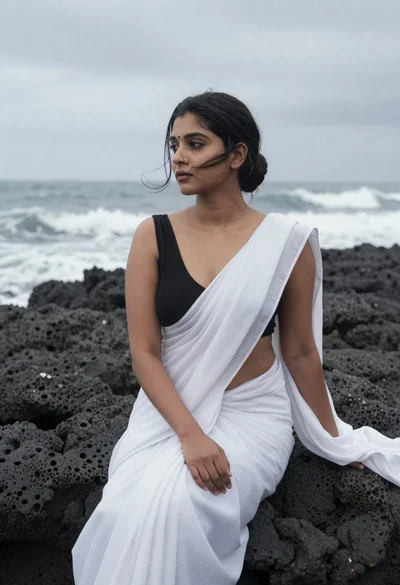
Woman in white saree sitting on dark volcanic rocks by sea
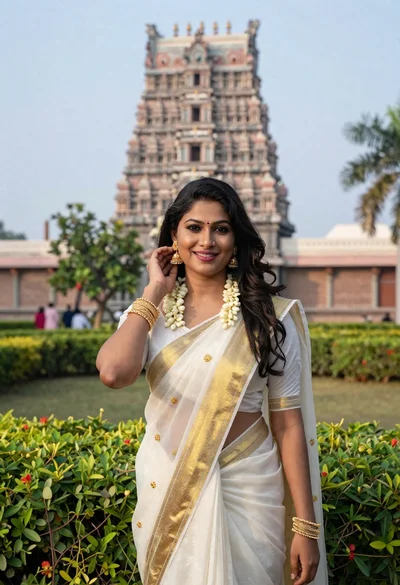
Smiling indian woman in traditional white saree standing before an ornate temple
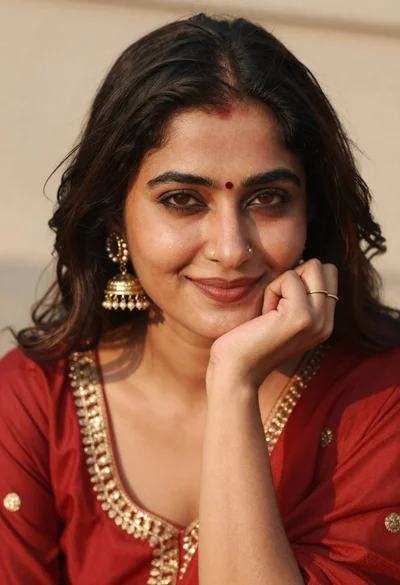
Portrait of woman in red traditional dress with gold jewelry smiling
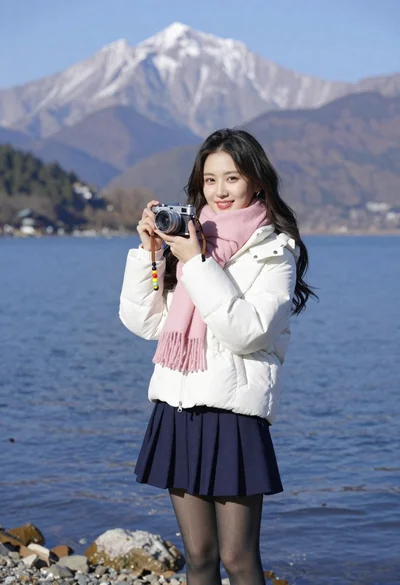
Smiling young woman in white puffer jacket holding vintage camera by lake
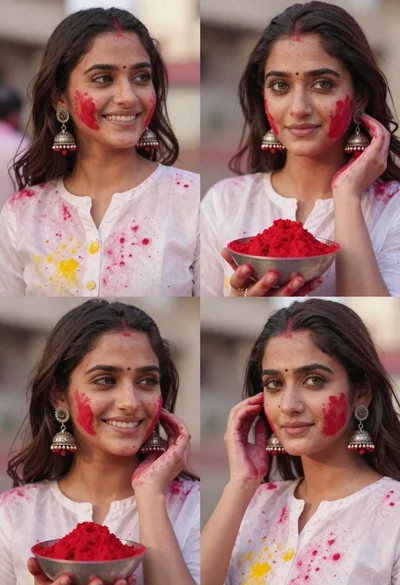
Portrait collage of young woman celebrating holi festival with red powder
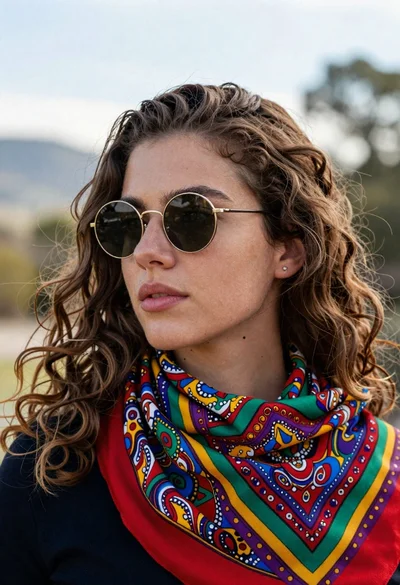
Portrait of young woman with brown hair and sunglasses in nature