

Young woman with dark hair standing on a sun dappled road lined
Prompt
A close-up portrait of a young woman with long dark hair blowing in the wind, standing on a sun-dappled road lined with lush green trees.

Subject: A young woman with fair skin and expressive brown eyes looking directly at the camera with a soft, slightly open-mouthed expression. Her long dark hair is tousled by the wind, with strands falling across her face and forehead.

Clothing: She wears a simple pale pink spaghetti strap tank top that fits closely to her frame.

Action: The subject stands facing forward with a relaxed posture, her head tilted slightly as she gazes into the lens while her hair moves dynamically in the breeze.

Environment: A paved road stretches behind her under a canopy of dense green trees, creating a tunnel-like effect with dappled sunlight filtering through the leaves onto the asphalt and her skin.

Lighting: Bright natural sunlight illuminates the scene from above, casting soft shadows on the road and highlighting the texture of her hair and skin with a warm, summery glow.

Camera: A medium close-up shot with a shallow depth of field that keeps the subject in sharp focus while blurring the background trees and road into a soft bokeh.

Style Details: High-resolution photography with vibrant natural colors, realistic skin textures, and a cinematic outdoor aesthetic.
Description
This prompt is useful for creating editorial portraiture, lifestyle advertising featuring nature, and fine art photographic prints. The combination of 'dappled sunlight' filtering through the canopy and the 'shallow depth of field' ensures that while the subject remains sharply focused, the background elements—the road and trees—are softened into a pleasing bokeh, preventing visual clutter.
Suggestions
- Change 'pale pink spaghetti strap tank top' to 'cream knit top' for a more muted palette.
- Swap 'lush green trees' for 'Mediterranean olive trees' to alter the color temperature.
- Adjust 'medium close-up shot' to 'head and shoulders portrait' for tighter focus.
Category
Tags
Close UpFair SkinFemaleMedium ShotNatureOutdoorsPortrait ShotRealistic
Date added
June 23, 2026
Added by
PromptDexter Team
Related Prompts
More prompts with similar categories and tags.

Young woman in olive saree leaning on railing outdoors during golden hour

Young woman with dark hair at wooden table in open air setting

Smiling woman in cycling gear making peace sign on forest road
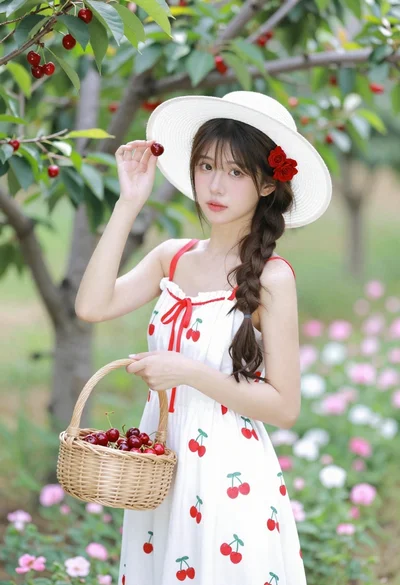
Young woman in white sundress holding cherry basket in blooming orchard
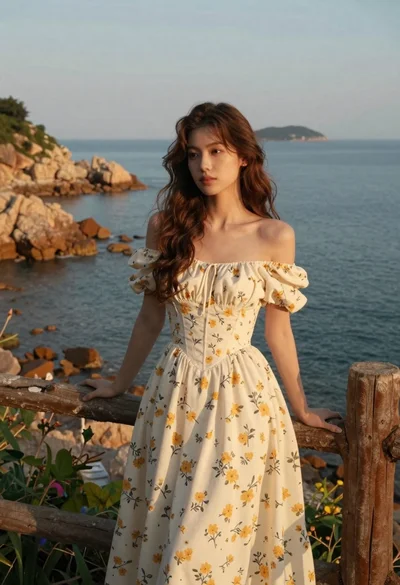
Young woman in cream floral dress leaning on coastal cliff railing
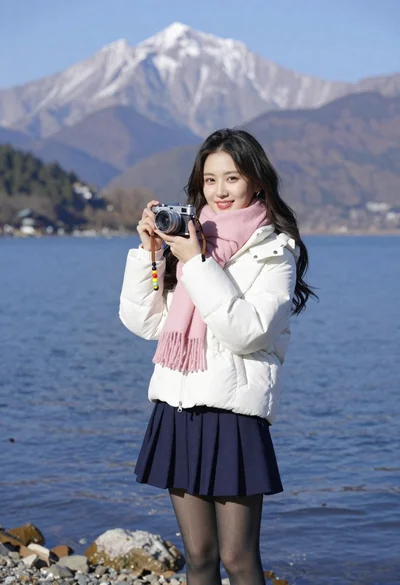
Smiling young woman in white puffer jacket holding vintage camera by lake
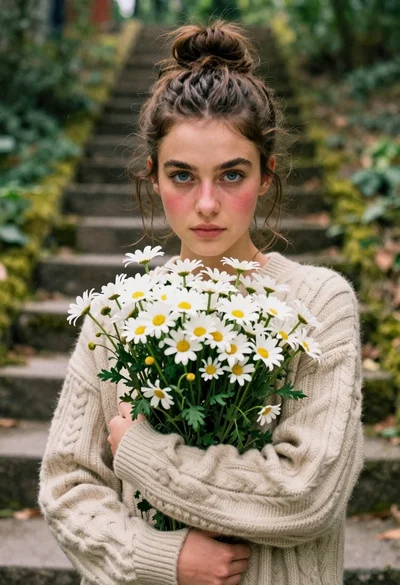
Young woman in beige sweater holding white daisies in a forest

Close up portrait of woman touching hair in green garden setting