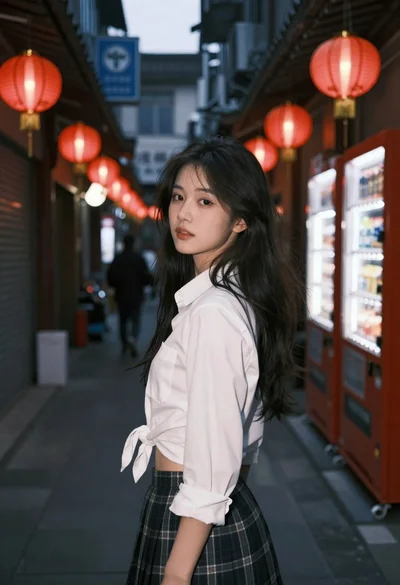
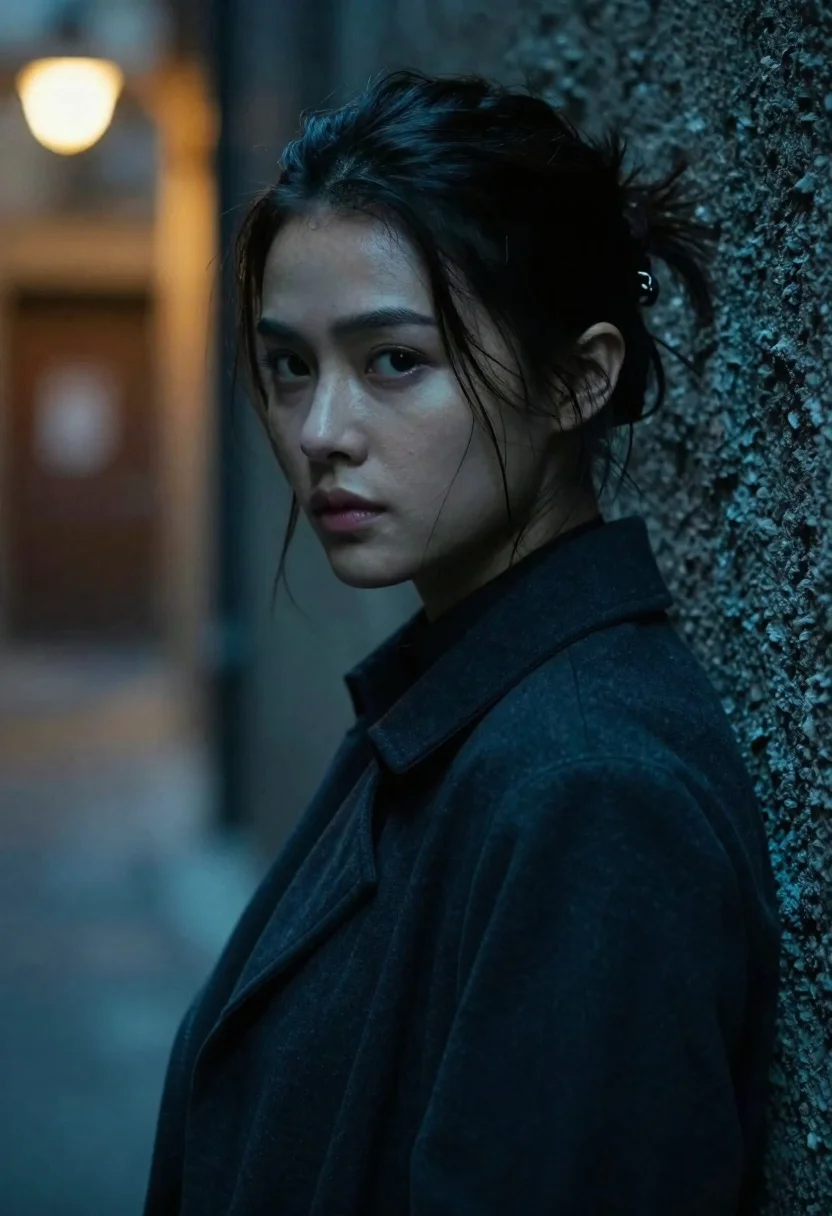
Young woman with dark hair looking over shoulder in alleyway
Prompt
A close-up portrait of a young woman with dark hair pulled back, looking over her shoulder with a serious expression.

Subject: A young woman with fair skin and dark hair tied back in a messy bun, featuring loose strands framing her face. Her eyes are wide and focused on something off-camera to the left. She has a neutral, intense facial expression.

Clothing: She wears a dark, textured jacket or coat with a high collar turned up around her neck. The fabric appears matte and slightly wrinkled.

Action: She is leaning against a rough wall, turning her head back over her right shoulder to look at the viewer. Her posture suggests she is hiding or eavesdropping.

Environment: A dimly lit, narrow alleyway or corridor with a dark, textured wall immediately behind her. The background is out of focus and features a warm, glowing light source in the upper left corner, contrasting with the cool blue tones of the rest of the scene.

Camera: Shot as a medium close-up with a shallow depth of field that blurs the background significantly to isolate the subject. The angle is slightly low, looking up at her face.

Lighting: Dramatic and moody lighting with a strong teal-blue ambient light washing over the scene from the front-left, contrasting sharply with a warm, orange glow in the background. Soft shadows define her facial features.

Style Details: Cinematic photography style with high contrast and cool color grading, resembling a still from a modern thriller film.
Description
This prompt is useful for creating cinematic character portraits, mood pieces for neo-noir thrillers, and editorial fashion shots emphasizing mystery. The combination of 'dramatic and moody lighting' with the 'teal-blue ambient light' against a contrasting 'warm, orange glow' establishes high contrast that immediately draws focus to her intense expression while the 'shallow depth of field' ensures the rough wall texture remains secondary to the subject.
Suggestions
- Change 'messy bun' to 'braided crown' for a more structured look.
- Swap 'dark, textured jacket or coat' for 'leather trench coat' to enhance the thriller aesthetic.
- Adjust 'teal-blue ambient light' to 'deep cyan ambient light' for a cooler overall tone.
Category
Tags
AlleyCasual WearClose UpFair SkinFemaleLow AngleOutdoorsPortrait ShotRealistic
Date added
June 23, 2026
Added by
PromptDexter Team
Related Prompts
More prompts with similar categories and tags.
Woman in white dress standing in a field of yellow flowers
Young woman with short silver hair stands in snowy forest at twilight
Young woman in white blouse stands in profile against blue sky at
Close up portrait of young woman with dark hair looking back over
Young woman with curly hair sitting on a vintage car in a
Fair skinned young woman holding peach cosmos flower near face

East asian woman in black leather jacket on bustling chinese street at
Close up portrait of blonde woman in gold beaded top against stone
