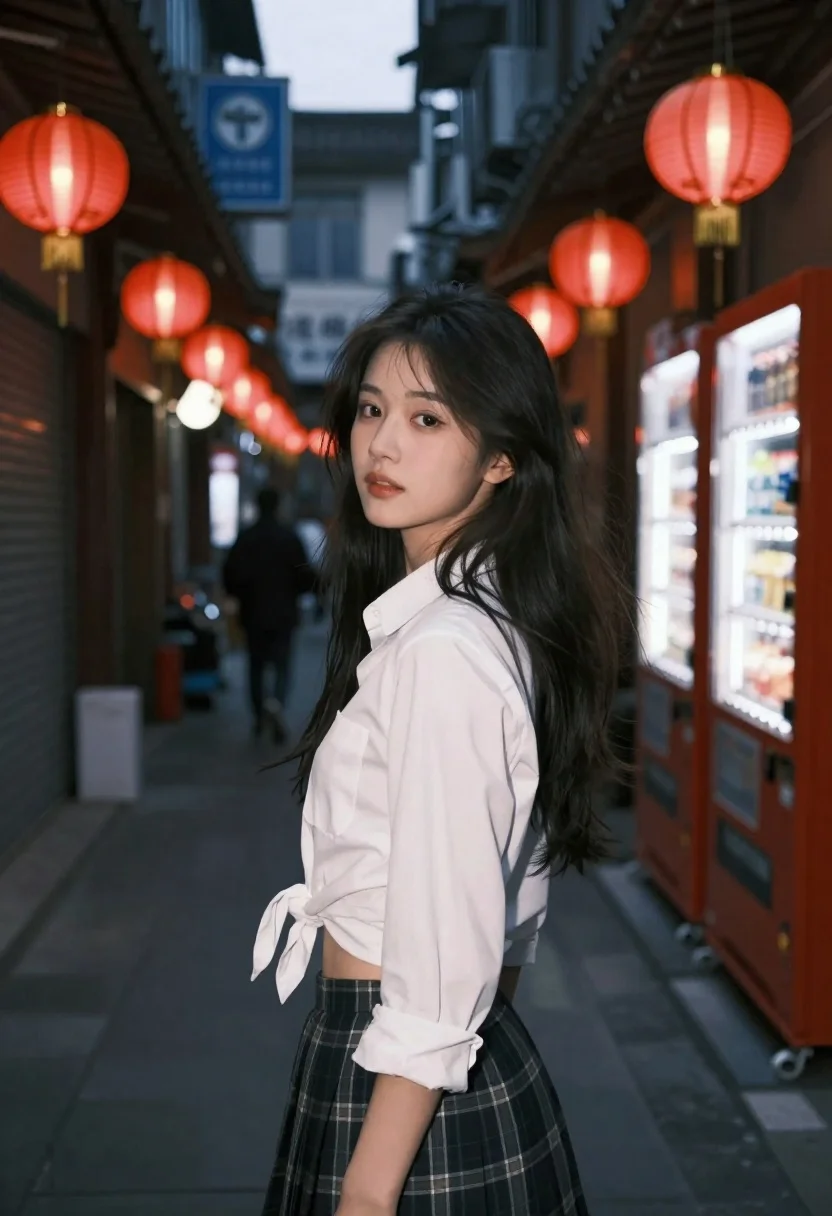
Young woman in white shirt and plaid skirt looks back over shoulder
Prompt
A young woman with long dark hair stands in a narrow, dimly lit alleyway at night, looking back over her shoulder.

Subject: A young woman with long, dark, slightly windswept hair and fair skin, featuring soft makeup and a calm expression.

Clothing: She wears a white button-down shirt tied loosely at the waist to reveal her midriff, paired with a dark plaid skirt.

Action: She is captured in a candid pose, turning her head to look back at the camera while standing still.

Environment: A narrow urban alleyway at night, lined with glowing red paper lanterns and illuminated vending machines on the right side.

Camera: Shot from a low angle looking up at the subject, utilizing a shallow depth of field that blurs the background figures and signs to isolate her.

Lighting: The scene is lit by ambient neon lights and warm tones from the red lanterns, creating a high-contrast, moody atmosphere with soft shadows on her face.

Style Details: Cinematic night photography aesthetic with a cool color palette accented by warm red highlights, featuring a film grain texture and a dreamy, atmospheric mood.
Description
This prompt is useful for creating cinematic character portraits, moody editorial spreads, and narrative scene visualizations set in urban environments. The combination of 'low angle looking up' with the 'ambient neon lights' establishes an immediate sense of drama, while the 'cool color palette accented by warm red highlights' directs the viewer's eye to the subject against a richly textured background.
Suggestions
- Change 'dark plaid skirt' to 'tartan wool skirt' for more texture.
- Swap 'glowing red paper lanterns' for 'yellow string lights' to brighten the mood.
- Adjust 'shallow depth of field' to 'bokeh effect' for an even softer background blur.
Category
Tags
AlleyCasual WearFair SkinFemaleLow AngleOutdoorsOver The ShoulderRealisticUrban
Date added
June 26, 2026
Added by
PromptDexter Team
Related Prompts
More prompts with similar categories and tags.
Close up portrait of young woman with dark hair looking back over
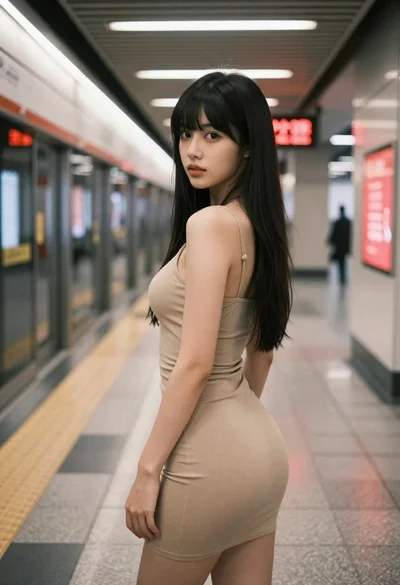
Young woman in beige mini dress looking back at camera on subway
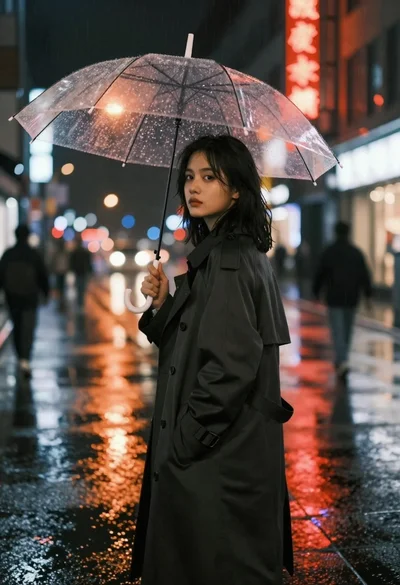
Young woman in trench coat under transparent umbrella on wet city street
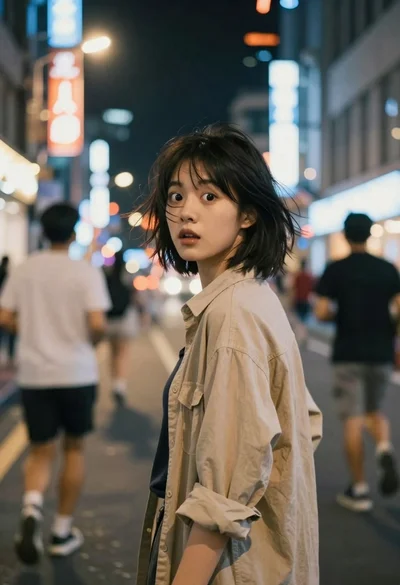
Young woman with short black hair looks back over shoulder on busy
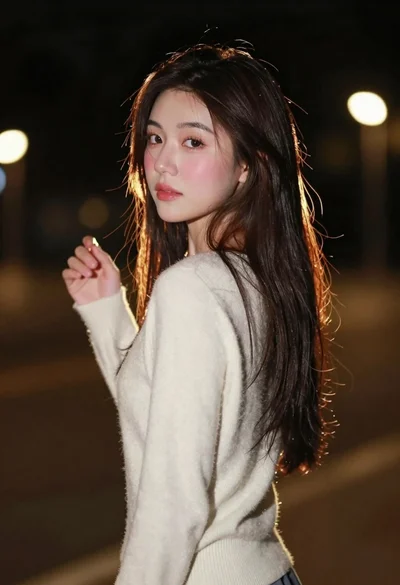
Young woman with long dark hair looking back over shoulder in dimly
Young woman with curly hair sitting on a vintage car in a
Young woman in black sweatshirt standing in sunlit meadow with wildflowers

Young woman in black turtleneck looking over shoulder at street