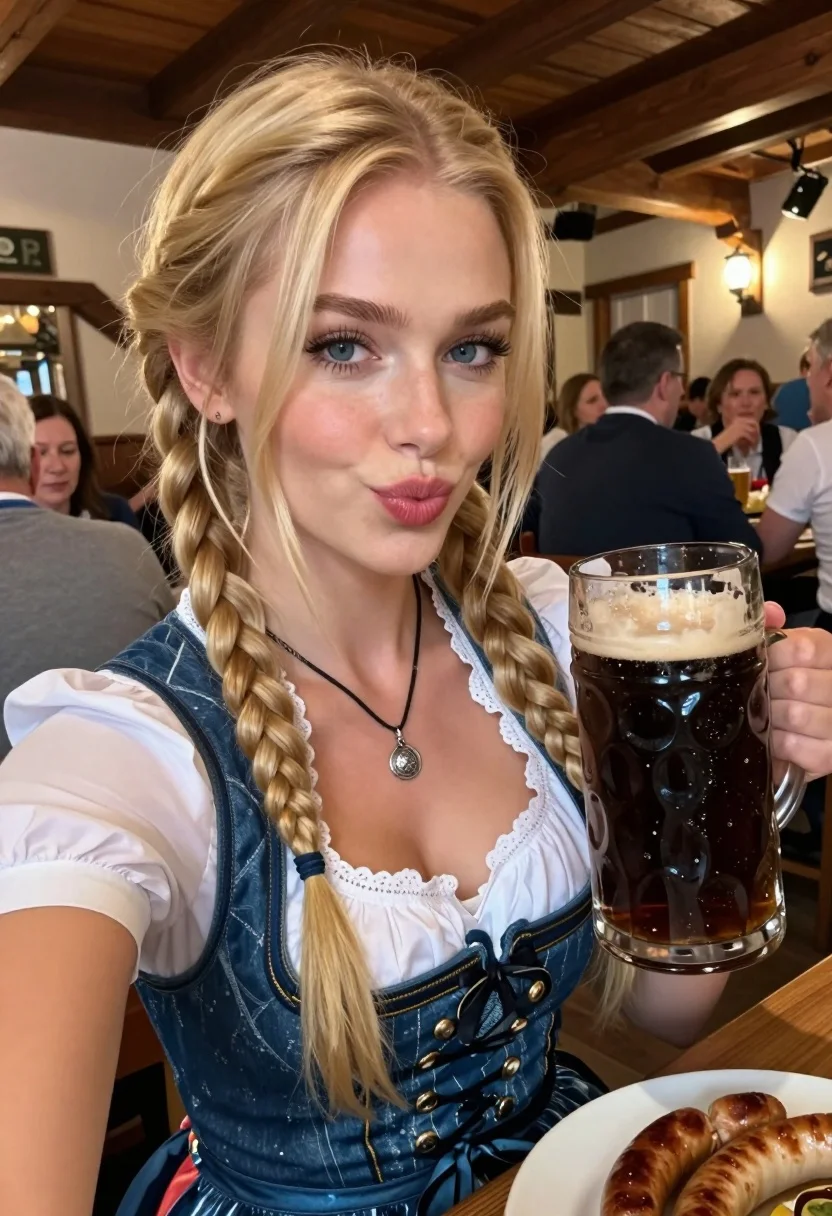
Close up selfie of blonde woman with beer mug at rustic pub
Prompt
A close-up selfie of a smiling blonde woman with blue eyes looking directly at the camera while holding a large glass mug of dark beer in one hand and a plate of sausages on a wooden table in front of her.

Subject: A young woman with long blonde hair styled into two braids, fair skin, defined eyebrows, and light makeup including eyeliner and pink lipstick.

Clothing: She is wearing a traditional blue denim dirndl dress featuring a white lace-trimmed blouse underneath and a silver pendant necklace around her neck.

Action: The woman is posing for a selfie with a playful expression, puckering her lips slightly while holding the camera at arm's length.

Environment: A crowded indoor setting resembling a rustic beer hall or pub with wooden beams on the ceiling and blurred patrons seated at tables in the background.

Camera: Shot as a close-up selfie angle with a shallow depth of field that keeps the subject sharp while blurring the busy background.

Lighting: Warm ambient indoor lighting creates soft highlights on her face and hair, casting gentle shadows that suggest an evening atmosphere.

Objects: A large glass mug filled with dark beer topped with thick foam sits in her hand, and a white plate containing several sausages rests on the wooden table surface.
Description
This prompt is useful for creating themed bar advertising campaigns, character concept art for historical fiction, and casual lifestyle blog photography. The combination of 'warm ambient indoor lighting' with the 'rustic beer hall or pub' setting grounds the image in a specific, cozy atmosphere, while the 'shallow depth of field' ensures that the subject's playful expression remains the sharp focal point against the implied chaos of the background.
Suggestions
- Change 'dark beer' to 'pale ale' for a brighter color contrast.
- Swap 'blue denim dirndl dress' for 'red velvet bodice' to increase visual drama.
- Adjust 'puckering her lips slightly' to 'laughing openly' for a more candid feel.
Category
Tags
BlondeCasual WearClose UpFair SkinFemalePortrait ShotRealisticSelfieTraditional Wear
Date added
July 12, 2026
Added by
PromptDexter Team
Related Prompts
More prompts with similar categories and tags.
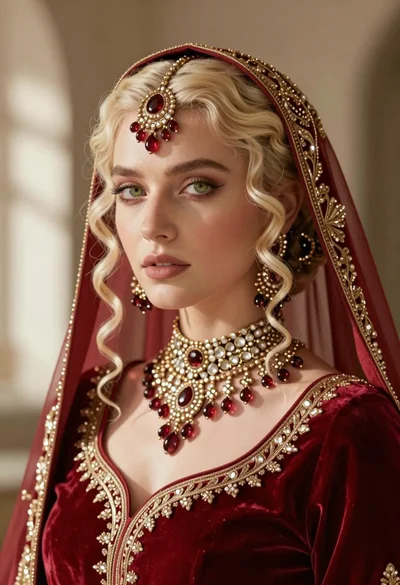
Close up portrait of fair blonde woman wearing elaborate traditional indian bridal

Portrait of woman with red hair in navy blouse and green skirt

Close up portrait of blonde woman in black and white dress
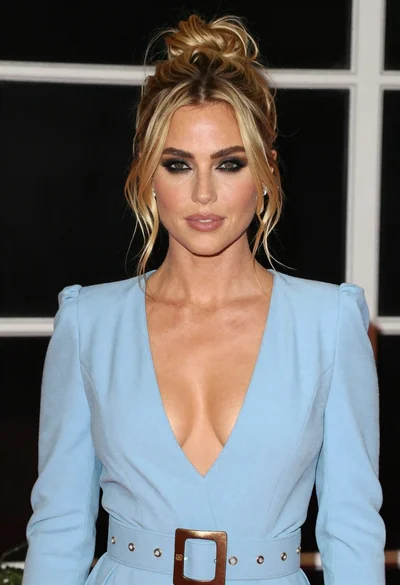
Glamorous portrait of blonde woman in blue dress against dark window background

Blonde woman in striped swimsuit seated on sofa indoors studio shot
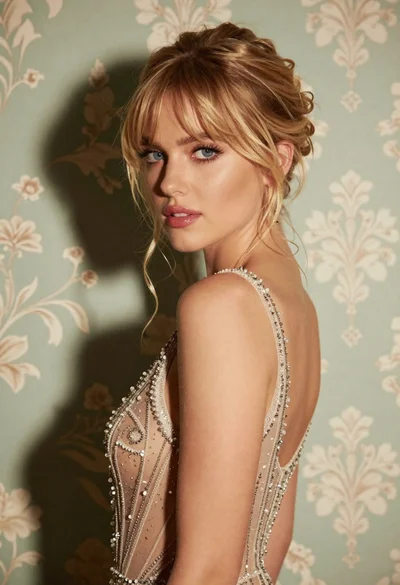
Glamorous portrait of blonde woman in embellished gown against floral wallpaper
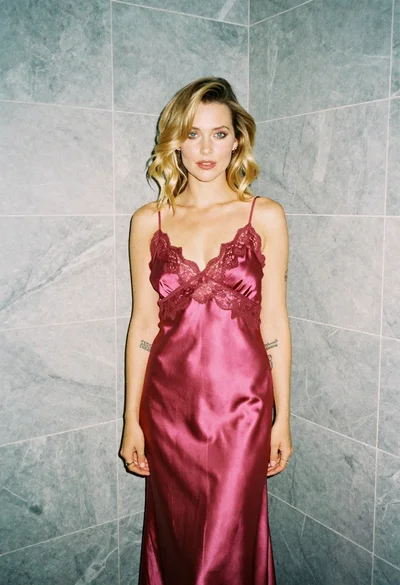
Blonde woman in pink satin slip dress against grey marble tile background
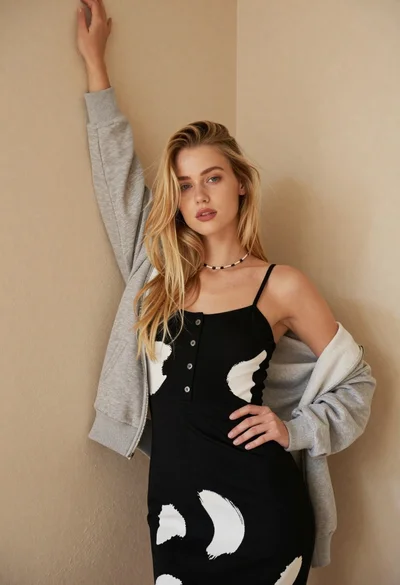
Fair blonde woman in patterned black dress against plain beige wall

Blonde woman in cream sweater sitting on beige couch

Woman in sheer crystal gown looking over shoulder at event backdrop