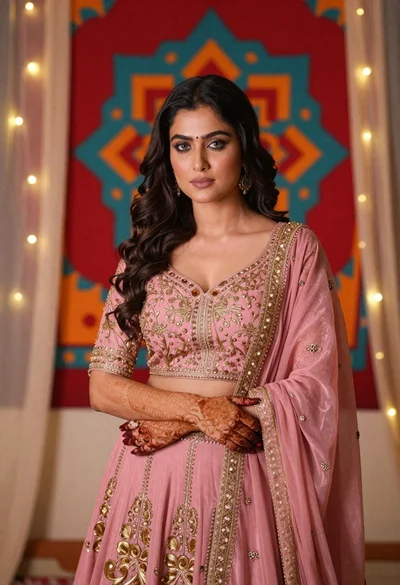
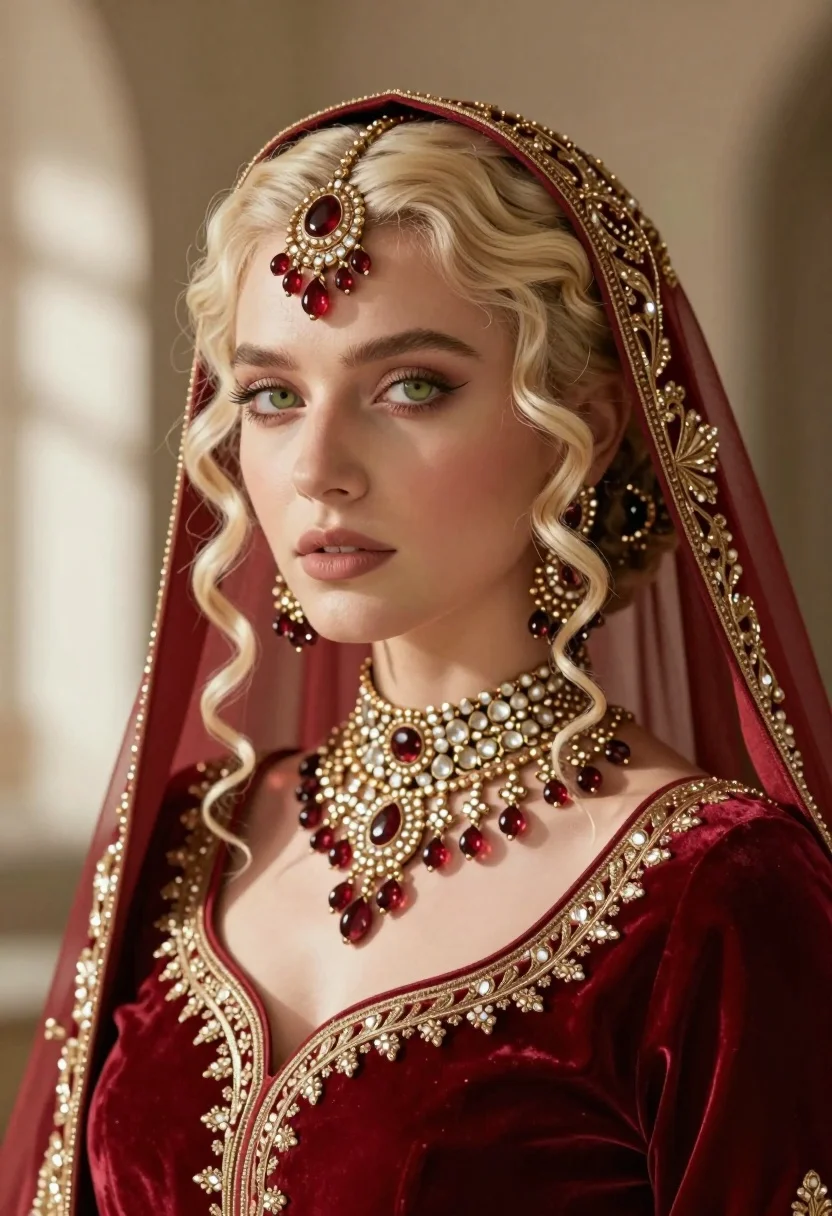
Close up portrait of fair blonde woman wearing elaborate traditional indian bridal
Prompt
A close-up portrait of a fair-skinned woman with platinum blonde hair and pale green eyes, adorned in elaborate traditional Indian bridal jewelry.

Subject: A fair-skinned woman with platinum blonde curly hair and pale green eyes, featuring a serene expression and soft gaze directed slightly off-camera.

Clothing: She wears a deep red velvet garment with intricate gold embroidery along the neckline and sleeves, paired with a sheer red veil draped over her head.

Action: Her head is tilted gently to the side in a poised pose, showcasing the detailed jewelry arrangement on her face and neck.

Environment: The background is a soft, neutral-toned wall with natural light casting gentle shadows, suggesting an indoor setting with diffused sunlight.

Camera: Shot as a tight close-up portrait with a shallow depth of field that blurs the background to emphasize the subject's facial features and jewelry details.

Lighting: Soft, directional natural light illuminates her face from the left, creating subtle highlights on her skin and casting gentle shadows that enhance the texture of her hair and fabric.

Style Details: High-fidelity digital rendering with hyper-realistic textures, rich color saturation in the reds and golds, and a polished, cinematic aesthetic reminiscent of high-end fashion photography.
Description
This prompt is useful for creating editorial bridal lookbooks, character concept art for historical dramas, and high-end beauty advertising campaigns. The combination of 'deep red velvet' against the 'soft, neutral-toned wall' ensures that the rich saturation of the embroidery remains visible without clashing with the subject, while the 'shallow depth of field' isolates the intricate jewelry details necessary for close examination.
Suggestions
- Change 'platinum blonde curly hair' to 'braided platinum blonde hair' for a more structured look.
- Swap 'deep red velvet garment' for 'maroon silk garment' to alter the richness of the color.
- Adjust 'soft, neutral-toned wall' to 'textured sandstone wall' for environmental contrast.
Category
Tags
BlondeClose UpDigital ArtFair SkinFemaleIndoorsPortrait ShotRealisticTraditional Wear
Date added
July 3, 2026
Added by
PromptDexter Team
Related Prompts
More prompts with similar categories and tags.
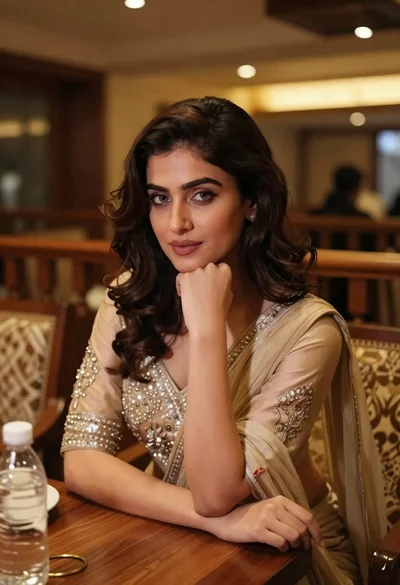
Young woman in traditional attire sitting at restaurant table with warm lighting
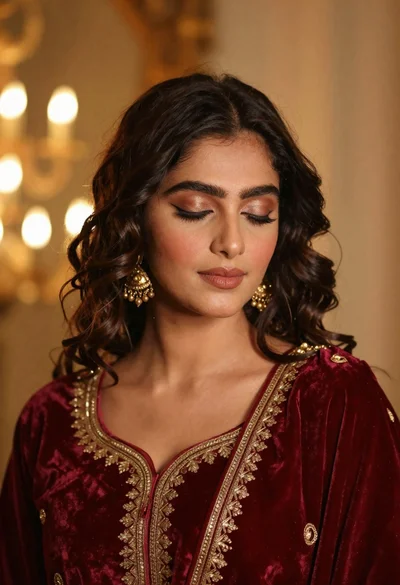
Portrait of young woman in red velvet dress with gold jewelry
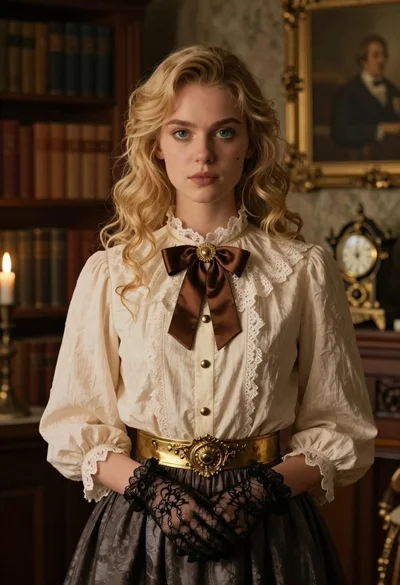
Portrait of young woman with blonde hair in lace blouse and gloves
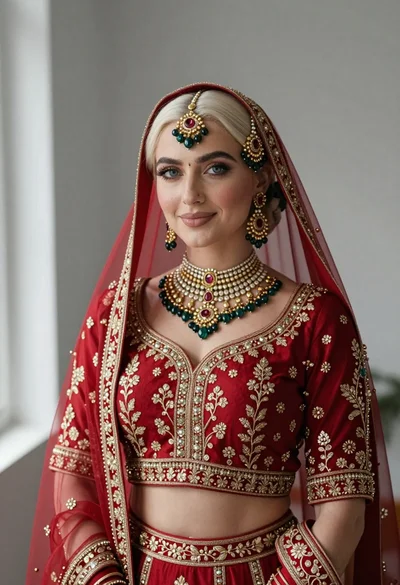
Portrait of fair woman in elaborate traditional indian bridal attire
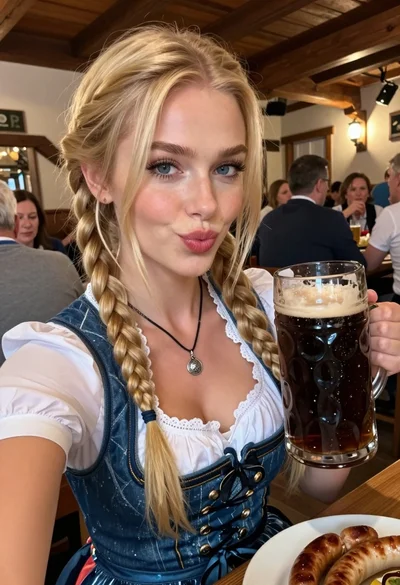
Close up selfie of blonde woman with beer mug at rustic pub
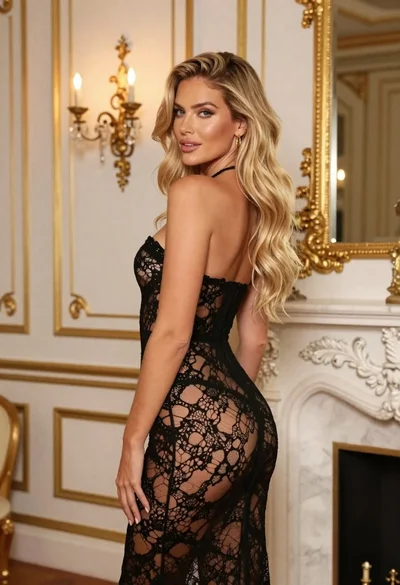
Blonde woman in black lace gown standing in opulent room setting
Close up portrait of blonde woman in black and white dress

Blonde woman in striped swimsuit seated on sofa indoors studio shot
Blonde woman in pink satin slip dress against grey marble tile background
Blonde woman in floral blouse seated in moody blue interior setting
