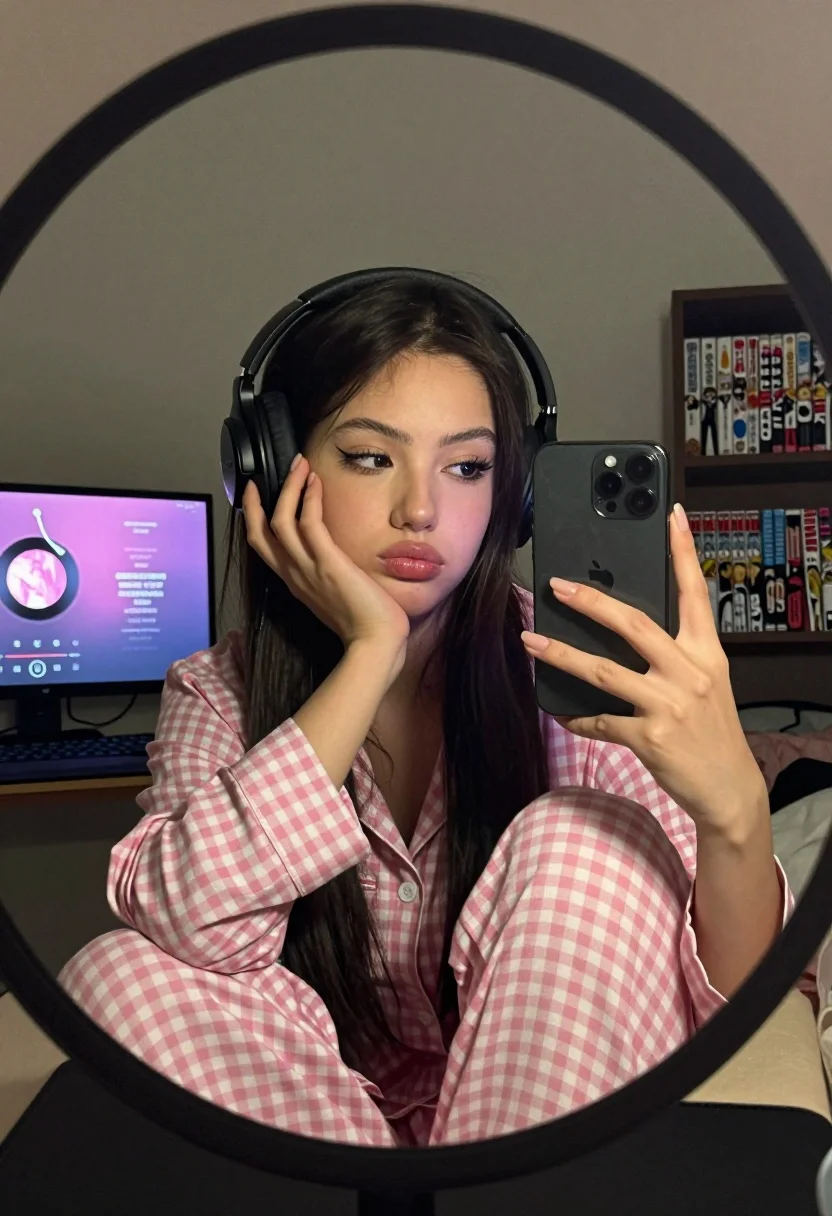
Young woman taking mirror selfie wearing pink checkered pajamas indoors
Prompt
A young woman with dark hair takes a mirror selfie while wearing large black headphones and pink checkered pajamas.

Subject: A young woman with long dark hair parted in the middle, featuring prominent winged eyeliner and a pouty expression as she looks sideways at her phone screen.

Clothing: She wears loose-fitting pink and white gingham check pajama pants and large black over-ear headphones covering her ears.

Action: She rests her chin on her left hand in a bored or thoughtful pose while holding a smartphone with her right hand to capture the reflection.

Environment: The scene is set indoors in a bedroom, framed by a round mirror with a thick dark rim, showing a computer monitor displaying a music player interface on the left and a bookshelf with manga volumes like One Piece and Death Note on the right.

Camera: A close-up shot taken through a circular mirror reflection, creating a vignette effect that frames the subject centrally within the oval shape of the glass.

Lighting: Soft ambient indoor lighting illuminates her face from the front, casting gentle shadows that highlight her features against the darker background.

Style Details: The image has a candid, lo-fi aesthetic with a slightly grainy texture and muted color palette typical of smartphone photography in low light.
Description
This prompt is useful for creating intimate bedroom vignettes, character concept art focusing on daily routines, and lifestyle content mimicking personal social media posts. The combination of 'soft ambient indoor lighting' with a 'slightly grainy texture' mimics the imperfect capture quality of smartphone photography, which grounds the scene in relatable realism rather than polished studio perfection.
Suggestions
- Change 'pink checkered pajamas' to 'navy blue flannel pajamas' for a different mood.
- Adjust 'pouty expression' to 'slight smirk' for more confidence.
- Swap 'circular mirror reflection' for 'rectangular mirror reflection' to change the framing geometry.
Category
Tags
BedroomBlack HairCasual WearClose UpFemaleIndoorsPortrait ShotRealisticSelfie
Date added
July 12, 2026
Added by
PromptDexter Team
Related Prompts
More prompts with similar categories and tags.

Blonde woman in black lingerie taking a mirror selfie

Selfie portrait of woman in cozy living room
Young woman selfie in dimly lit messy bedroom
Close up of young woman lying down in dimly lit bedroom
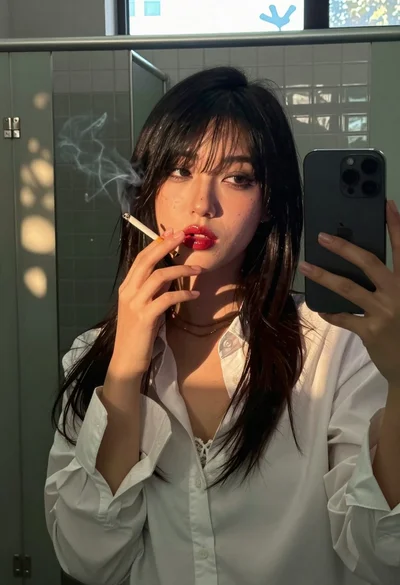
Young woman taking selfie in public restroom stall with cigarette smoke
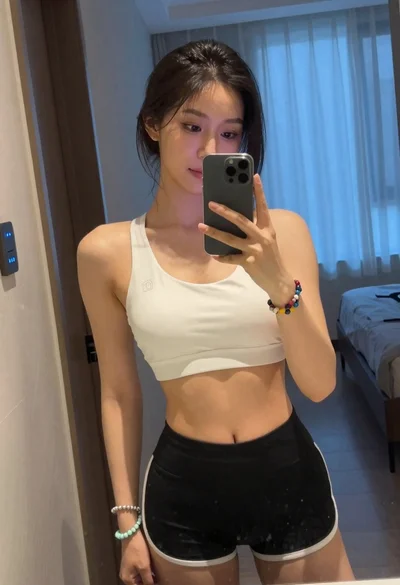
Young woman taking mirror selfie in white sports bra indoors
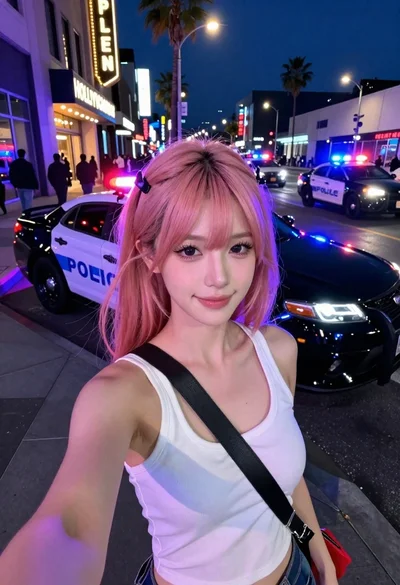
Selfie portrait on busy hollywood boulevard at night

Young woman taking a selfie seated in a car interior during daylight

Young woman taking a selfie in grocery aisle with pink smoothie

Young woman taking a selfie on bed with white floral sheets