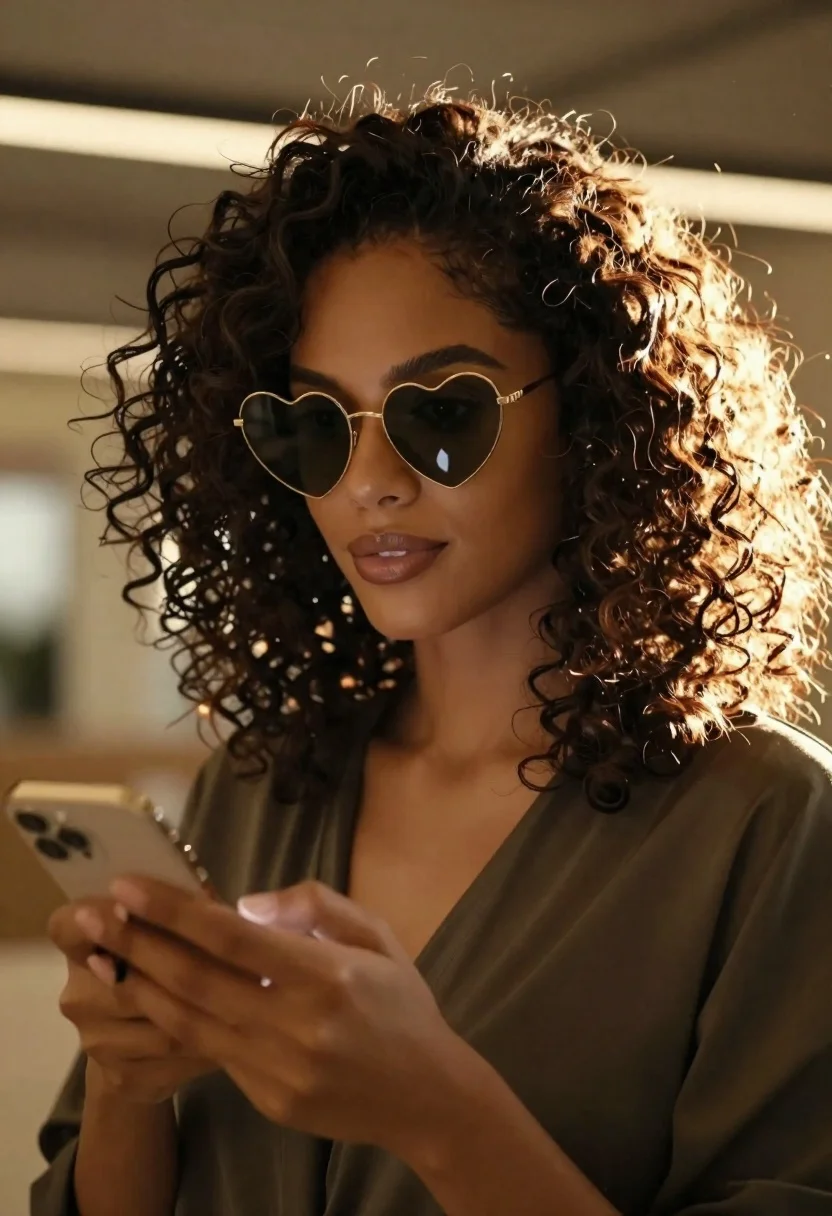
Closeup portrait of woman with dark curly hair holding smartphone indoors
Prompt
A close-up portrait of a woman with voluminous dark curly hair and heart-shaped gold sunglasses holding a smartphone in her hand.

Subject: A woman with deep skin tone, expressive eyes behind heart-shaped gold-rimmed sunglasses, and thick, textured dark curly hair that catches the light.

Clothing: She wears a dark, possibly olive or brown, draped top with a soft neckline.

Action: She holds a smartphone in her right hand near her chest, looking slightly off-camera with a calm, confident expression.

Environment: The background is an indoor setting with warm ambient lighting and blurred architectural lines suggesting a modern interior space.

Camera: Shot as a tight close-up portrait with a shallow depth of field that blurs the background and highlights the subject's hair and face.

Lighting: Strong golden backlighting creates a glowing halo effect around her curly hair, casting soft shadows on her face and emphasizing texture.

Style Details: The image features a cinematic color palette with warm tones, high contrast between light and shadow, and a polished, high-fashion aesthetic.
Description
This prompt is useful for creating editorial beauty shots, modern lifestyle advertising, and character concept art requiring immediate focus on facial detail. The combination of 'strong golden backlighting' producing a glowing halo effect around the hair, paired with the 'shallow depth of field,' ensures that the viewer's eye remains locked onto the subject's face while the background recedes into abstract color fields.
Suggestions
- Change 'heart-shaped gold sunglasses' to 'oversized cat-eye gold frames' for a different fashion vibe.
- Swap 'dark, possibly olive or brown, draped top' for 'black silk turtleneck' to simplify the clothing element.
- Adjust 'warm ambient lighting' to 'cool neon spill' for a more cyberpunk aesthetic.
Category
Tags
Black HairClose UpDark SkinFemaleIndoorsPortrait ShotRealistic
Date added
June 26, 2026
Added by
PromptDexter Team
Related Prompts
More prompts with similar categories and tags.

Close up portrait of smiling woman with dark hair resting head on
Portrait of woman in green saree and red blouse indoors
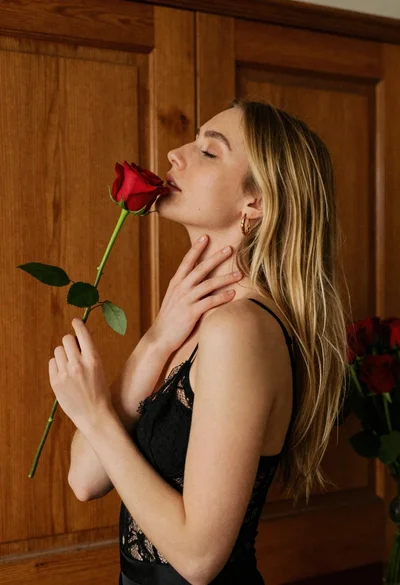
Young blonde woman in black lace camisole holding red rose indoors
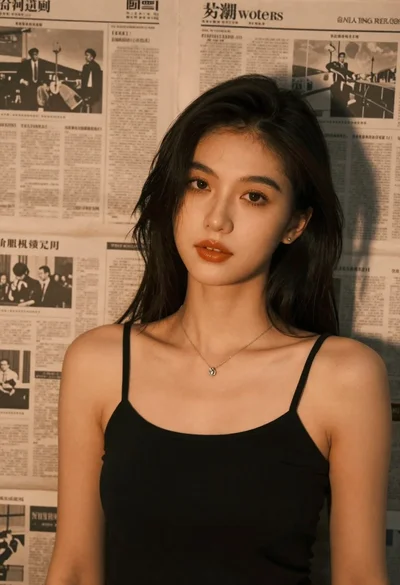
Brunette woman leaning against aged newspaper wall
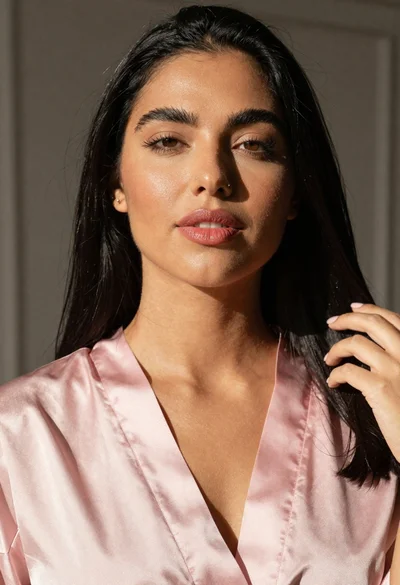
Studio portrait of woman in pink satin robe
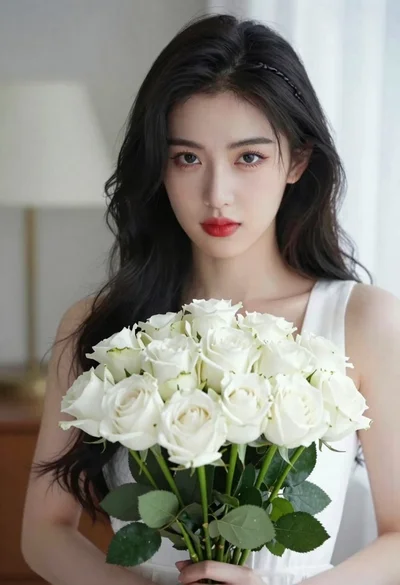
Portrait of young woman with black hair holding white roses bouquet
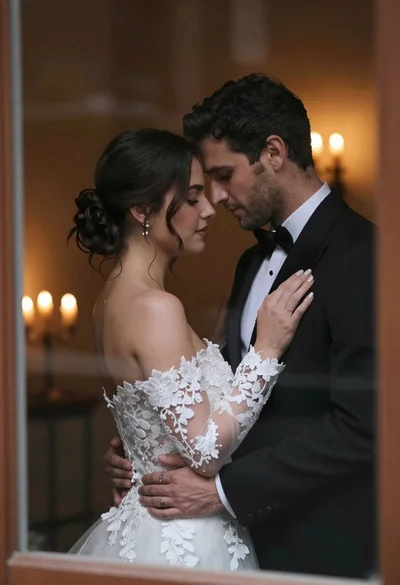
Bride and groom embracing intimately behind a glass window pane
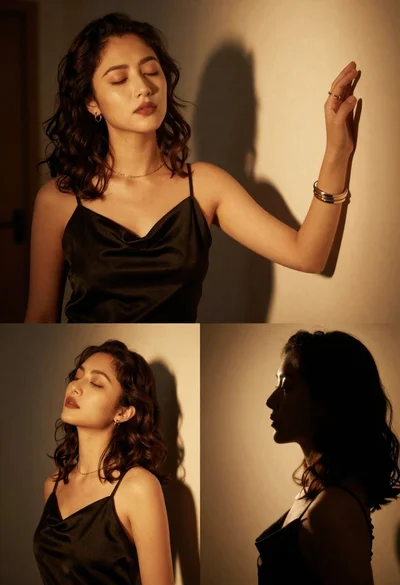
Cinematic portrait collage of woman in black satin dress with golden lighting