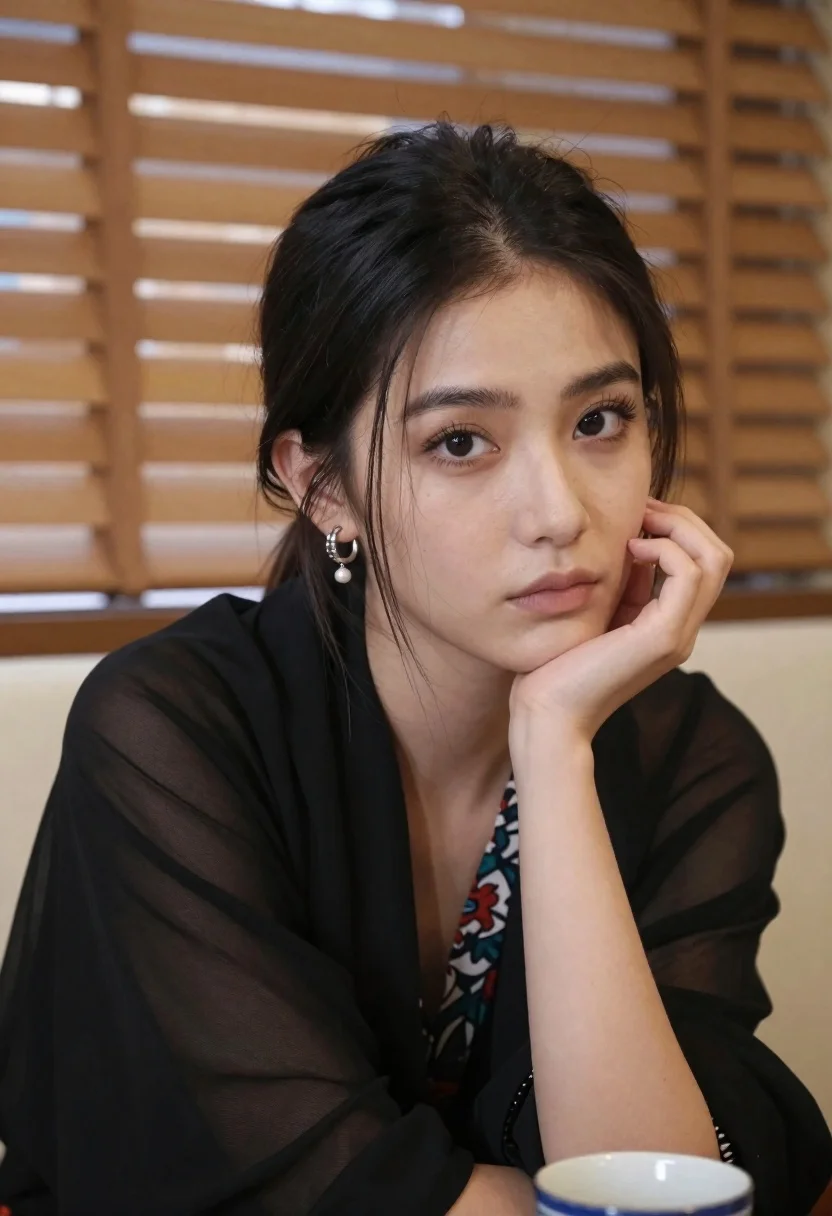
Closeup portrait of young woman with dark hair by window blinds
Prompt
A close-up portrait of a young woman with dark hair pulled back into a ponytail and loose strands framing her face.

Subject: A young woman with fair skin, large expressive dark eyes looking slightly to the side, and a neutral, contemplative expression. She has defined eyebrows and natural-looking makeup. Her hair is dark brown or black, tied back, with a few wisps falling near her cheek.

Clothing: She wears a black top covered by a sheer black shawl draped over her shoulders. Underneath the shawl, a patterned scarf with floral designs in shades of red, blue, and green is visible around her neck. She wears a silver-colored hoop earring with a dangling gemstone or pearl detail.

Action: She rests her chin on her left hand, with her fingers gently curled against her cheek in a pensive pose. Her gaze is directed away from the camera.

Environment: The background consists of vertical wooden blinds covering a window, creating horizontal lines of light and shadow. A cream-colored sofa or chair back is visible behind her shoulders.

Objects: A blue and white ceramic cup sits on a surface in the bottom right corner of the frame.

Lighting: Soft, diffused indoor lighting illuminates her face from the front, casting gentle shadows that define her features without harsh contrast. The light reflects softly off her skin and eyes.

Camera: Shot with a medium telephoto lens to compress the background and create a shallow depth of field, keeping the subject sharp while blurring the blinds behind her. The angle is slightly low, looking up at her face.

Style Details: Naturalistic photography with a focus on portrait aesthetics, featuring realistic skin texture and soft color grading.
Description
This prompt is useful for creating intimate character studies, moody editorial portraits, and atmospheric fine art prints. The combination of 'soft, diffused indoor lighting' and the background 'vertical wooden blinds covering a window' establishes a chiaroscuro effect that sculpts the subject's features while using patterned light and shadow to add visual complexity beyond simple front illumination.
Suggestions
- Change 'black top covered by a sheer black shawl' to 'velvet black top with an ivory lace shawl' for more texture.
- Swap 'blue and white ceramic cup' for 'single green glass vase' to complement the scarf colors.
- Adjust 'medium telephoto lens' to '85mm portrait lens' for tighter facial compression.
Category
Tags
Black HairFair SkinFemaleIndoorsMedium ShotPortrait ShotRealistic
Date added
June 19, 2026
Added by
PromptDexter Team
Related Prompts
More prompts with similar categories and tags.

Young woman in black crop top and cream trousers indoors looking over

Woman in black dress seated in dimly lit diner booth
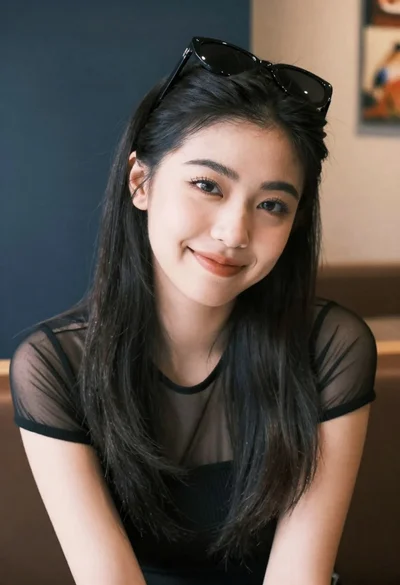
Medium close up portrait of young woman wearing black top and sunglasses
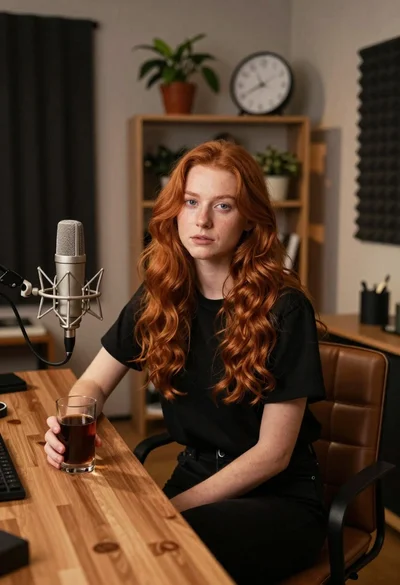
Young woman with red hair seated at wooden desk in cozy studio
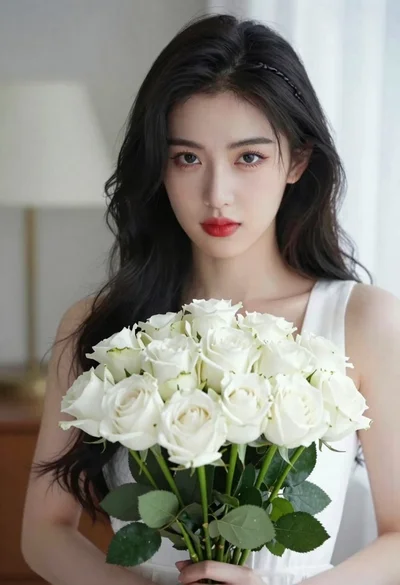
Portrait of young woman with black hair holding white roses bouquet
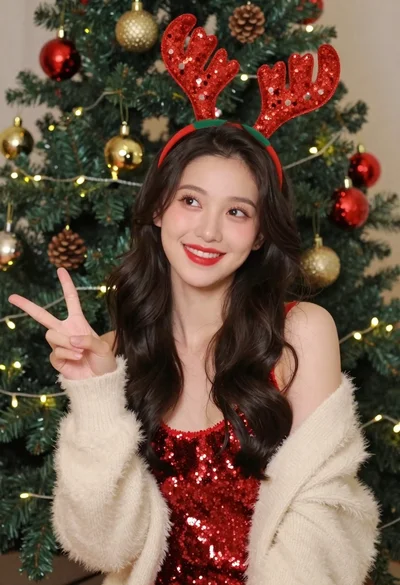
Cheerful young woman in sparkly red top posing by decorated christmas tree
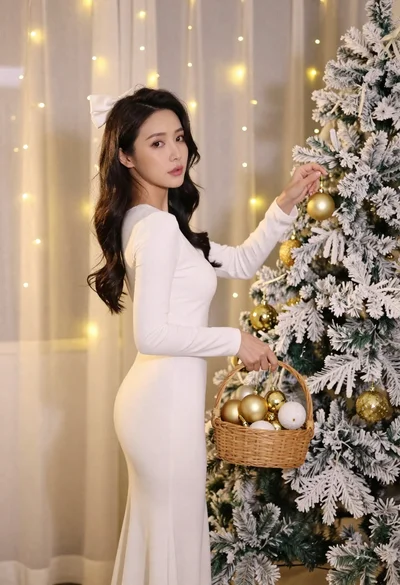
Woman in white dress hanging golden ornament on flocked christmas tree
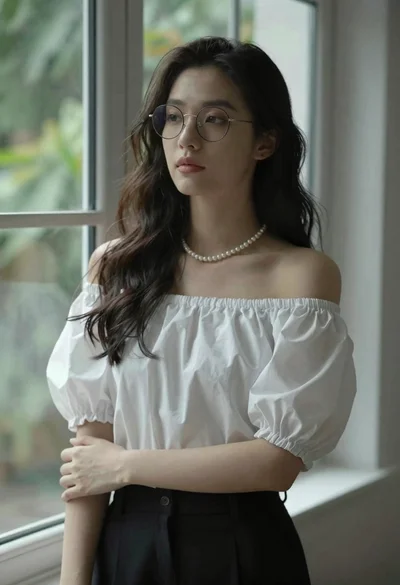
Portrait of young woman in white blouse standing near window
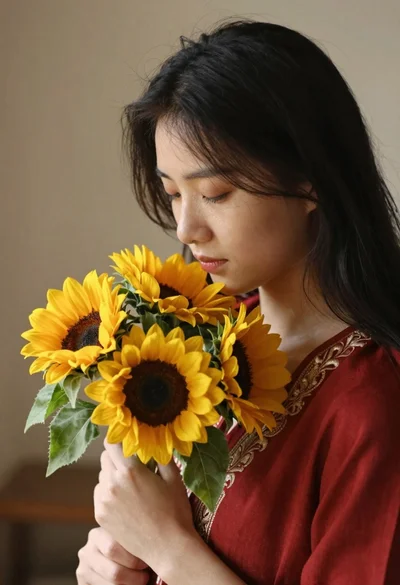
Young woman with black hair holding sunflowers in a red embroidered top
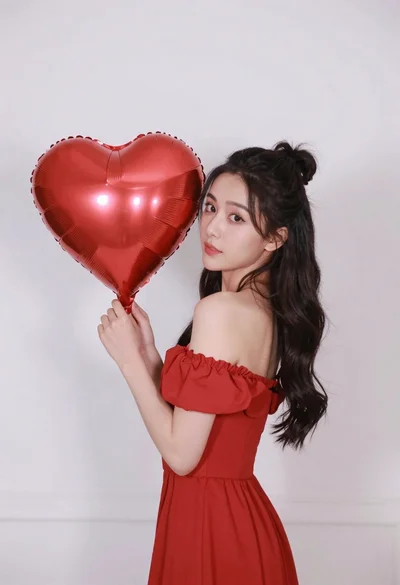
Woman in red dress holding heart shaped balloon against white wall