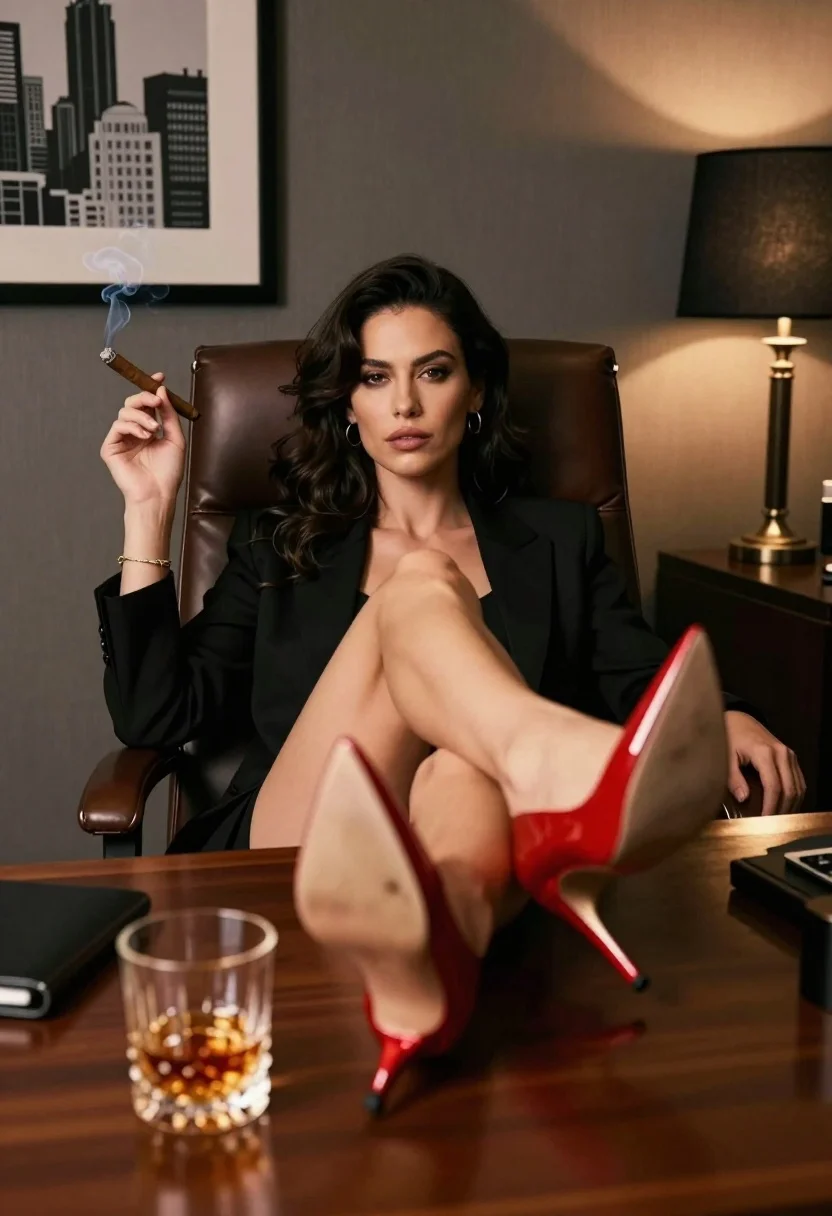
Confident woman in black suit reclines in leather chair with cigar smoke
Prompt
A confident woman reclines in a high-backed leather office chair with her legs crossed and feet resting on a polished wooden desk.

Subject: A woman with dark wavy hair, fair skin, and a direct, confident gaze at the camera. She has a gold bracelet on her left wrist and small hoop earrings.

Clothing: She wears a black blazer or suit jacket over a dark top. Her legs are bare, showcasing bright red patent leather high-heeled stiletto pumps.

Action: She holds a lit cigar in her right hand with smoke curling upwards. Her body is angled slightly to the left while looking straight ahead.

Environment: A dimly lit office interior featuring a grey textured wall and a framed black-and-white cityscape print on the left. A lamp with a black shade sits on the desk to the right.

Objects: A crystal glass tumbler filled with amber liquid, likely whiskey or bourbon, sits in the foreground on the desk. A leather-bound book or folder is partially visible near the glass.

Lighting: Warm, moody lighting emanates from the lamp on the right, casting soft highlights on her face and the red shoes while leaving parts of the room in shadow.

Camera: Low-angle shot looking up at the subject to emphasize her posture and the height of the heels, with a shallow depth of field keeping the focus sharp on her face and feet.

Style Details: Cinematic composition with high contrast, rich deep tones, and a glossy texture on the red shoes and wooden desk surface.
Description
This prompt is useful for creating cinematic character portraits, sophisticated editorial spreads, and moody narrative concept art. The combination of 'low-angle shot' and 'warm, moody lighting' emphasizes the subject's dominance and the luxurious materials like the 'red patent leather high-heeled stiletto pumps', ensuring the composition feels powerful rather than merely descriptive.
Suggestions
- Change 'black blazer or suit jacket' to 'velvet tuxedo jacket' for a richer texture.
- Swap 'amber liquid' for 'deep emerald liquid' to shift the color palette.
- Adjust 'shallow depth of field' to 'medium depth of field' to include more environmental context.
Category
Tags
Fair SkinFemaleLow AnglePortrait ShotRealisticStudio
Date added
July 3, 2026
Added by
PromptDexter Team
Related Prompts
More prompts with similar categories and tags.
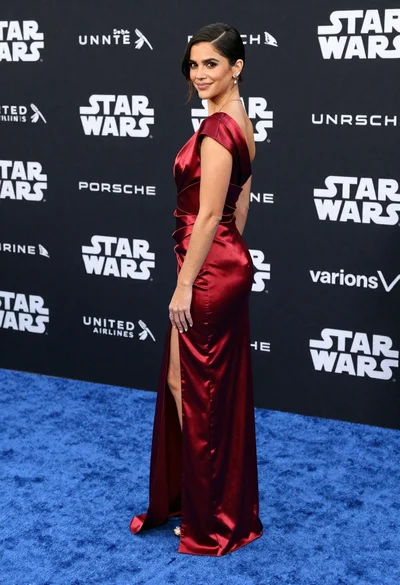
Woman in deep red satin gown standing on blue carpet at an
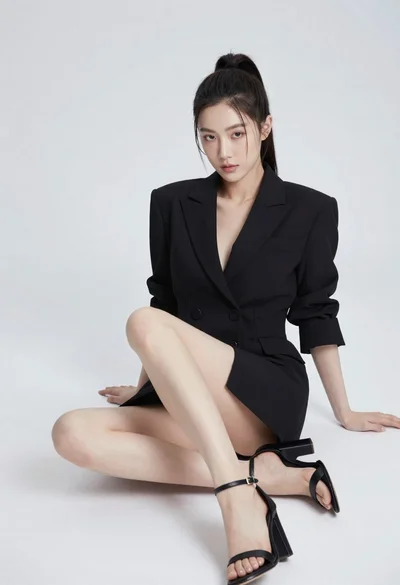
Young woman in black blazer dress sitting on white floor in studio
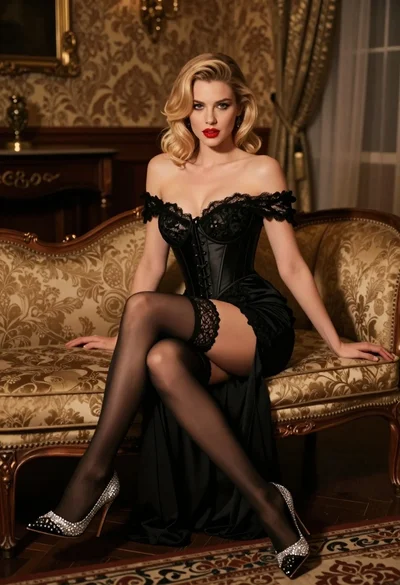
Glamorous blonde woman in black lace gown seated on vintage chaise lounge
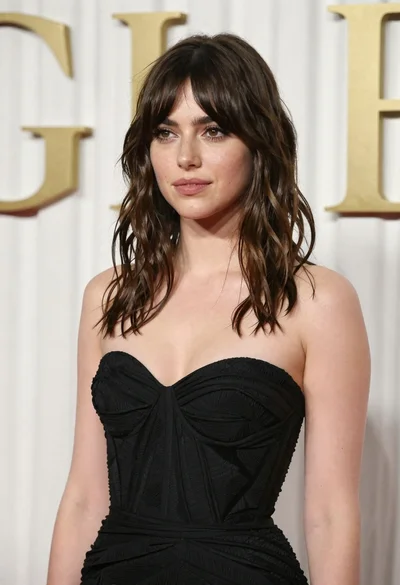
Young woman in black gown against white curtain backdrop studio portrait
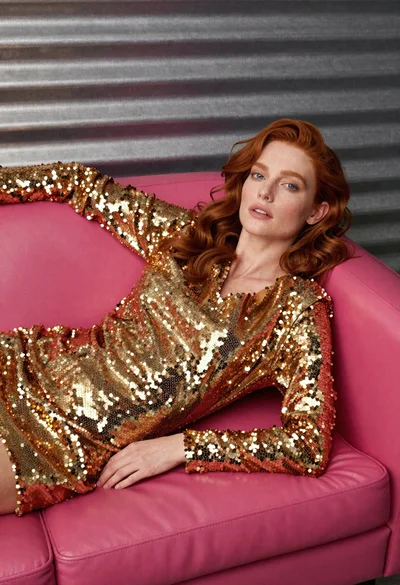
Woman in gold sequin jacket reclining on pink leather sofa
Close up portrait of blonde woman in champagne gown at gala
Fair blonde woman in metallic corset mini dress against light blue studio

Young woman in silver sequin top and lace dress against beige wall
Close up portrait of woman with dark magenta highlighted hair looking over
Young woman in white floral lace set on cream rug studio portrait