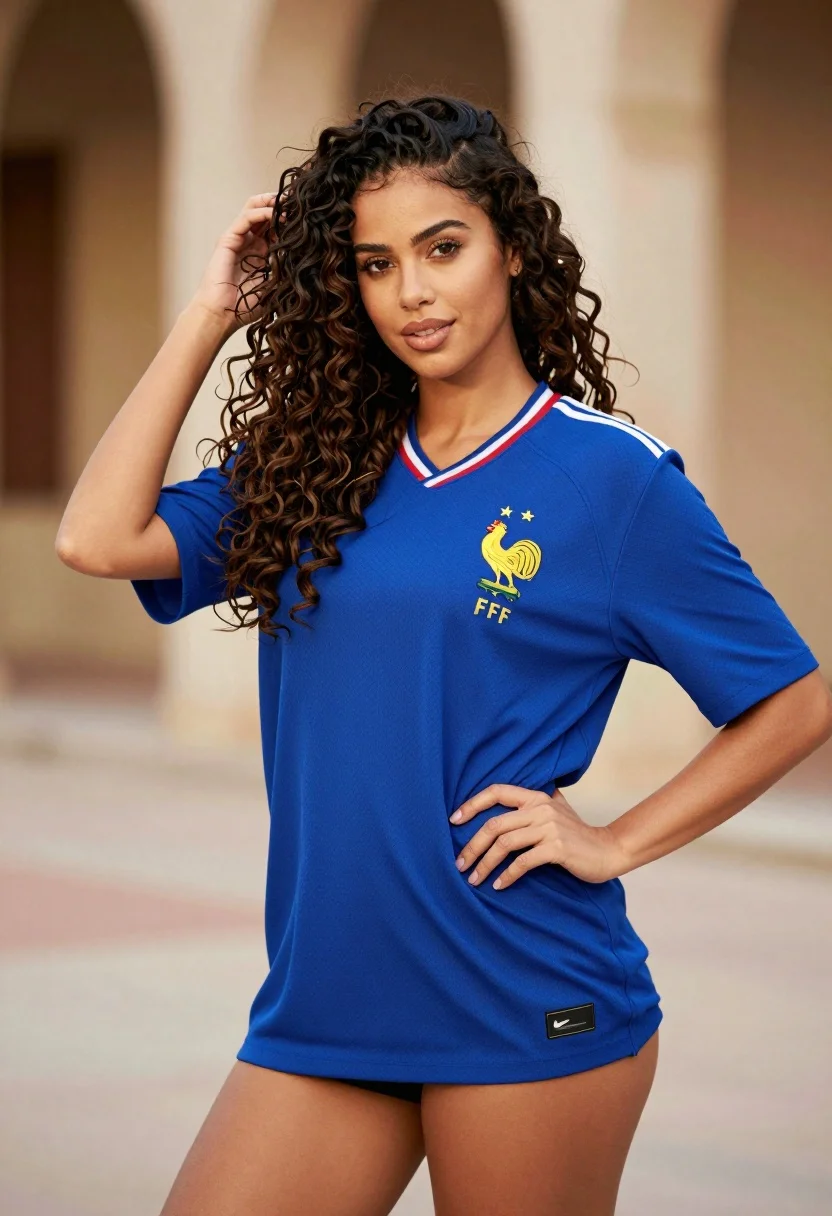
Confident woman in blue french football jersey posing outdoors with golden sunlight
Prompt
A confident woman with voluminous dark curly hair poses in a blue French football jersey.

Subject: A woman with long, wavy dark brown hair and warm skin tone looking directly at the camera with a slight smile.

Clothing: She wears an oversized royal blue short-sleeved jersey featuring white stripes on the shoulders, red and white trim on the collar, a yellow rooster crest with three stars, and the letters FFF below it; the shirt is worn low to reveal cleavage and her legs.

Action: Her left hand rests on her hip while her right hand runs through her hair near her scalp.

Environment: A blurred architectural background with warm tones suggesting an outdoor urban setting or courtyard.

Camera: Medium shot capturing the subject from the thighs up, with a shallow depth of field that keeps the background soft and out of focus.

Lighting: Warm golden sunlight illuminates her face and hair from the side, creating a soft glow and highlighting the texture of her skin and curls.

Style Details: Photorealistic portrait style with high detail in facial features and fabric texture, enhanced by warm color grading and smooth bokeh.
Description
This prompt is useful for creating editorial sports-themed portraits, lifestyle fashion editorials, and character concept art for athletic narratives. The combination of 'warm golden sunlight' hitting the side profile emphasizes the voluminous dark curly hair while the 'shallow depth of field' ensures that the detailed jersey pattern remains the focal point against a soft background.
Suggestions
- Change 'royal blue' to 'navy blue' for a more muted tone.
- Add 'film grain, 8k' to enhance the photorealistic texture.
- Swap 'yellow rooster crest' for 'minimalist geometric patch' to modernize the look.
Category
Tags
Brown HairCasual WearFemaleMedium ShotPortrait ShotRealisticUrban
Date added
July 3, 2026
Added by
PromptDexter Team
Related Prompts
More prompts with similar categories and tags.

Young woman in green jacket holding plush toy at festive carousel
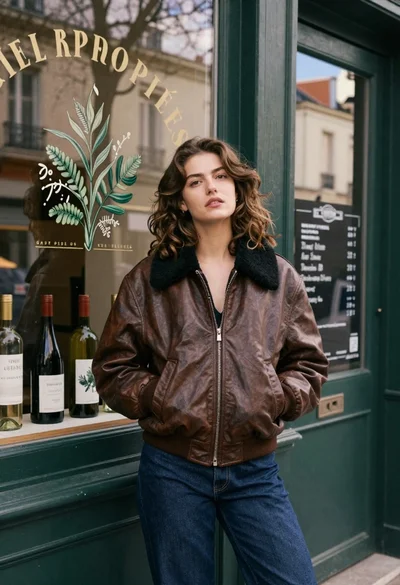
Young woman in brown leather bomber jacket leaning against shop door frame

Young woman leaning against white wall with beige handbag under bright sunlight

Young woman in white lace dress seated against soft floral backdrop

Young woman in black and white patterned outfit on urban rooftop
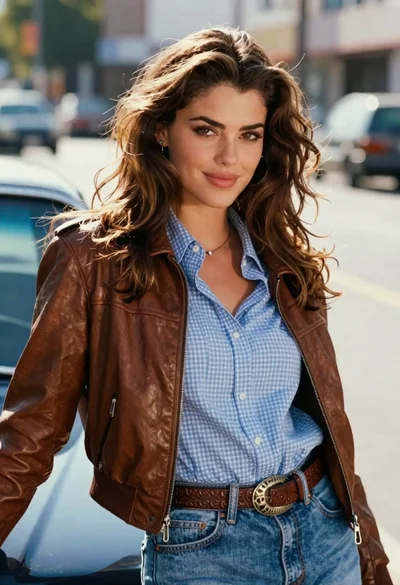
Young woman leaning against blue car hood in brown leather jacket
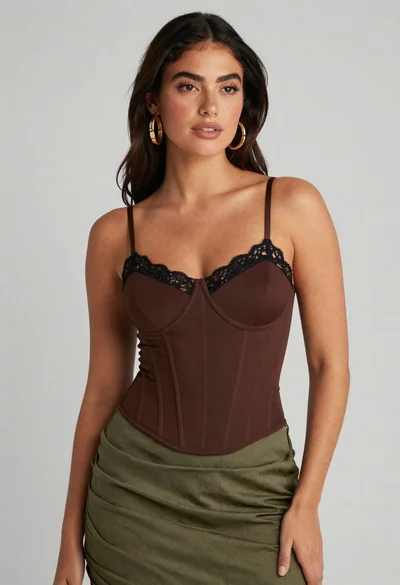
Confident woman in brown corset top and green skirt against gray background

Young woman in blue denim jacket posing against pale pink seamless background

Young woman seated on grey sofa against pink wall fashion portrait
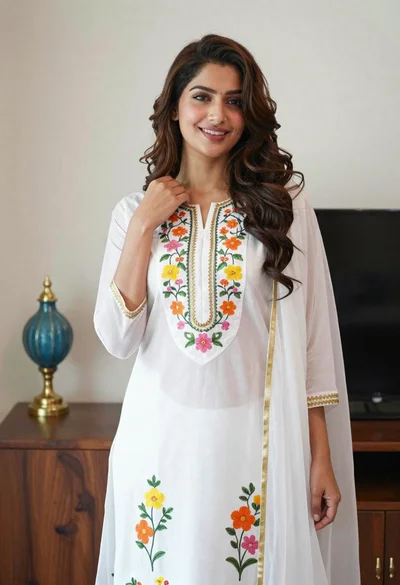
Smiling woman in floral kurta dress indoors with sheer dupatta drape