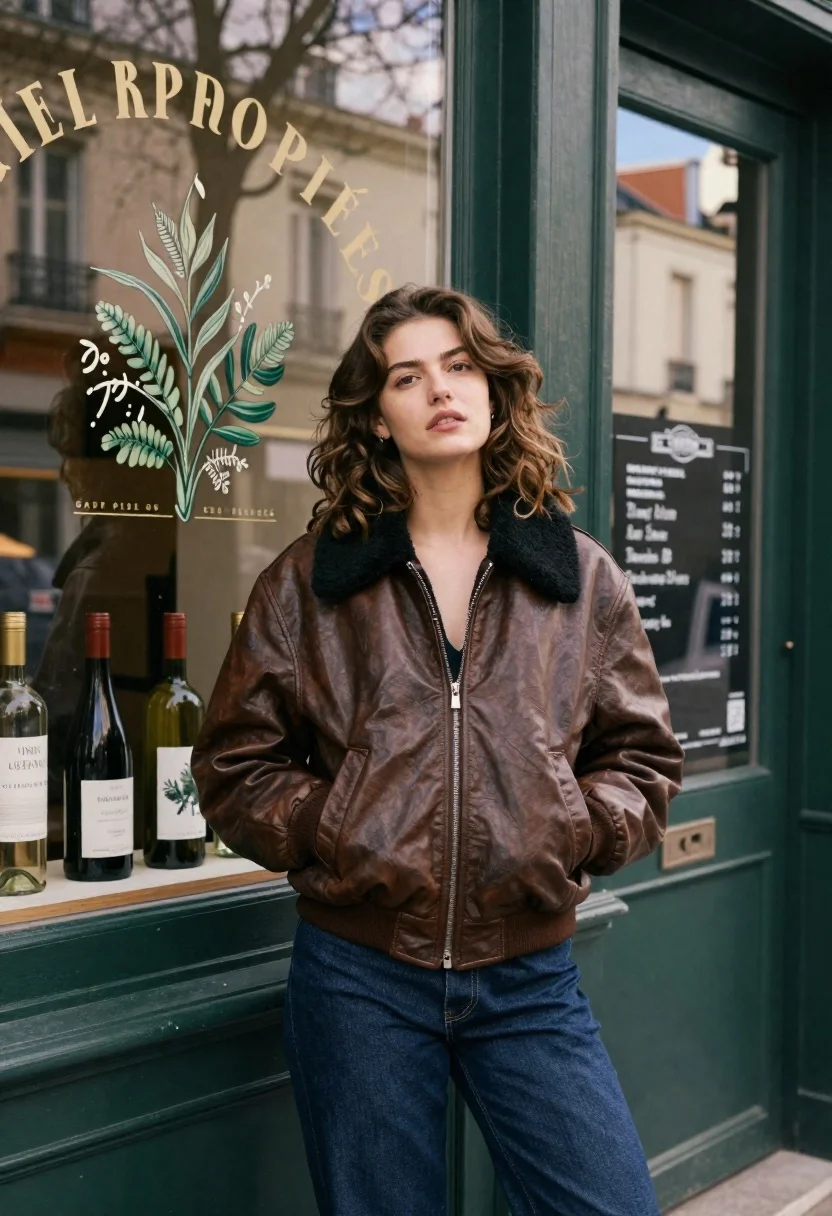
Young woman in brown leather bomber jacket leaning against shop door frame
Prompt
A young woman with wavy brown hair stands leaning against a dark green wooden door frame in front of a shop window.

Subject: A young woman with soft features and wavy shoulder-length brown hair looking slightly upward with a neutral expression.

Clothing: She wears a brown leather bomber jacket with a thick black shearling collar, zipped halfway up, revealing a hint of a dark top underneath, paired with dark blue jeans.

Action: She stands in a relaxed pose leaning against the door jamb with her left hand tucked into her jacket pocket and her head tilted slightly back.

Environment: The setting is an urban street scene featuring a shop window behind her displaying a botanical print and wine bottles on a shelf, with reflections of trees and sky visible in the glass.

Camera: Medium shot capturing the subject from the waist up with a shallow depth of field that blurs the background details while keeping the subject sharp.

Lighting: Soft natural daylight illuminates the scene creating gentle shadows and highlighting the texture of the leather jacket without harsh contrast.

Text/Graphics: The shop window features large arched lettering reading VINS DE PROPRIÉTÉS above a botanical illustration and a chalkboard menu to the right.

Style Details: Cinematic photography with film grain, muted earth tones, and a vintage aesthetic emphasizing texture and mood.
Description
This prompt is useful for creating cinematic street fashion editorials, character portraits for indie films, and moody lifestyle branding materials. The combination of 'brown leather bomber jacket' and the 'muted earth tones' grounds the subject in a specific time and place, while the 'shallow depth of field' ensures that the detailed texture of the leather remains the primary focus against the busy urban backdrop.
Suggestions
- Change 'dark green wooden door frame' to 'weathered brick archway' for more grit.
- Swap 'botanical print' for 'abstract graffiti mural' to modernize the background.
- Adjust 'soft natural daylight' to 'overcast diffused light' for less contrast.
Category
Tags
Brown HairCasual WearDark SkinFemaleMedium ShotOutdoorsPortrait ShotRealisticUrban
Date added
June 23, 2026
Added by
PromptDexter Team
Related Prompts
More prompts with similar categories and tags.

Young woman in green jacket holding plush toy at festive carousel
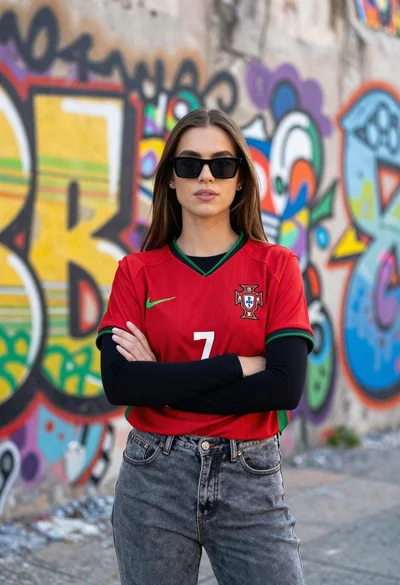
Confident young woman in red soccer jersey standing before colorful graffiti wall
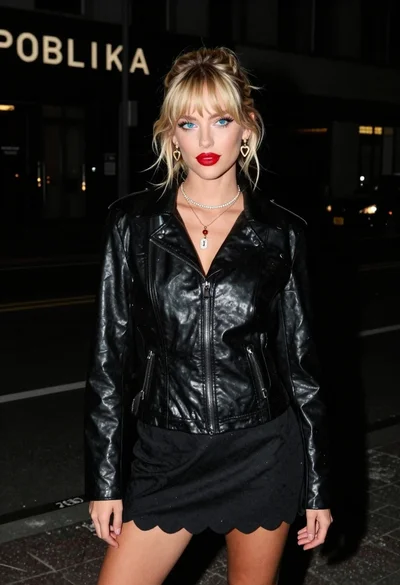
Young blonde woman in black leather jacket on dim urban street at

Young woman leaning against white wall with beige handbag under bright sunlight

Young woman in black and white patterned outfit on urban rooftop
Confident young woman in white vest against blurred urban background
Young woman in grey blouse and denim shorts on concrete wall
Confident woman in red top and black leather pants on city street
