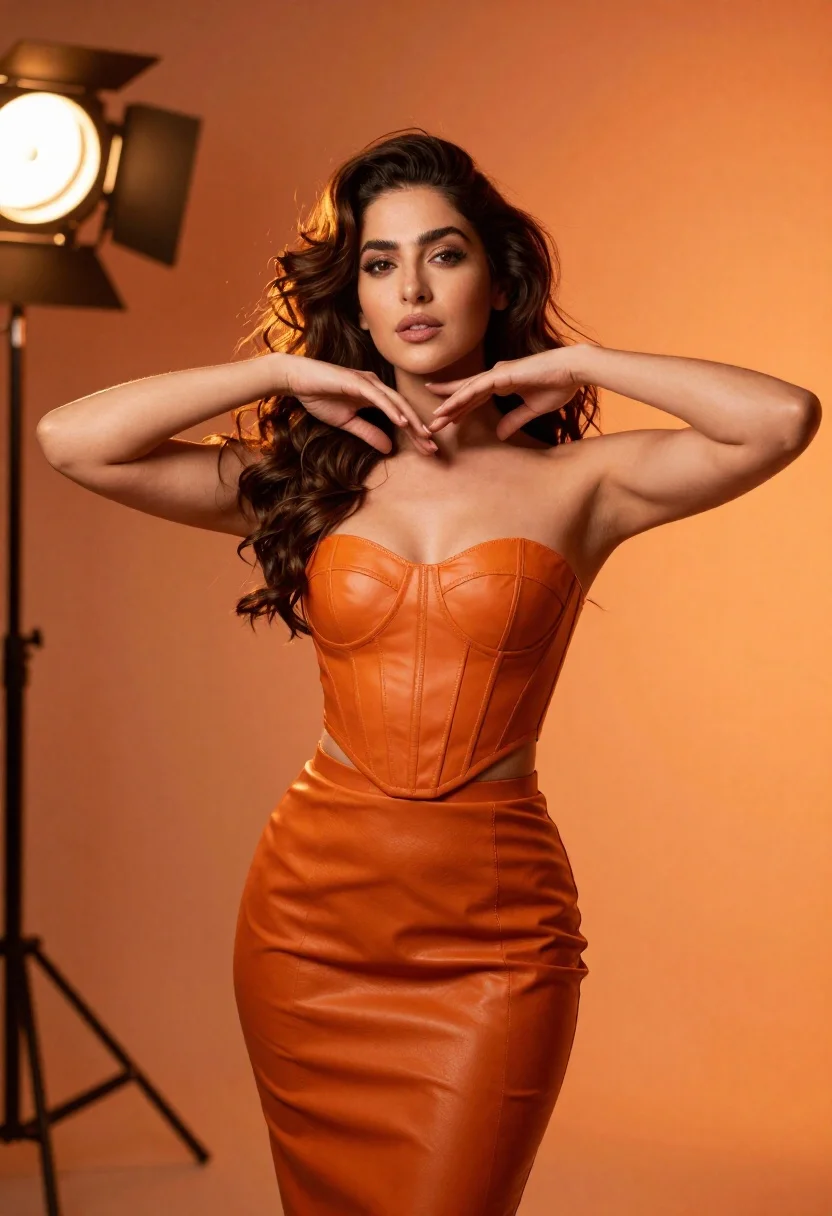
Confident woman in orange leather outfit posing in dramatic studio lighting
Prompt
A confident woman with voluminous wavy brown hair stands in a studio setting bathed in warm orange tones.

Subject: A beautiful woman with long, dark, wavy hair cascading over her shoulders and a poised, confident expression looking slightly away from the camera.

Clothing: She wears a matching two-piece outfit consisting of a structured, strapless orange leather corset top and a high-waisted pencil skirt that reveals a sliver of her midriff.

Action: Her hands are raised to frame her face and neck in a graceful pose, with one hand gently touching the side of her head.

Environment: The background is a solid, vibrant orange gradient featuring a bright circular spotlight on the left and diagonal light flares on the right.

Lighting: Dramatic studio lighting creates a high-contrast look with a strong key light source from the upper left, casting soft shadows and highlighting the texture of her skin and hair.

Camera: Shot with a medium telephoto lens to compress the background elements, utilizing a shallow depth of field that keeps the subject sharp while blurring the light sources into bokeh.

Style Details: The image features a cinematic color palette dominated by warm oranges and deep shadows, rendered with high fidelity and smooth skin textures typical of professional portrait photography.
Description
This prompt is useful for creating dramatic editorial fashion spreads, character concept art for film posters, and stylized beauty portraits requiring intense mood. The combination of 'high-contrast look' from the upper left key light against the 'solid, vibrant orange gradient' ensures that the 'orange leather corset top' maintains visible material texture rather than appearing flat, while the 'shallow depth of field' isolates the subject's 'poised, confident expression' against the blurred background.
Suggestions
- Change 'warm orange tones' to 'burnt sienna and gold' for a richer palette.
- Swap 'medium telephoto lens' for '85mm prime lens' for more flattering compression.
- Adjust 'diagonal light flares on the right' to 'subtle smoke tendrils' for less visual noise.
Category
Tags
Brown HairBrunetteFemaleMedium ShotPortrait ShotRealisticStudio
Date added
June 19, 2026
Added by
PromptDexter Team
Related Prompts
More prompts with similar categories and tags.
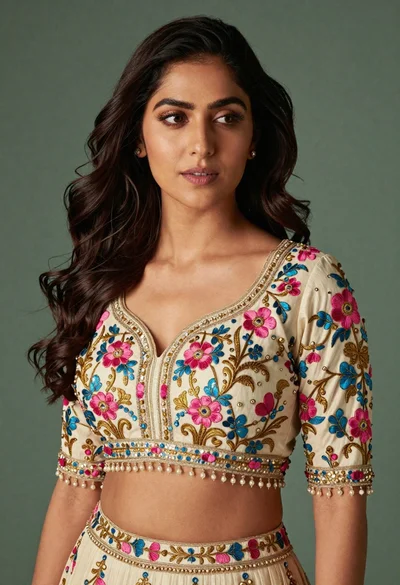
Medium close up portrait of woman in ornate cream lehenga choli
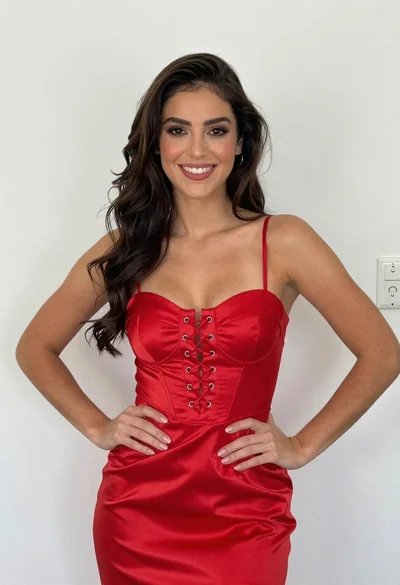
Smiling young woman in red satin dress against a plain white wall

Young woman in black graphic tshirt against white paneled wall
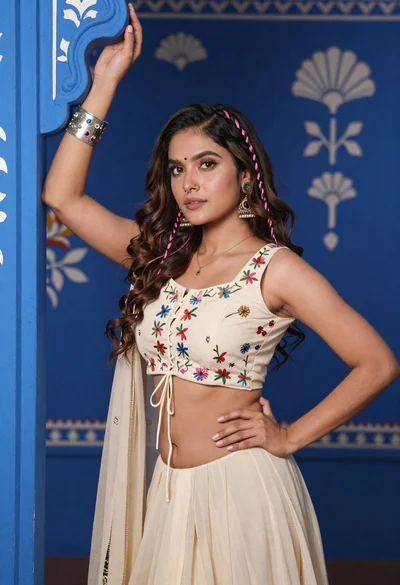
Young woman with brown hair posing by blue floral patterned wall

Portrait of woman in elaborate red feathered gown against vivid blue background

Glamorous woman posing in shimmering two piece outfit against green backdrop
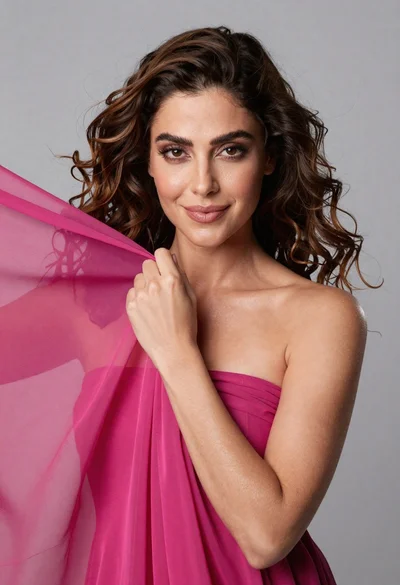
Medium close up portrait of woman with brown wavy hair in magenta
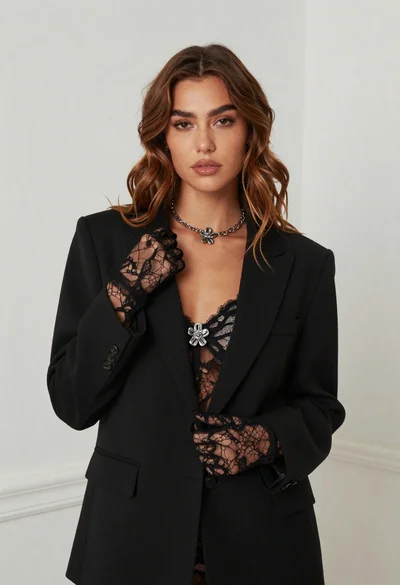
Fair skinned woman in black blazer against white studio wall
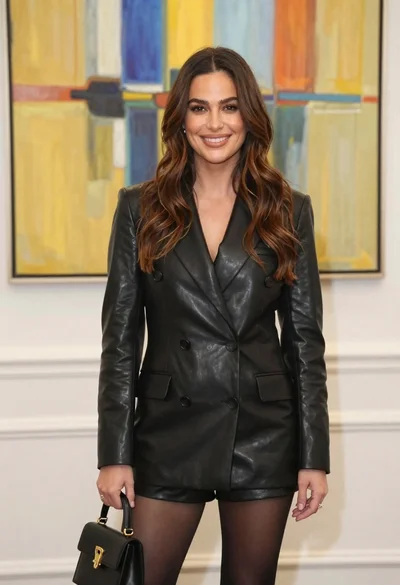
Woman in black leather blazer and shorts against abstract art background
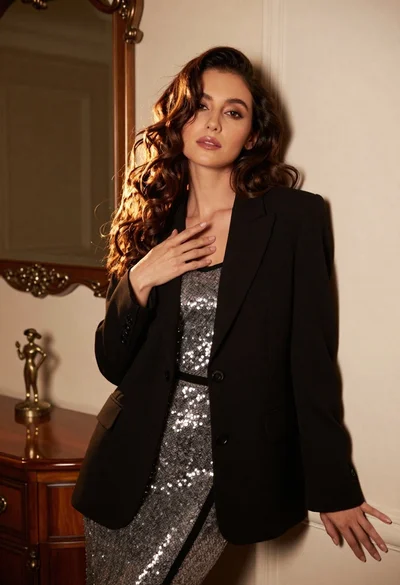
Poised woman in black blazer and silver dress indoors