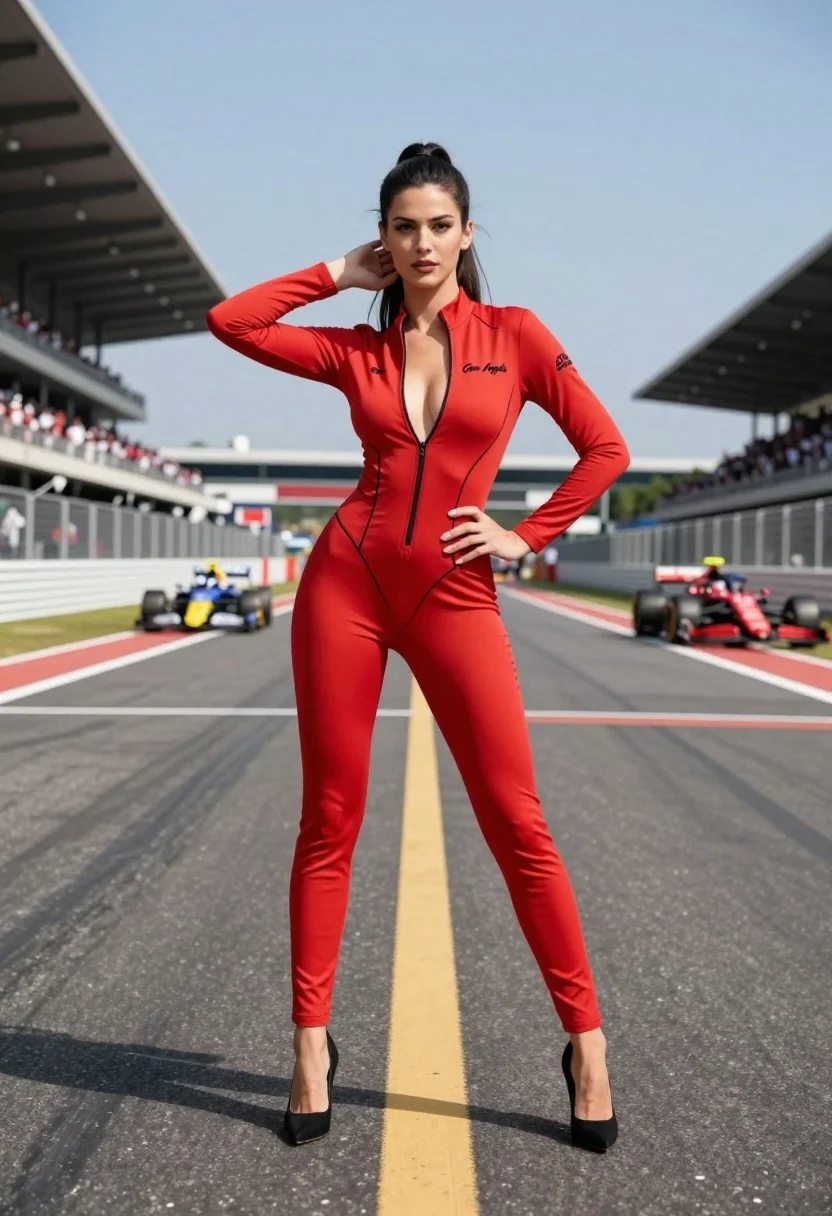
Confident woman in red bodysuit posing on an asphalt race track
Prompt
A confident woman stands in the center of a Formula One race track wearing a striking red bodysuit with black piping and cutouts.

Subject: A tall woman with long dark hair styled in a ponytail, featuring defined facial features and a serious, direct gaze.

Clothing: She wears a form-fitting red long-sleeved bodysuit with a deep plunging neckline, black trim along the seams, and the text "Gen Angels" written in script on the chest and left sleeve; she is wearing black high-heeled pumps.

Action: She stands with one hand on her hip and the other hand raised to touch her hair near her ear, posing confidently for the camera.

Environment: The setting is a professional race track with asphalt ground marked by white and yellow lines, flanked by grandstands filled with spectators in the background under a clear blue sky.

Camera: A full-body shot taken from a low angle looking up at the subject, emphasizing her height against the wide track and distant crowd.

Lighting: Bright natural daylight illuminates the scene evenly, casting soft shadows on the ground and highlighting the texture of the red fabric.

Style Details: High-definition photography with sharp focus on the foreground subject and a shallow depth of field that blurs the background cars and stands.
Description
This prompt is useful for creating high-energy fitness advertising, editorial sportswear campaigns, and dramatic concept art featuring athletic figures. The combination of 'low angle looking up at the subject' and 'full-body shot' exaggerates her height against the wide track, while the 'shallow depth of field' ensures that the viewer's focus remains sharply on the striking red bodysuit despite the busy background elements like grandstands and cars.
Suggestions
- Change 'Formula One race track' to 'desert asphalt runway' for a different mood.
- Swap 'red bodysuit' for 'metallic crimson unitard' to alter the material reflection.
- Adjust 'Bright natural daylight' to 'harsh midday sun' for stronger contrast.
Category
Tags
Black HairFemaleFull BodyLow AngleOutdoorsPortrait ShotRealisticSportswearStreet
Date added
August 5, 2026
Added by
PromptDexter Team
Related Prompts
More prompts with similar categories and tags.

Blonde woman in racing uniform holding umbrella at sunny pit lane

Confident woman in red bodysuit posing at formula one race track low
Woman in white dress leaning against classic black ferrari car outdoors
Glamorous woman in purple dress sitting on white convertible car hood
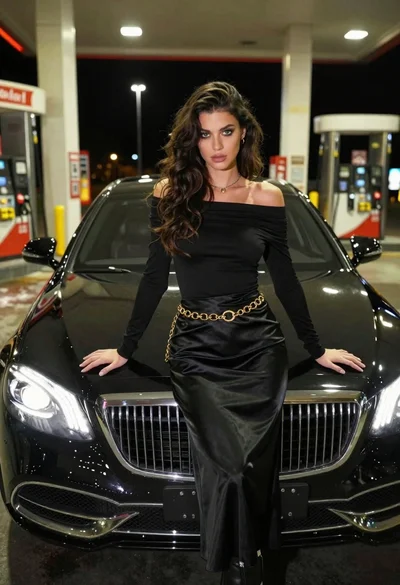
Confident woman in black dress posing by luxury sedan at gas station

Woman leaning on red ferrari at sunny coastal cliffside location
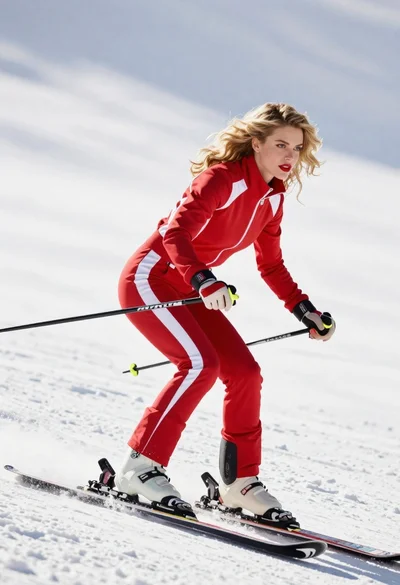
Blonde woman skiing in red tracksuit against snowy bright landscape
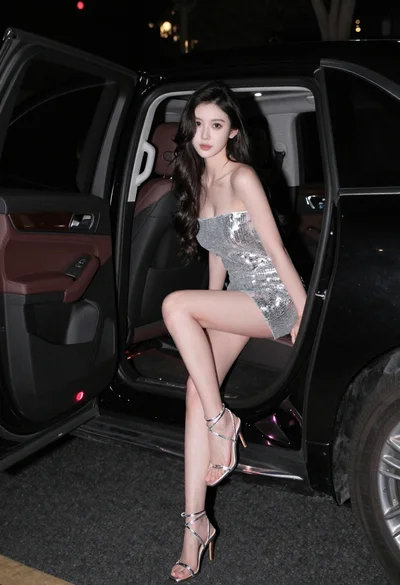
Glamorous woman in silver sequin dress sitting in luxury car at night
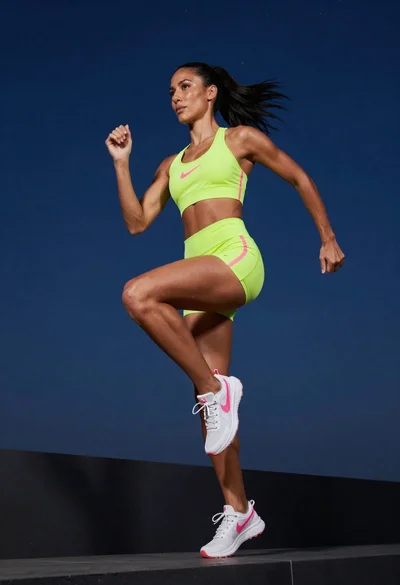
Fit woman in neon lime green athletic wear running mid stride
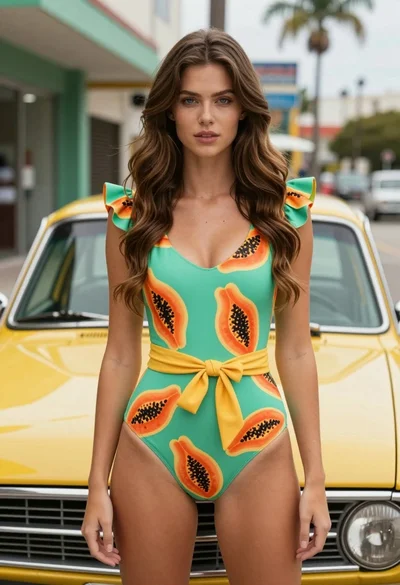
Fair skinned woman in green papaya swimsuit by vintage yellow car on