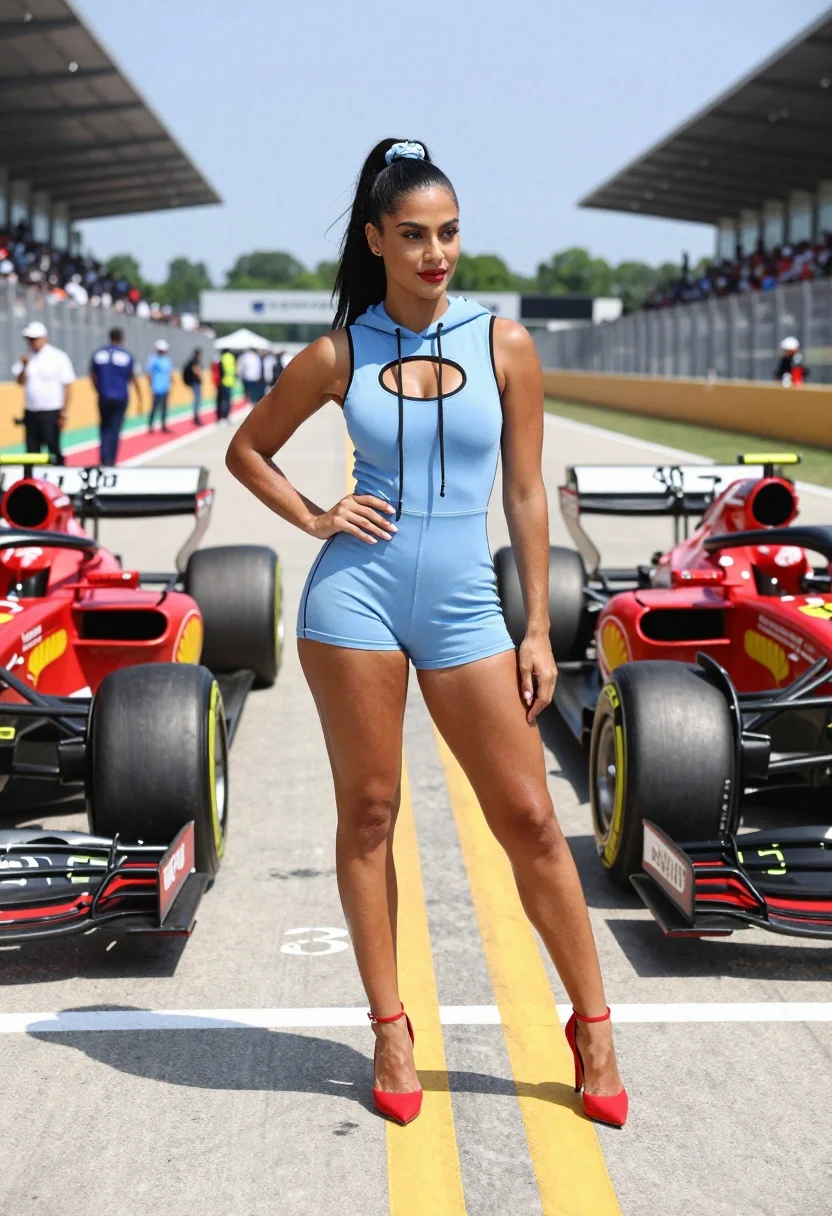
Confident woman in blue bodysuit between two formula one race cars
Prompt
A confident woman stands in the center of a Formula One race track pit lane, flanked by two racing cars.

Subject: A fit woman with dark skin and long black hair tied back in a high ponytail secured with a light blue scrunchie. She has defined eyebrows, subtle eye makeup, and red lipstick. Her expression is poised and she gazes slightly to the side.

Clothing: She wears a form-fitting, sleeveless light blue bodysuit that resembles a hoodie with a hood resting on her shoulders. The suit features black piping along the seams and a cutout chest design with drawstrings hanging down. She wears red high-heeled ankle-strap pumps.

Action: She stands in a relaxed but confident pose with one hand on her hip and the other arm hanging by her side, legs slightly apart.

Environment: The setting is a sunny outdoor race track pit lane. In the background, there are grandstands filled with spectators, safety barriers, and green trees under a clear blue sky.

Camera: A medium-full shot capturing the subject from head to toe, framed between two cars. The angle is straight-on with a shallow depth of field that keeps the subject sharp while slightly blurring the background crowd and distant track elements.

Lighting: Bright, natural sunlight coming from overhead, casting distinct shadows on the asphalt beneath her feet and creating highlights on her skin and clothing.

Objects: Two Formula One racing cars are positioned on either side of her, partially visible, showing their front wings, tires, and red liveries with sponsor logos like Shell and Ferrari. The ground is marked with yellow and white lines and numbers.
Description
This prompt is useful for creating editorial sports features, high-fashion automotive editorials, and promotional campaign imagery that merges athleticism with glamour. The combination of 'form-fitting, sleeveless light blue bodysuit' against the aggressive backdrop of 'Formula One racing cars' uses 'bright, natural sunlight coming from overhead' to sculpt defined shadows on the asphalt, which grounds the subject in a hyper-realistic, high-stakes environment.
Suggestions
- Change 'light blue bodysuit' to 'metallic silver bodysuit' for a more futuristic look.
- Swap 'red lipstick' for 'nude lip color' to tone down the contrast with the cars.
- Adjust 'medium-full shot' to 'low angle full body shot' to make the subject appear more dominant.
Category
Tags
Black HairBrunetteDark SkinFemaleFull BodyMedium ShotOutdoorsRealisticSportswearStreetVehicle
Date added
August 5, 2026
Added by
PromptDexter Team
Related Prompts
More prompts with similar categories and tags.
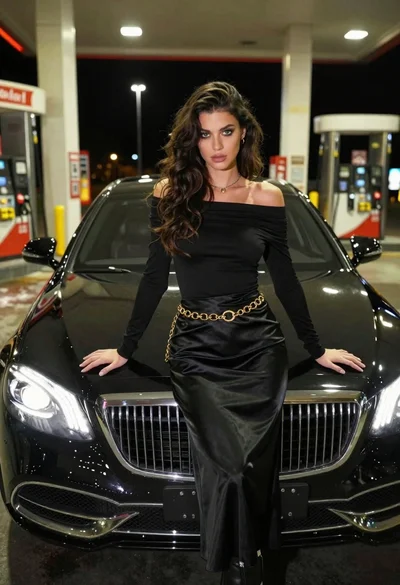
Confident woman in black dress posing by luxury sedan at gas station
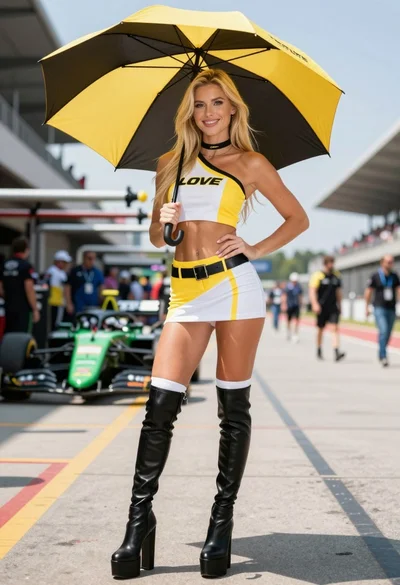
Blonde woman in racing uniform holding umbrella at sunny pit lane
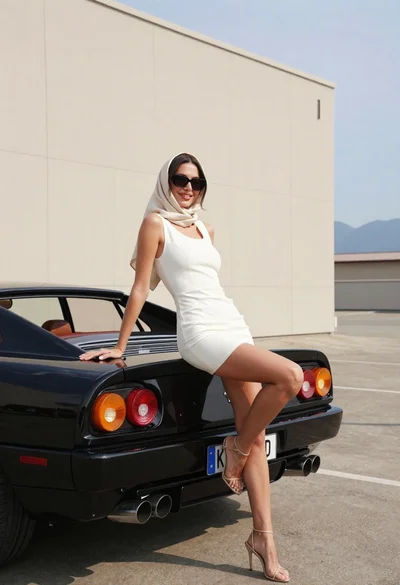
Woman in white dress leaning against classic black ferrari car outdoors
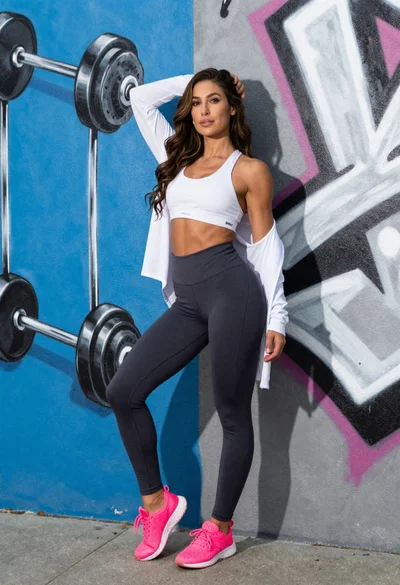
Fit woman leaning against vibrant graffiti wall with sports attire
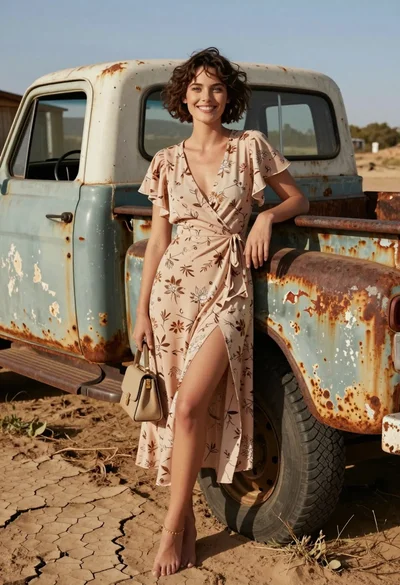
Smiling woman in floral dress by rusty vintage pickup truck in dry
Woman with brown hair sitting on a white vintage convertible at wet
Confident woman in red bodysuit posing at formula one race track low
Woman in coral latex bodysuit holding umbrella near race car pit lane
Woman in black leather outfit leaning on vintage car in desert
Smiling young woman leaning on black suv parked on paved street