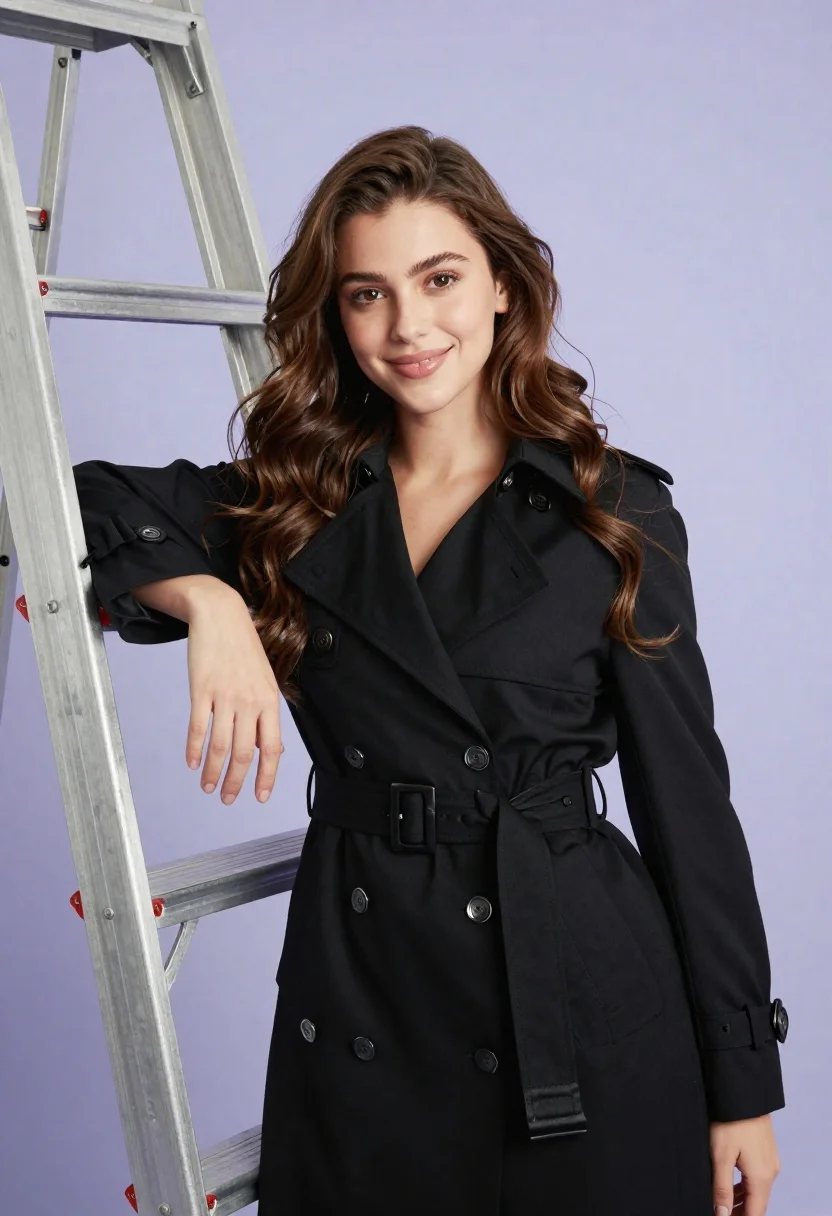
Confident young woman in black trench coat posing with silver ladder in
Prompt
A confident young woman with long wavy brown hair stands smiling gently at the camera in a professional studio portrait.

Subject: A young woman with fair skin and long, voluminous wavy brown hair that cascades over her shoulders. She has dark eyes and a soft, pleasant smile.

Clothing: She wears a structured black double-breasted trench coat featuring silver buttons, a wide belt with a buckle, and satin lapels. The sleeves have buttoned cuffs.

Action: She leans casually against a metal ladder with her right arm resting on the rung, while her left hand hangs by her side. Her gaze is directed straight at the viewer.

Environment: A plain light purple studio backdrop fills the background, providing a clean and neutral setting.

Objects: A silver aluminum extension ladder stands vertically to the left of the frame, partially behind the woman.

Lighting: The scene is lit with soft, even studio lighting that highlights her face and hair without creating harsh shadows, resulting in a polished look.

Camera: The shot is framed as a medium close-up from a slightly low angle, emphasizing the subject's presence against the ladder.

Style Details: High-resolution commercial photography with smooth skin texture, vibrant colors, and a clean aesthetic typical of fashion or portrait modeling.
Description
This prompt is useful for creating high-end catalog imagery, editorial fashion spreads featuring architectural props, and sophisticated character portraits. The combination of 'structured black double-breasted trench coat' with the 'silver aluminum extension ladder' grounds the subject in a specific, industrial context while the 'soft, even studio lighting' ensures that the focus remains on her 'soft, pleasant smile' rather than harsh shadows.
Suggestions
- Change 'plain light purple studio backdrop' to 'charcoal gray seamless paper' for a moodier feel.
- Swap 'silver aluminum extension ladder' for 'raw steel scaffolding' to increase industrial grit.
- Adjust 'medium close-up' to 'full body shot' to better incorporate the ladder.
Category
Tags
Brown HairFair SkinFemaleFormal WearLow AngleMedium ShotRealisticSide ProfileStudio
Date added
June 26, 2026
Added by
PromptDexter Team
Related Prompts
More prompts with similar categories and tags.

Young woman in blue denim jacket posing against pale pink seamless background
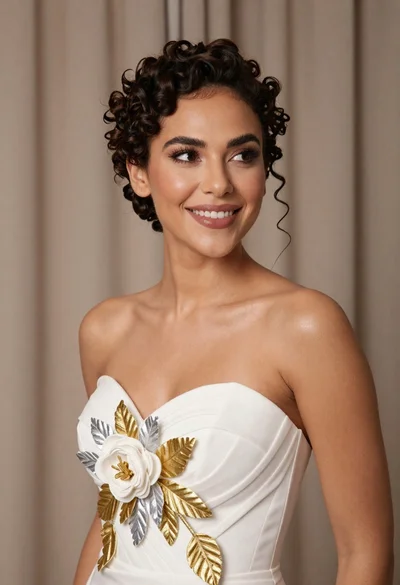
Medium close up portrait of woman in white gown with floral appliqué
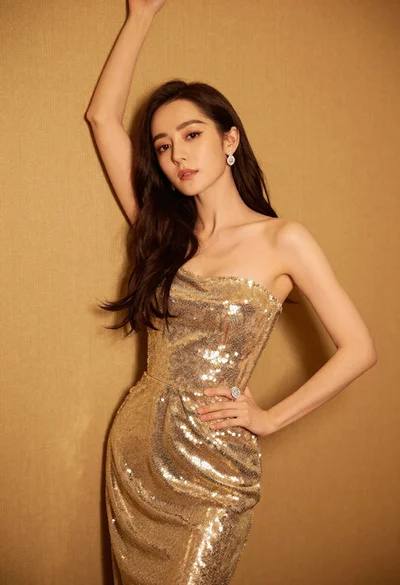
Glamorous woman in shimmering gold gown posing against warm textured wall
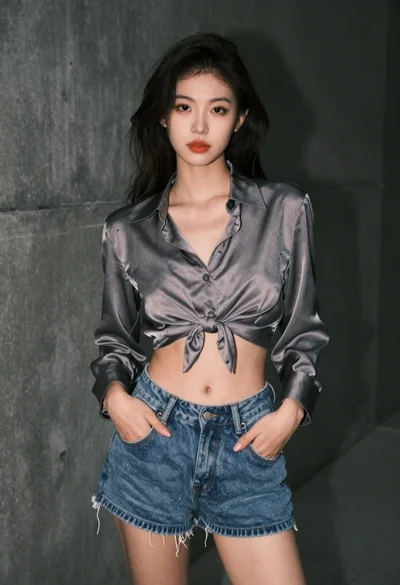
Young woman in grey blouse and denim shorts on concrete wall
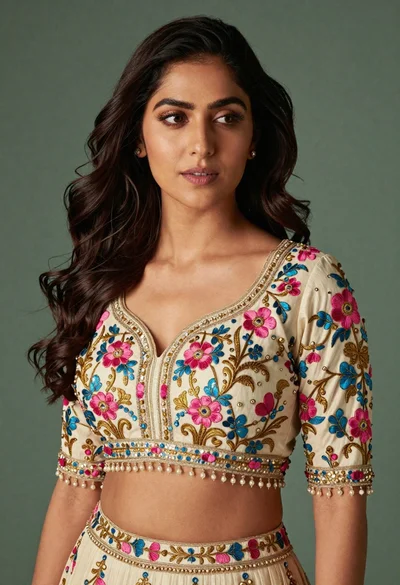
Medium close up portrait of woman in ornate cream lehenga choli
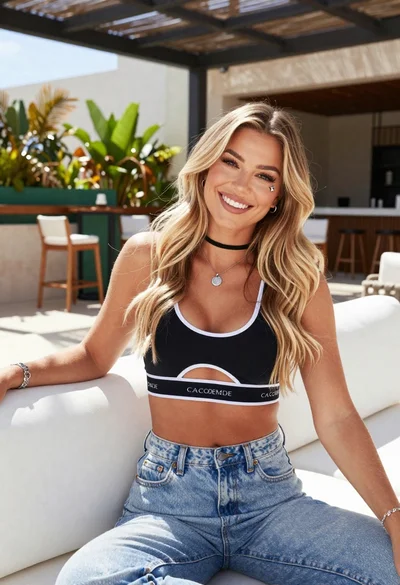
Smiling blonde woman in sports bra sitting on outdoor lounge chair

Young woman in black graphic tshirt against white paneled wall
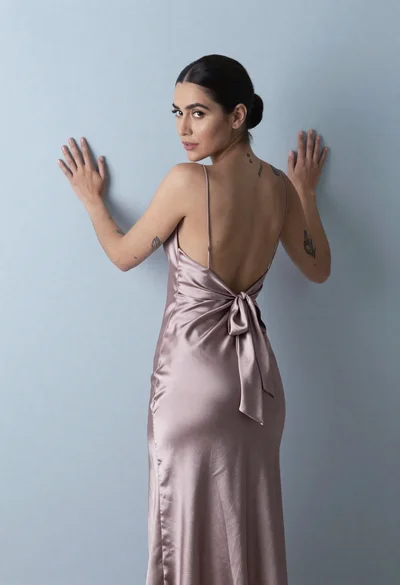
Woman in dusty rose slip dress looking over shoulder against light blue