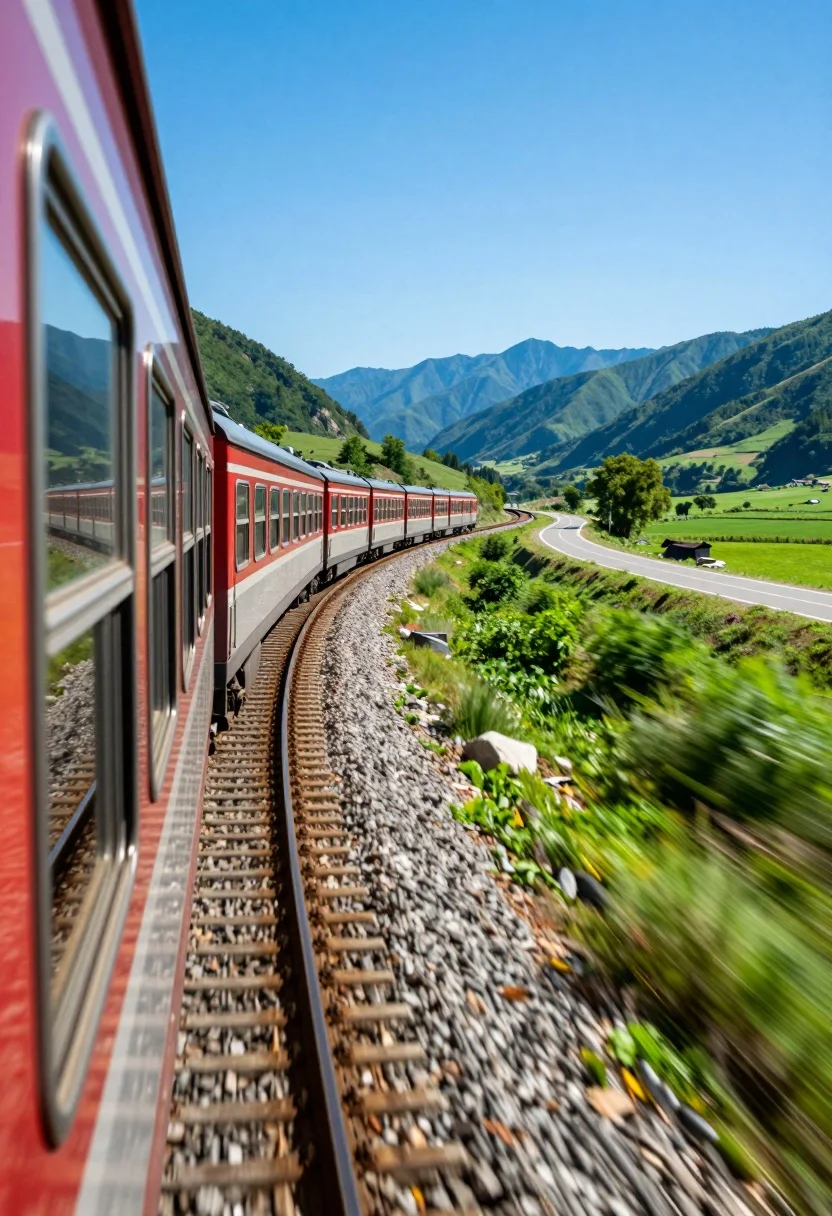
Curving passenger train moving through lush green valley near blue mountains
Prompt
A vibrant passenger train curves along a gravel track through a lush green valley with distant blue mountains under a clear sky.

Subject: A long passenger train with red and silver carriages featuring large windows reflecting the surrounding landscape.

Action: The train is moving at speed along a curving railway track, indicated by motion blur in the foreground vegetation.

Environment: A bright rural setting with vibrant green grassy fields, scattered trees, and a winding road alongside the tracks leading toward distant blue mountains.

Camera: Low-angle perspective taken from near the ground beside the tracks, creating a dynamic sense of forward momentum and depth.

Lighting: Bright natural sunlight casting sharp shadows under the train and illuminating the vivid colors of the landscape.

Style Details: High saturation with vibrant greens and blues, slight motion blur on foreground elements to emphasize speed, and a clean, realistic photographic finish.
Description
This prompt is useful for creating cinematic travel advertisements, nature documentary stills, and dynamic background plates for film production. The combination of 'low-angle perspective' and 'motion blur on foreground elements' forces the viewer's eye along the curve of the train, while the 'high saturation with vibrant greens and blues' ensures the natural setting remains visually arresting even when paired with industrial elements like the red and silver carriages.
Suggestions
- Change 'gravel track' to 'ballasted railway line' for more detail.
- Swap 'vibrant green grassy fields' for 'emerald meadow' to increase saturation.
- Add 'anamorphic lens flare' to enhance the sunlight effect.
Category
Tags
AnimalLow AngleNatureOutdoorsRealisticVehicleWide Shot
Date added
August 5, 2026
Added by
PromptDexter Team
Related Prompts
More prompts with similar categories and tags.
Man sitting on black motorcycle in tall grass with blurred forest background
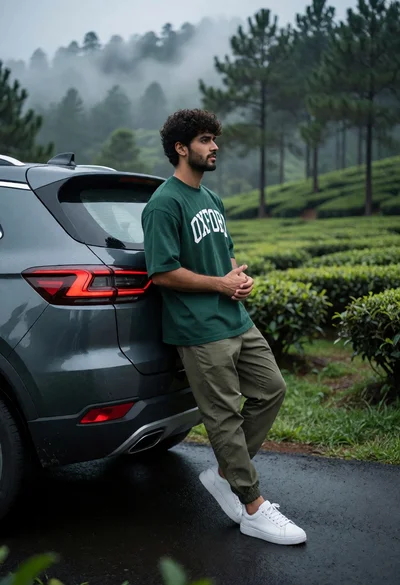
Young man leaning on dark suv in misty tea plantation road
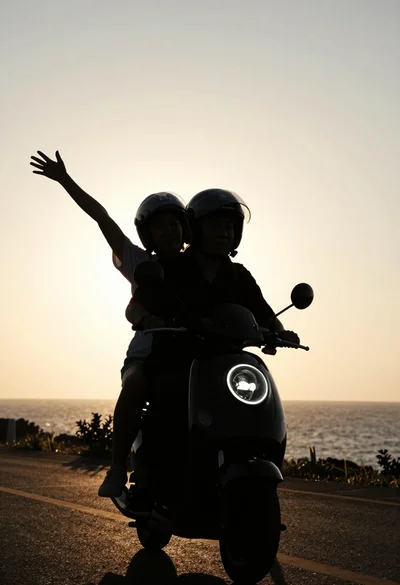
Two silhouetted figures riding scooter against golden sunset sky
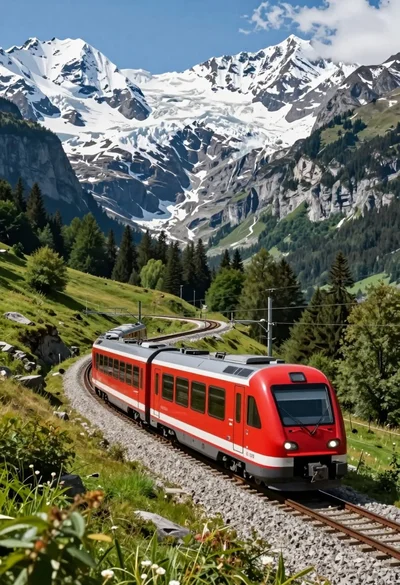
Sleek red electric train curving through a majestic alpine mountain valley landscape
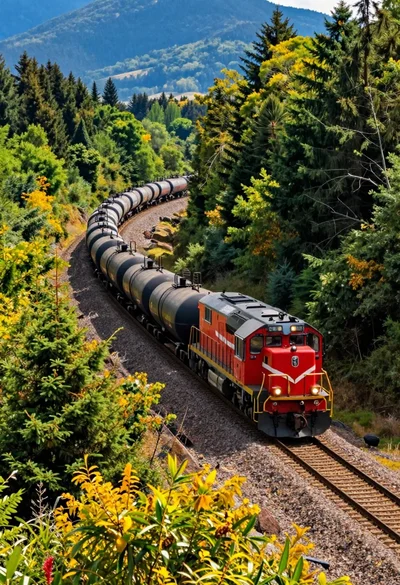
High angle aerial view of freight train through curving forest landscape
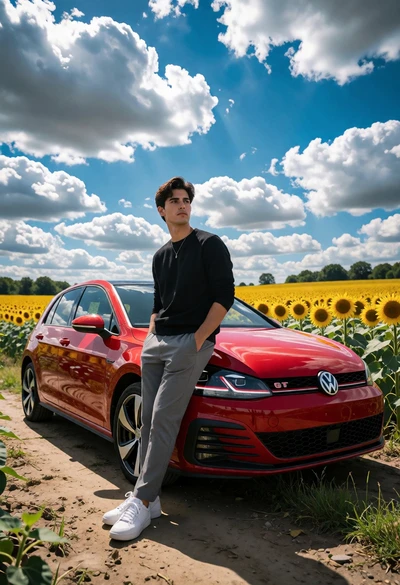
Young man beside red vw gti in vast sunflower field under bright
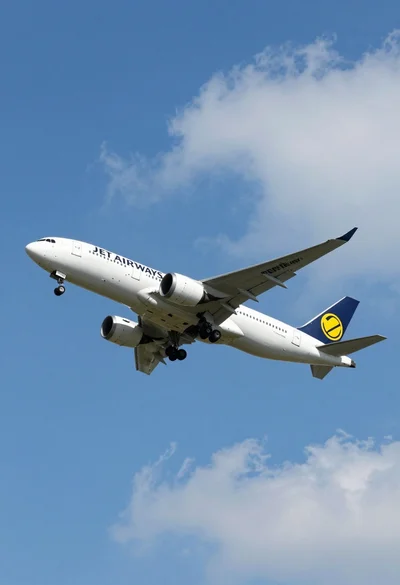
Commercial airliner flying across bright blue sky with scattered white clouds
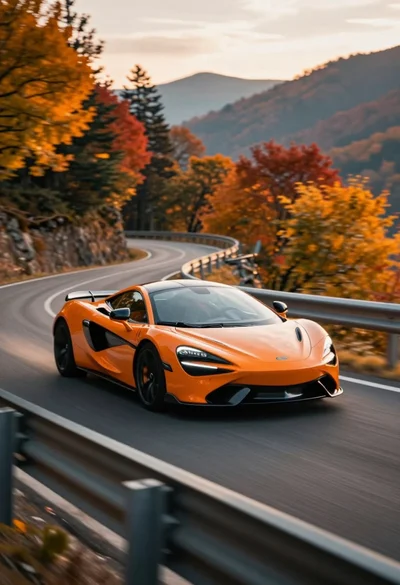
Sleek orange sports car speeding along winding mountain road during autumn
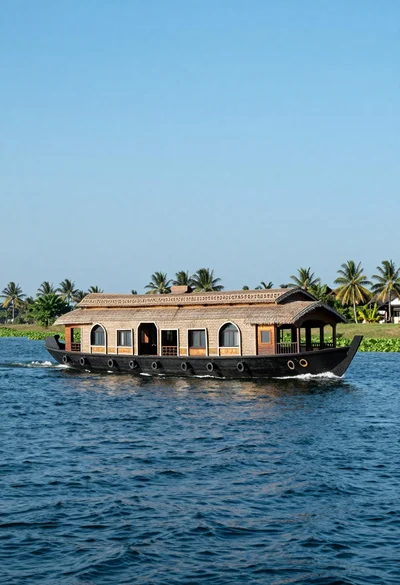
Large traditional houseboat gliding across deep blue water near palm trees

Sleek commercial airplane flying low over turquoise waters toward a coastal village