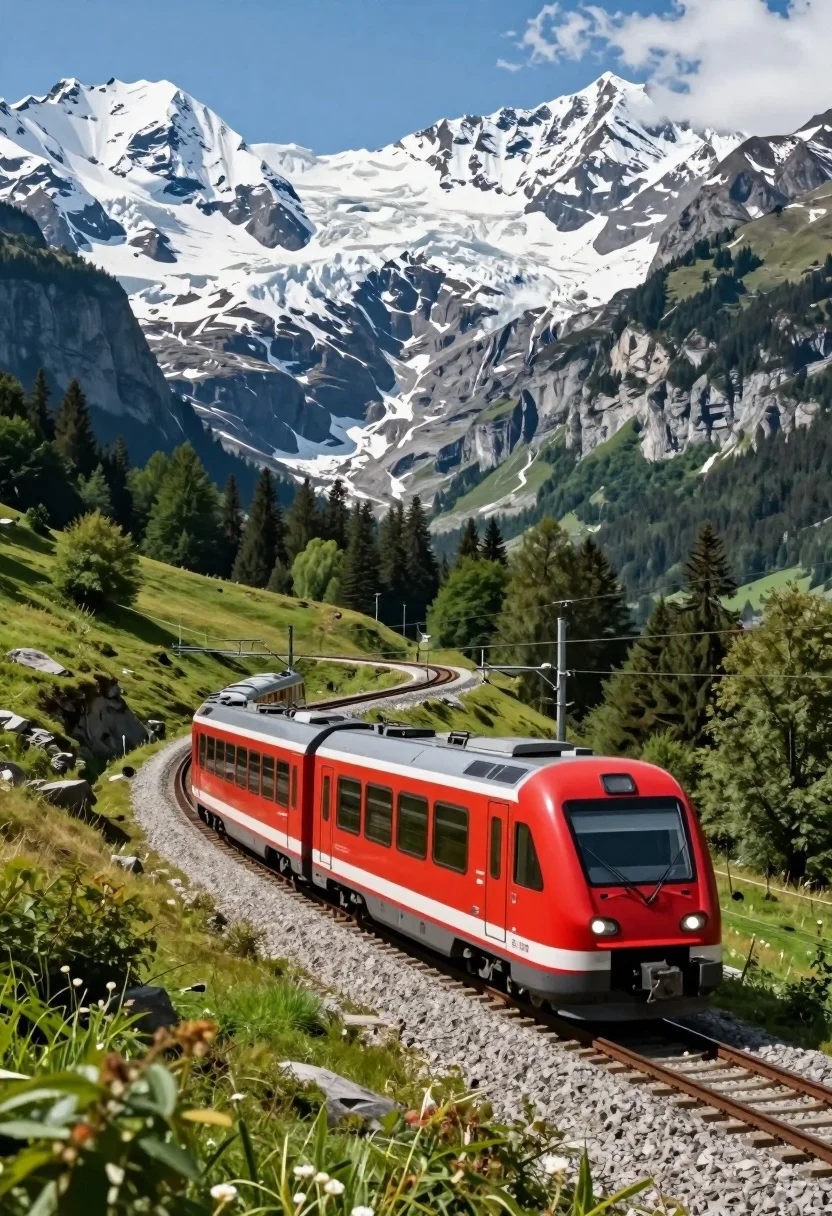
Sleek red electric train curving through a majestic alpine mountain valley landscape
Prompt
A modern red passenger train navigating a curved track through a majestic mountain valley.

Subject: A sleek red and white electric train with large windows and overhead power lines, moving along a gravel railway track.

Action: The train is traveling along a curved section of the tracks, suggesting forward motion through the landscape.

Environment: The scene is set in a dramatic alpine valley with towering snow-capped mountains and glaciers in the background, flanked by dense green forests on the slopes.

Camera: A low-angle perspective looking up at the train, emphasizing its size against the massive mountain backdrop with a wide composition capturing the vastness of the scenery.

Lighting: Bright natural sunlight illuminates the scene from above, casting clear shadows and highlighting the vibrant colors of the red train and green trees against the white snow.

Style Details: High-resolution photography with vivid saturation and sharp contrast, resembling a high-end travel advertisement or National Geographic style image.
Description
This prompt is useful for creating dramatic travel advertisements, concept art for cinematic sequences, and high-impact nature documentary covers. The combination of 'low-angle perspective' and 'wide composition' forces the viewer to look up at the train, making its scale feel monumental against the backdrop of towering snow-capped mountains, while 'vivid saturation' ensures the red train pops against the deep greens and whites.
Suggestions
- Change 'red and white electric train' to 'silver bullet train' for a more futuristic feel.
- Add 'mist rolling through the valley floor' to increase atmospheric drama.
- Adjust 'Bright natural sunlight' to 'overcast diffused light' for softer shadows.
Category
Tags
ForestLow AngleMountainsOutdoorsRealisticVehicleWide Shot
Date added
August 5, 2026
Added by
PromptDexter Team
Related Prompts
More prompts with similar categories and tags.
Red passenger train traveling along grassy mountain track with snowcapped peaks
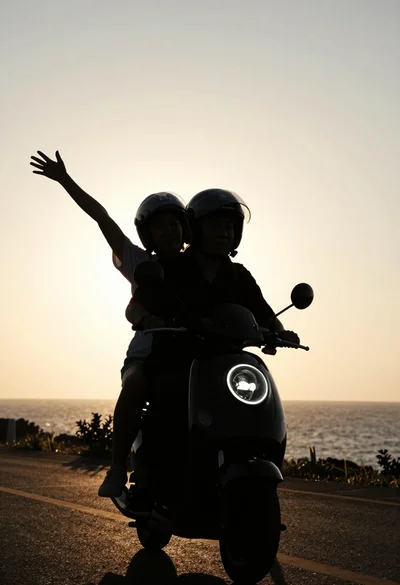
Two silhouetted figures riding scooter against golden sunset sky
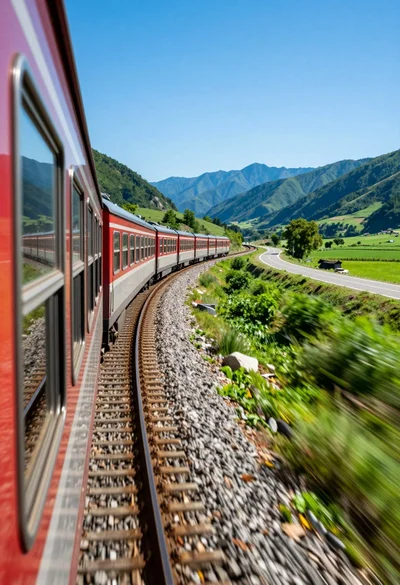
Curving passenger train moving through lush green valley near blue mountains
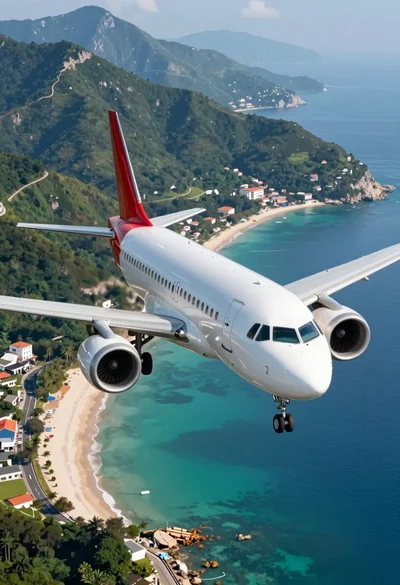
Sleek commercial airplane flying low over turquoise waters toward a coastal village
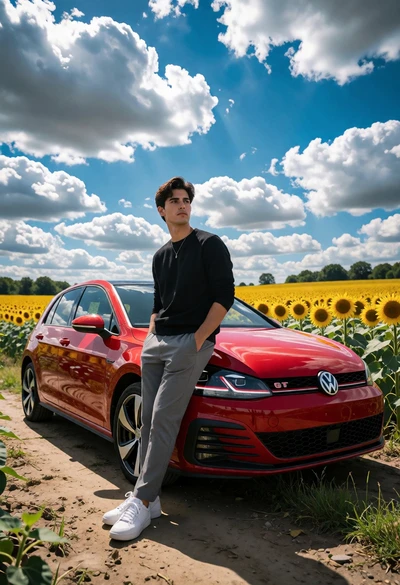
Young man beside red vw gti in vast sunflower field under bright
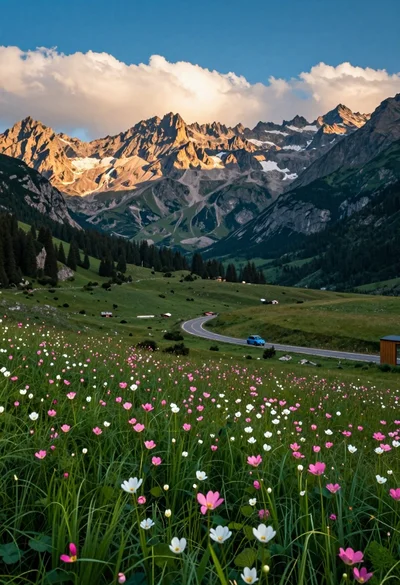
Panoramic view of mountain valley meadow road and towering rocky peaks
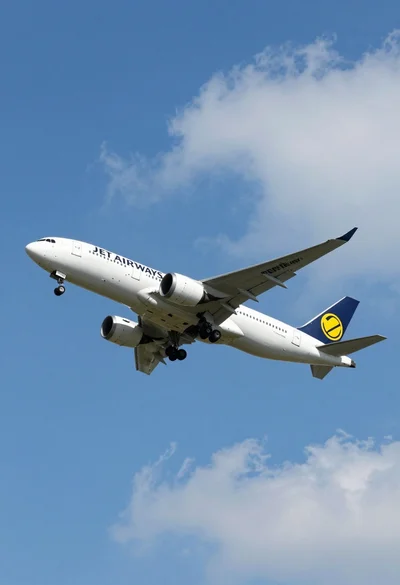
Commercial airliner flying across bright blue sky with scattered white clouds
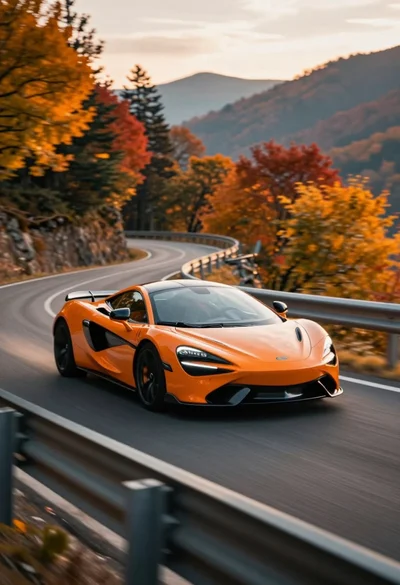
Sleek orange sports car speeding along winding mountain road during autumn
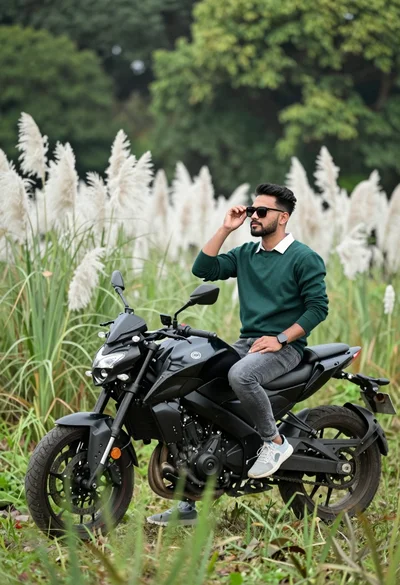
Man sitting on black motorcycle in tall grass with blurred forest background
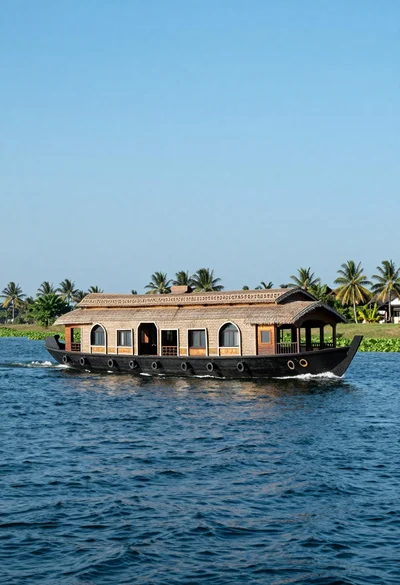
Large traditional houseboat gliding across deep blue water near palm trees