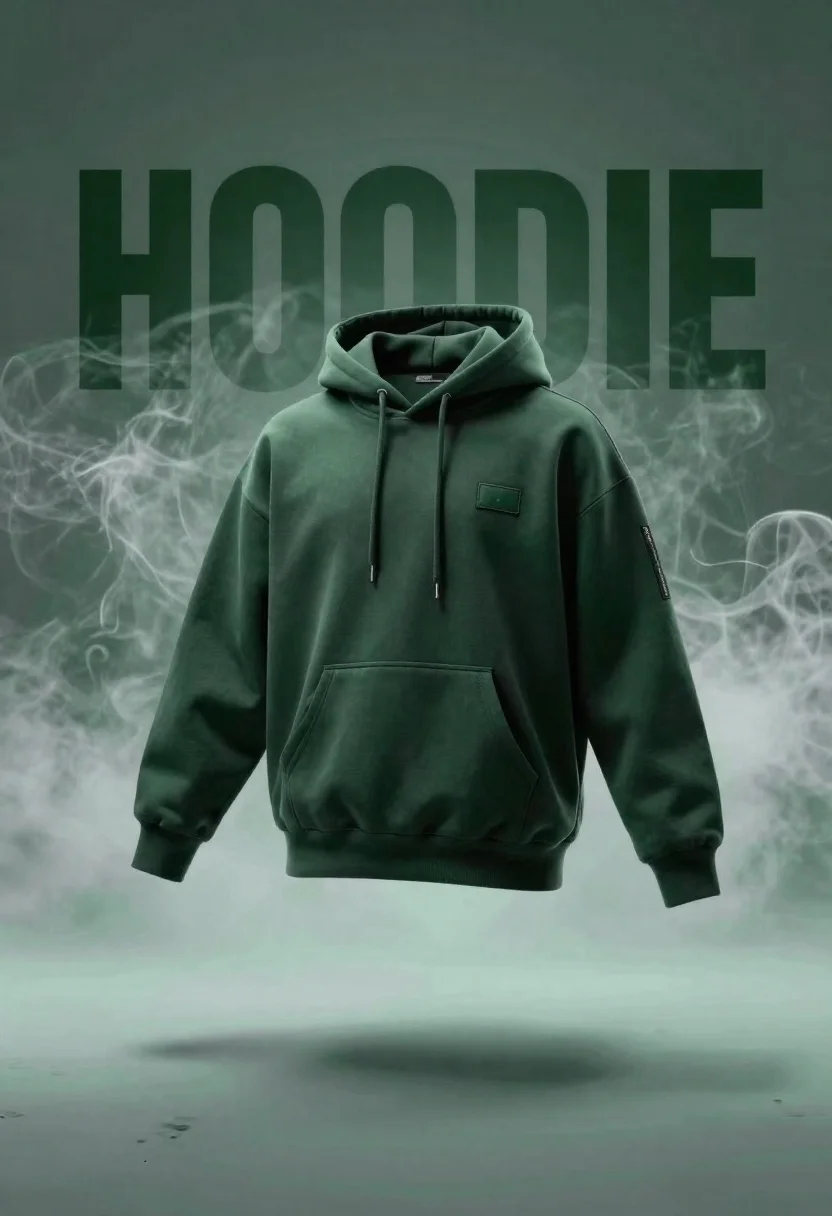
Dark green hoodie floating against smoky backdrop with 3d letters
Prompt
A dark green hoodie floats in mid-air against a moody, smoky backdrop.

Subject: A dark green pullover hoodie with a hood and drawstrings.

Clothing: The garment features a large front kangaroo pocket, ribbed cuffs and hem, a small rectangular patch on the chest, and a vertical zipper detail on the upper left sleeve.

Environment: The background is filled with swirling white smoke or fog that surrounds the floating garment, resting above a reflective surface that casts a soft shadow beneath it.

Camera: Centered composition with a slight low angle looking up at the hoodie to emphasize its floating nature.

Lighting: Dramatic and moody lighting with a cool green color cast, creating high contrast between the illuminated smoke and the darker areas of the fabric.

Text/Graphics: Large, bold, 3D block letters spelling "HOODIE" are positioned behind the garment in a dark green tone that blends with the background.

Style Details: Cinematic product photography style with a focus on texture, depth, and atmospheric lighting effects.
Description
This prompt is useful for creating e-commerce catalog shots, conceptual brand advertising, and mood pieces for streetwear lookbooks. The combination of 'dramatic and moody lighting' and the 'cool green color cast' ensures that the texture of the fabric remains visible while the smoke enhances the floating effect, which is crucial for making the product appear dynamic rather than flat against a simple background.
Suggestions
- Change 'dark green pullover hoodie' to 'charcoal grey fleece hoodie' for broader appeal.
- Add 'rim lighting on edges' to further separate the garment from the smoke.
- Adjust '3D block letters' to 'minimalist sans-serif lettering' for a cleaner aesthetic.
Category
Tags
Low AngleRealisticStudio
Date added
June 19, 2026
Added by
PromptDexter Team
Related Prompts
More prompts with similar categories and tags.
Transparent glass perfume bottle with black cap on green grass under pink
White suzuki swift hatchback smoking on royal blue studio backdrop
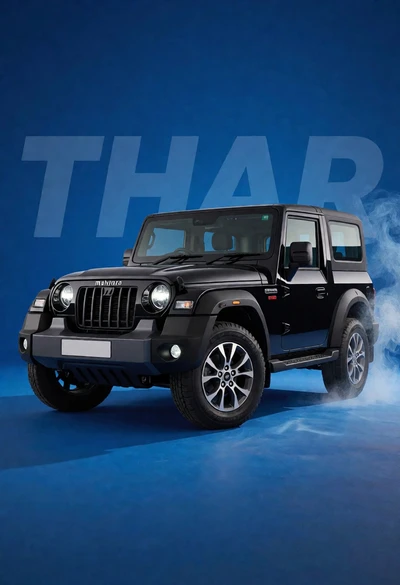
Black mahindra thar suv in studio against solid blue backdrop
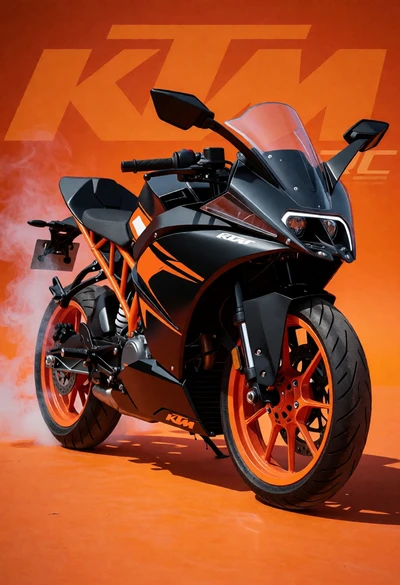
Black and orange ktm rc sport motorcycle in dynamic threequarter view
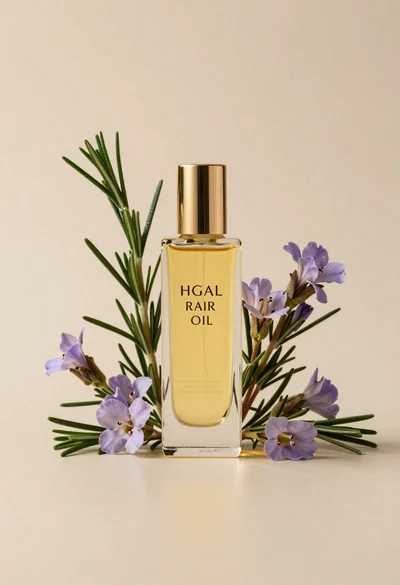
Glass bottle of oil with rosemary and purple flowers
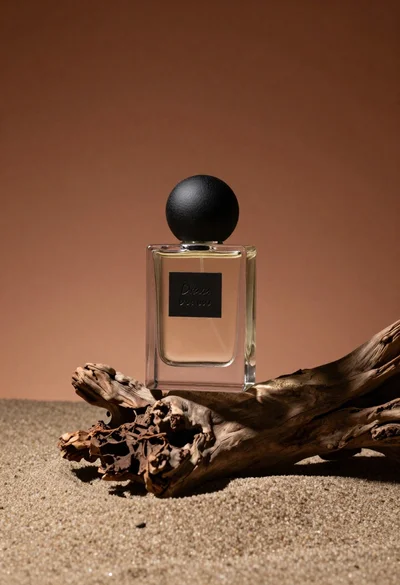
Minimalist perfume bottle on driftwood and sand
White shopping bag overflowing with fresh broccoli florets
Futuristic running shoe on a split color surface

Black makeup tube next to open red pomegranate on beige background

Amber glass bottle with gold pump under dramatic golden light