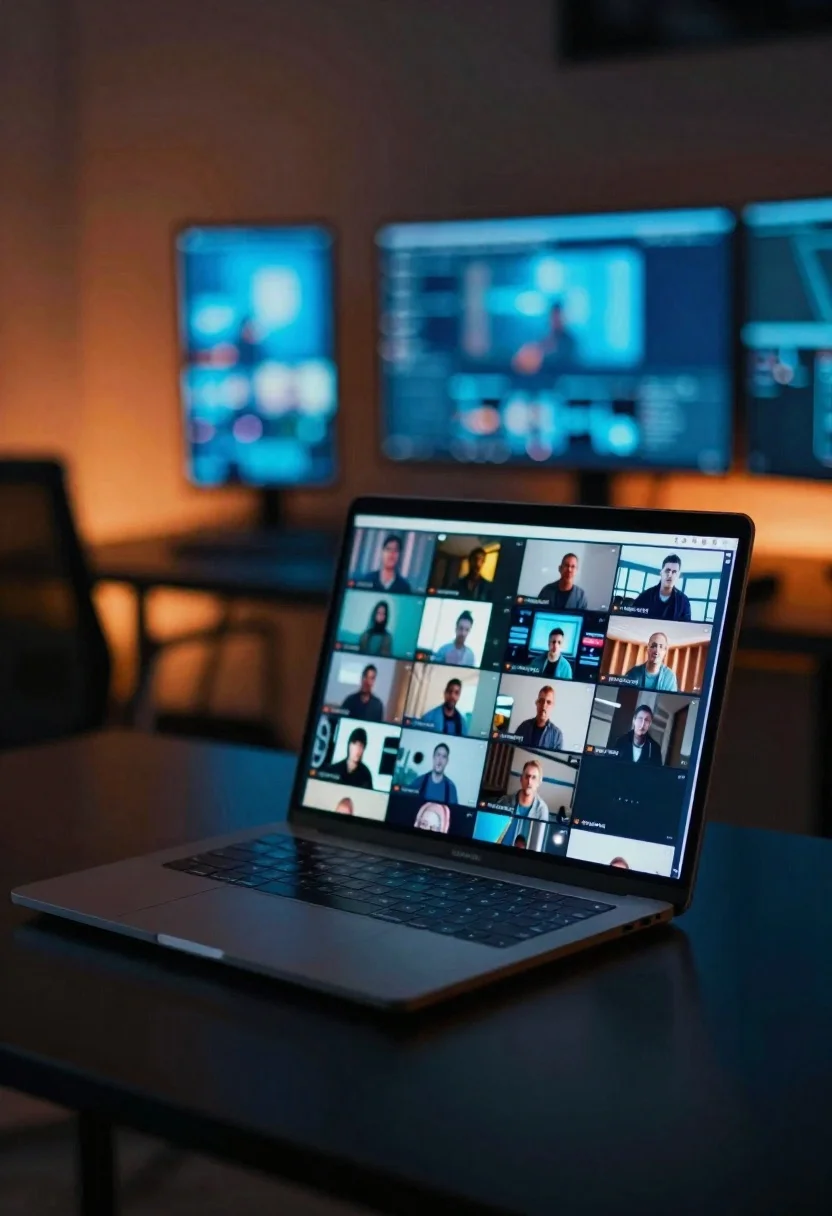
Laptop displaying video thumbnails against blue lit monitors
Prompt
A sleek laptop open on a dark glossy desk in a cinematic low-key workspace.

Subject: sleek laptop displaying a grid of video thumbnails on its screen.

Environment: dark workspace with a large wall of blurred monitors glowing in cool blue tones in the distance.

Lighting: cool blue monitor glow accented by warm orange ambient side lighting, creating soft reflections across the glossy desk surface.

Camera: shallow depth of field keeping the laptop screen sharply focused while foreground and background dissolve into soft bokeh.

Style Details: cinematic digital workspace aesthetic, moody tech atmosphere, modern content curation visual style.
Description
This prompt is useful for creating tech product advertisements, concept art for streaming services, and mood boards for modern creative studios. The combination of 'cool blue monitor glow' against 'warm orange ambient side lighting' generates high contrast that accentuates the 'soft reflections across the glossy desk surface,' preventing the scene from looking flat by giving material depth to the foreground.
Suggestions
- Change 'dark glossy desk' to 'brushed aluminum desk' for a different reflection quality.
- Swap 'cool blue monitor glow' for 'cyan neon glow' to intensify the color palette.
- Adjust 'shallow depth of field' to 'medium depth of field' if you want more context visible in the background.
Category
Tags
Low AngleRealisticStudio
Date added
June 19, 2026
Added by
PromptDexter Team
Related Prompts
More prompts with similar categories and tags.

Transparent glass perfume bottle with black cap on green grass under pink

Glass bottle of oil with rosemary and purple flowers

Minimalist perfume bottle on driftwood and sand
White shopping bag overflowing with fresh broccoli florets
Futuristic running shoe on a split color surface

Black makeup tube next to open red pomegranate on beige background

Amber glass bottle with gold pump under dramatic golden light

Woman leaning on silver sports car in showroom