
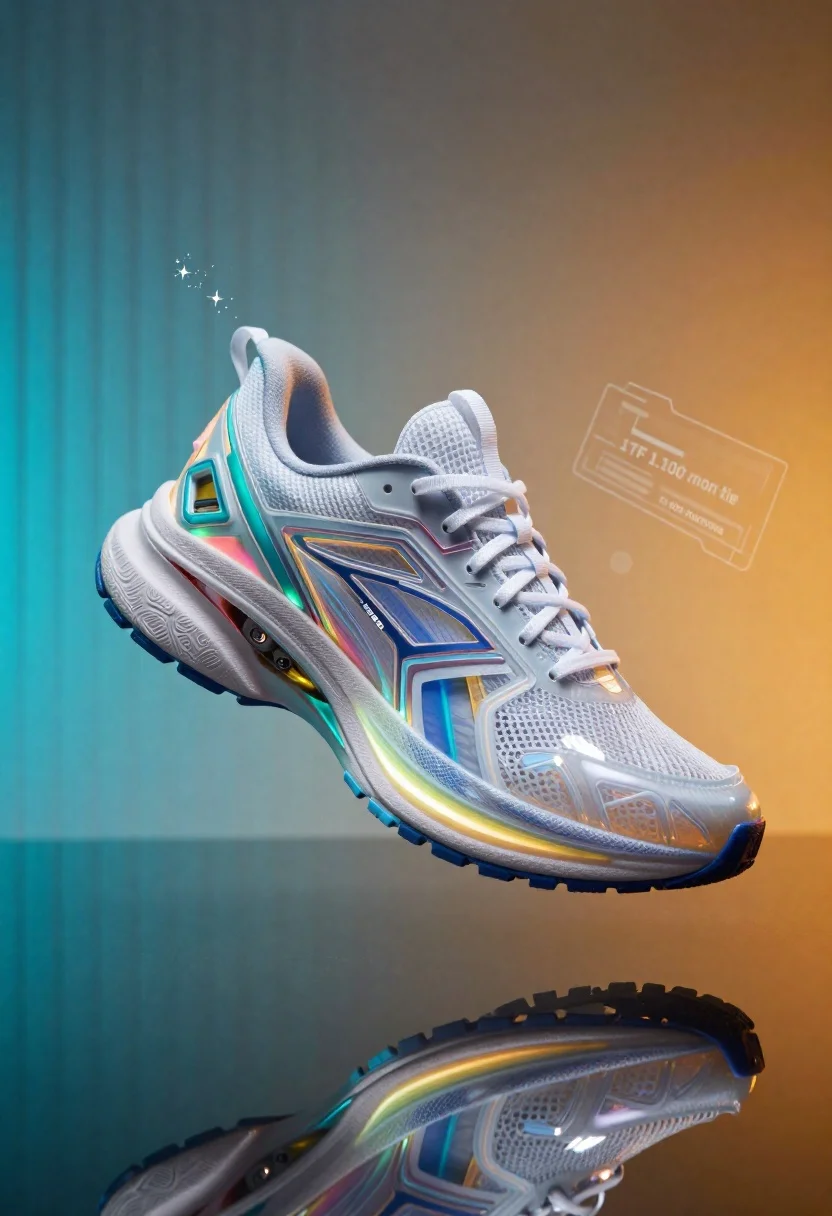
Futuristic running shoe on a split color surface
Prompt
A hyper-realistic product shot of a futuristic running shoe with iridescent holographic panels and glowing neon accents embedded in the sole.

Subject: A sleek, modern athletic sneaker featuring complex layered textures, translucent mesh upper materials, and intricate mechanical detailing on the midsole and heel counter.

Clothing: The shoe sports thick white laces tied neatly at the top; side branding features stylized text reading 'FJ-10' integrated into the geometric panels of the body.

Action: Floating in a low-angle three-quarter view that highlights its aerodynamic profile, casting a sharp reflection onto a glossy surface below.

Environment: Set against a split-color background with vertical teal stripes on the left and warm orange-gold gradients on the right; small floating digital sparkles hover near the shoe's upper arch to emphasize high-tech atmosphere.

Objects: Faint holographic UI elements float in mid-air behind the shoe, displaying '1TF 1.100 mon tie' and a directional arrow labeled 'FJ-D25 FUNCTIONS'.

Camera: Shot with a wide-angle lens emphasizing depth of field; slight motion blur hints at floating movement while maintaining crisp focus on reflective surfaces.

Lighting: Dramatic dual-tone lighting cool cyan from the left, warm amber from the right with strong specular highlights bouncing off glossy materials and creating vibrant internal glows within translucent sections.

Style Details: Rendered in a cinematic sci-fi aesthetic with chromatic aberration edges and soft bokeh around background elements; overall tone blends cyberpunk vibrancy with clean product photography precision.
Description
This prompt is useful for creating concept art for athletic gear advertisements, visualizing futuristic tech products, and designing video game asset showcases. The combination of 'dramatic dual-tone lighting' (cool cyan from the left, warm amber from the right) paired with 'specular highlights bouncing off glossy materials' ensures that every curved surface catches light dramatically, which is crucial for selling the high-tech nature required in both advertising and concept visualization.
Suggestions
- Change 'iridescent holographic panels' to 'matte carbon fiber' for a more industrial feel.
- Swap 'teal stripes' for 'deep violet gradients' to enhance the cyberpunk mood.
- Adjust 'wide-angle lens' to 'macro lens' to focus on smaller details.
Category
Tags
3/4 Angle3dLow AngleStudioWide Shot
Date added
June 19, 2026
Added by
PromptDexter Team
Related Prompts
More prompts with similar categories and tags.
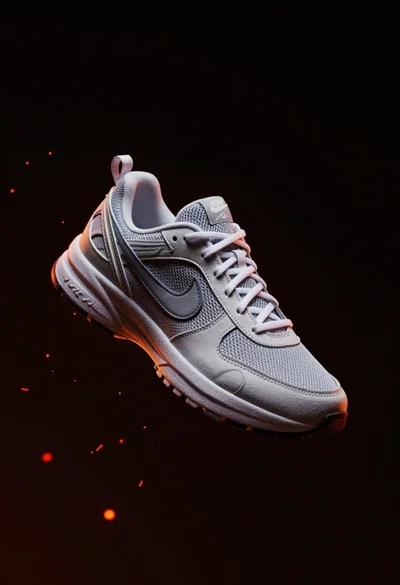
Nike sneaker floating in dark void with embers

Cloud shaped chair on a yellow background

Black perfume bottle on driftwood surrounded by pink cosmos flowers in purple

Hyperrealistic 3d render of christmas tree made from nike sneakers and decorations
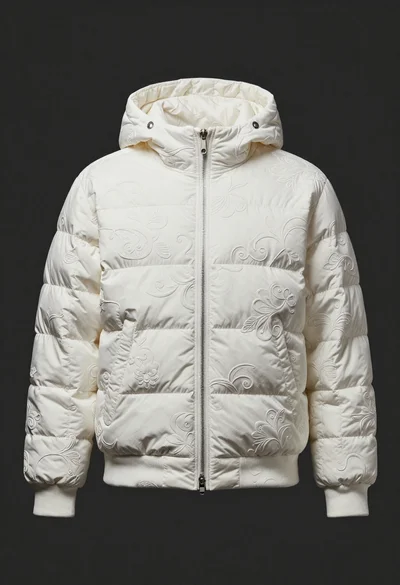
White puffer jacket displayed on a dark gray background

Laptop displaying video thumbnails against blue lit monitors

Black jar of clay mask with swirling white cream
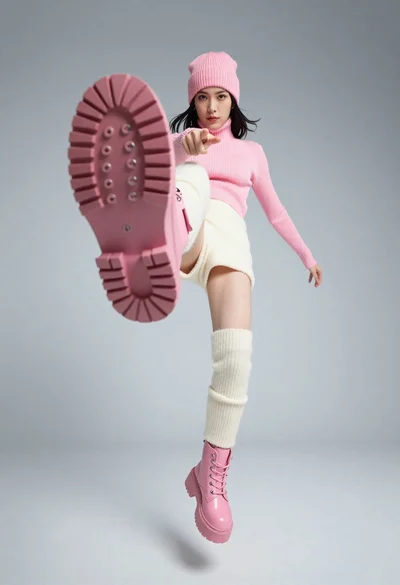
Woman in pink knit beanie midair acrobatic pose