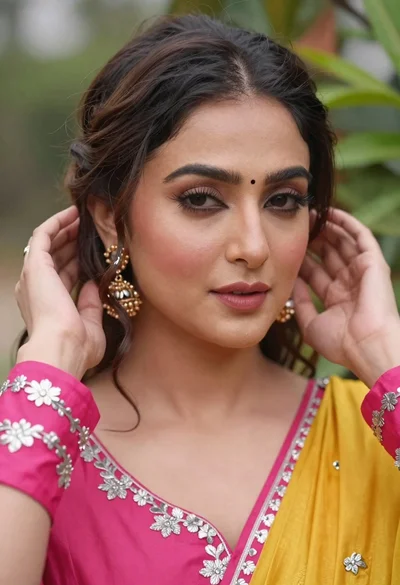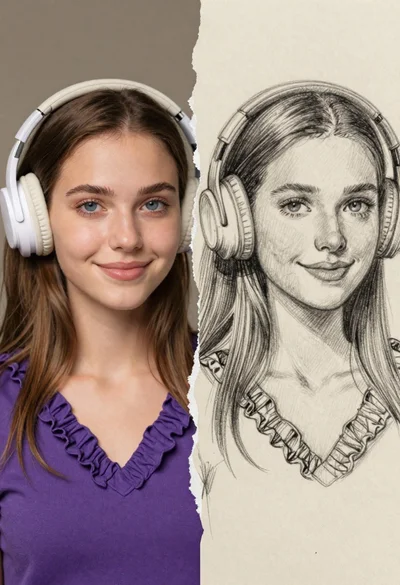
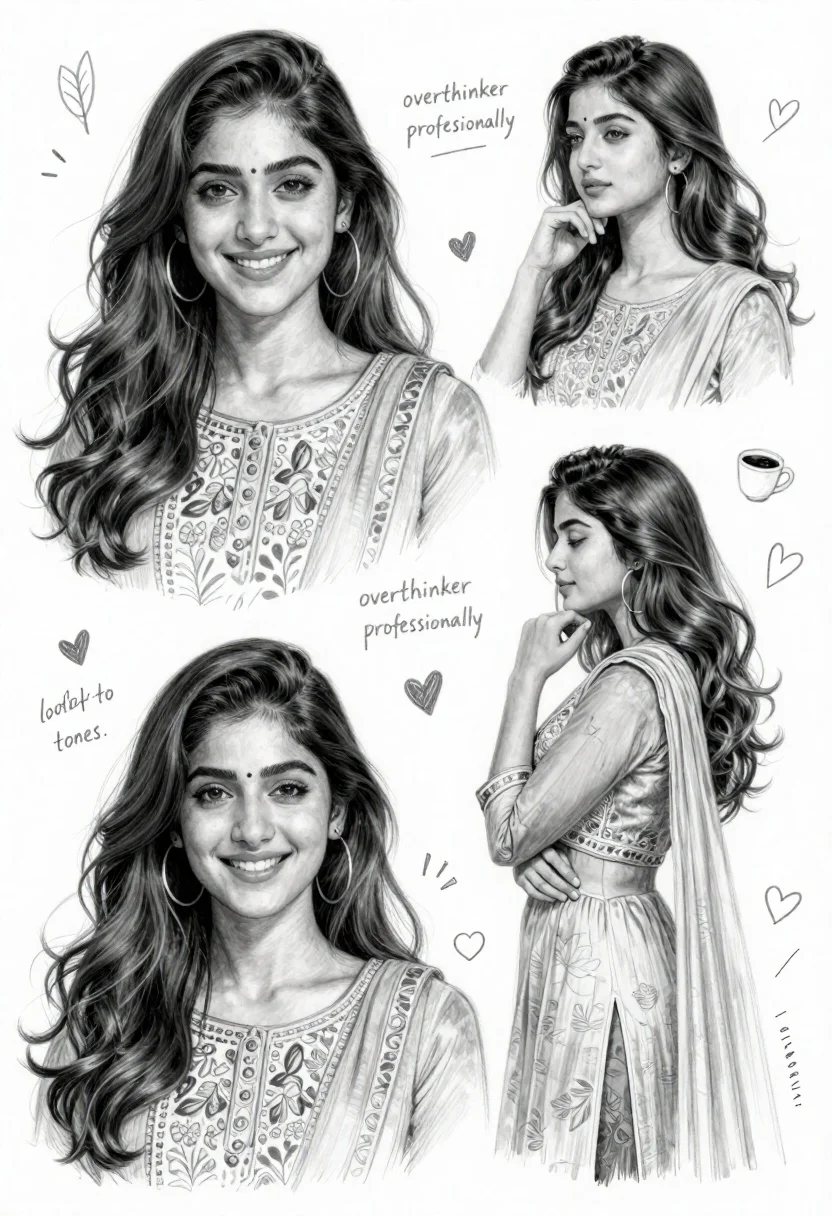
Detailed pencil sketch character sheet of young woman in traditional south asian
Prompt
A detailed pencil sketch character sheet of a young woman with long wavy hair and expressive eyes, presented in multiple poses and moods.

Subject: A young woman with long, dark, wavy hair that falls over her shoulders, featuring large hoop earrings and a soft, elegant facial expression across various sketches.

Clothing: She wears a traditional South Asian outfit resembling a kurta or anarkali suit made of sheer fabric with delicate floral embroidery on the chest and sleeves.

Action: The character is depicted in multiple poses including smiling directly at the viewer, looking away thoughtfully, resting her chin on her hand, and standing in profile.

Environment: A clean white background filled with handwritten notes, doodles, hearts, and decorative elements like leaves and coffee cups scattered around the sketches.

Camera: Close-up portrait framing for most shots with a soft focus that emphasizes facial features and hair texture.

Lighting: Soft diffused lighting creating gentle shadows that highlight the contours of her face and the translucency of her clothing.

Style Details: Hand-drawn pencil sketch style with high detail, incorporating handwritten text annotations describing personality traits like "overthinker professionally" and aesthetic notes such as "soft tones."
Description
This prompt is useful for creating character concept art sheets, costume design moodboards, and narrative visual development for storyboarding. The combination of 'hand-drawn pencil sketch style' with specific elements like 'handwritten text annotations describing personality traits' grounds the portrait in a tangible world, suggesting backstory while the 'soft diffused lighting' prevents harsh lines that would detract from the delicate nature of the 'sheer fabric'.
Suggestions
- Change 'large hoop earrings' to 'jhumka earrings' for more cultural specificity.
- Add 'sepia tone wash' to the overall style details for an aged feel.
- Replace 'coffee cups scattered around' with 'dried jasmine sprigs' to enhance the nature element.
Category
Tags
Brown HairClose UpFemaleNatureOutdoorsPortrait ShotTraditinal ArtTraditional Wear
Date added
June 26, 2026
Added by
PromptDexter Team
Related Prompts
More prompts with similar categories and tags.
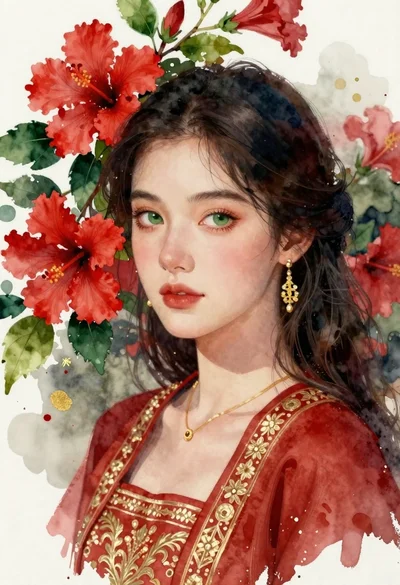
Portrait of young woman with dark hair and green eyes among hibiscus
Young woman with long dark hair holding white board with pencil sketch
Young woman smiling next to her caricature portrait on an easel outdoors
Young woman painting miniature village diorama with red hair
Young woman with brown hair in white dress holding brushes in sunlit
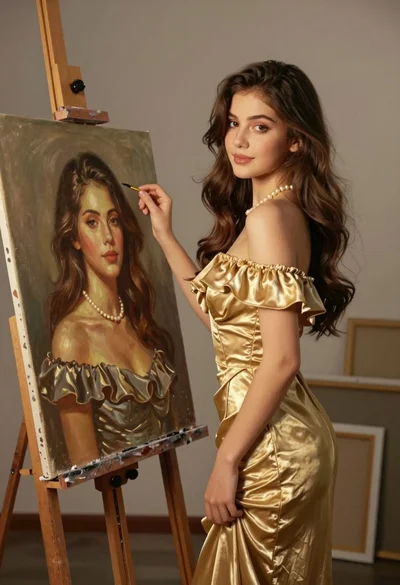
Young woman in gold dress beside her portrait painting in art studio
Happy couple portrait framed by two hands outdoors
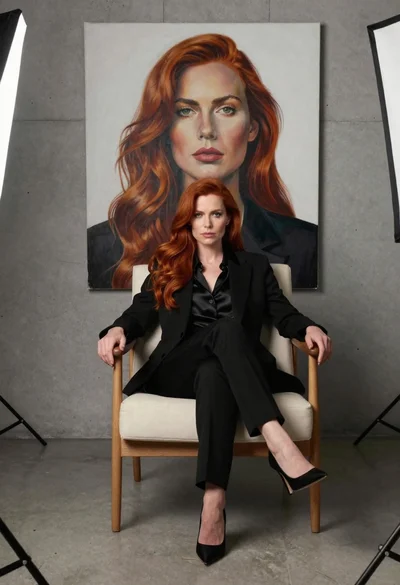
Woman in black suit sitting in armchair with large portrait on wall