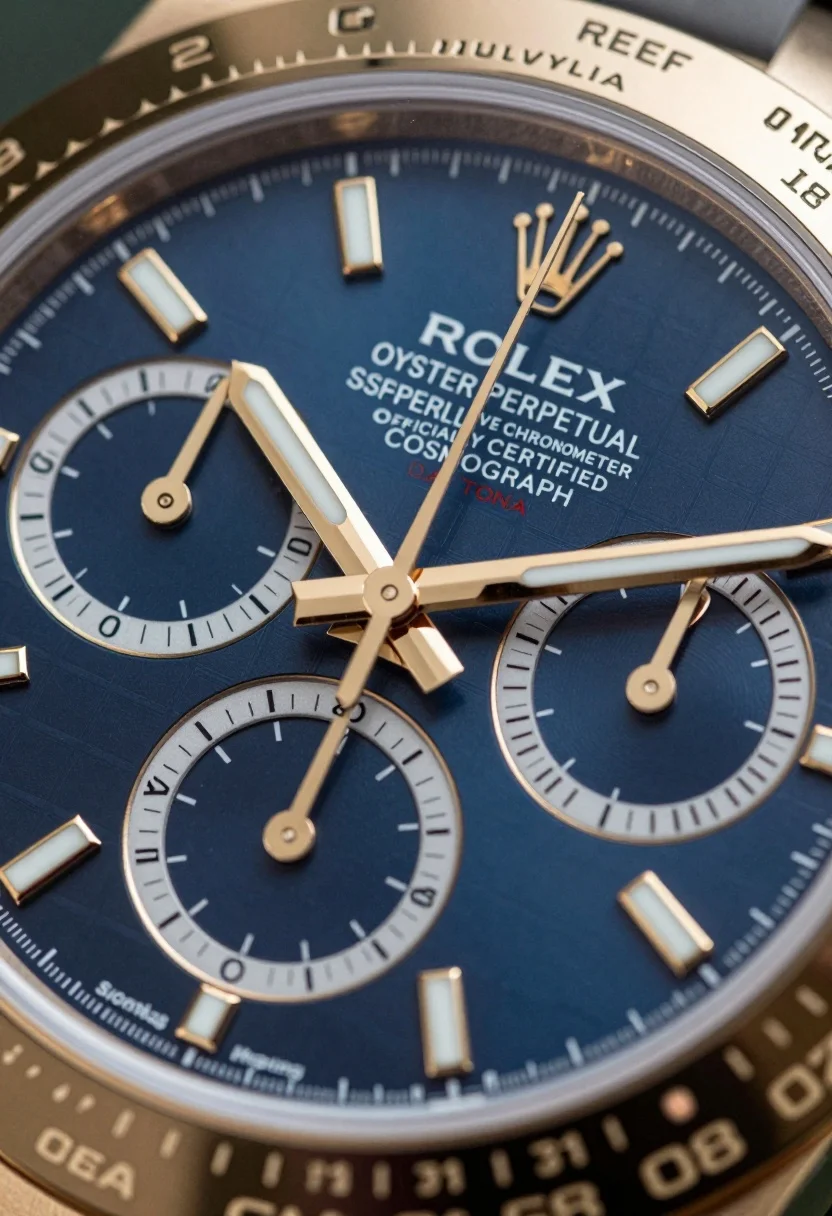
Extreme macro shot of luxury chronograph wristwatch dial with blue texture
Prompt
A macro close-up of a luxury chronograph wristwatch featuring a deep blue dial with a textured grid pattern and polished gold hands.

Subject: A high-end Rolex Daytona watch face featuring a dark blue sunburst dial with a subtle checkered texture, three sub-dials for the chronograph function, and a prominent gold crown logo at the 12 o'clock position.

Clothing: N/A.

Action: N/A.

Environment: The background is completely out of focus, showing only blurred hints of the watch's gold case and black strap, isolating the dial as the sole focal point.

Camera: Extreme macro shot with a very shallow depth of field that renders the center of the dial in sharp detail while blurring the outer rim and sub-dials slightly to create a sense of three-dimensional depth.

Lighting: Bright, direct studio lighting creates strong specular highlights on the polished gold hands and hour markers, emphasizing their metallic finish against the matte blue surface.

Objects: The watch features three distinct sub-dials with white markings, gold hour markers shaped like elongated rectangles filled with white luminescent material, and white printed text reading "ROLEX", "OYSTER PERPETUAL", "SUPERLATIVE CHRONOMETER OFFICIALLY CERTIFIED COSMOGRAPH", and "DAYTONA".

Text/Graphics: The dial displays crisp white typography for the brand name and certification details, along with red lettering for "DAYTONA" near the center.

Style Details: High-end product photography style with hyper-realistic rendering, sharp focus on the central text and hands, and a color palette dominated by deep blue and polished gold tones.
Description
This prompt is useful for creating high-end watch advertisements, detailed jewelry catalog images, and technical product breakdowns. The combination of 'extreme macro shot' with a 'very shallow depth of field' ensures the viewer's eye locks onto the central text and hands, while the 'bright, direct studio lighting' specifically sculpts the polished gold elements, preventing them from looking flat against the deep blue surface.
Suggestions
- Change 'deep blue dial' to 'midnight blue enamel dial' for a different material feel.
- Swap 'polished gold hands' for 'brushed titanium hands' to alter the highlight quality.
- Add 'bokeh effect' to the background description for more pronounced separation.
Category
Tags
3dMacro ShotRealistic
Date added
July 12, 2026
Added by
PromptDexter Team
Related Prompts
More prompts with similar categories and tags.
Glossy black perfume bottle on rugged rock formation in golden lit cave

Macro shot of pink soda can with peaches and ice cubes studio
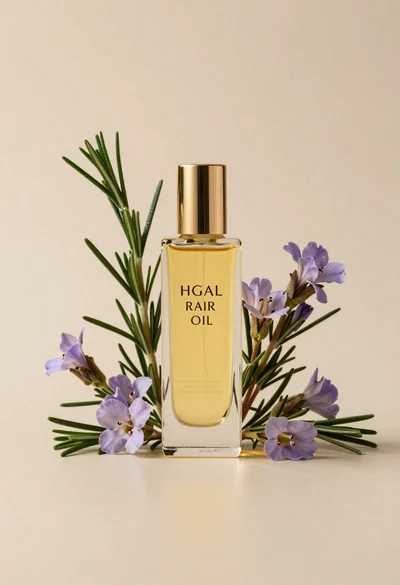
Glass bottle of oil with rosemary and purple flowers
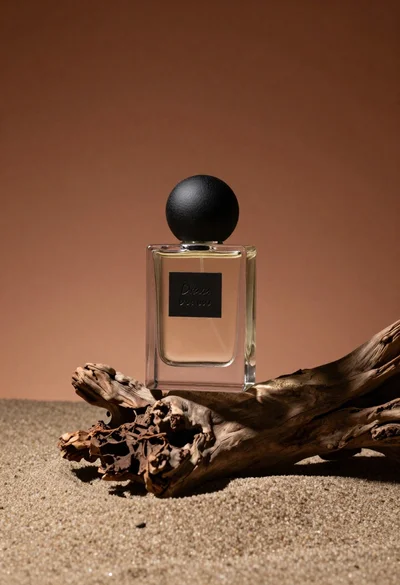
Minimalist perfume bottle on driftwood and sand
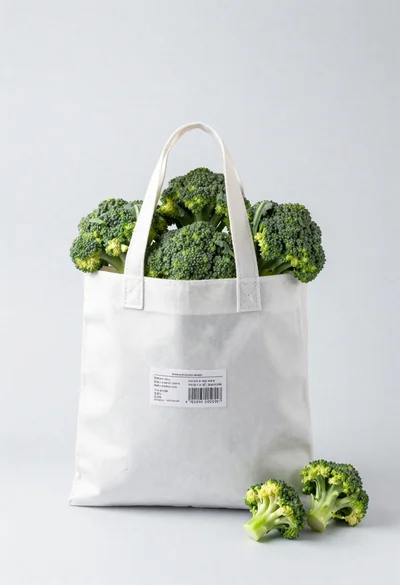
White shopping bag overflowing with fresh broccoli florets
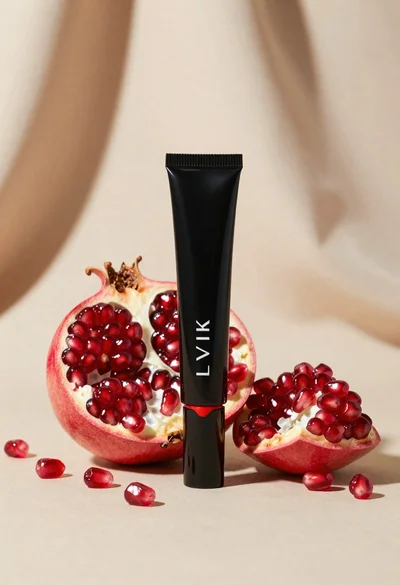
Black makeup tube next to open red pomegranate on beige background
Amber glass bottle with gold pump under dramatic golden light
Black jar of clay mask with swirling white cream
Wine bottle balanced on earth and stone still life
Cloud shaped chair on a yellow background