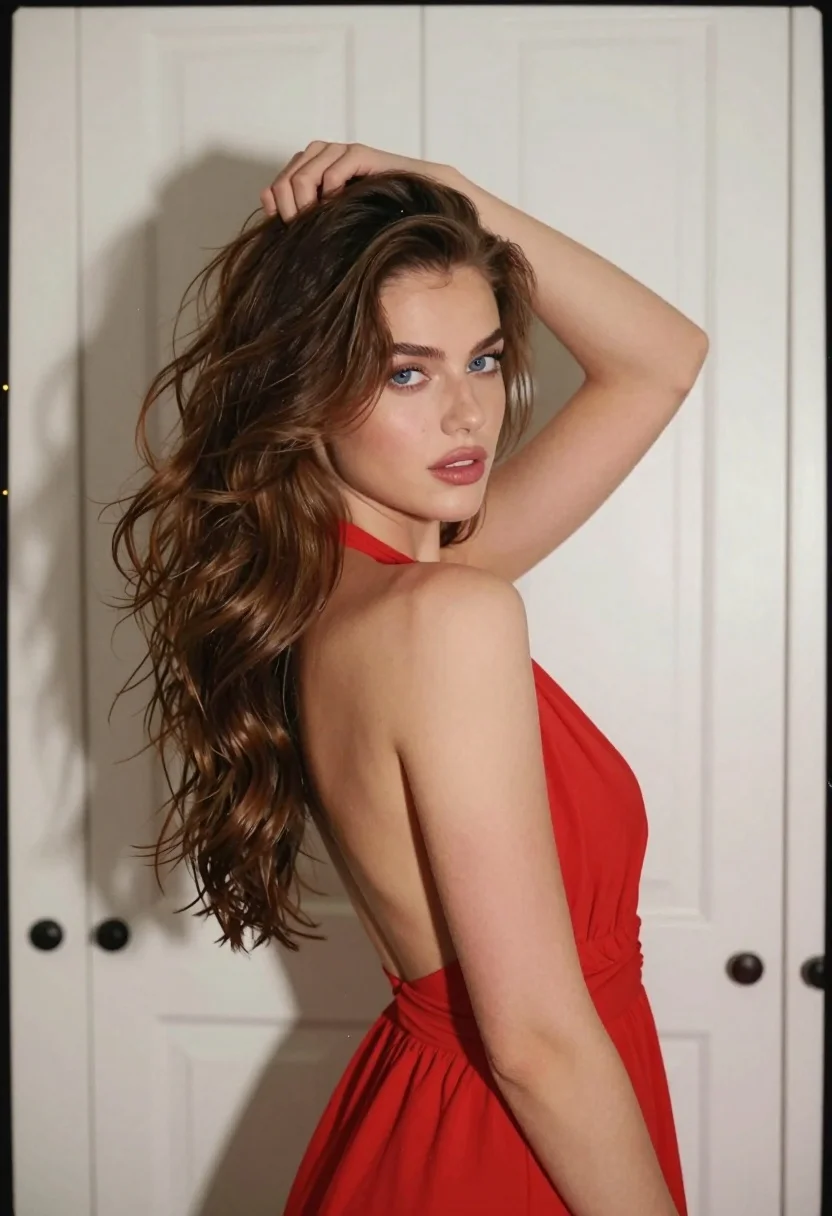
Fairskinned woman in red dress looking back over shoulder indoors
Prompt
A young woman with long wavy brown hair stands in a three-quarter pose looking back over her shoulder at the camera while running her hand through her hair.

Subject: A fair-skinned woman with striking blue eyes and voluminous, wavy chestnut-brown hair that cascades down her back.

Clothing: She wears a vibrant red sleeveless halter-neck dress featuring a deep plunging neckline and an open back design.

Action: Her body is angled away from the viewer while she turns her head to face forward; her right arm is raised with her hand grasping a section of hair near the crown of her head.

Environment: The background consists of white paneled closet doors with dark round knobs, suggesting an indoor domestic setting.

Lighting: Soft, diffused lighting illuminates the scene from the front-left, creating gentle highlights on her skin and hair while casting soft shadows against the door panels.

Camera: A medium close-up shot captures the subject from the waist up, utilizing a shallow depth of field to keep the focus sharp on her face and upper body.

Style Details: The image features a cinematic aesthetic with subtle film grain and light scratches along the edges, mimicking an analog 35mm photograph.
Description
This prompt is useful for creating intimate character portraits, fashion editorial shots emphasizing movement, and narrative scene stills suggesting anticipation or farewell. The combination of 'soft, diffused lighting' with a 'shallow depth of field' ensures the viewer's attention remains tightly focused on her face and the texture of her hair, while the 'white paneled closet doors' provide enough architectural context to ground the dramatic pose without distracting from the subject.
Suggestions
- Change 'vibrant red sleeveless halter-neck dress' to a jewel-toned velvet gown for richer color saturation.
- Swap 'soft, diffused lighting' for 'rim light' to emphasize hair volume.
- Adjust 'medium close-up shot' to 'full body shot' to better incorporate the environment.
Category
Tags
3/4 AngleBrown HairFair SkinFemaleIndoorsMedium ShotRealistic
Date added
August 5, 2026
Added by
PromptDexter Team
Related Prompts
More prompts with similar categories and tags.
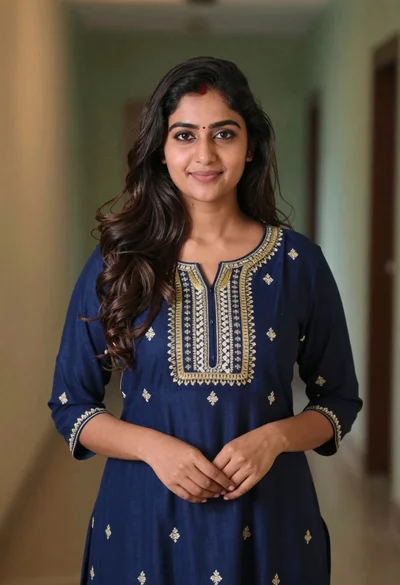
Young woman in navy embroidered traditional dress indoors medium shot
Young woman with dark hair in mint dress inside modern apartment

Young woman in black crop top and cream trousers indoors looking over
Young woman in olive top and denim jeans indoors with green leaves
Woman in pink floral dress seated indoors by window with red curtains
Young woman adjusting glasses indoors against blurred cityscape view

Woman in black dress seated in dimly lit diner booth
Profile portrait of woman at dining table in upscale restaurant setting

Young girl smiling in messy bedroom with string lights
Smiling young woman with brown hair wearing white tank top indoors