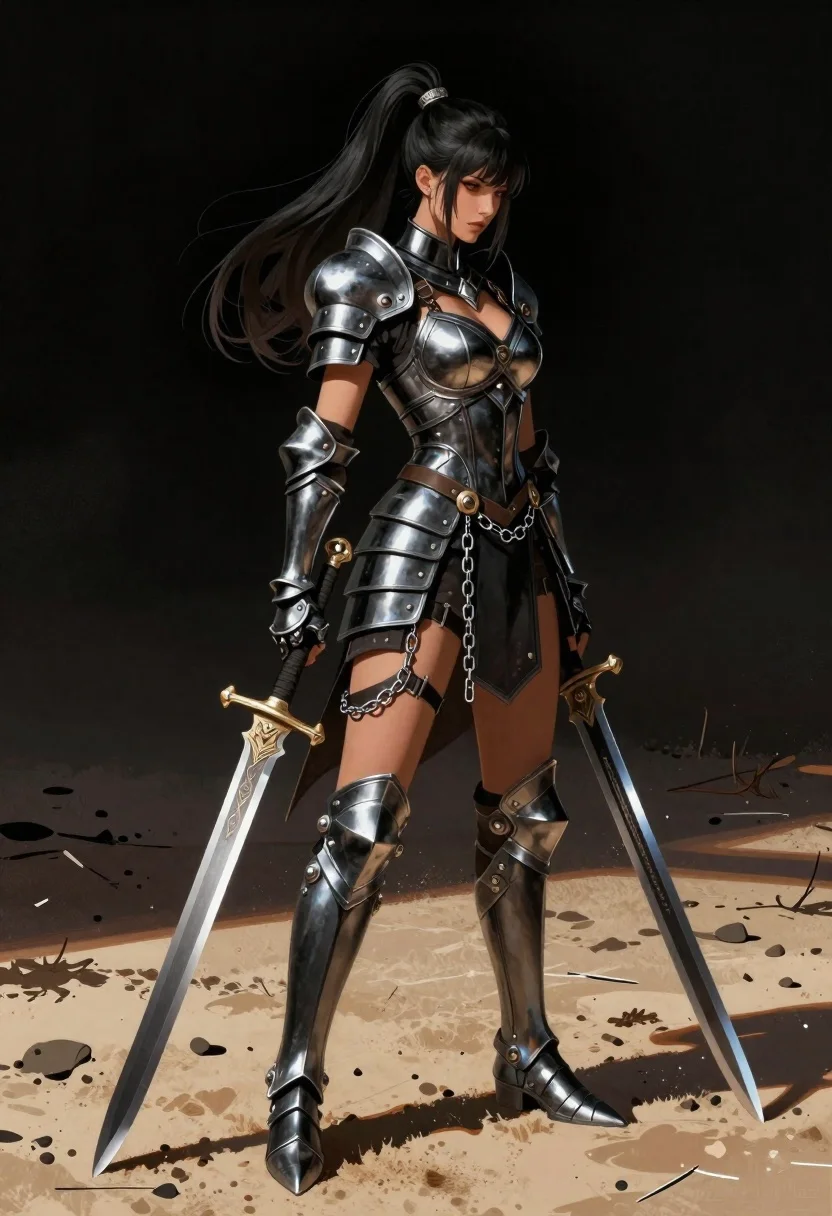
Female warrior in black armor standing on sandy terrain
Prompt
A digital illustration of a female warrior standing on sandy terrain against a dark void background.

Subject: A woman with long black hair tied in a high ponytail that flows to the side, looking down at her feet with a serious expression and tanned skin tone.

Clothing: Wearing intricate black plate armor consisting of a structured bra top, armored gauntlets, greaves, shin guards, and thigh-high boots adorned with metal chains draped around the waist and legs.

Action: Standing in profile facing right while holding two large swords; one sheathed vertically by her side and another held diagonally across her body like a scabbard or shield-bayonet attachment.

Objects: The scene features two long, ornate blades one straight sword with a detailed hilt resting on the sand next to her leg, and a second curved blade attached near her hip resembling an oversized dagger or cutlass-style weapon.

Environment: Set against dark background that emphasizes figure contrast; ground is textured sandy surface scattered with small debris including pebbles and twigs suggesting outdoor battlefield setting.

Lighting: Strong directional sunlight casting sharp shadows on sand beneath feet, highlighting metallic sheen of armor plates while leaving parts of face in soft shadow for dramatic effect.

Style Details: Rendered with high detail realism featuring reflective metal textures on weapons and armor combined with smooth skin rendering typical of modern fantasy character art styles.
Description
This prompt is useful for creating concept art for dark fantasy video games, book covers depicting epic conflict, and detailed character portfolio pieces. The combination of 'strong directional sunlight casting sharp shadows' against the 'dark void background' maximizes figure contrast, which is essential for making the intricate details of the 'intricate black plate armor' pop without losing dramatic shadow depth on the subject's face.
Suggestions
- Change 'dark void background' to 'dusty canyon backdrop' for more environmental context.
- Swap 'black plate armor' for 'obsidian scale armor' to alter the material reflectivity.
- Adjust 'strong directional sunlight' to 'rim lighting from above' to change shadow placement.
Category
Tags
ArmorBlack HairBrunetteDesertFemaleFull BodyOutdoorsRealisticSide Profile
Date added
June 19, 2026
Added by
PromptDexter Team
Related Prompts
More prompts with similar categories and tags.
Elven warrior in ornate armor against cosmic void
Blonde woman in steel armor before ancient stone castle
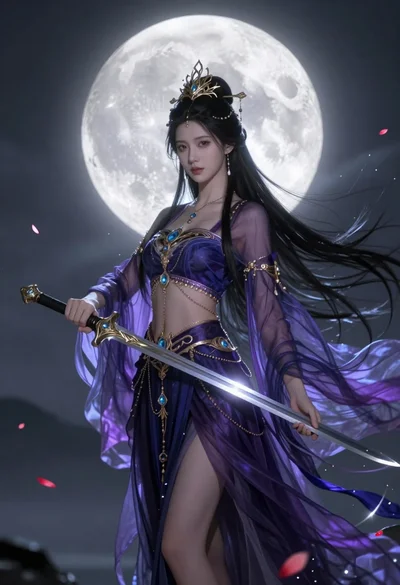
Ethereal warrior in indigo gown holding sword against luminous full moon
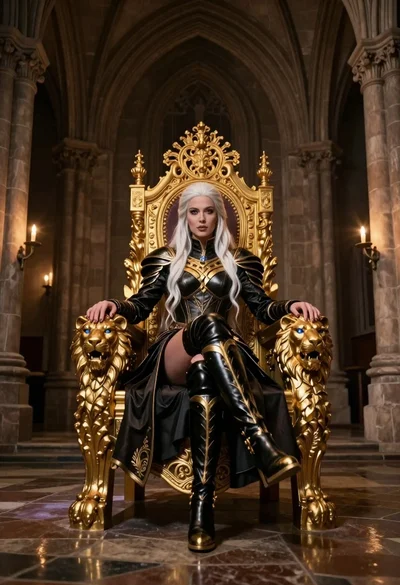
Queen in black armor on golden throne in cathedral
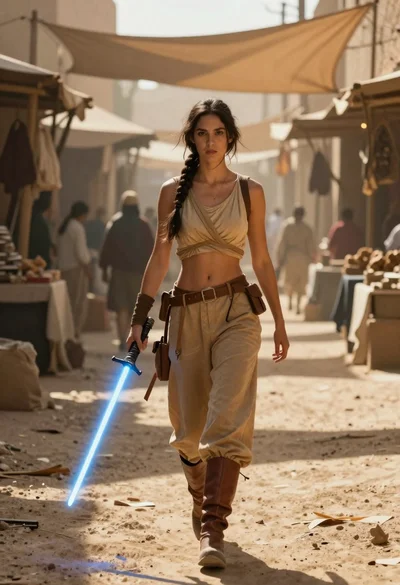
Woman with lightsaber in dusty marketplace alleyway
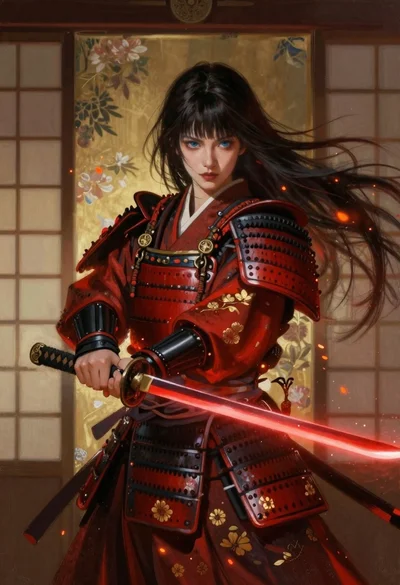
Samurai warrior with katana before japanese screen

Warrior woman riding wolf through snowy mountains
Oil painting portrait of cyberpunk woman in industrial city
