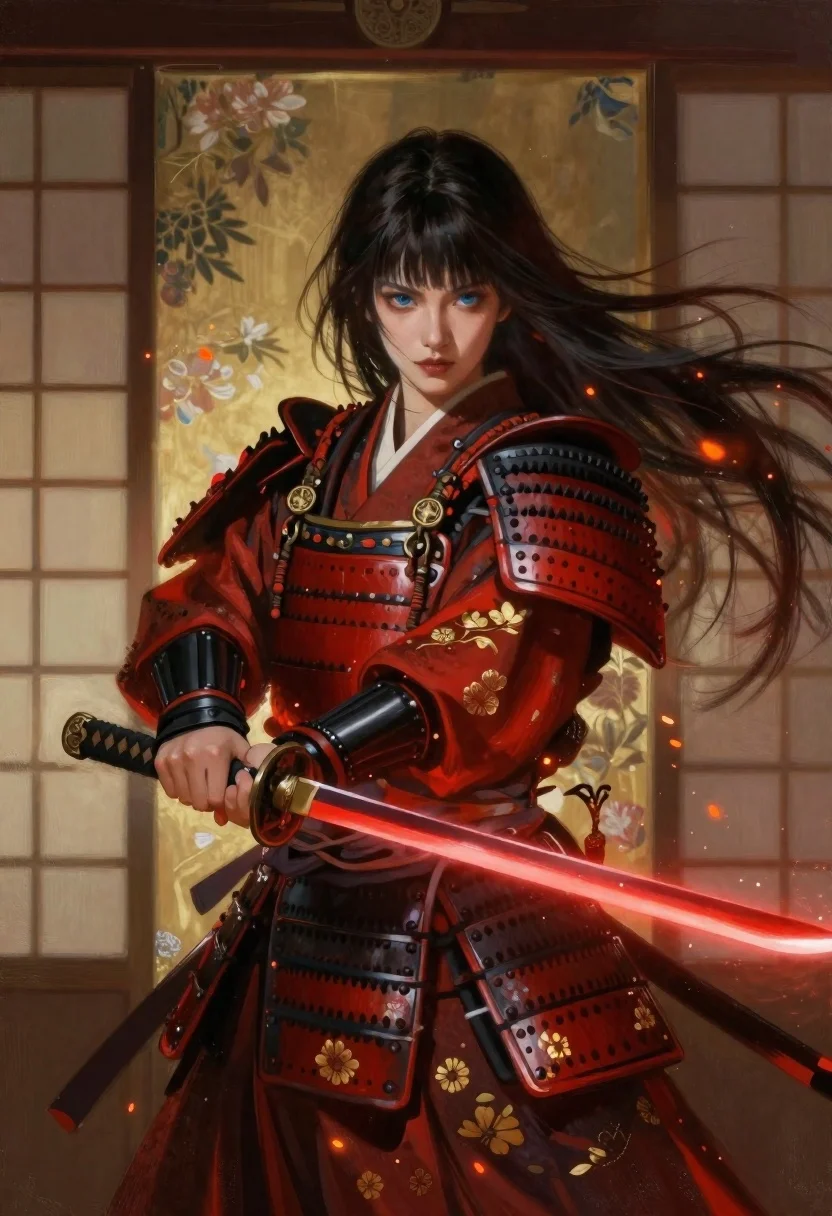
Samurai warrior with katana before japanese screen
Prompt
Oil painting of a female samurai warrior standing with intense focus in front of a traditional Japanese screen.

Subject: Young woman with long dark hair blowing to the right and bangs framing her face, piercing blue eyes, pale skin, wearing detailed red armor shoulder guards over a layered kimono-style outfit

Clothing: Deep crimson robes adorned with gold floral embroidery, wide black leather obi sash fastened with ornate metal buckles, protective gauntlets on both hands

Action: She grips the hilt of a katana firmly in her right hand while the glowing red blade extends forward horizontally, surrounded by floating orange embers and falling petals drifting around her shoulders.

Environment: Framed traditional Japanese sliding door (shoji) with translucent rice paper panels showing faint floral patterns behind her

Lighting: Warm ambient light illuminating her face from above-left casting soft shadows under the armor plates while glowing red energy emanates along the length of the blade creating dramatic contrast against cool tones.

Style Details: Digital painting rendered in semi-realistic style blending cinematic composition with artistic brushwork, featuring dynamic wind effects captured through flowing hair and fabric movement alongside magical particle elements like sparks and leaves suspended mid-air around her silhouette.
Description
This prompt is useful for creating character concept art for historical fantasy settings, dramatic book covers, and high-end video game promotional materials. The combination of 'deep crimson robes' against the cool tones of the shoji screen, coupled with the 'glowing red energy' emanating from the katana, establishes a powerful visual contrast that prevents the scene from feeling flat, while the 'dynamic wind effects' ensure the composition feels active rather than static.
Suggestions
- Change 'deep crimson robes' to 'midnight blue kimono' for a cooler palette.
- Add 'dramatic volumetric fog' to enhance the magical particle elements.
- Swap 'semi-realistic style' for 'Ukiyo-e inspired digital painting' to shift the artistic focus.
Category
Tags
ArmorDigital ArtFemaleFull BodyRealisticSide ProfileTraditional Wear
Date added
June 19, 2026
Added by
PromptDexter Team
Related Prompts
More prompts with similar categories and tags.

Warrior woman riding wolf through snowy mountains
Elegant woman in teal hanfu against misty mountains
Young woman reading by river under cherry blossoms
Warrior in dark armor within ancient overgrown stone archway
Anime warrior woman in dragon armor amidst swirling flames
Blonde woman in steel armor before ancient stone castle
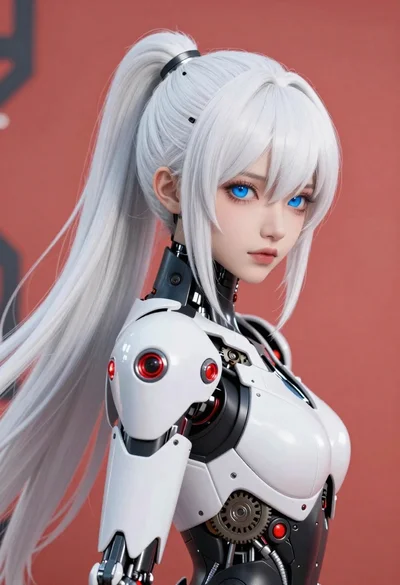
Cybernetic android portrait in red scifi setting

Futuristic android woman in metallic corridor