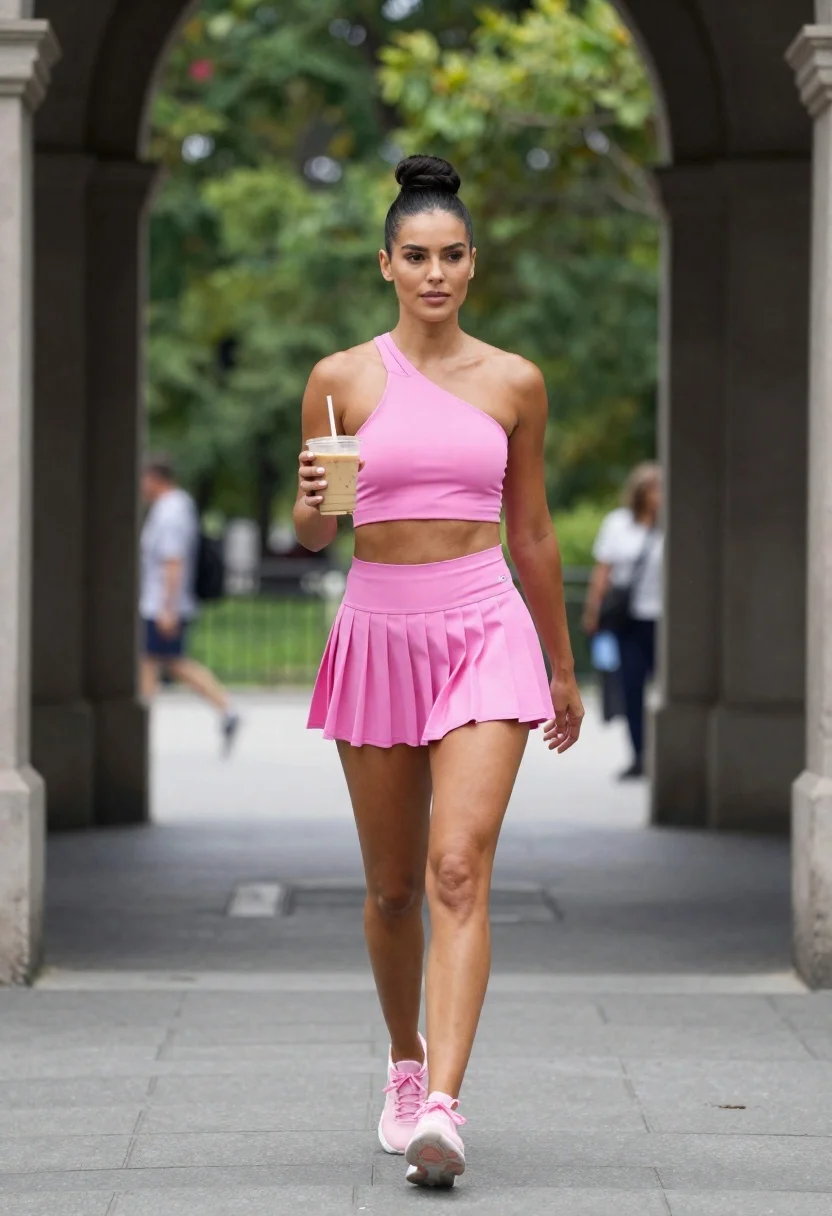
Fit woman in pink athletic wear walking through park archway holding iced
Prompt
A confident woman with dark hair pulled into a high bun walks forward through an outdoor park archway holding an iced coffee.

Subject: A fit woman with tan skin and dark hair styled in a sleek high bun, featuring defined facial features and a calm, focused expression.

Clothing: She wears a bright pink athletic ensemble consisting of a halter-style crop top with a crisscross neckline and a matching pleated tennis skirt, paired with light pink sneakers.

Action: Walking forward with a relaxed stride, holding a plastic cup of iced coffee in her right hand while looking slightly to her left.

Environment: A paved walkway framed by dark stone arches leading into a lush green park with trees and blurred pedestrians in the background.

Camera: Eye-level medium shot capturing the full body from head to toe, utilizing a shallow depth of field to keep the subject sharp while blurring the background.

Lighting: Soft natural daylight illuminating the scene evenly without harsh shadows, creating a bright and airy atmosphere.

Style Details: High-resolution photography with vibrant color saturation on the pink outfit and realistic texture rendering on the fabric and skin.
Description
This prompt is useful for creating fitness lifestyle advertisements, athletic apparel lookbooks, and casual outdoor portraiture. The combination of 'bright pink athletic ensemble' against a 'lush green park' background ensures high visual contrast, while specifying 'soft natural daylight illuminating the scene evenly without harsh shadows' prevents deep creases or distracting hot spots on the skin or fabric.
Suggestions
- Change 'bright pink athletic ensemble' to 'neon coral athletic ensemble' for more vibrancy.
- Add 'bokeh effect' to the camera section for stronger background separation.
- Swap 'iced coffee' for 'water bottle' if you want a less consumable prop.
Category
Tags
Casual WearFemaleFull BodyMedium ShotOutdoorsRealistic
Date added
June 23, 2026
Added by
PromptDexter Team
Related Prompts
More prompts with similar categories and tags.
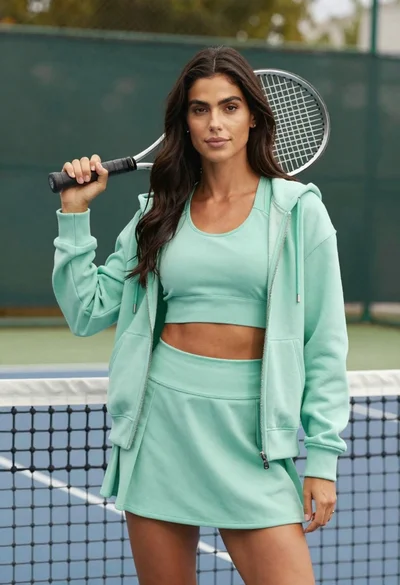
Confident woman in mint green athletic wear holding tennis racket on court
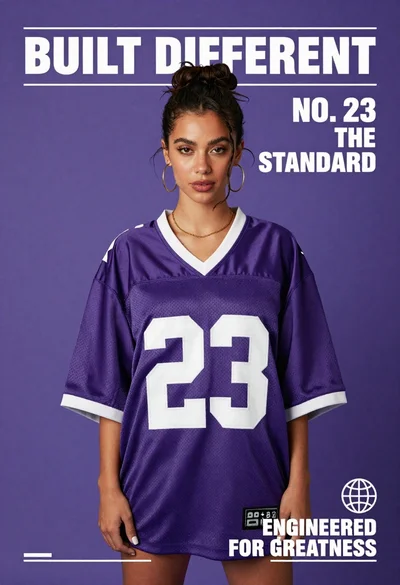
Confident young woman in oversized purple football jersey number 23 on solid
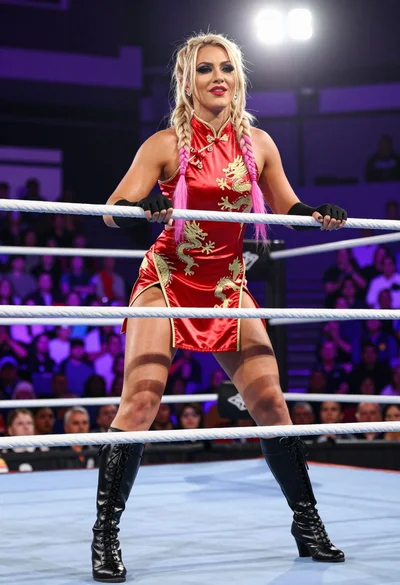
Blonde wrestler in red satin dress posing confidently inside wrestling ring
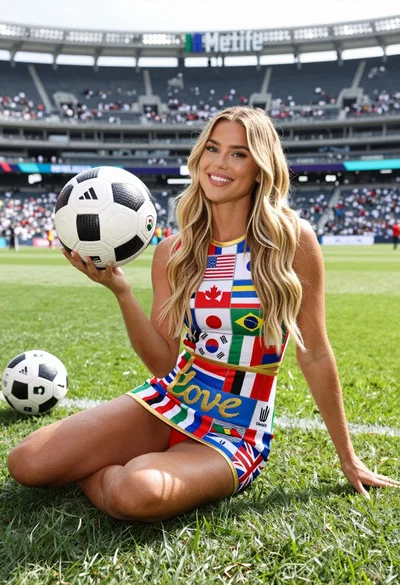
Blonde woman sitting crosslegged with flags dress near stadium
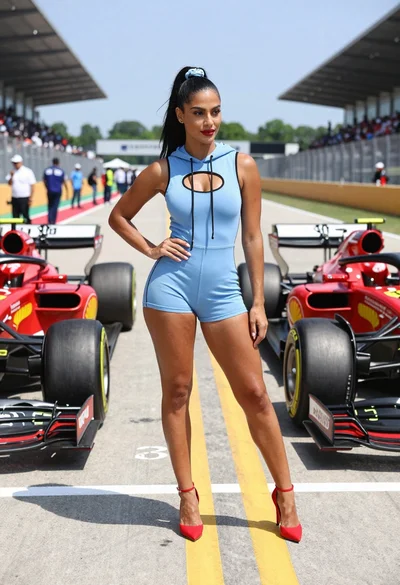
Confident woman in blue bodysuit between two formula one race cars
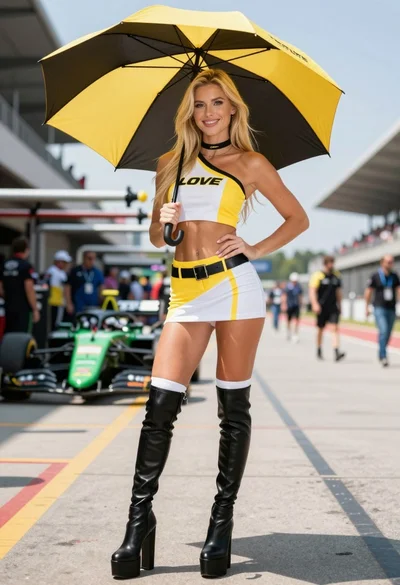
Blonde woman in racing uniform holding umbrella at sunny pit lane
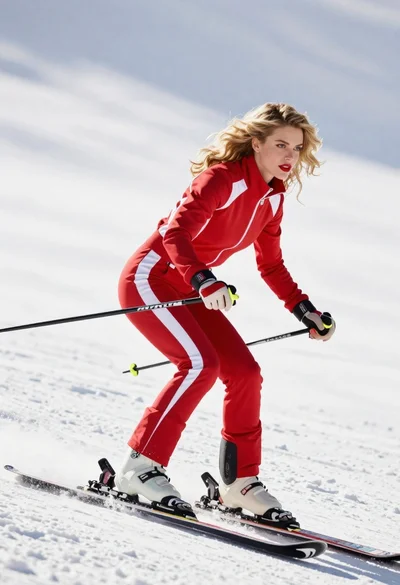
Blonde woman skiing in red tracksuit against snowy bright landscape
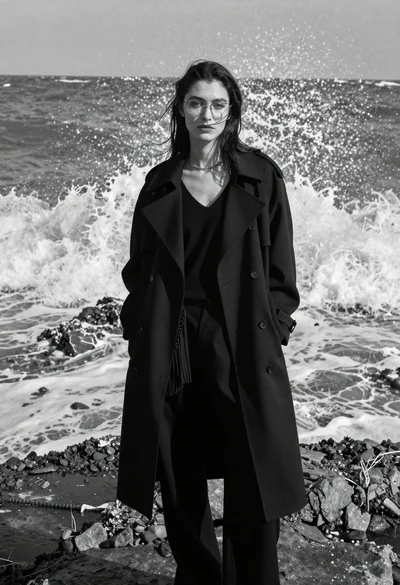
Woman in black coat on rocky shore with crashing waves