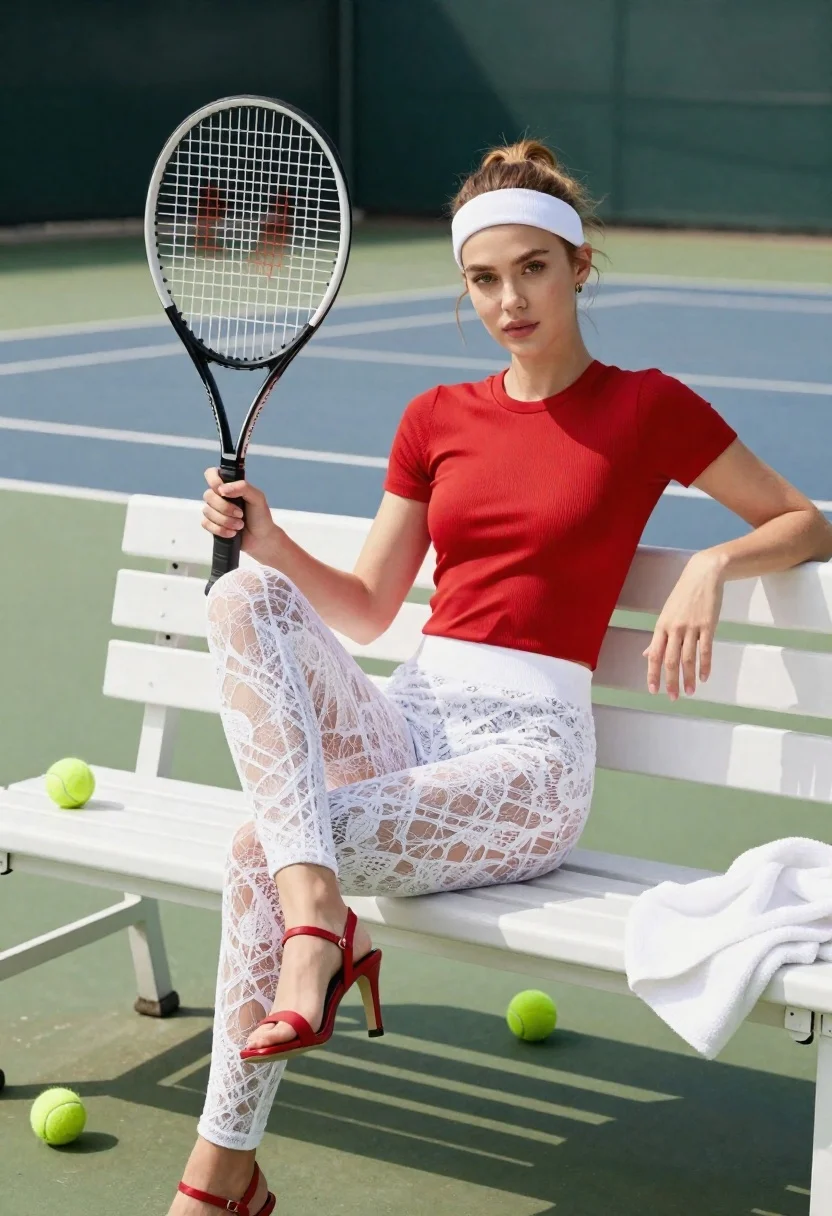
Young woman with light brown hair sitting on white bench holding tennis
Prompt
A woman sits casually on a white bench holding a tennis racket upright in her right hand.

Subject: A young woman with light brown hair pulled back into a messy bun and wearing a white headband. She has fair skin, defined eyebrows, and is looking directly at the camera with a neutral expression.

Clothing: She wears a fitted red short-sleeved ribbed top and opaque white lace leggings that reach her ankles. On her feet are red strappy high-heeled sandals.

Action: She sits with her legs crossed at the knee, leaning back slightly against the bench with her left arm resting on the backrest. Her right hand grips the handle of a black tennis racket which is held vertically in front of her.

Environment: The setting is an outdoor tennis court featuring a green surface and white boundary lines. A dark green wall or fence is visible in the background.

Objects: Several bright yellow-green tennis balls are scattered on the bench near her feet and legs. A folded white towel rests on the edge of the bench to her right.

Lighting: Bright, direct sunlight illuminates the scene from above, casting sharp shadows beneath the bench and highlighting the textures of her clothing.

Camera: The shot is a medium-full length view taken at eye level with a shallow depth of field that keeps the subject in sharp focus while blurring the background court lines.

Style Details: High-resolution commercial photography with vibrant colors and a clean, polished aesthetic.
Description
This prompt is useful for creating fitness advertisement campaigns, lifestyle sportswear lookbooks, and editorial features about athletic downtime. The combination of 'bright, direct sunlight' casting sharp shadows against the 'green surface' grounds the subject in a tangible setting, while the 'shallow depth of field' ensures that the viewer's focus remains tightly on the model and her red top rather than being distracted by the background court lines.
Suggestions
- Change 'red short-sleeved ribbed top' to 'navy blue athletic crop top' for a different color pop.
- Swap 'black tennis racket' for 'wooden vintage tennis racket' to change the aesthetic feel.
- Adjust 'bright, direct sunlight' to 'soft overcast light' for less harsh shadows.
Category
Tags
Casual WearFair SkinFemaleFull BodyLight SkinMedium ShotOutdoorsRealisticSportswear
Date added
June 26, 2026
Added by
PromptDexter Team
Related Prompts
More prompts with similar categories and tags.
Fit woman in pink athletic wear walking through park archway holding iced
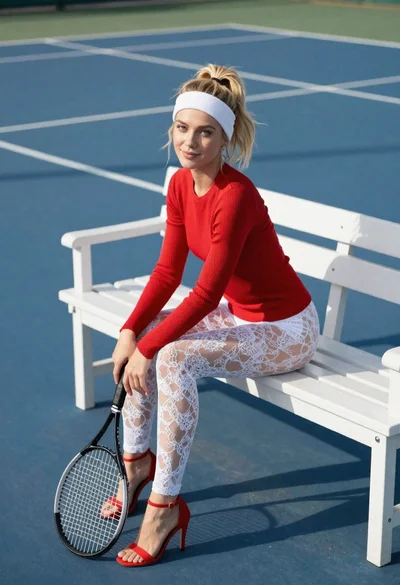
Blonde woman in red sweater sitting on a bench at a blue
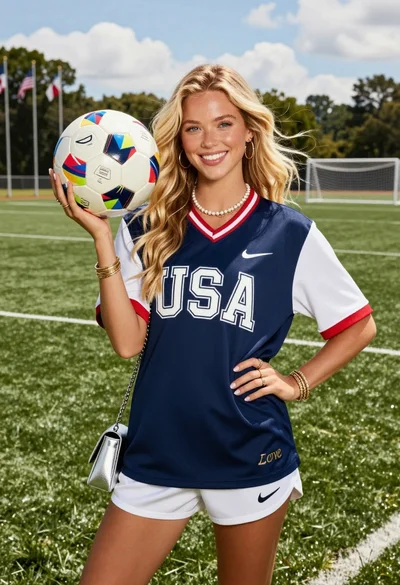
Smiling blonde woman in usa soccer jersey on green field
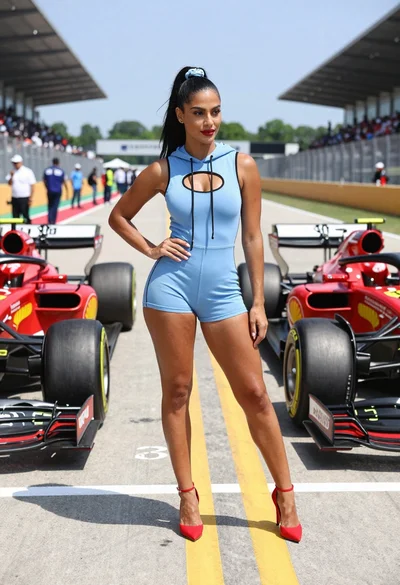
Confident woman in blue bodysuit between two formula one race cars
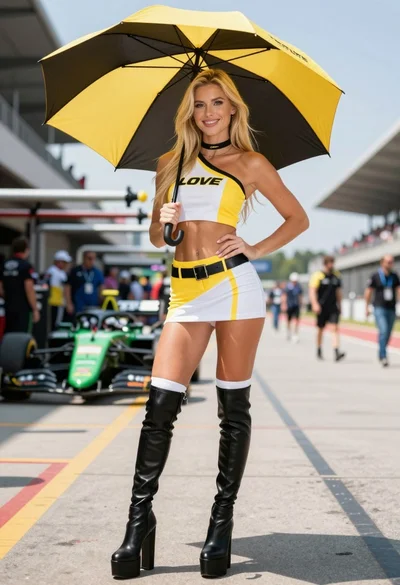
Blonde woman in racing uniform holding umbrella at sunny pit lane
Young woman in black leather jacket with colorful scarf against blue sky
Blonde woman skiing in red tracksuit against snowy bright landscape
Fit blonde woman in white sports bra and red leggings doing yoga