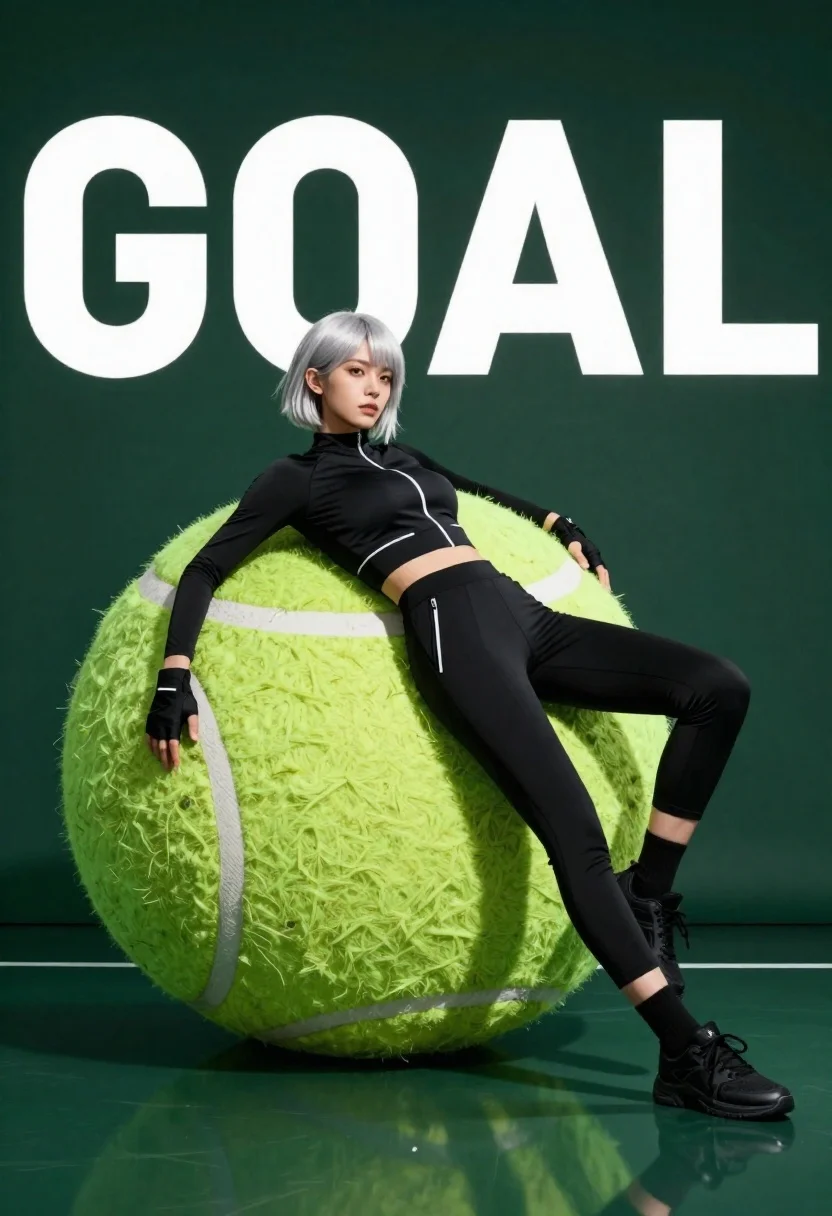
Young woman with short silver hair leaning against giant tennis ball in
Prompt
A confident young woman with short silver hair reclines against a massive tennis ball in a sleek studio setting.

Subject: A young woman with short, choppy silver hair and a serious, focused expression looking slightly to the side.

Clothing: She wears a tight black long-sleeved athletic top with white zipper details on the chest and waist, matching black athletic trousers, black socks, and black sneakers. She also wears black fingerless gloves.

Action: She is leaning back casually against a giant tennis ball, resting her left arm on it while her legs are extended forward in a relaxed pose.

Environment: The setting is a minimalist studio with a dark green background wall featuring large white text that reads "GOAL". A highly reflective floor mirrors the subject and the oversized props below them.

Objects: A massive, hyper-realistic tennis ball serves as the main prop she is leaning against.

Lighting: Dramatic studio lighting creates sharp highlights on her silver hair and the glossy surface of the giant ball, casting deep shadows that emphasize the contours of her body and clothing.

Style Details: The image has a high-fashion commercial aesthetic with hyper-realistic textures, smooth skin rendering, and a polished, cinematic color palette dominated by greens and blacks.
Description
This prompt is useful for creating athletic brand campaigns, editorial fitness spreads, and conceptual sportswear lookbooks. The combination of 'dramatic studio lighting' casting deep shadows against the 'dark green background wall' sculpts the subject's physique and emphasizes the high-gloss finish of both her attire and the massive tennis ball, giving a polished commercial feel.
Suggestions
- Change 'black athletic trousers' to 'charcoal compression leggings' for more texture.
- Swap 'dark green background wall' for 'concrete textured backdrop' to shift the mood.
- Add 'shot on Hasselblad X2D 100C' to specify camera quality.
Category
Tags
FemaleFull BodyOutdoorsRealisticSportswearStudio
Date added
June 23, 2026
Added by
PromptDexter Team
Related Prompts
More prompts with similar categories and tags.
Fit woman in neon lime green athletic wear running mid stride
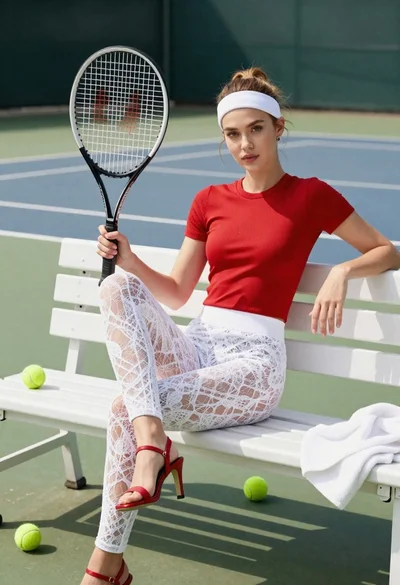
Young woman with light brown hair sitting on white bench holding tennis
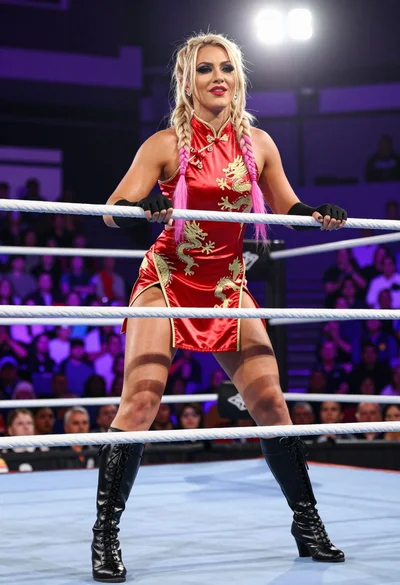
Blonde wrestler in red satin dress posing confidently inside wrestling ring
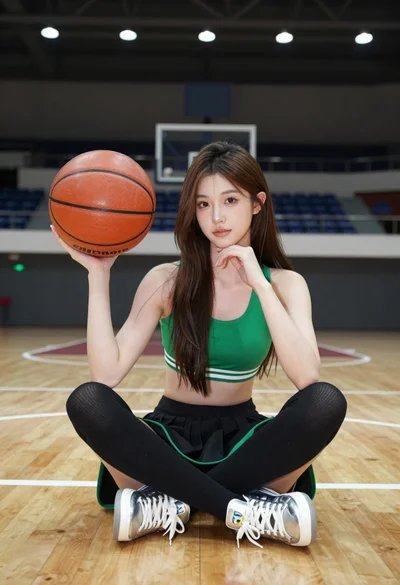
Young woman sitting on wooden court holding basketball in green sportswear
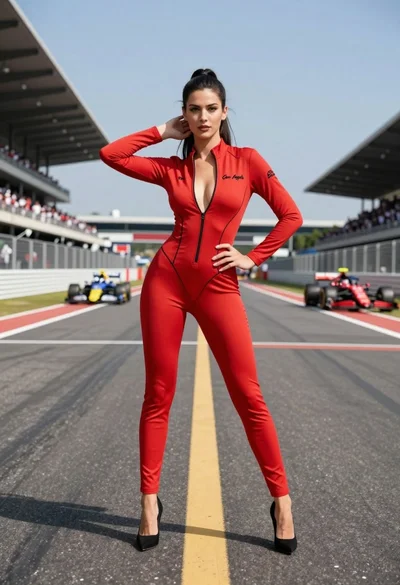
Confident woman in red bodysuit posing on an asphalt race track
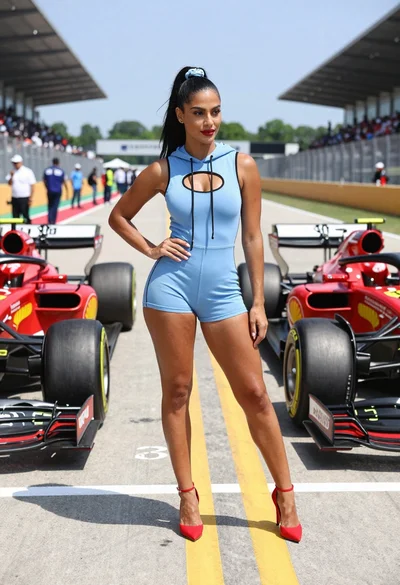
Confident woman in blue bodysuit between two formula one race cars
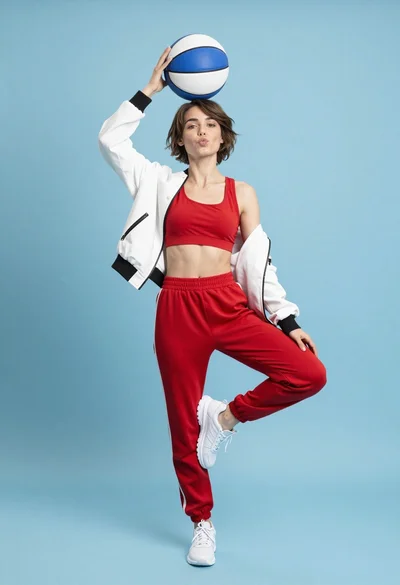
Young woman balancing basketball in athletic wear against light blue studio background
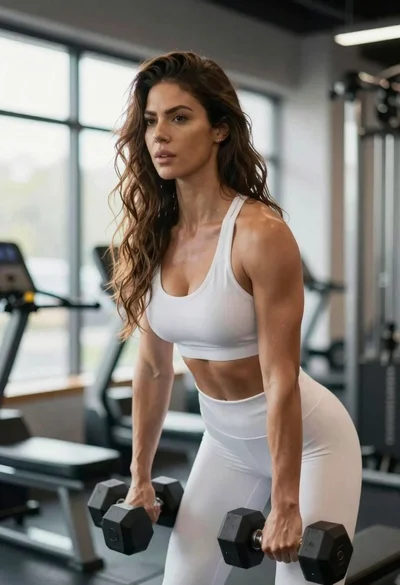
Fit woman lifting dumbbells in a gym with soft backlight