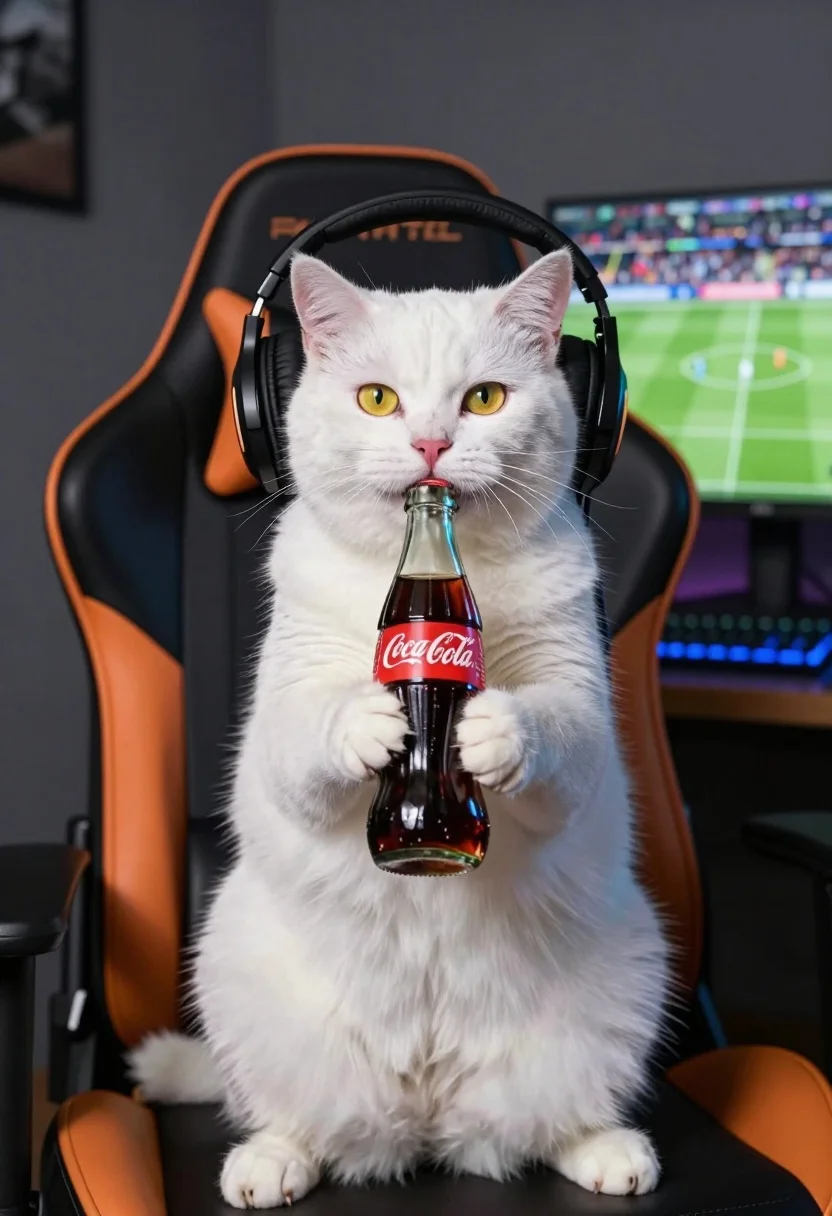
Fluffy white cat wearing headphones drinking coke from gaming chair
Prompt
A white cat sits upright in a gaming chair wearing large black headphones while holding a glass Coca-Cola bottle to its mouth with both paws.

Subject: A fluffy white cat with bright yellow eyes and pink nose sitting upright like a human.

Clothing: The cat wears large black over-ear gaming headphones that cover its ears completely.

Action: The cat holds a glass Coca-Cola bottle with both front paws, tilting it to drink from the opening while looking directly at the camera.

Environment: An indoor room featuring a dark grey wall and a desk setup in the background.

Objects: A black and orange gaming chair, a computer monitor displaying a football match on a green pitch, and a blue backlit keyboard on the desk.

Lighting: Soft ambient lighting illuminates the scene from the front, casting gentle shadows behind the cat and highlighting the texture of its fur.

Camera: Medium shot framed to focus on the cat's upper body with a shallow depth of field that keeps the background slightly blurred.

Style Details: Photorealistic rendering with high detail in fur texture and realistic reflections on the glass bottle.
Description
This prompt is useful for creating surreal pet portraits, humorous character concept art, and highly detailed animal lifestyle illustrations. The combination of 'photorealistic rendering' with specific elements like 'large black over-ear gaming headphones' and a 'shallow depth of field' ensures the cat remains the sharp focal point while grounding the absurdity in believable texture and composition.
Suggestions
- Change 'bright yellow eyes' to 'piercing emerald green eyes' for more contrast.
- Swap 'Coca-Cola bottle' for an empty, stylized soda can to simplify reflections.
- Adjust 'dark grey wall' to 'exposed brick wall' for a different background texture.
Category
Tags
AnimalMedium ShotRealistic
Date added
July 12, 2026
Added by
PromptDexter Team
Related Prompts
More prompts with similar categories and tags.

Young woman with black hair and white top relaxing in sunlit garden
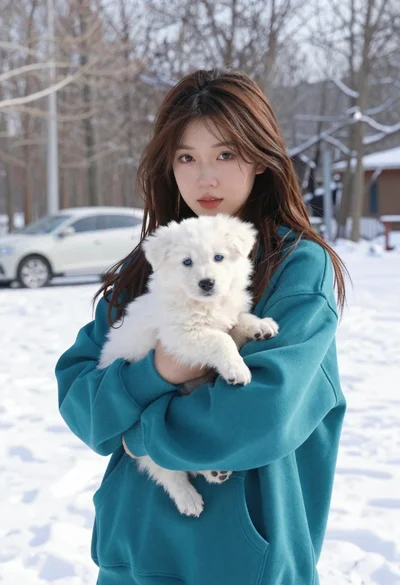
Young woman in teal hoodie holding fluffy white puppy in snowy winter
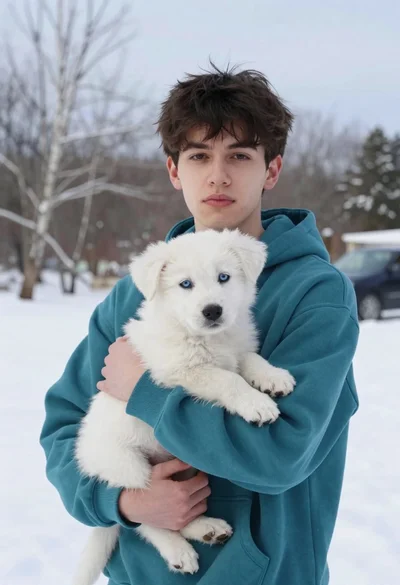
Young man in teal hoodie holding white puppy in snowy landscape
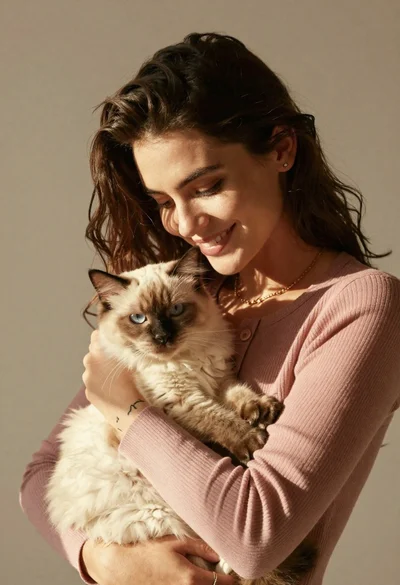
Smiling young woman holding a fluffy cream cat against neutral background

Young woman in knit cardigan holding small rabbit near christmas tree

Smiling woman in leather jacket holding white dog and snow

Young woman in plush hat holding fluffy cream cat in indoor setting
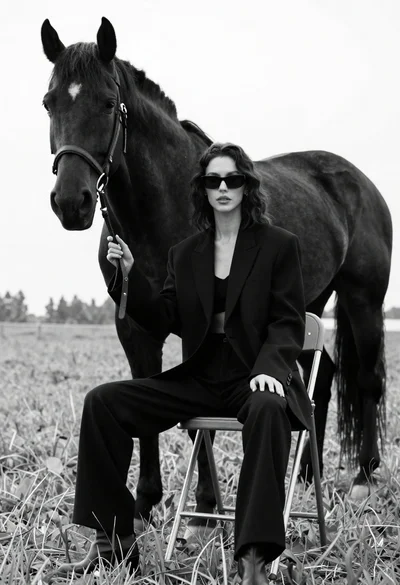
Woman in black outfit sitting on stool with large horse in field
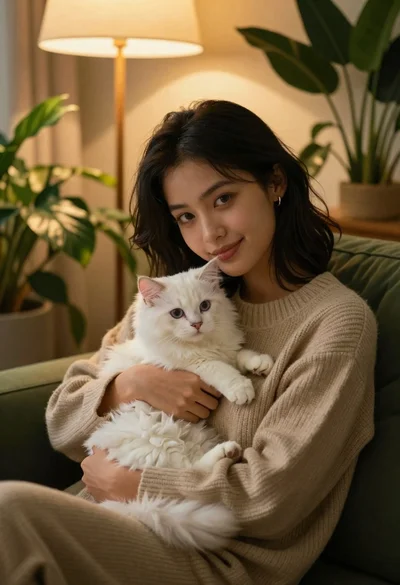
Young woman with dark hair holding fluffy white kitten in cozy room
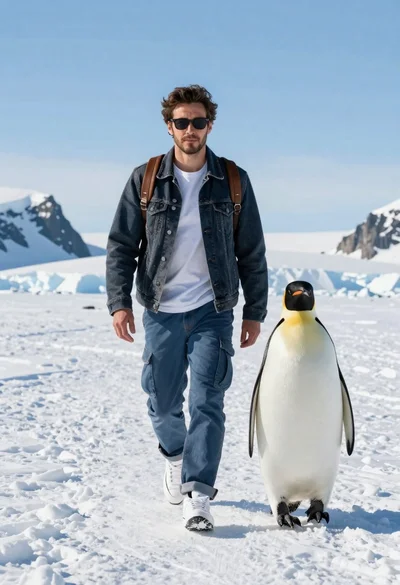
Man and emperor penguin walking together through snowy arctic landscape