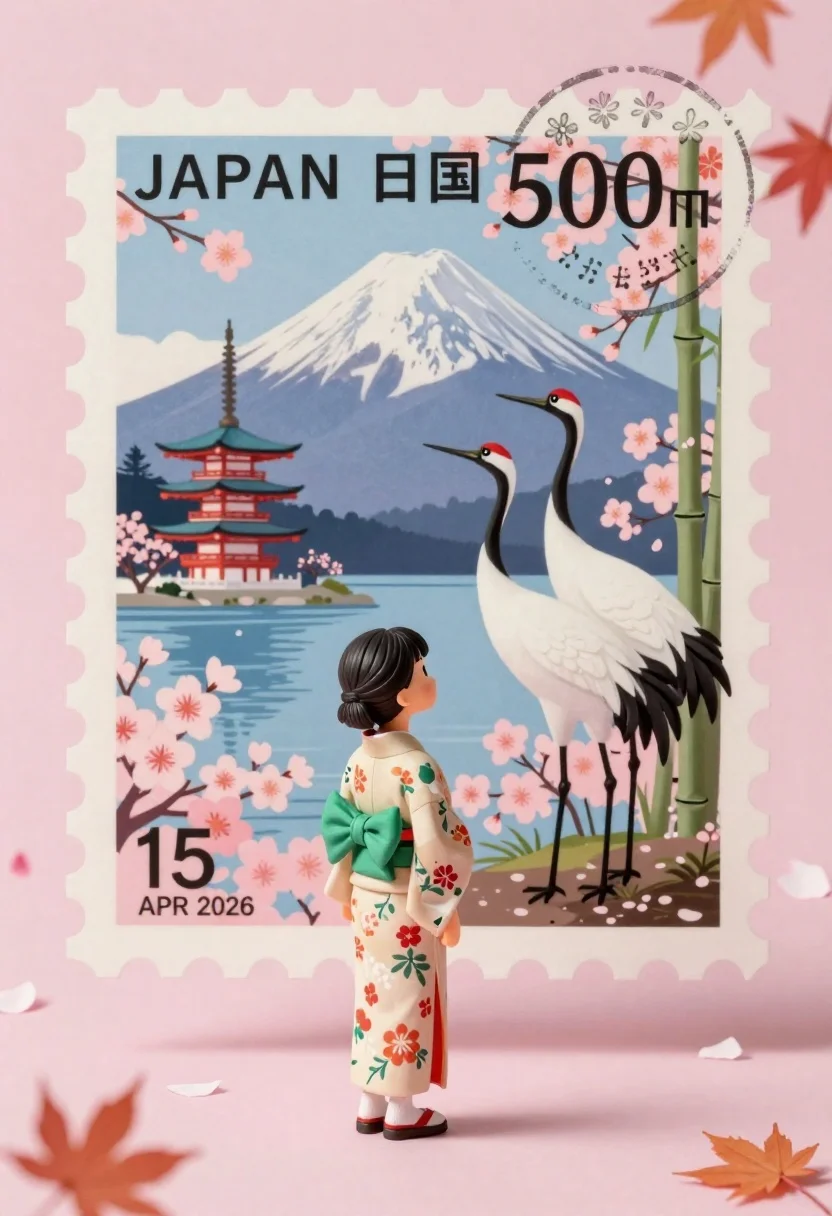
Miniature girl in kimono stands before giant vintage postage stamp of mount
Prompt
A miniature girl in a traditional kimono stands before a giant vintage postage stamp featuring Mount Fuji and cherry blossoms.

Subject: A tiny girl with dark hair tied back, wearing a patterned beige kimono with a green obi sash.

Clothing: The girl wears a traditional Japanese kimono with floral patterns and a solid green sash around the waist.

Action: She stands still in profile facing right, looking up at the giant stamp.

Environment: A soft pink room with floating cherry blossom petals and maple leaves in the air.

Camera: Close-up perspective emphasizing the scale difference between the girl and the stamp.

Lighting: Soft diffused lighting creating a dreamy pastel atmosphere with gentle shadows.
Second

Subject: Two large Japanese cranes standing among cherry blossoms and bamboo stalks on the right side of the stamp.

Objects: A giant vintage postage stamp with scalloped edges, Mount Fuji illustration, pagoda, lake, and postmark reading Tokyo 15 APR 2026.

Text/Graphics: Bold black text reading JAPAN 日本国 500円 and a circular postmark stamp with floral designs.

Style Details: Vintage Japanese aesthetic with soft pastel colors, detailed illustration style, and romantic cherry blossom theme.
Description
This prompt is useful for creating whimsical storybook illustrations, concept art for fantasy narratives, and themed greeting card designs. The combination of 'miniature girl' against the imposing scale of a 'giant vintage postage stamp' immediately establishes a sense of wonder, while the 'soft diffused lighting' ensures that the delicate pastel colors do not become harsh or overly saturated.
Suggestions
- Change 'patterned beige kimono' to 'deep indigo patterned kimono' for more contrast.
- Add 'bokeh effect' to the floating petals for increased dreaminess.
- Swap 'maple leaves' for 'wisteria blossoms' to complement the cherry theme.
Category
Tags
Close UpDigital ArtFemaleNatureOutdoorsTraditional Wear
Date added
June 26, 2026
Added by
PromptDexter Team
Related Prompts
More prompts with similar categories and tags.

Portrait of a witch in black corset and hat

Anime girl in vast rose garden at sunset
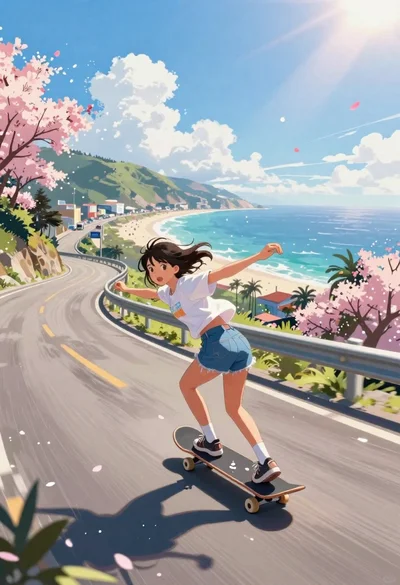
Girl skateboarding on coastal highway with cherry blossoms
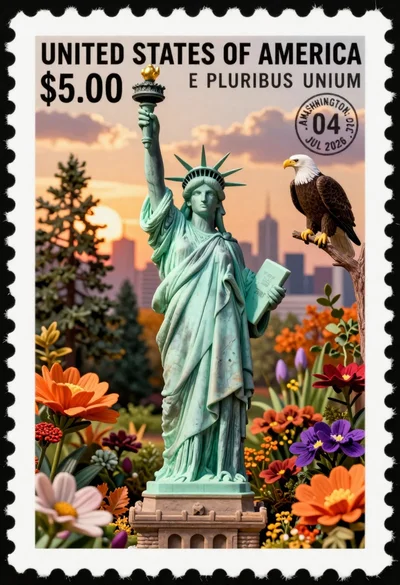
Miniature postage stamp of statue of liberty in garden with eagle

Young woman in profile wearing headphones and denim jacket against geometric background
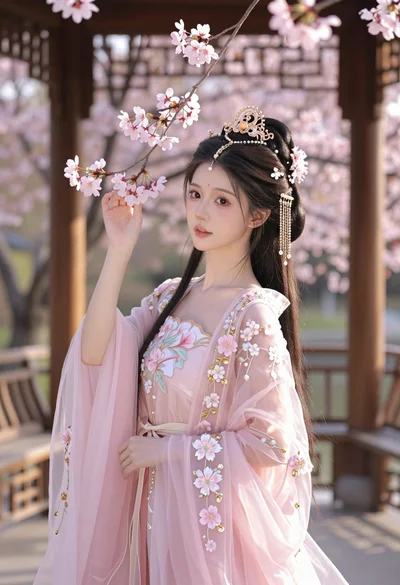
Young woman in pink gown standing in cherry blossom pavilion at golden
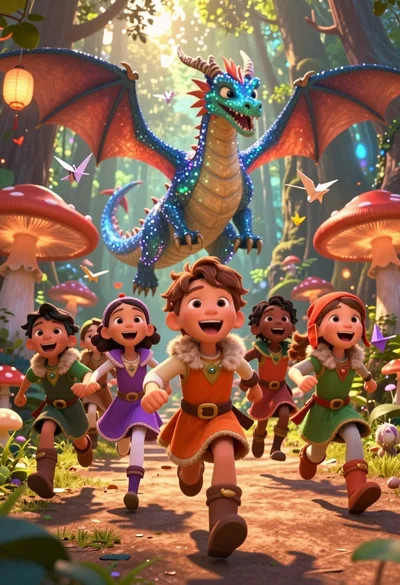
Diverse children running through magical forest near giant sparkling dragon

Low poly illustration of girl taking selfie with cat on black background