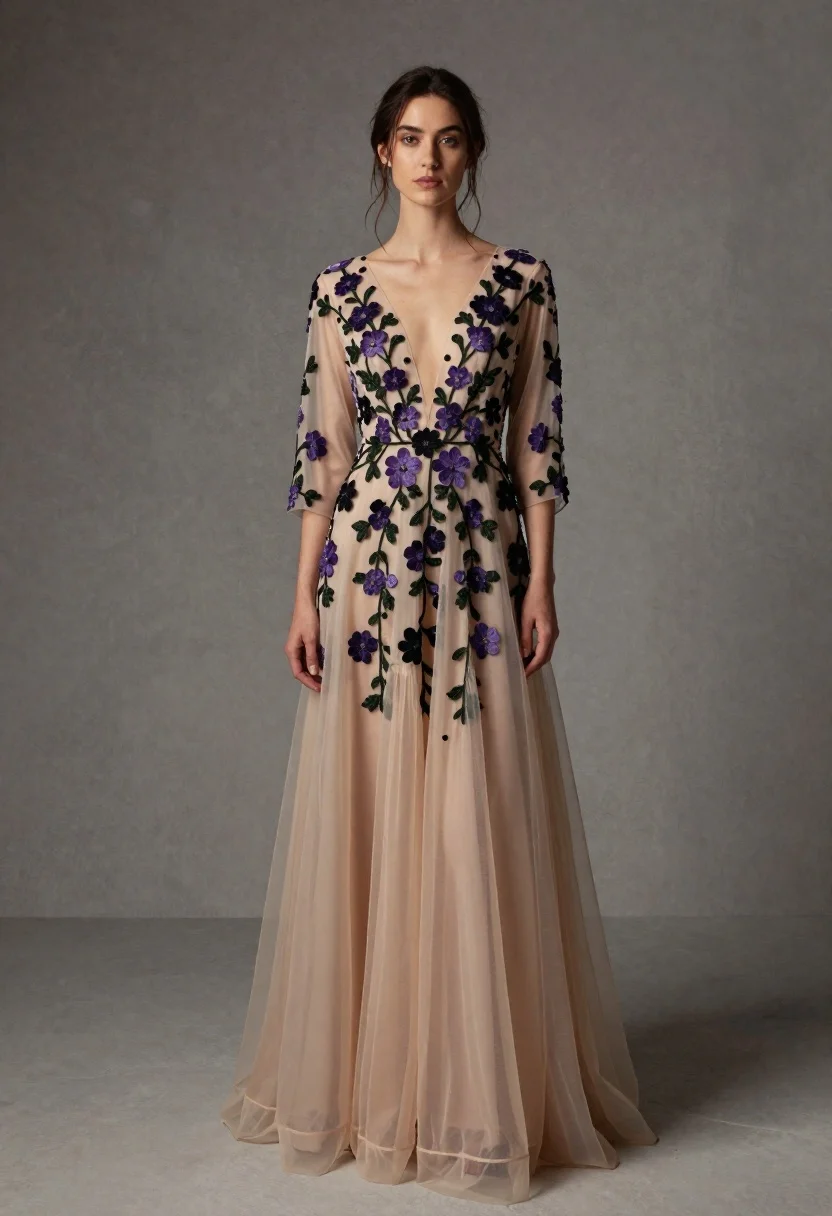
Full length portrait of woman in embroidered champagne evening gown
Prompt
A full-length portrait of a woman wearing an elegant, floor-length gown with intricate floral embroidery.

Subject: A woman with dark hair pulled back loosely, featuring a few stray strands framing her face, and a calm, direct gaze.

Clothing: She wears a sheer, champagne-colored evening gown with a deep V-neckline and three-quarter length sleeves. The bodice and skirt are heavily embroidered with clusters of purple and black flowers on green vines. The fabric appears to be a lightweight tulle or chiffon that flows into soft, voluminous layers at the hem.

Action: She stands facing forward with her body angled slightly to the right, her left hand resting gently near her waist while her right arm hangs relaxed by her side.

Environment: A textured, neutral grey studio backdrop that resembles a concrete or plaster wall.

Camera: Shot from a straight-on eye-level perspective with a full-length framing that captures the entire figure and the flow of the dress.

Lighting: Soft, diffused studio lighting illuminates the subject evenly from the front, creating gentle shadows that define the folds of the fabric without harsh contrast.

Style Details: High-fashion editorial photography style with a focus on texture and detail, featuring muted earth tones and a sophisticated, moody atmosphere.
Description
This prompt is useful for creating high-end bridal editorials, formal gala lookbooks, and luxury catalog advertisements requiring detailed textile focus. The combination of 'soft, diffused studio lighting' and the 'textured, neutral grey studio backdrop' ensures that the intricate floral embroidery on the champagne gown remains visible without harsh highlights washing out the delicate tulle or chiffon.
Suggestions
- Change 'purple and black flowers' to 'gold and ivory blossoms' for a warmer palette.
- Swap 'tulle or chiffon' for 'silk crepe' to alter the drape of the fabric.
- Adjust 'straight-on eye-level perspective' to 'low angle shot' to make the gown appear more voluminous.
Category
Tags
BrunetteFemaleFormal WearFull BodyPortrait ShotRealisticStudio
Date added
June 19, 2026
Added by
PromptDexter Team
Related Prompts
More prompts with similar categories and tags.
Glamorous woman in black sequined romper standing before dusty rose velvet curtains

Portrait of woman in elaborate red feathered gown against vivid blue background
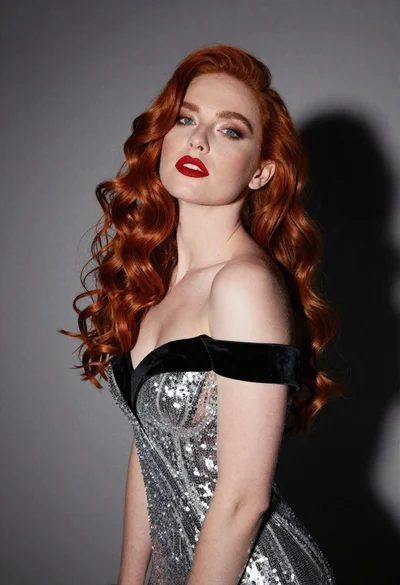
Glamorous portrait of woman with red hair in silver gown
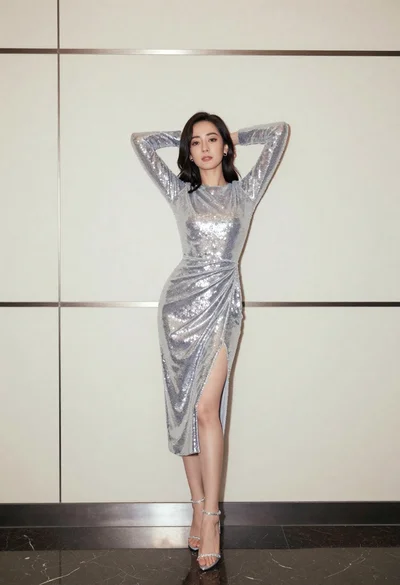
Full body portrait of woman in silver sequin dress against modern paneling
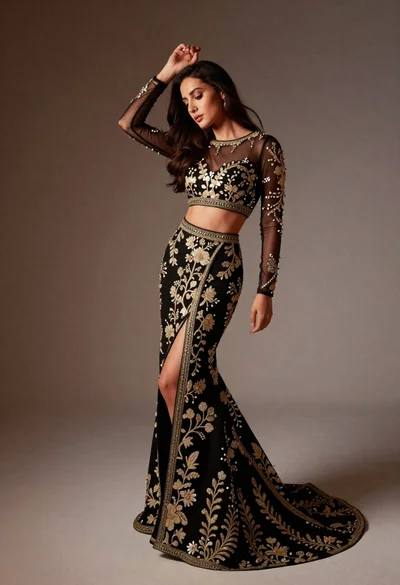
Full length studio portrait of woman in elaborate black and gold ensemble
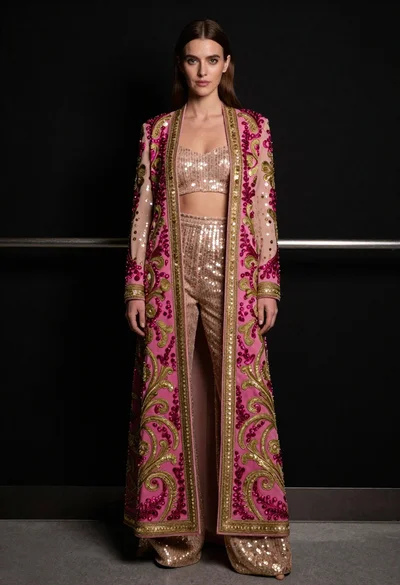
Full length portrait of woman in embroidered coat against black background
High fashion portrait of woman in orange pantsuit
Woman in blue gown holding fabric panels studio portrait
Studio portrait of woman in black bunny costume
Woman in emerald jacket against deep brown backdrop