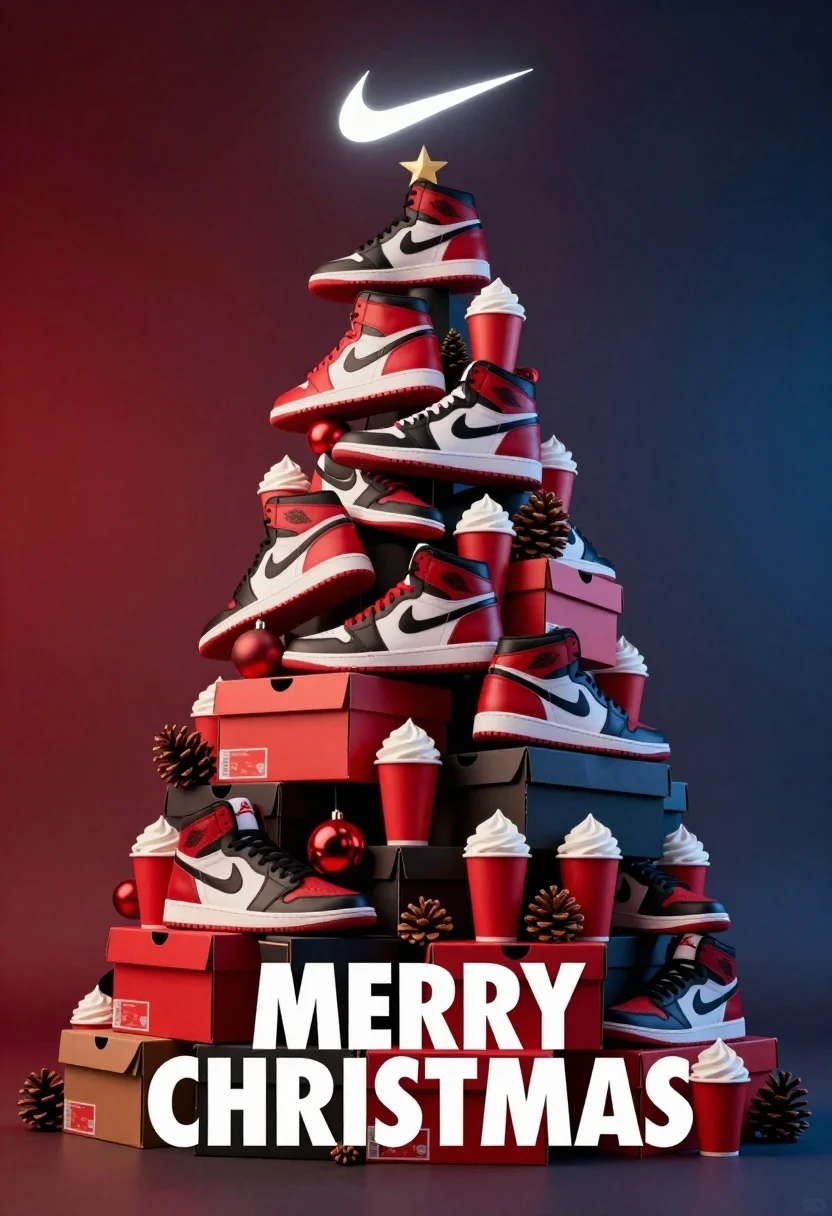
Hyperrealistic 3d render of christmas tree made from nike sneakers and decorations
Prompt
A festive Christmas tree constructed entirely from Nike sneakers, shoeboxes, red cups with whipped cream, pinecones, and holiday ornaments.

Subject: A towering conical arrangement of various Nike footwear models, including high-top basketball shoes and low-cut sneakers, stacked to form the shape of a traditional Christmas tree.

Clothing: The subject consists of athletic footwear featuring prominent white swoosh logos, red and black colorways, textured leather uppers, and rubber soles.

Action: The items are arranged in a static, piled-up composition with no movement, creating a surreal object that defies gravity.

Environment: A gradient background shifting from deep red on the left to dark blue on the right, isolating the central subject against a void.

Camera: Centered medium shot with a slight low angle looking up at the tree structure, utilizing soft focus in the background to emphasize depth.

Lighting: Dramatic studio lighting with a glowing white Nike swoosh logo floating above the apex of the tree, casting soft highlights on the curved surfaces of the shoes and cups.

Objects: Red paper cups filled with whipped cream, brown pinecones, red spherical ornaments, and rectangular shoeboxes are interspersed throughout the structure as decorative elements.

Text/Graphics: Large white bold sans-serif text reading "MERRY CHRISTMAS" is positioned at the bottom center of the frame.

Style Details: High-end 3D render with hyper-realistic textures, smooth plastic and leather materials, vibrant saturated colors, and a polished commercial advertisement aesthetic.
Description
This prompt is useful for creating product launch advertisements, themed holiday retail displays, and conceptual art pieces for brand collaborations. The combination of 'hyper-realistic textures' on the athletic footwear with 'dramatic studio lighting' ensures that every material—from the leather uppers to the whipped cream—is rendered with polished commercial advertisement aesthetic quality, making the surreal structure feel tangible.
Suggestions
- Change 'high-end 3D render' to 'octane render' for increased metallic sheen.
- Swap 'deep red on the left to dark blue on the right' for a monochromatic gradient using only shades of gold.
- Adjust 'soft focus in the background' to 'razor-sharp focus throughout' to emphasize the object's solidity.
Category
Tags
3dLow AngleStudio
Date added
August 5, 2026
Added by
PromptDexter Team
Related Prompts
More prompts with similar categories and tags.

Glossy red potato chip bag on volcanic rock amidst glowing lava flows
Nike sneaker floating in dark void with embers
White puffer jacket displayed on a dark gray background

Laptop displaying video thumbnails against blue lit monitors
Black jar of clay mask with swirling white cream

Cloud shaped chair on a yellow background
Dark green hoodie floating against smoky backdrop with 3d letters
Macro shot of a floral ring with blue sapphire
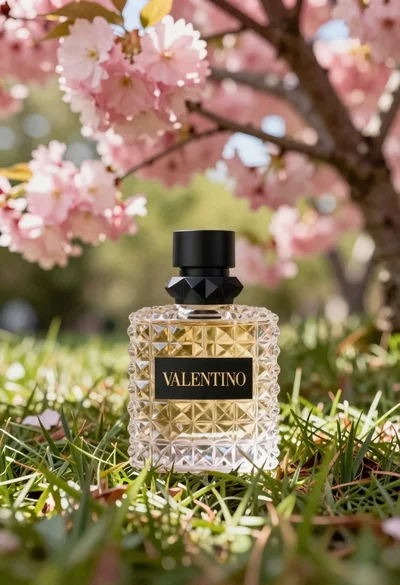
Transparent glass perfume bottle with black cap on green grass under pink
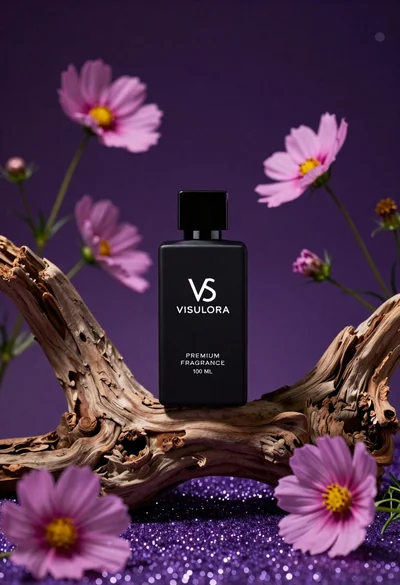
Black perfume bottle on driftwood surrounded by pink cosmos flowers in purple