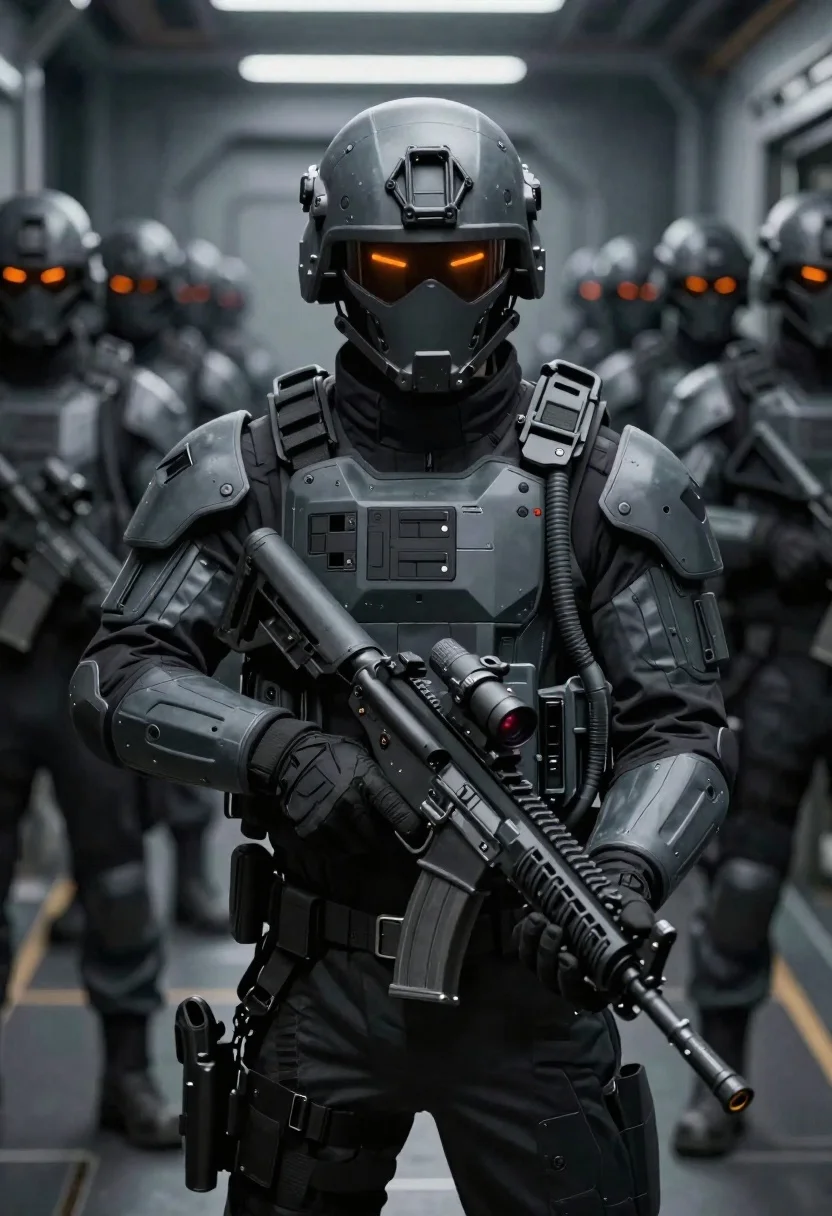
Futuristic soldier in tactical armor corridor
Prompt
Digital illustration of a futuristic soldier in heavy tactical gear standing alert within an armored corridor lined with other soldiers.

Subject: A central figure clad in dark grey and black high-tech exosuit armor, wearing a sleek helmet featuring two glowing orange horizontal visor slits resembling eyes.

Clothing: Matte-textured body armor plating on chest, shoulders, and forearms; integrated utility harnesses around the neck with flexible tubing hanging down to connect systems at mid-chest; thick black tactical gloves covering hands gripping weapon handles.

Objects: Large modern assault rifle held firmly across lower torso in both gloved hands, equipped with optical sight mounted near top receiver area showing faint red dot laser emitter point forward from barrel tip.

Environment: Long narrow metallic corridor extending into blurred background filled with identical soldier figures wearing same type of helmets and armor standing at attention behind main character forming organized ranks along walls suggesting military transport or base interior setting.

Camera: Close-up perspective focusing tightly on front-facing subject while utilizing shallow depth-of-field rendering where distant soldiers dissolve progressively outwards creating strong foreground-background separation effect emphasizing primary figure prominence within composition frame structure.
Description
This prompt is useful for creating concept art for military sci-fi games, cinematic movie posters, and detailed world-building illustrations. The combination of 'dark grey and black high-tech exosuit armor' with a 'shallow depth-of-field rendering' ensures the primary figure dominates the frame while the repeating ranks in the 'long narrow metallic corridor' provide necessary context without distracting from the central subject.
Suggestions
- Change 'glowing orange horizontal visor slits' to 'cyan glowing vertical visor slits' for a different faction feel.
- Swap 'large modern assault rifle' for 'plasma caster weapon' to increase sci-fi impact.
- Adjust 'Close-up perspective' to 'eye-level wide shot' to better capture the corridor's length.
Category
Tags
ArmorDigital ArtFull BodyRobotStreetwearUniformWide Shot
Date added
June 19, 2026
Added by
PromptDexter Team
Related Prompts
More prompts with similar categories and tags.

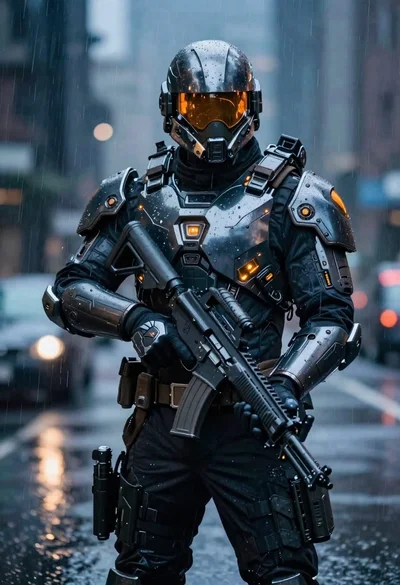
Futuristic soldier in heavy snowfall on an urban street
Cyborg rider on motorcycle in cyberpunk city at night
Black helmeted robot against a solid red background
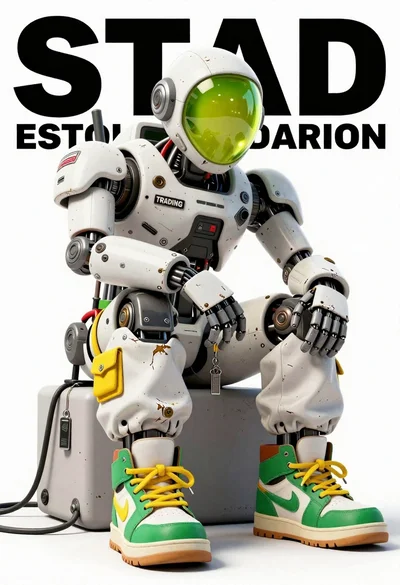
Anthropomorphic robot sitting on white studio background
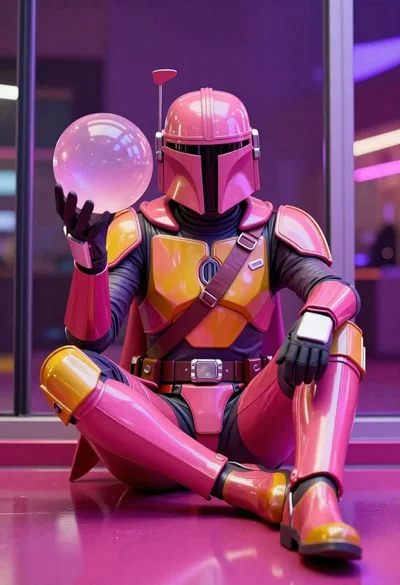
Mandalorian character in pink and gold armor on magenta surface
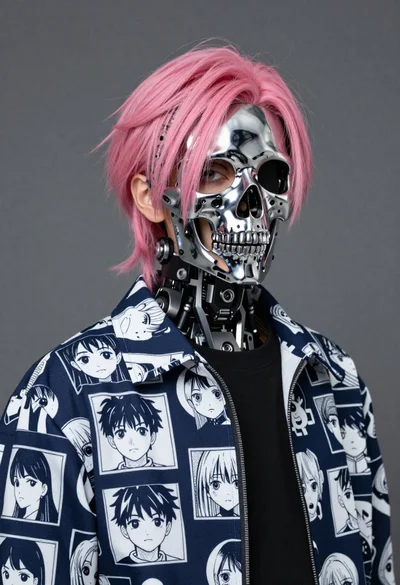
Youthful figure with chrome skull mask and pink hair
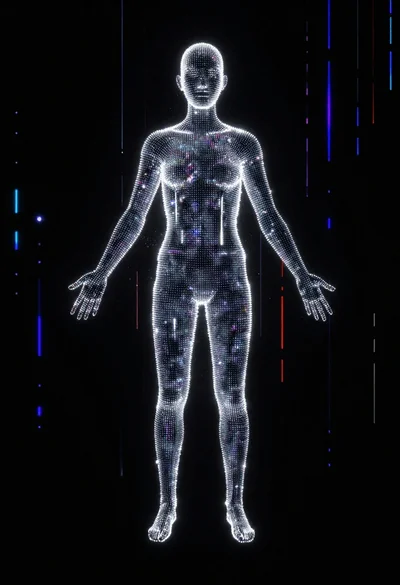
Glowing pixel figure in a digital void matrix

Futuristic android woman in metallic corridor