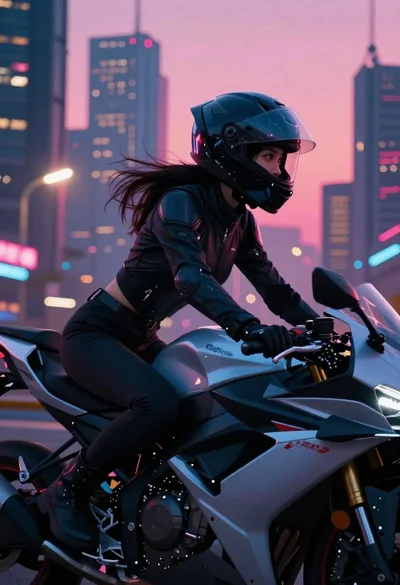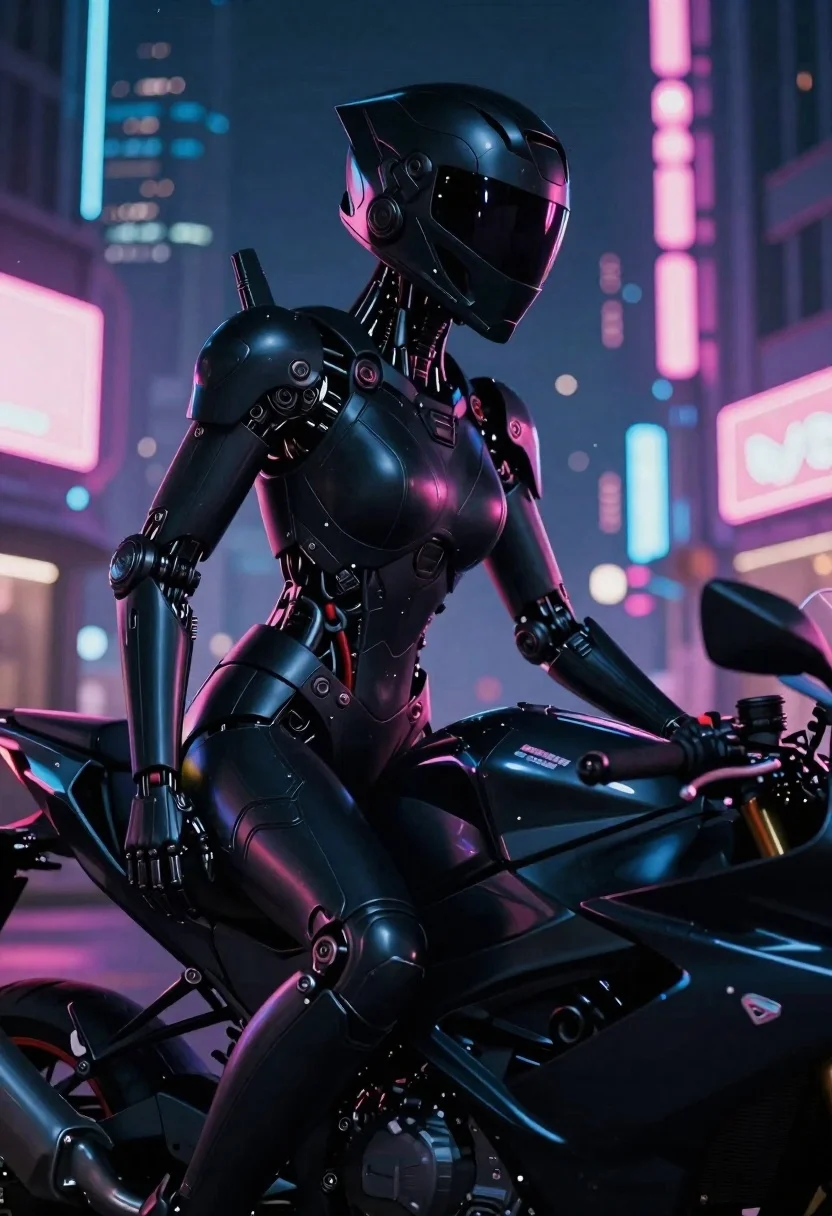
Cyborg rider on motorcycle in cyberpunk city at night
Prompt
Digital painting of a futuristic cyborg rider seated on a sleek motorcycle in a vibrant cyberpunk cityscape at night

Subject: A heavily armored humanoid figure with an imposing profile, featuring a smooth black helmet and high-tech mechanical limbs replacing the natural arm structure

Clothing: The subject is clad in glossy, matte-finished black tactical armor plating that covers the torso and shoulder, accented by subtle red highlights on the chest piece.

Action: Sitting poised and still with an intense gaze directed toward the right side of the frame, embodying a stance of readiness or observation

Environment: A dense urban street at night filled with glowing neon signs in shades of pink, purple, and blue that reflect off surfaces to create depth and atmosphere

Lighting: Dramatic cinematic lighting utilizing strong rim light from ambient city glow against deep shadows on the armor's left side, creating high contrast visual drama.

Style Details: High-fidelity 3D render with hyper-realistic textures emphasizing glossy reflections and intricate mechanical engineering details of the character design.
Description
This prompt is useful for creating concept art for video game key visuals, album cover artwork for electronic music, and cinematic movie poster designs. The combination of 'glossy, matte-finished black tactical armor plating' with 'dramatic cinematic lighting utilizing strong rim light' ensures the mechanical details pop against the deep shadows, which is crucial for conveying high-stakes sci-fi action in a visually arresting way.
Suggestions
- Change 'pink, purple, and blue' to 'cyan and magenta' for a more specific neon palette.
- Add 'rain-slicked asphalt' to the environment description for enhanced reflections.
- Modify 'high-fidelity 3D render' to 'octane render' for a different material sheen.
Category
Tags
3dArmorFull BodyRobotStreetwearUrbanVehicles
Date added
June 19, 2026
Added by
PromptDexter Team
Related Prompts
More prompts with similar categories and tags.
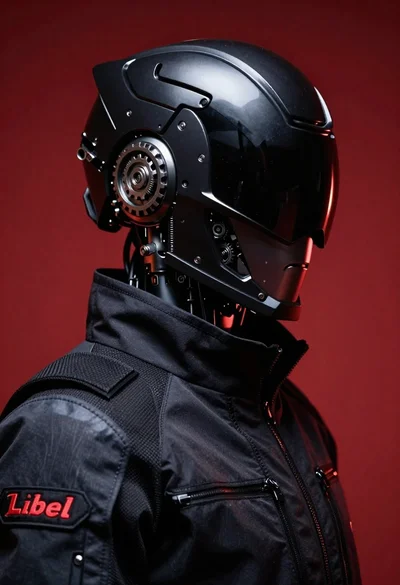
Black helmeted robot against a solid red background

Obsidian humanoid in neon cube holding glowing heart
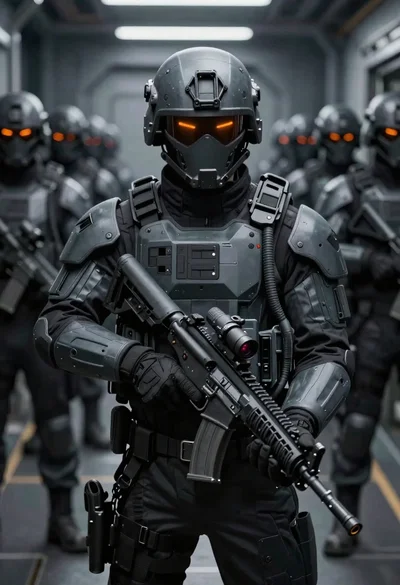
Futuristic soldier in tactical armor corridor
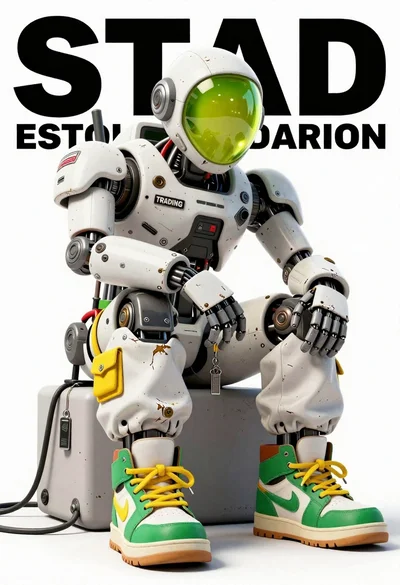
Anthropomorphic robot sitting on white studio background
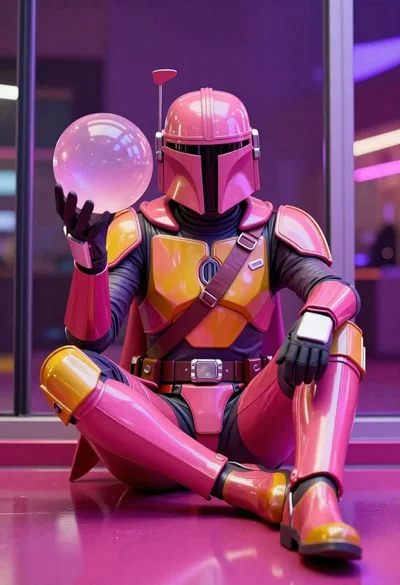
Mandalorian character in pink and gold armor on magenta surface
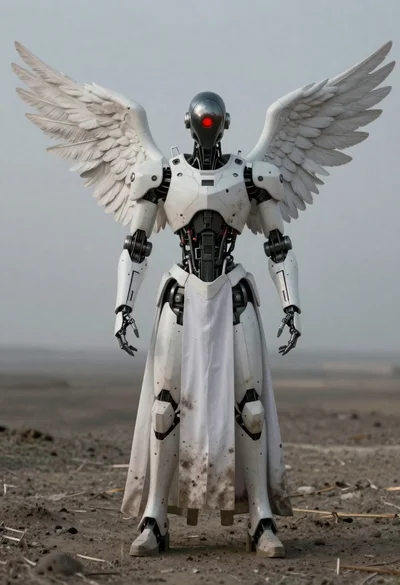
Full body shot of humanoid robot with white wings standing in desolate
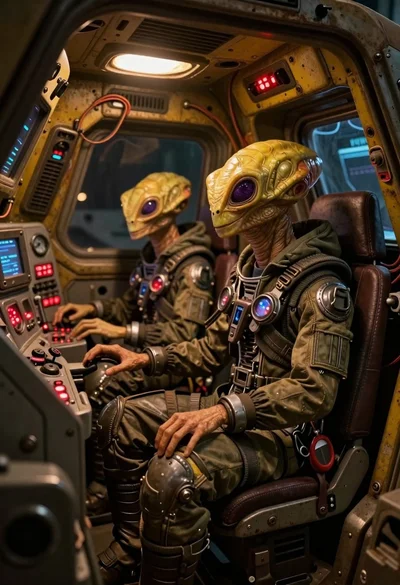
Two reptilian aliens in a worn spacecraft cockpit

Futuristic android woman in metallic corridor