
Glamorous blonde woman by blue convertible at nighttime event
Prompt
A glamorous woman with voluminous curly blonde hair stands smiling confidently next to a luxury convertible car.

Subject: A woman with radiant skin and large, bouncy curly blonde hair styled in an afro shape, wearing dangling earrings.

Clothing: She wears a floor-length, champagne-colored mermaid gown featuring intricate floral embroidery and sequin embellishments that shimmer across the fabric.

Action: She stands with her hands resting on the car door frame, leaning slightly against it while looking directly at the camera with a bright smile.

Environment: The setting is an outdoor nighttime event or red carpet, with blurred photographers and onlookers visible in the background behind glass windows.

Camera: Shot from a medium-full angle capturing the full length of the subject and the car, with a shallow depth of field that keeps the woman sharp while blurring the crowd behind her.

Lighting: Bright flash photography illuminates the scene, creating high contrast against the dark night sky and highlighting the sparkle on her dress and hair.

Objects: A blue convertible sports car with red and white racing stripes along the side is parked next to her.

Style Details: The image has a candid paparazzi aesthetic with natural skin tones, realistic textures, and a slightly grainy quality typical of event photography.
Description
This prompt is useful for creating high-end red carpet coverage, luxury brand advertising campaigns, and dramatic editorial fashion spreads. The combination of 'bright flash photography' against the 'dark night sky' generates the necessary high contrast to make the 'sequin embellishments that shimmer across the fabric' pop, while the shallow depth of field isolates the subject from the blurred background elements.
Suggestions
- Change 'blue convertible sports car' to 'black vintage Rolls-Royce' for a more classic feel.
- Swap 'champagne-colored mermaid gown' for 'emerald velvet ballgown' to change the color palette.
- Add 'bokeh effect' to the camera details for an even softer background blur.
Category
Tags
BlondeFemaleFull BodyMedium ShotRealistic
Date added
June 19, 2026
Added by
PromptDexter Team
Related Prompts
More prompts with similar categories and tags.
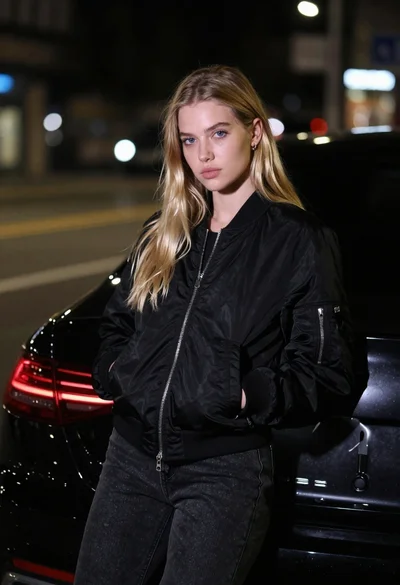
Young woman in black bomber jacket leaning against a black sedan at
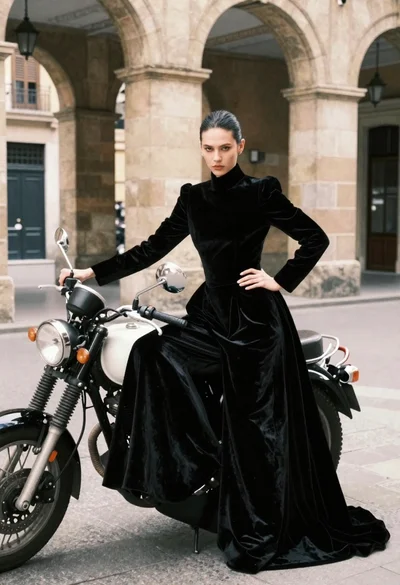
Woman in black velvet gown by vintage motorcycle under stone arches
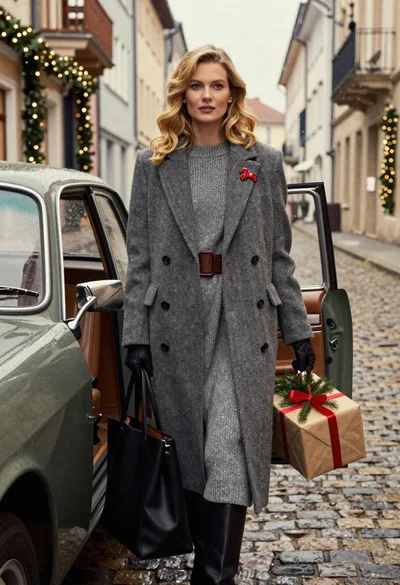
Stylish woman in grey coat by vintage car on cobblestone street
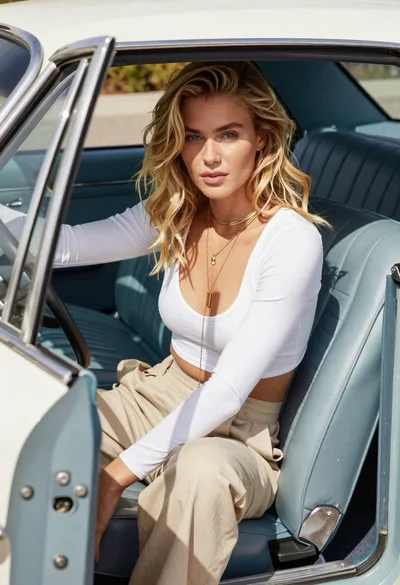
Blonde woman sitting inside vintage open top car outdoors during day
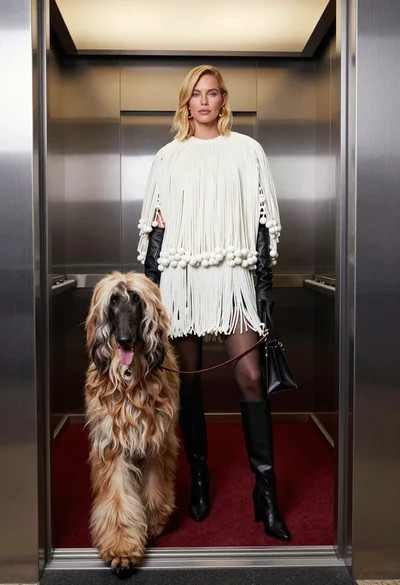
High fashion editorial shot of blonde woman and afghan hound in modern
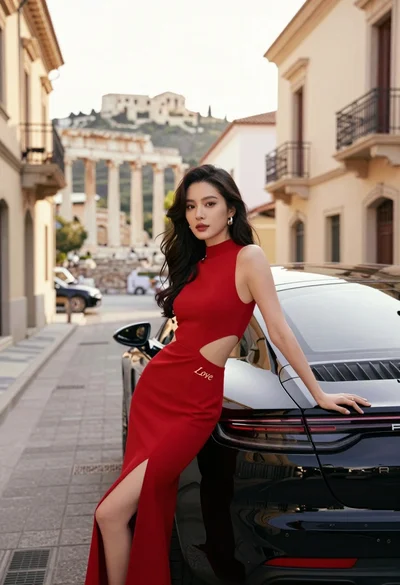
Woman in red gown leaning on black porsche near ancient city ruins
Blonde woman in neon yellow mini dress seated on private jet stairs
Man in pinstripe suit on vintage green sedan outdoors

Man in suit sitting on classic red car outdoors
Woman in orange suit leaning against geometric wall in minimalist studio