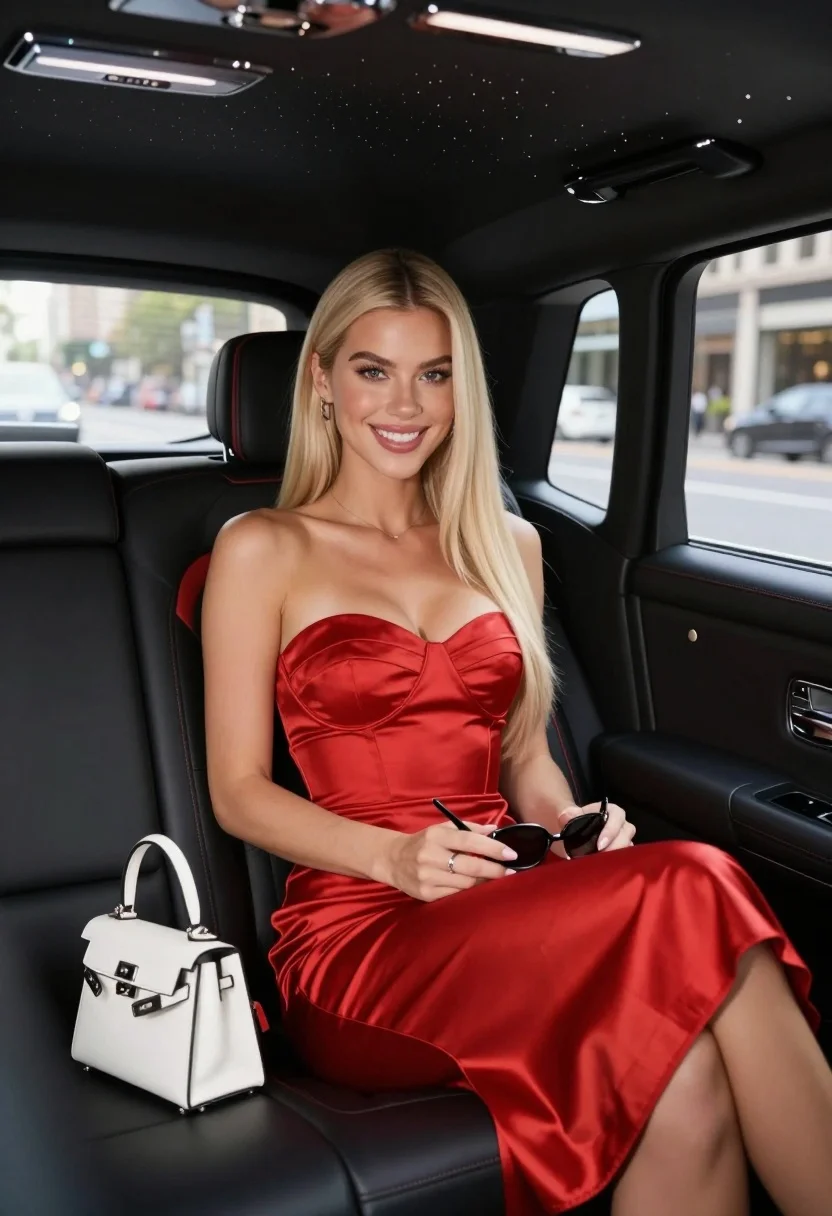
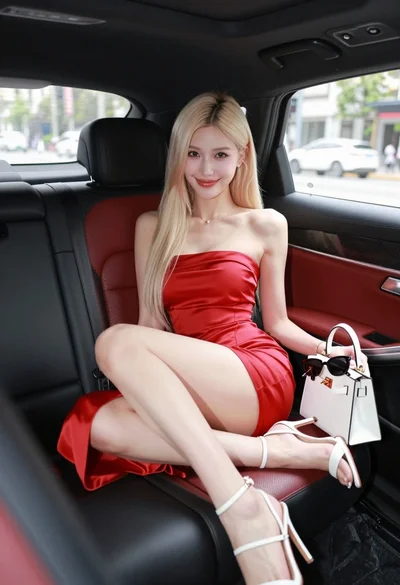
Glamorous blonde woman in red dress inside luxury car at night
Prompt
A glamorous woman with long blonde hair sits in the back seat of a luxury car wearing a red satin strapless dress and smiling at the camera.

Subject: A young woman with long straight platinum blonde hair parted in the middle, fair skin, and a bright smile looking directly forward.

Clothing: She wears a vibrant red satin strapless midi dress with a sweetheart neckline that fits closely to her figure.

Action: She is seated comfortably with legs crossed, holding a black pen and sunglasses in her hands while resting a small white handbag on the seat beside her.

Environment: The interior of a high-end vehicle featuring black leather seats with red accents and a panoramic sunroof showing a starry night sky above.

Objects: A small structured white handbag with silver hardware rests on the seat next to her, and she holds a black pen and dark sunglasses in her lap.

Camera: Shot from a medium close-up angle inside the car looking slightly upward at the subject with a shallow depth of field blurring the city street visible through the windows.

Lighting: Soft natural daylight illuminates her face and dress evenly while the interior is dimly lit creating a contrast between the bright exterior and the dark cabin.

Style Details: High-end commercial photography style with polished skin texture, smooth fabric rendering, and a sophisticated color palette dominated by reds and blacks.
Description
This prompt is useful for generating high-end automotive advertising campaigns, cinematic character portraits, and luxury brand lookbooks. The combination of 'soft natural daylight' illuminating the subject against the dimly lit interior creates a dramatic contrast that emphasizes both the 'vibrant red satin' and the polished skin texture required for commercial appeal.
Suggestions
- Change 'platinum blonde hair' to 'wavy platinum blonde hair' for more movement.
- Swap 'black pen' for 'gold-plated cigarette holder' to enhance luxury.
- Adjust 'shallow depth of field' to 'bokeh effect' for a more pronounced background blur.
Category
Tags
BlondeFair SkinFemaleMedium ShotPortrait ShotRealisticStreetwear
Date added
August 5, 2026
Added by
PromptDexter Team
Related Prompts
More prompts with similar categories and tags.
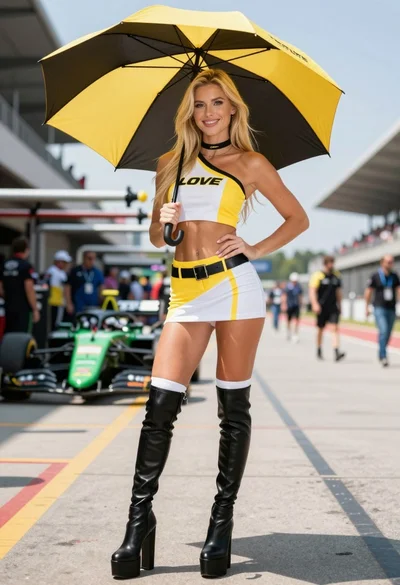
Blonde woman in racing uniform holding umbrella at sunny pit lane

Blonde woman on black motorcycle on sunny dirt path in desert

Young blonde woman in grey dress seated inside modern car interior
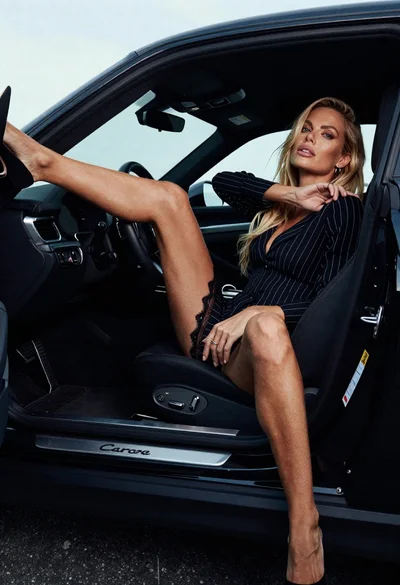
Blonde woman in black striped dress reclines in luxury car cabin
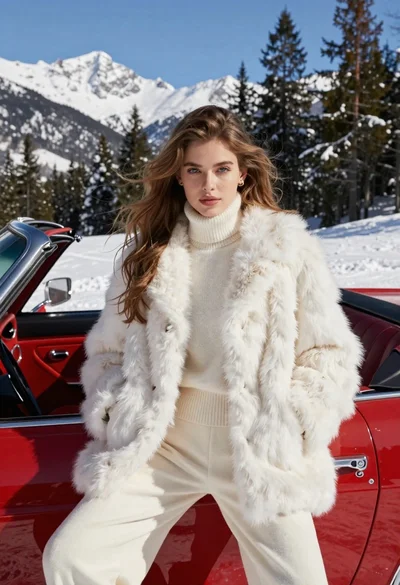
Woman in white fur coat seated in vintage red convertible car
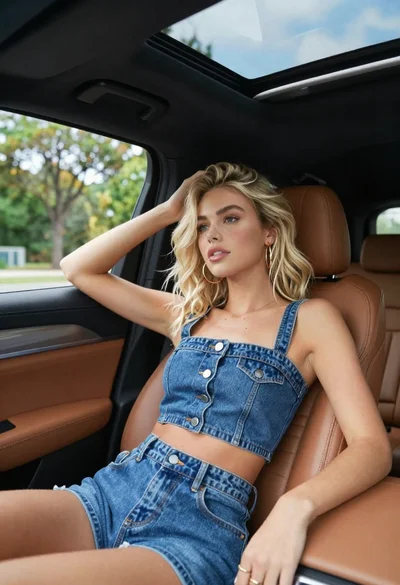
Blonde woman in denim outfit sitting inside car with open sunroof
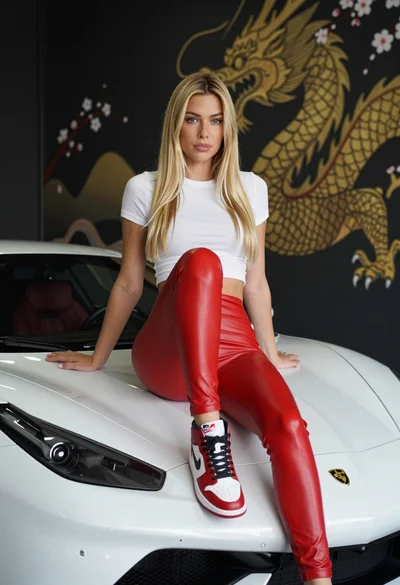
Blonde woman sitting on white sports car in studio with dragon mural
Blonde woman leaning on a sports car hood in a garage setting
Glamorous blonde woman in red dress sitting inside luxury car
Young woman in red polka dot outfit seated inside luxury car cabin