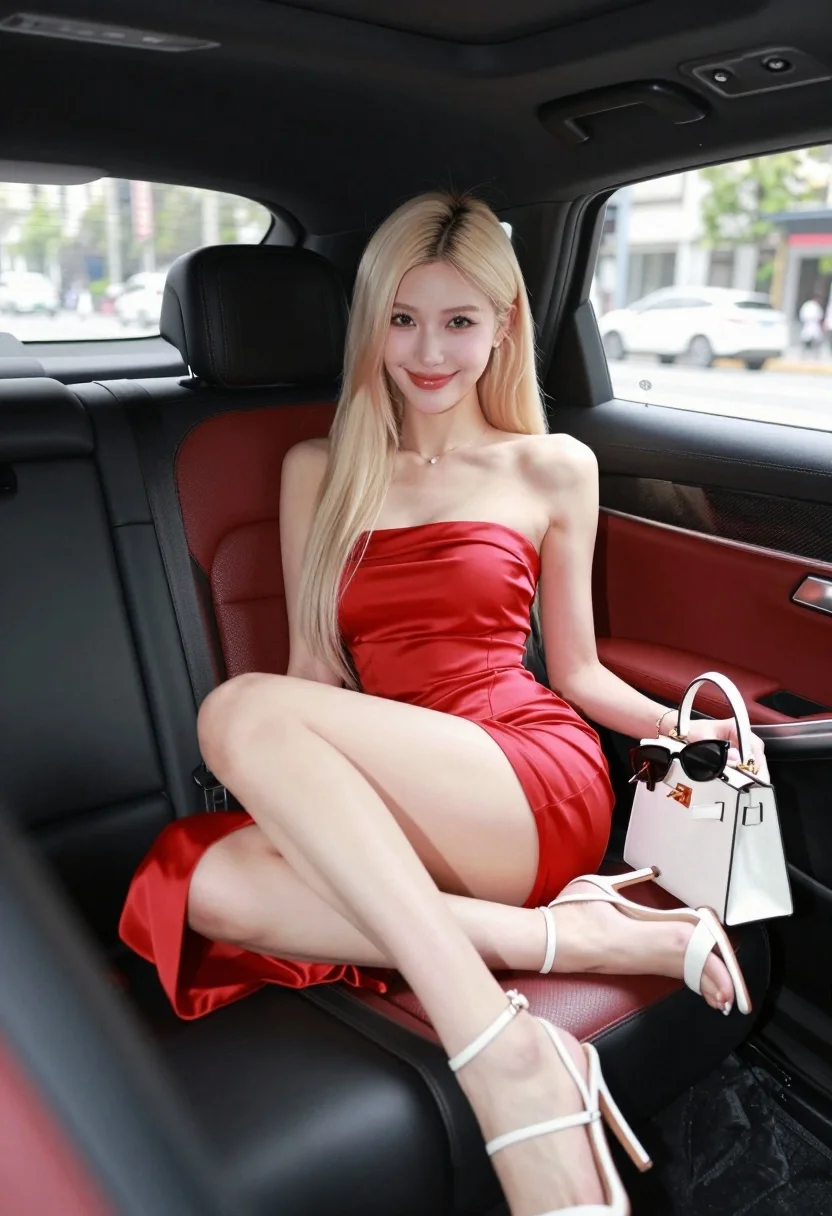
Glamorous blonde woman in red dress sitting inside luxury car
Prompt
A glamorous woman with long blonde hair sits in the back seat of a luxury car wearing a red strapless dress and white heels.

Subject: A young woman with long straight platinum blonde hair parted in the middle, fair skin, and a bright smile looking directly at the camera.

Clothing: She wears a form-fitting, satin red strapless midi dress that hugs her figure, paired with white strappy high-heeled sandals.

Action: She is seated comfortably on the back seat with her legs crossed, holding a small white handbag in her lap that has sunglasses resting on top of it.

Environment: The interior of a luxury vehicle featuring black and red leather seats, with a view of a city street through the windows showing blurred cars and buildings outside.

Camera: Shot from a low angle inside the car looking up at the subject, utilizing a shallow depth of field to keep the woman in sharp focus while blurring the background scenery.

Lighting: Soft, natural daylight illuminates her face and upper body, creating a bright and airy atmosphere with gentle shadows.

Objects: A white structured handbag with gold hardware sits on her lap holding black sunglasses, and the car interior features red leather upholstery with carbon fiber accents.

Style Details: High-fashion photography style with vibrant colors, smooth skin texture, and a polished, commercial aesthetic.
Description
This prompt is useful for creating high-end magazine editorials, luxury brand advertisements, and cinematic character portraits set in urban environments. The combination of 'low angle' perspective looking up at the subject enhances her stature within the vehicle, while the 'shallow depth of field' ensures the focus remains sharply on the woman and the 'satin red strapless midi dress' against the blurred city backdrop.
Suggestions
- Change 'platinum blonde hair' to 'wavy brunette hair' for a different contrast.
- Swap 'red strapless midi dress' for 'black velvet gown' for a moodier feel.
- Adjust 'low angle' to 'eye-level shot' for a more intimate portrait.
Category
Tags
BlondeCasual WearFair SkinFemaleLow AnglePortrait ShotRealisticStreet
Date added
August 5, 2026
Added by
PromptDexter Team
Related Prompts
More prompts with similar categories and tags.
Young woman in red polka dot outfit seated inside luxury car cabin
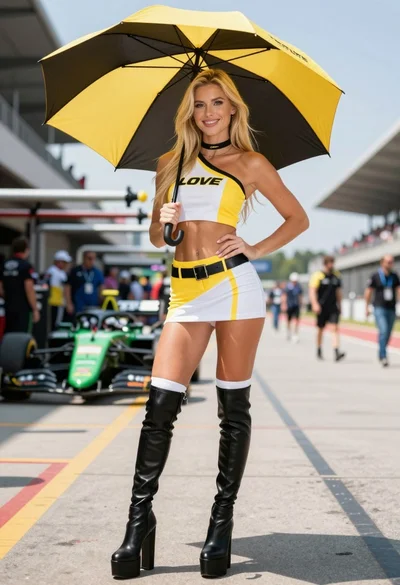
Blonde woman in racing uniform holding umbrella at sunny pit lane
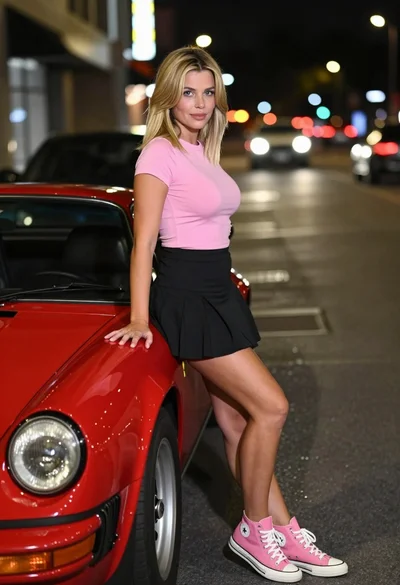
Blonde woman leaning on classic red sports car on a city street

Confident woman in red bodysuit posing at formula one race track low
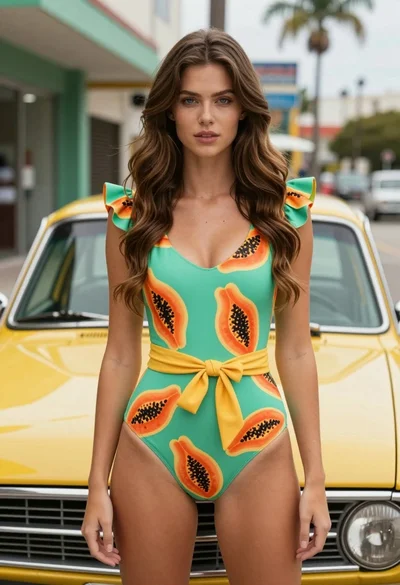
Fair skinned woman in green papaya swimsuit by vintage yellow car on
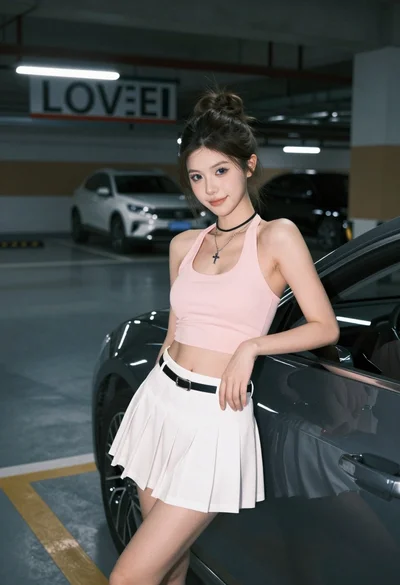
Young woman in pink top and white skirt leaning on car in
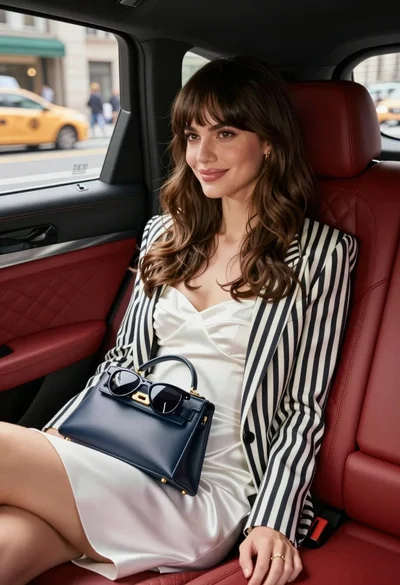
Stylish woman in white dress sitting inside luxury car overlooking city street

Blonde woman in black leather bodysuit on concrete ledge against blue sky
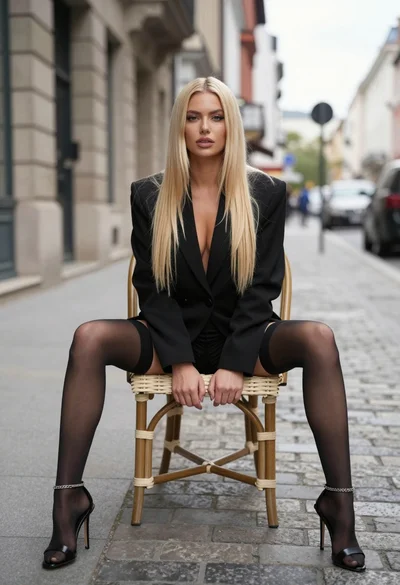
Blonde woman sitting on wicker chair in european cobblestone street setting

Young woman leaning against white wall with beige handbag under bright sunlight